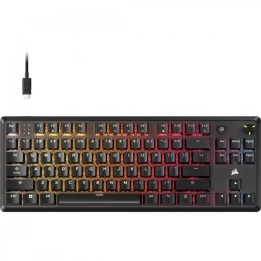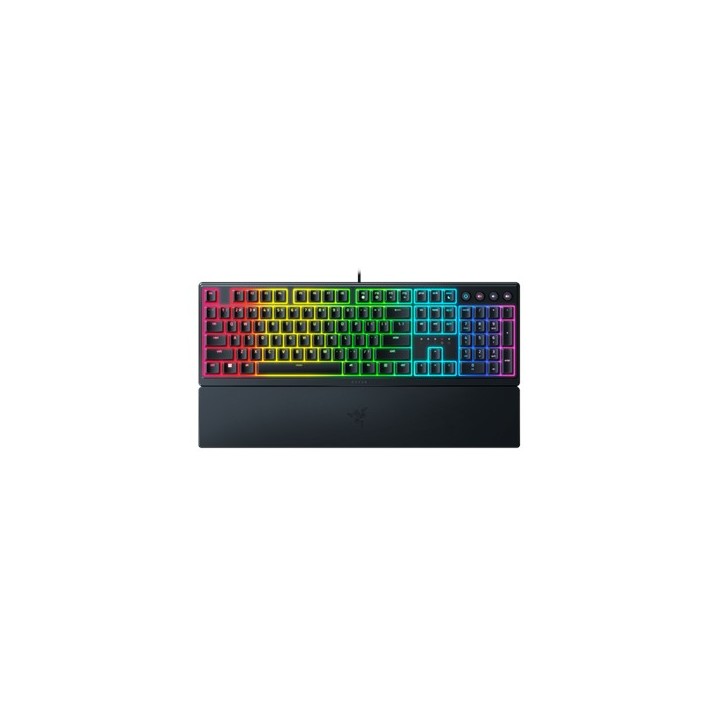
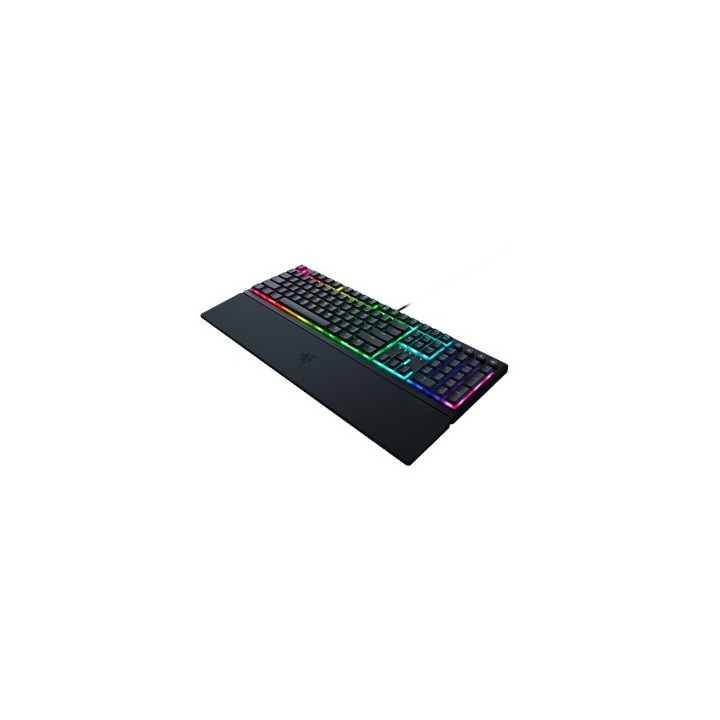
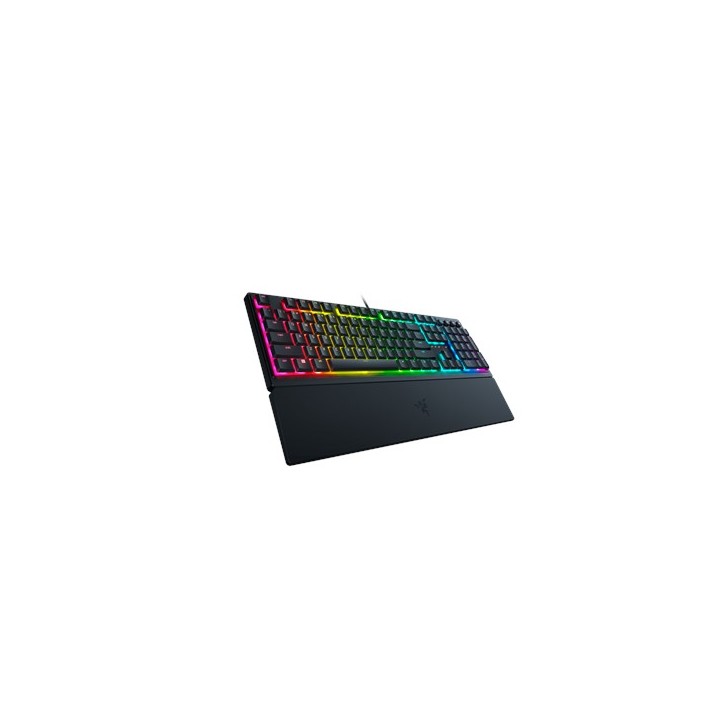
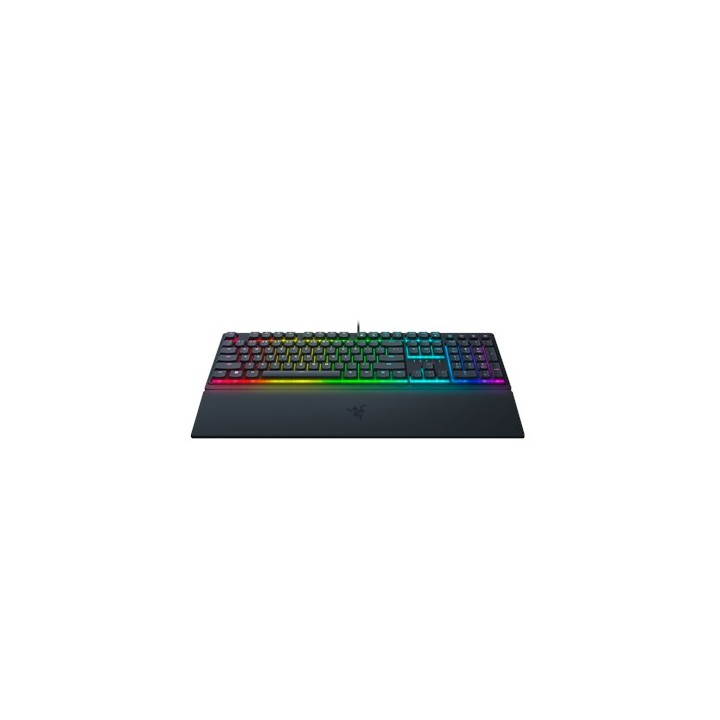
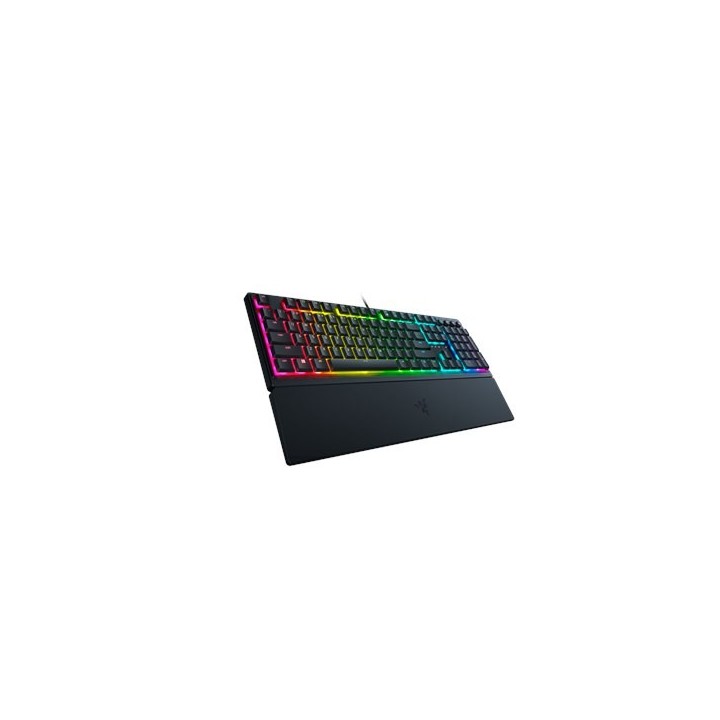
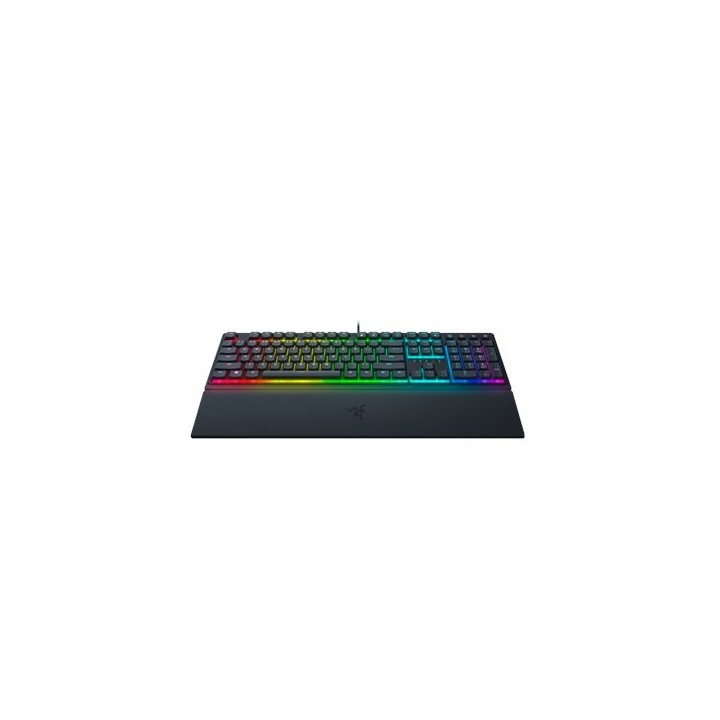
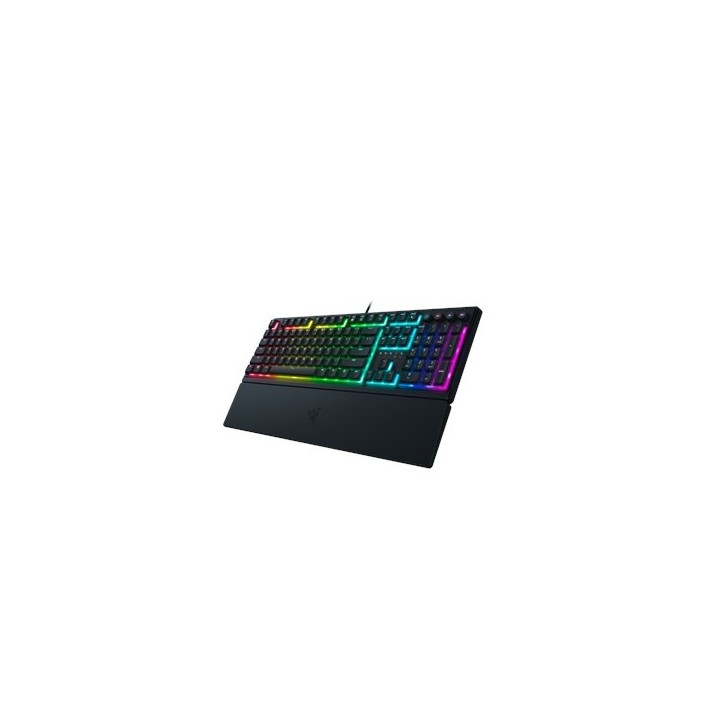
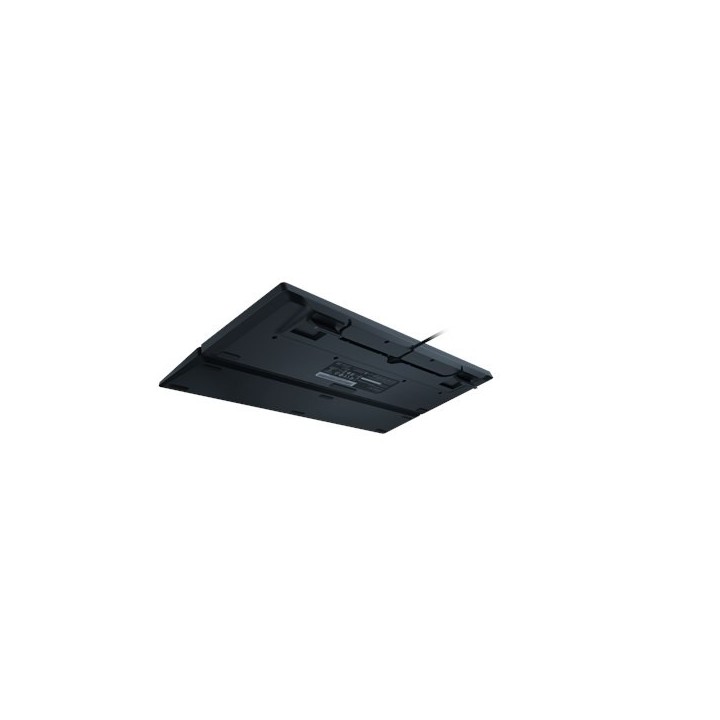
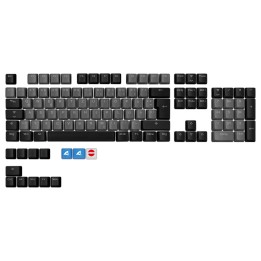
RAZER Ornata V3 Keyboard - US Layout

Cena: 467,99 zł
Brutto
Dostępność produktu: Dostępny 21 szt.
Czas dostawy Wysyłka w ciągu 2 dni roboczych
Koszt dostawy Dostawa od 11,99 zł

Raty Pekao

Za zakupy możesz zapłacić na raty przez Tpay.

Oblicz ratę (otwiera się w nowej karcie)

PragmaPay dla biznesu

Zapłać za zakupy firmowe później lub w ratach przez Tpay.

Sprawdź, jak działa (otwiera się w nowej karcie)

Opis produktu

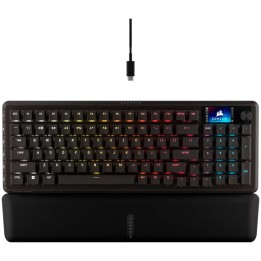
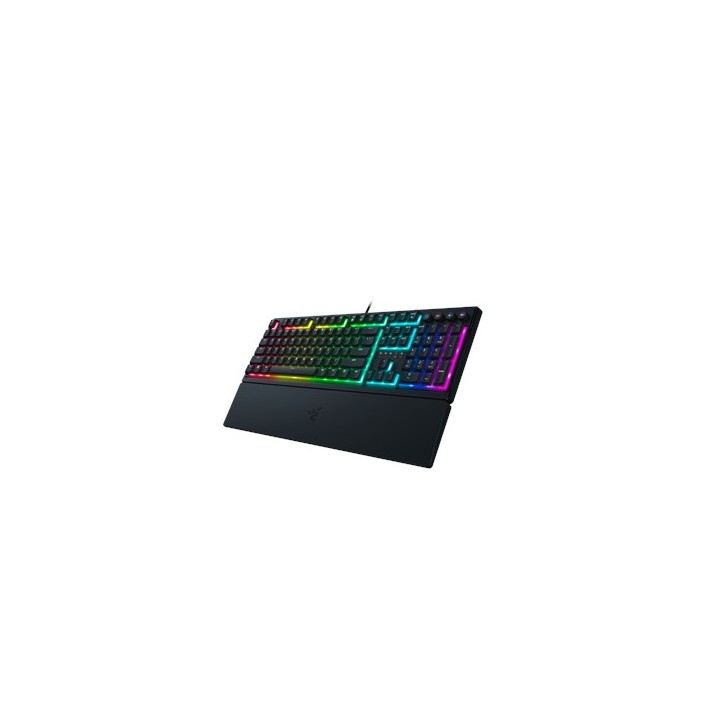
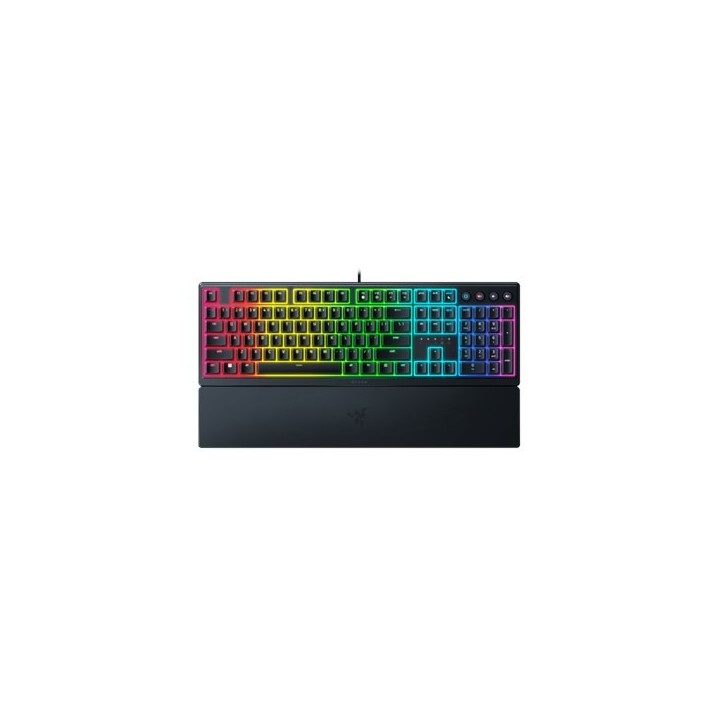
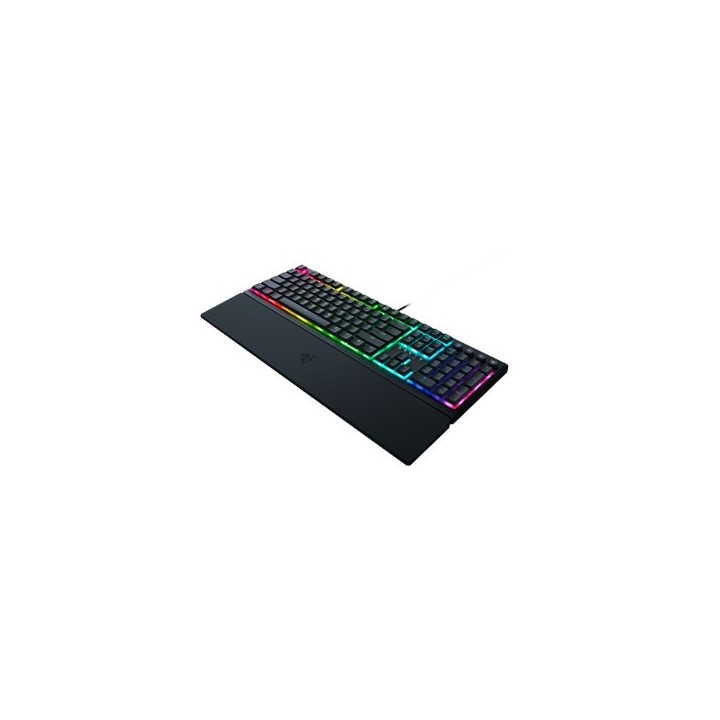
Poznaj Razer Ornata V3 - niskoprofilową, ergonomiczną klawiaturę dla graczy z podświetleniem Razer Chroma RGB. Ultracienka obudowa, bardziej wytrzymałe nakładki na klawisze i unikalne przełączniki mecha-membranowe usprawniają pracę i zabawę dzięki hybrydowej klawiaturze, która łączy w sobie to, co najlepsze z obu światów.

Ergonomiczna rozgrywka

Klikalne naciśnięcia klawiszy z miękkim, amortyzowanym dotykiem
Ulepszona odporność na blaknięcie i zarysowania
Wygodne sterowanie
Rozszerzone wsparcie dla gier
Konfigurowalne podświetlenie

Specyfikacja

  • Opis produktu: Razer Ornata V3 klawiatura niski profil QWERTY US urządzenie wejściowe
  • Rodzaj urządzenia: Klawiatura
  • Podświetlenie: RGB Chroma
  • Interfejs: USB
  • Sposób podłączenia: Przewodowa
  • Lokalizacja i układ: QWERTY US
  • Funkcje Hot Keys: Multimedia, programowalny
  • Ochrona: Odporność na rozlania, ochrona przed rozrywaniem, ochrona przed zużywaniem się, ochrona przed zadrapaniami
  • Klawiatura numeryczna: Tak
  • Wydajność: Częstotliwość odświeżania: 1000 Hz
  • Gaming: Tak

Szczegóły produktu

  • Marka Razer
  • Kod produktu 6610bc5a620507cf6eb5d49a
  • Dostępność 21 Przedmioty
  • EAN13 8886419348658
  • MPN RZ03-04460100-R3M1

Producent

Producent

Razer (Europe) GmbH

Alter Teichweg 25, 22081 Hamburg, Germany 22081 Hamburg Germany

E-mail: compliance@razer.com

Formularz kontaktowy: https://www.razer.com/eu-en/contact-us

Telefon: +49 (40) 4192 99300

Bezpieczeństwo

Informacje o bezpieczeństwie

List of keyboard safety warnings based on the requirements of General Product Safety Regulation (EU) 2023/988 (GPSR): * Make sure you use the keyboard as intended, avoid over-pressing or hitting the keys. * Protect your keyboard from flooding with liquids, as this can damage your electronics. * If you are using a wireless keyboard, be sure to replace the batteries regularly and dispose of them as per your regulations. * Keep your keyboard clean, vacuum it regularly, and clean with gentle agents to prevent dust and dirt buildup. * If the keyboard has LED backlighting, avoid staring at intense light for a long time, especially in dark environments. * Store your keyboard in a dry place, away from direct sunlight and heat sources. * Make sure that the keyboard cable is not an obstacle and does not threaten to trip. * If the keyboard has sharp edges, be careful to avoid cuts. * If you experience skin allergies to the materials from which the keyboard is made, stop using it and consult your doctor. * Do not use a damaged keyboard where the keys are loose or missing. * Keep your workstation organized to avoid accidental damage to your keyboard. * Avoid using the keyboard in conditions of high humidity or dustiness, as this can negatively affect its operation. * If you notice the keyboard overheating, disconnect it from the power source immediately. * If the keyboard is equipped with a USB receiver, store it in a safe place to avoid being swallowed by children. * Make sure that children do not play with the keyboard or its elements. * Do not try to repair the keyboard yourself if you are not qualified. * Pay attention to the ergonomics of the work to avoid problems with the wrists and hands during prolonged use of the keyboard.

Ładowanie...
Wróć na górę