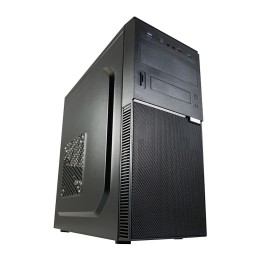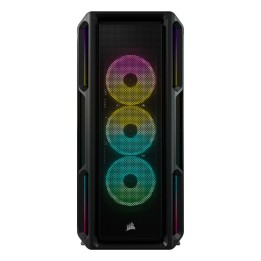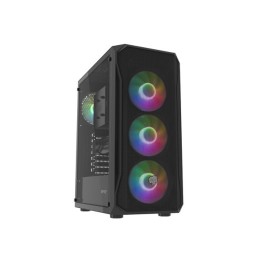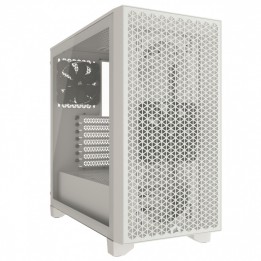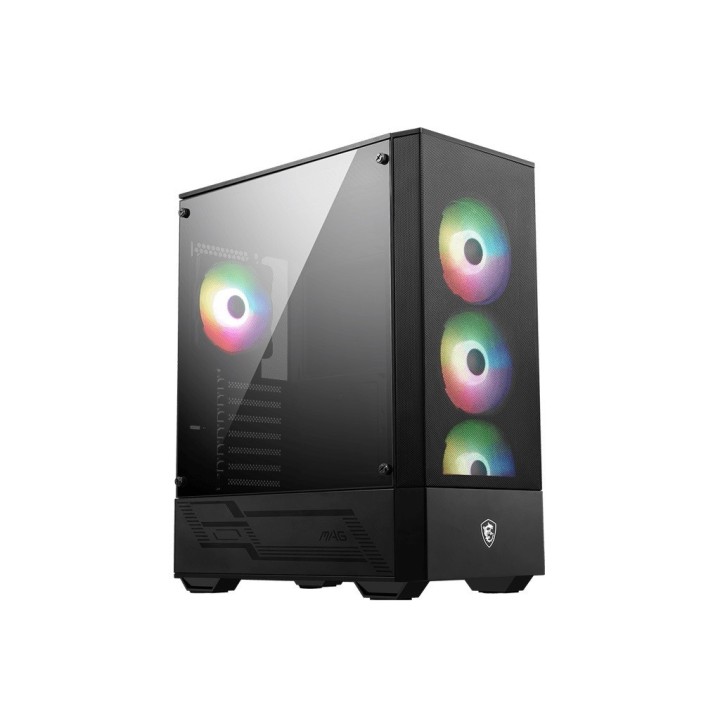
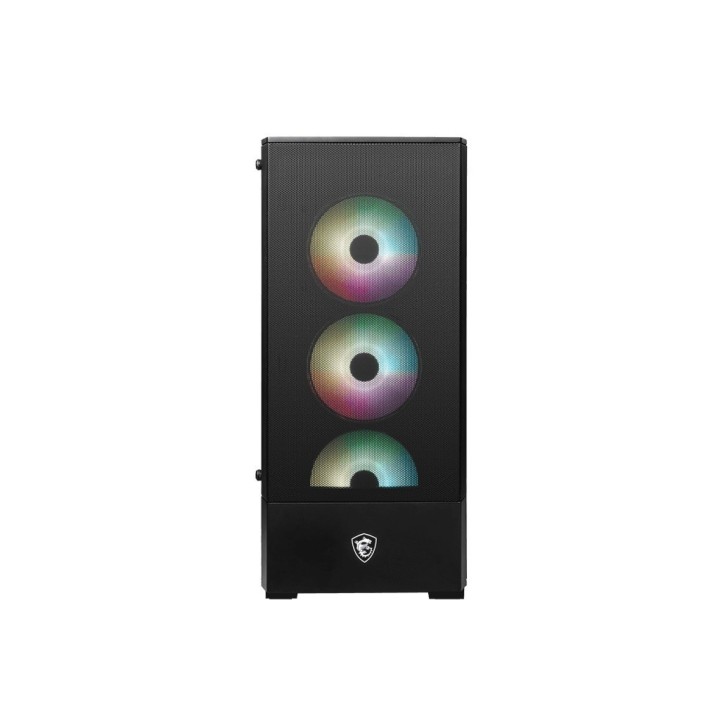
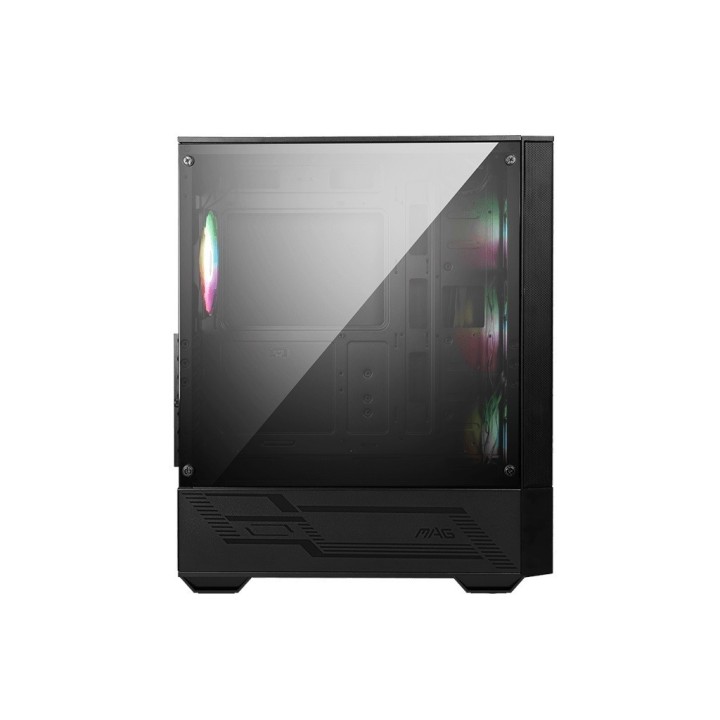
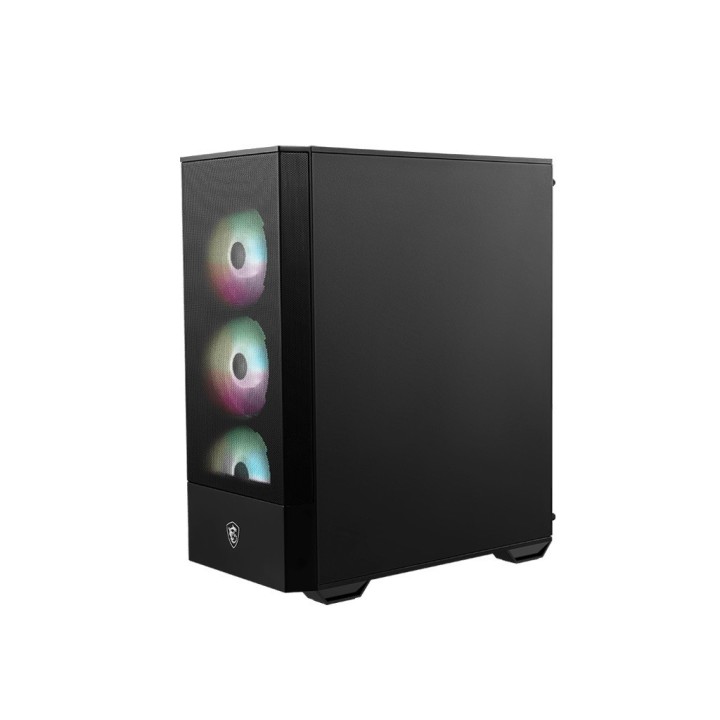
MSI MAG FORGE 112R case
Opis produktu
Sprzęt, komputery i podzespoły z serii MAG narodziły się w wyniku rygorystycznych testów jakości i zostały zaprojektowane tak, aby stać się symbolem wytrzymałości i trwałości. Konstruktorzy skoncentrowali się na zapewnieniu jak największego komfortu użytkowania sprzętu, dzięki czemu produkty z serii MAG charakteryzują się prostym procesem instalacji, który, w połączeniu z przyjaznym interfejsem użytkownika, czyni z nich sprzęt będący najlepszym wyborem dla początkujących graczy.
Pokaz oświetlenia ARGB
Zoptymalizowany przepływ powietrza
Przycisk Insta-Light Loop
Montowany magnetycznie filtr przeciwpyłowy
Specyfikacja
- Opis produktu: MSI MAG FORGE 112R mid tower ATX
- Typ produktu: Szafa systemowa
- Typ obudowy: Mid tower
- Panel Boczny z Oknem: Tak, szkło hartowane
- Łączówki wejściawyjścia: 2 x USB 3.2 Gen 1 1 x mikrofon 1 x słuchawki
- Płyty główne: ATX, microATX, ITX
- Cechy szafki systemowej: Płyta Sterowania LED ARGB z 1 na 6, siatka optymalizująca przepływ powietrza, górny filtr magnetyczny pyłu, MSI RGB Mystic Light Sync, przycisk sterowania LED, beznarzędziowy panel boczny
- Zasilacz: Brak zasilacza (ATX)
- Wymiary (szer.głęb.wys.): 21.4 cm x 40.9 cm x 48.5 cm
- Waga: 5.26 kg
Szczegóły produktu
- Marka MSI
- Kod produktu 6610bf27620507cf6ebdda11
- Dostępność 59 Przedmioty
- EAN13 4719072949679
- MPN 3067G16X23809
Specyfikacja
- Kolor Czarny
- Zasilacz w zestawie Nie
- Liczba wentylatorów w zestawie (szt.) 4 szt.
- Maksymalna długość GPU (mm) 330 mm
- Materiał panelu bocznego Szkło hartowane
- Maksymalna wysokość chłodzenia CPU (mm) 160 mm
- Okno boczne Tak
Producent
Producent
MSI Polska SP. z o. o.
Magazynowa 1 55-040 Kobierzyce Polska
E-mail: info.pl@msi.com
Osoba odpowiedzialna w UE
MSI Computer Europe B.V.
Science Park 5706 5692ER Son Eindhoven Netherlands
E-mail: GPSR@msi.com
Telefon: +31-40-267-6100
Bezpieczeństwo
Informacje o bezpieczeństwie
List of safety warnings for computer enclosures based on the requirements of General Product Safety Regulation (EU) 2023/988 (GPSR): 1. Risk of electric shock: * Make sure your computer's power supply is properly grounded. * Do not touch the power supply components with wet hands. * Disconnect the computer from power before opening the case. 2. Risk of cuts: * Beware of sharp metal edges when assembling components. * Secure the edges that can cause cuts. * Use protective gloves when working with the case. 3. Risk of fire: * Do not block ventilation openings in the housing. * Make sure that your computer components do not overheat. * Use a power supply with adequate power to avoid overloading. 4. Risk of damage to components: * Ensure proper air circulation in the housing. * Do not place heavy objects on the housing to avoid damage. * Make sure all components are properly fixed in the housing. 5. Hazards for children: * Keep small items (screws, jumpers) out of reach of children. * Do not allow children to open the computer case themselves. 6. Weight Hazards: * When moving your computer case, make sure you are able to support its weight. * Ask the other person for help if the case is too heavy. 7. Cleaning warnings: * Disconnect the computer from power before cleaning the case. * Use a soft, dry cloth to clean the case. * Do not use cleaning products containing corrosive substances. 8. Modification warnings: * Housing modifications may affect the safety and performance of your computer. * Perform modifications only if you have relevant experience and knowledge. 9. Warnings on Dust inhalation: * When cleaning components in the housing with compressed air, use a mask. * Take special care and ensure proper ventilation.