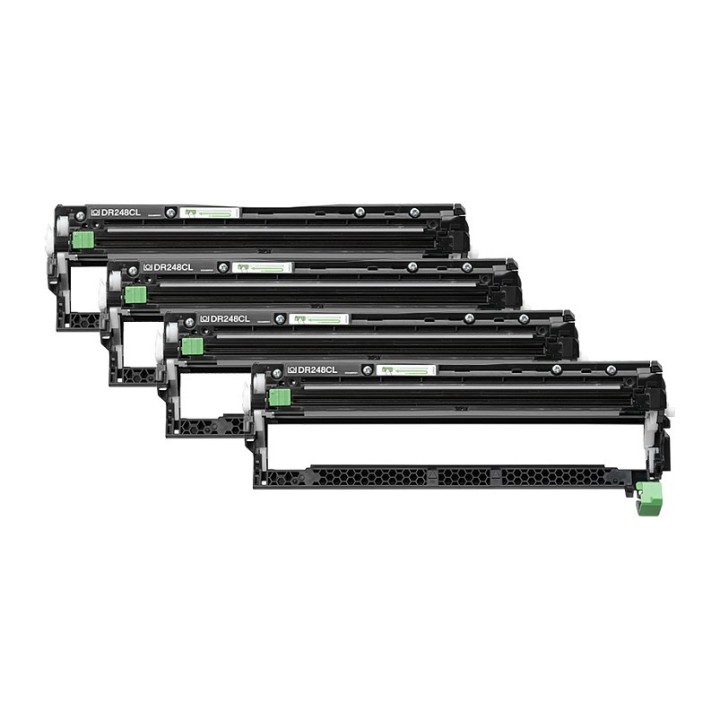
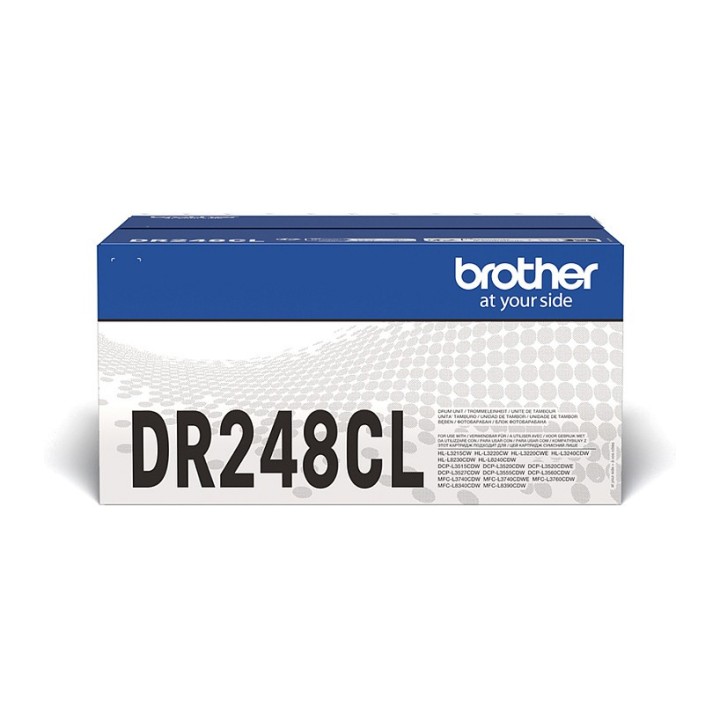
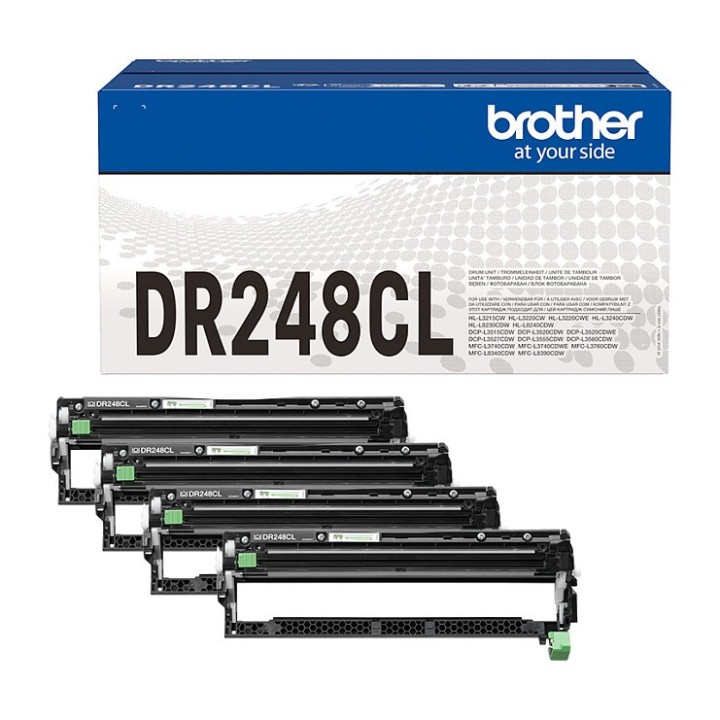
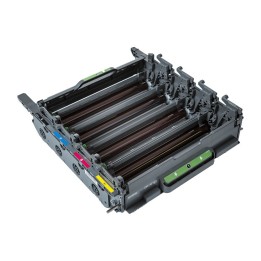
BROTHER DR248CL DRUM PACK FOR FCL 1x BK/C/M/Y Prints 15.000 pages obrazki
Raty i finansowanie
BROTHER DR248CL DRUM PACK FOR FCL 1x BK/C/M/Y Prints 15.000 pages
- MPN:
- DR248CL
- EAN:
- 4977766821384
Akceptowane płatności





Opis produktu
Zespół bębna DR248CL firmy Brother, sprawia, że urządzenie pozostaje w idealnym stanie do pracy, a wydruki są krystalicznie czyste.Tańsze zamienniki materiałów eksploatacyjnych bywa kuszące, należy jednak pamiętać, że zainstalowanie tanich zespołów bębna w urządzeniu laserowym Brother może nie tylko wpłynąć na jakość wydruków, ale także unieważnić gwarancję i spowodować długotrwałe uszkodzenie modelu.Ten oryginalny zespół bębna DR248CL, zapewnia wysoką wydajność urządzenia oraz lepszy stosunek jakości do ceny. W dłuższej perspektywie skutkuje to imponującymi rezultatami za każdym razem.
Umożliwia wydrukowanie do 30000 stron po 3 strony na zadanie
Profesjonalnie zaprojektowany i poddany rygorystycznym testom, oryginalny zestaw bębna firmy Brother
Oszczędza papier, czas i pieniądze
Chroń swoją gwarancję na urządzenie, korzystając z oryginalnych materiałów eksploatacyjnych firmy Brother
Specyfikacja
- Opis produktu: Brother DR248CL oryginał Bęben
- Typ produktu: Bęben
- Technologia druku: Laserowa
- Uzysk: Do 30000 stron 3 strony na zadanie
- Typ opakowania: Pudełko
- Kompatybilne z: Brother DCPL3515CDW, DCPL3520CDW, DCPL3527CDW, DCPL3555CDW, DCPL3560CDW, HLL3215CW, HLL3220CW, HLL3240CDW, HLL8230CDW, HLL8240CDW, MFCL3740CDW, MFCL3760CDW, MFCL8340CDW, MFCL8390CDW
- MPN:
- DR248CL
- EAN:
- 4977766821384
Szczegóły produktu
- Marka Brother
- Kod produktu 6610d186620507cf6ecbad28
- Dostępność 12 Przedmioty
- EAN13 4977766821384
- MPN DR248CL
Specyfikacja
- Rodzaj produktu Bęben do drukarki
- Kompatybilne marki Brother
- Oryginalność materiału Oryginalny
- Wydajność deklarowana (str.) 30000 str.
- Kolor materiału Czarny / Cyjan / Magenta / Żółty
Producent
Producent
Brother Polska Sp. z o.o.
ul. Marynarska 15 02-674 Warszawa Polska
E-mail: support@brother.com
Osoba odpowiedzialna w UE
BROTHER CENTRAL & EASTERN EUROPE GMBH, SPÓŁKA Z OGRANICZONĄ ODPOWIEDZIALNOŚCIĄ, ODDZIAŁ W POLSCE
ul. Marynarska 15 02-674 Warszawa Polska
E-mail: info@brother.pl
Bezpieczeństwo
Informacje o bezpieczeństwie
List of printer and scanner drum safety warnings based on the requirements of General Product Safety Regulation (GPSR) 2023/988 * Make sure the drum is compatible with your printer or scanner model. The wrong drum can damage the device. * Do not touch the surface of the drum. This can affect the print quality and life of the drum. * Replace the drum according to the manufacturer's instructions. Incorrect installation may cause damage to the printer. * Protect the drum from direct sunlight and high humidity. This can shorten its lifespan. * Do not use damaged drum. This can affect the quality of the print and damage the printer. * Keep the drum out of reach of children. The danger of swallowing small parts. * Use the drum as intended. Do not attempt to modify it or use it for other purposes. * Do not open or disassemble the drum. It contains substances that can be harmful to health. * If the substance from the drum comes into contact with the skin or eyes, immediately wash it with plenty of water and consult a doctor. * Recycle the used drum in accordance with local regulations. Do not throw it into ordinary waste. * Do not expose the drum to extreme temperatures. This can affect its performance and shorten its lifespan. * Use only recommended cleaning products to clean printer components that may come into contact with the drum. Strong detergents can damage it. * Regularly check the condition of the drum. If you notice any damage, replace it immediately. * If the printer displays an error message related to the drum, immediately check its status and correctness of installation. * When replacing the drum, make sure the printer is off power. This will minimize the risk of electric shock. * After replacing the drum, make sure all printer covers and protections are properly mounted. * If you have any doubts about the use of the drum, please contact the technical service of the printer manufacturer. * When cleaning the printer, avoid direct contact of cleaning agents with the drum surface.
Bębny i taśmy barwiące
- Nowy

- Nowy
- Nowy
- Nowy


- Nowy



Ostatnio oglądane
Produkty, które ostatnio zwróciły Twoją uwagę.
- Nowy

- Nowy