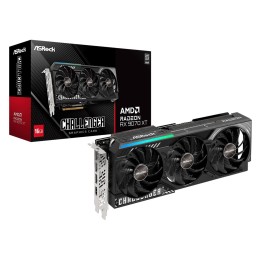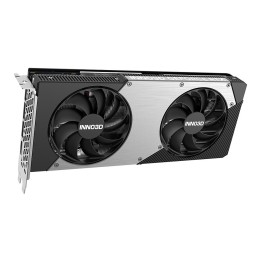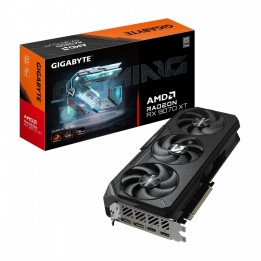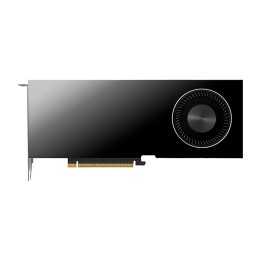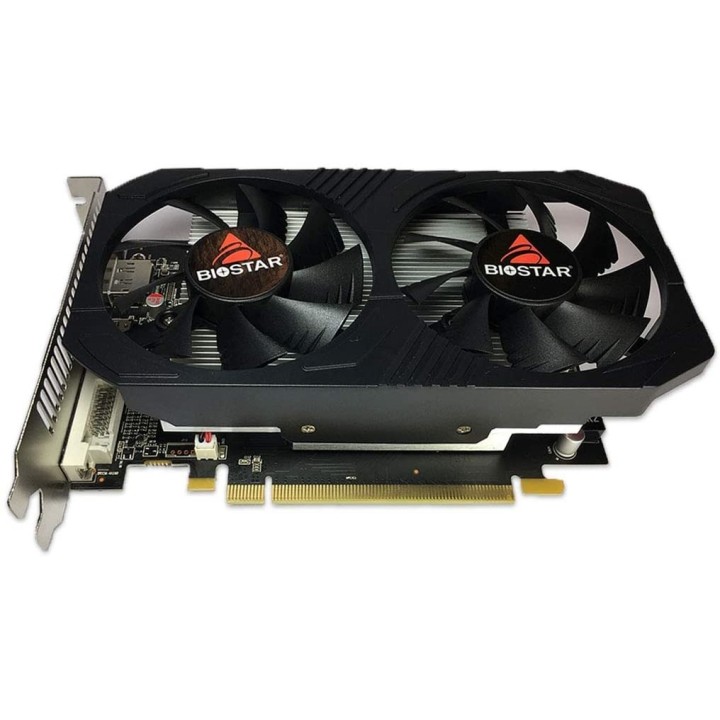
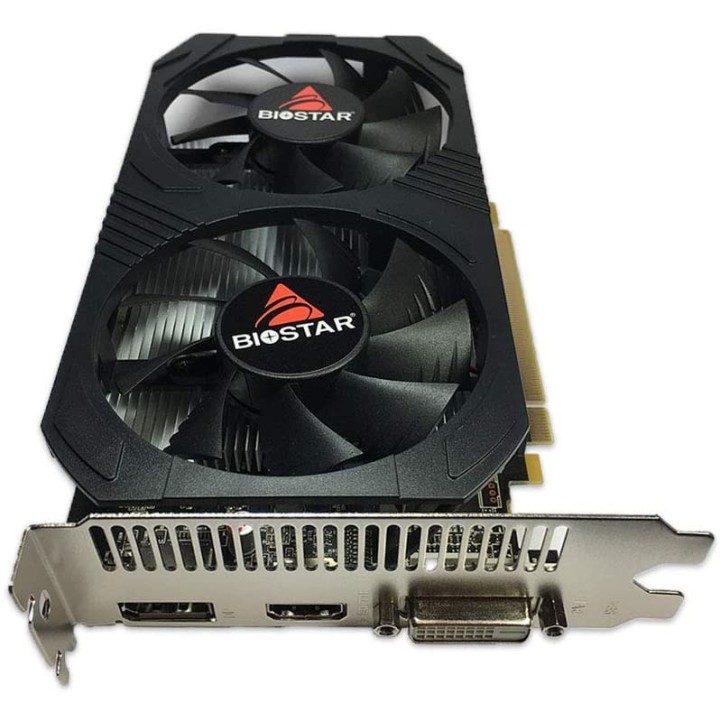
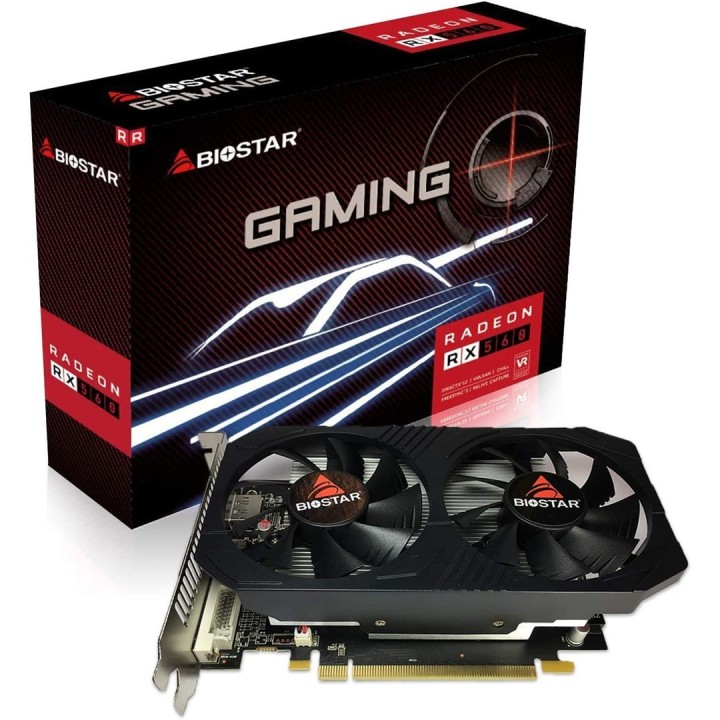
Biostar RX 560 OC GAMING 4GB
Opis produktu
Biostar Radeon RX560 4GB
Biostar Radeon RX560 o pamięci własnej 4GB oferuje wrażenia wizualne na zupełnie nowym poziomie: niesamowite osiągi w grach i obsługę technologii, które umożliwiają korzystanie z monitorów nowej generacji w wysokiej rozdzielczości HDR (High Dynamic Range) oraz zapewnia niezwykle płynny obraz w grach. Architektura Graphics Core Next (GCN) czwartej generacji została zaprojektowana dla graczy, którzy grają w wszystko, od najnowszych gier MOBA po najpopularniejsze tytuły AAA.

Specyfikacja
- Gwarancja producenta: 24 miesiące
- Rodzaj pamięci: GDDR5
- Producent chipsetu graficznego: AMD
- Chipset graficzny: Radeon RX 560
- Zainstalowana pamięć wideo: 4 GB
- Szyna pamięci: 128 bit
- Rodzaj chłodzenia: Aktywne
- Złącza graficzne: 1x HDMI | 1x DVI | 1x DisplayPort
- Częstotliwość taktowania rdzenia: 1175 MHz
- Częstotliwość taktowania pamięci: 6000 MHz
Szczegóły produktu
- Marka BIOSTAR
- Kod produktu 6610fcb931376fee77654a2a
- Dostępność 12 Przedmioty
- EAN13 4712960683839
- MPN VA5615RF41
Specyfikacja
- Model układu graficznego Radeon RX 560
- Typ chłodzenia Aktywne
- Pamięć karty graficznej (GB) 4 GB
- Typ pamięci GPU GDDR5
- Szerokość magistrali pamięci (bit) 128 bit
Producent
Producent
Biostar Technology s.r.o
Tlumačovská 2766/26 155 00 Stodůlky (Praha 13) Czechy
Formularz kontaktowy: https://www.biostar.com.tw/app/en/support/support.php
Osoba odpowiedzialna w UE
Biostar Microtech Netherlands B.V.
Willem Barentszweg 2 A 5928 LM Venlo Holandia
E-mail: sales@biostar-europe.com
Formularz kontaktowy: https://www.biostar-europe.com/app/de/support/support.php
Telefon: +31 85 877 0228
Bezpieczeństwo
Informacje o bezpieczeństwie
List of graphics card security warnings based on the requirements of General Product Safety Regulation (EU) 2023/988 (GPSR): 1. Risk of electric shock: * Make sure your computer is disconnected from power before installing or disassembling your graphics card. * Do not touch the graphics card with wet hands. * Use only the power supply with the appropriate power and voltage, according to the specification of the graphics card. 2. Risk of hardware damage: * Be careful when installing and disassembling the graphics card to avoid damaging the PCI-e slot, connectors or the card itself. * Make sure the graphics card is properly attached to the PCI-e slot and secured with screws. * Do not use excessive force when inserting or removing the graphics card. 3. Risk of overheating: * Provide adequate ventilation in the computer case to avoid overheating of the graphics card. * Monitor the temperature of the graphics card and, if necessary, install additional fans or change the cooling system. * Do not block the ventilation holes of the graphics card. 4. Fire risk: * Make sure that all power cables are properly connected to the graphics card and power supply. * Do not use damaged power cables. * Regularly check the condition of the power cables and replace them if necessary. 5. Risk of personal injury: * Watch out for sharp edges and elements on the graphics card to avoid cuts. * When working with a graphics card, use protective gloves. 6. Risks associated with improper use: * Do not try to repair a damaged graphics card yourself. * Do not modify the graphics card in a way that does not comply with the manufacturer's instructions. * Do not use the graphics card in an environment with high humidity or dust. 7. Warnings for children: * Keep your graphics card out of reach of children. * Make sure that children do not play with the graphics card or its elements. 8. Disposal: * Used graphics card must be disposed of in accordance with local electronic waste regulations.