- Nowy

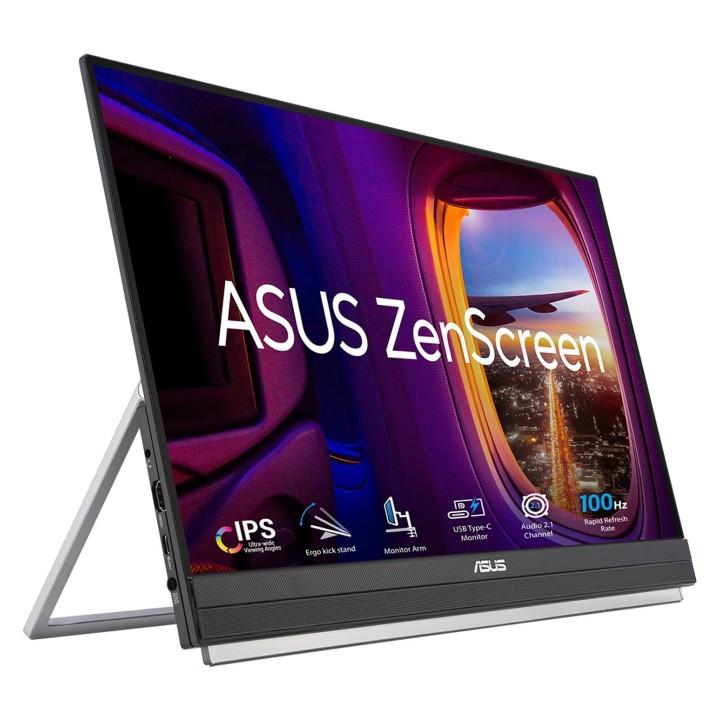
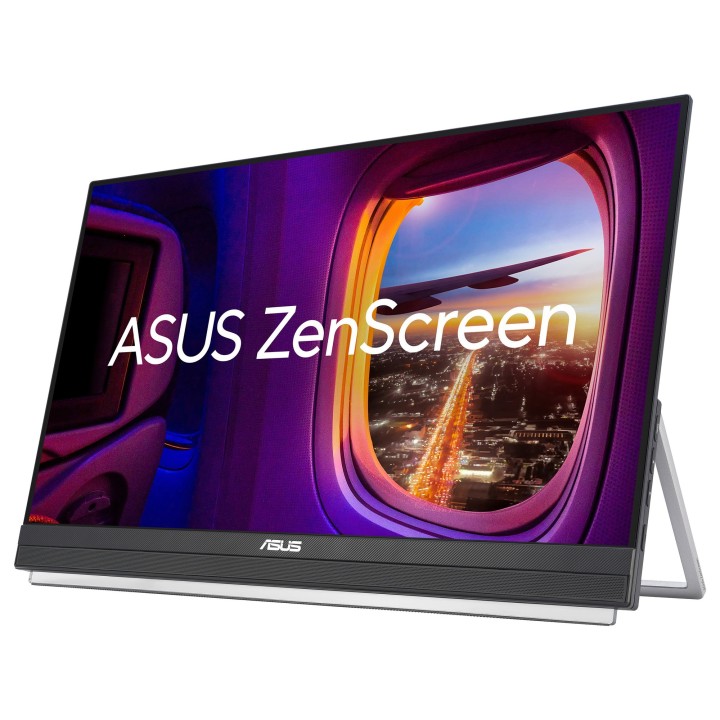
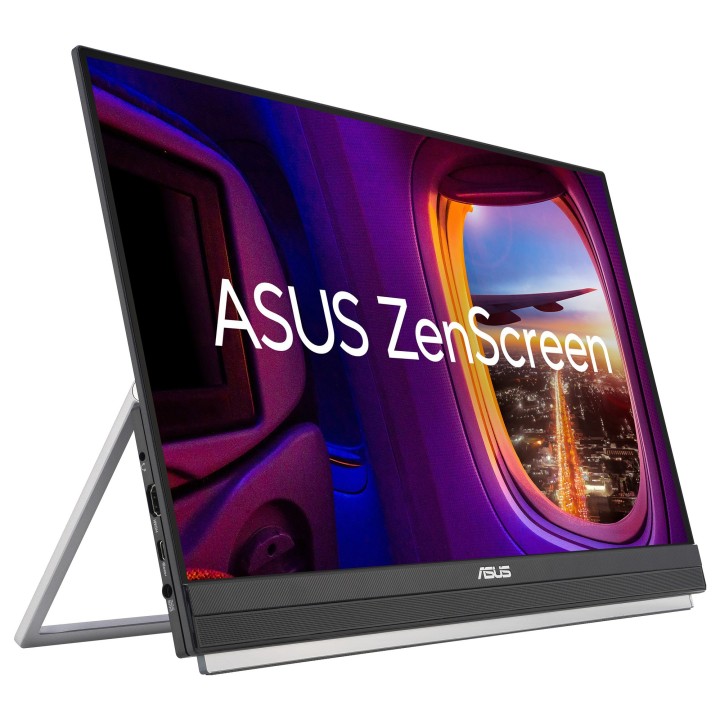
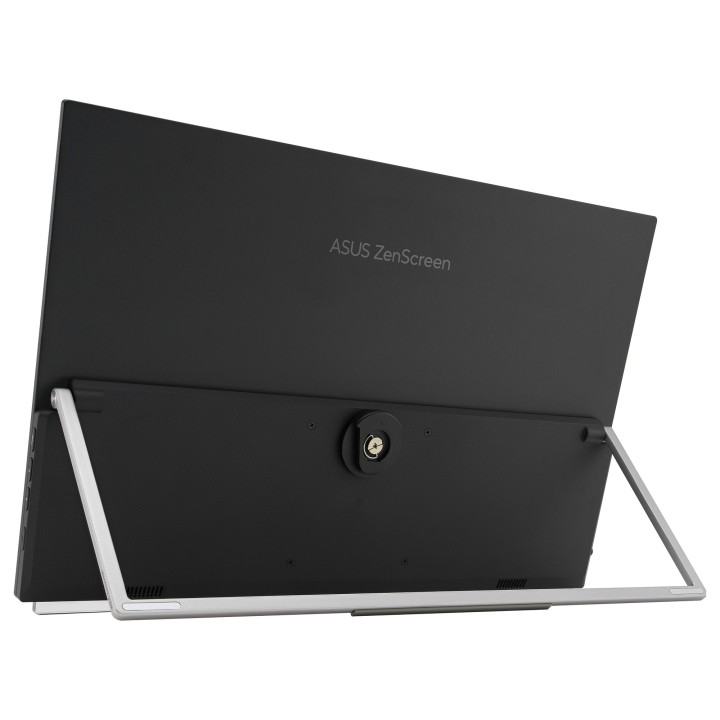
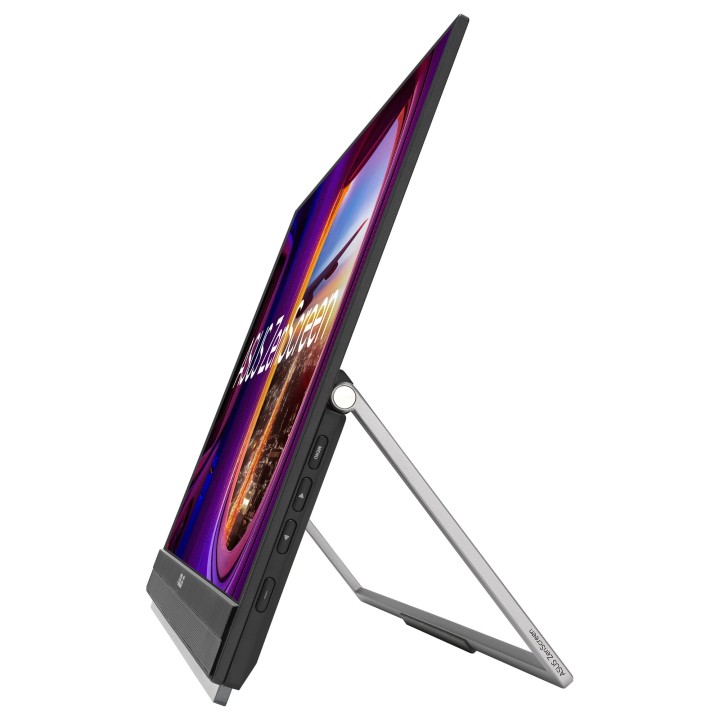
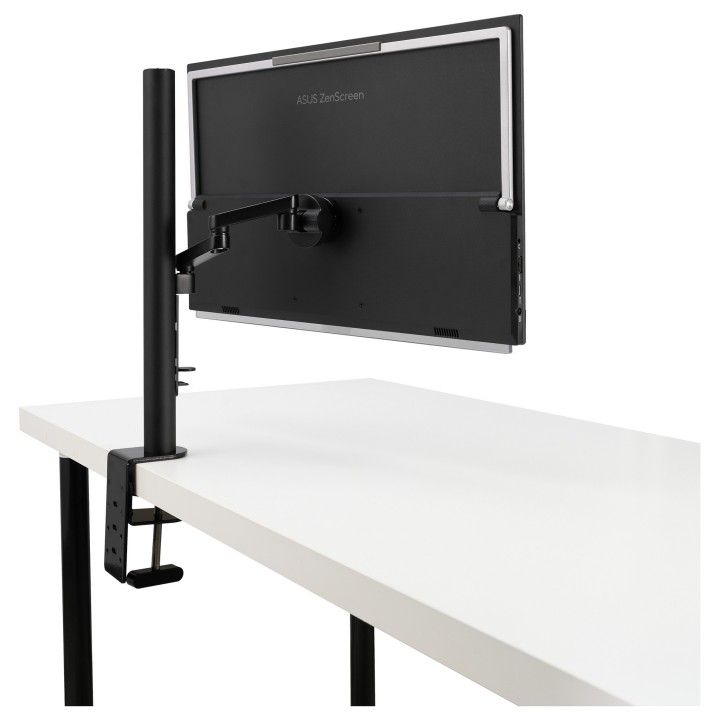
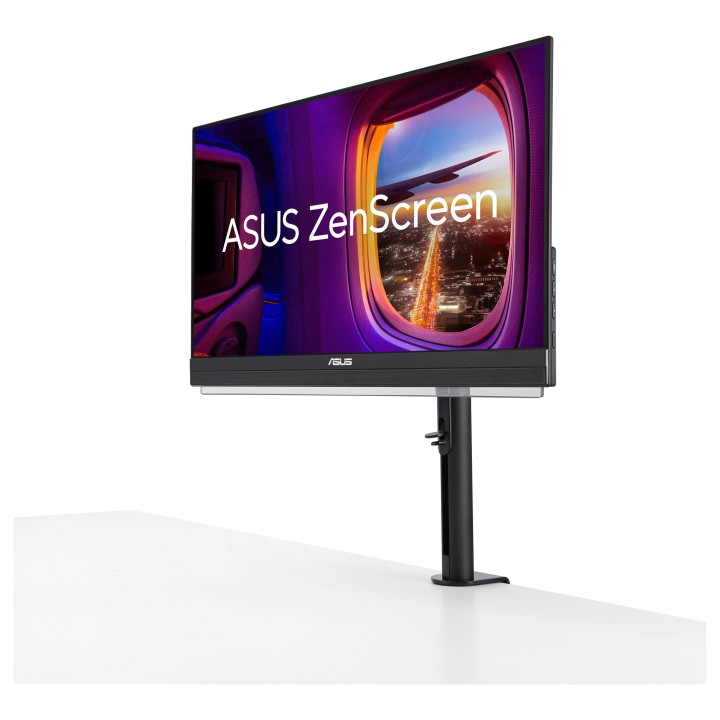
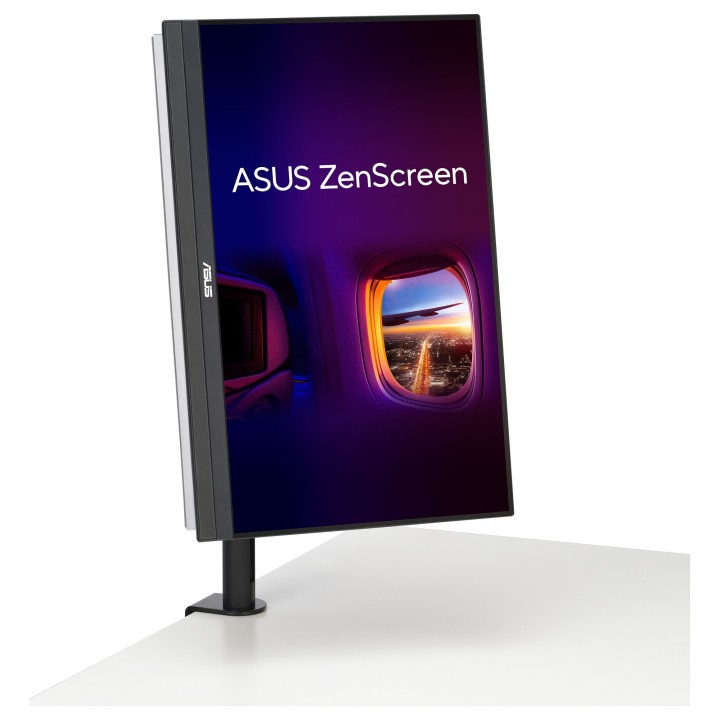
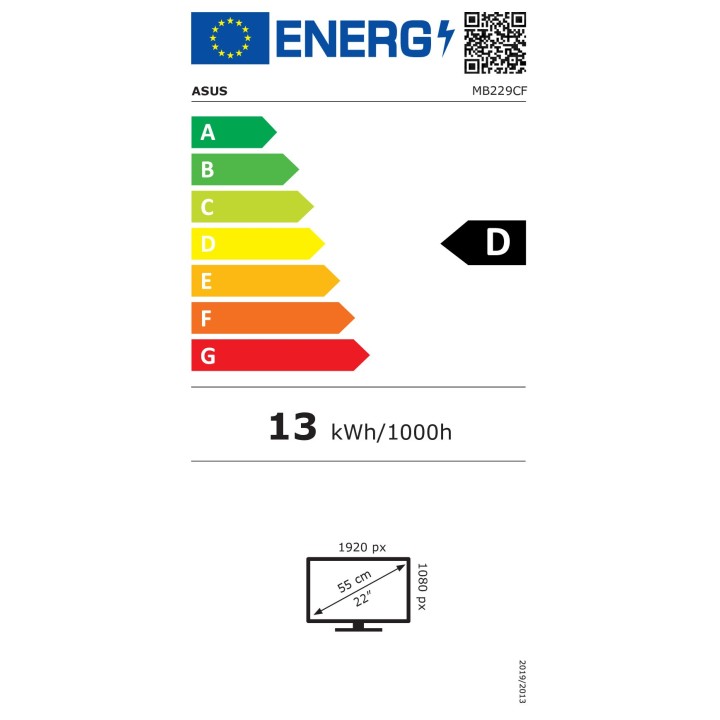





ASUS ZenScreen MB229CF jest świadectwem innowacji w technologii monitorów, zaprojektowanym z myślą o potrzebach zarówno profesjonalistów, jak i graczy. Ten 22-calowy monitor LCD z podświetleniem LED zapewnia oszałamiający obraz Full HD 1080p, uzupełniony o 3-stronną konstrukcję bez ramki, zapewniającą nowoczesne, wciągające wrażenia wizualne. Dzięki ekskluzywnym funkcjom ASUS, takim jak GamePlus i Splendid Video Intelligence Technology, użytkownicy mogą dostosować swoje wrażenia wizualne do treści, niezależnie od tego, czy chodzi o pracę, czy rozrywkę.Ergonomiczna konstrukcja monitora pozwala na łatwą regulację, w tym wysokości, obrotu, obrotu i pochylenia, zapewniając komfort podczas długotrwałego użytkowania. Wszechstronne opcje łączności, w tym HDMI i USB-C, zapewniają elastyczność podłączania do różnych urządzeń, a wbudowane głośniki stereo zapewniają wysokiej jakości dźwięk w rozwiązaniu typu "wszystko w jednym". ASUS ZenScreen MB229CF to nie tylko monitor; to brama do lepszych wrażeń z oglądania i grania, a wszystko to w trosce o Twoje oczy dzięki technologiom Flicker-Free i Low Blue Light.
22-calowy wyświetlacz Full HD 1080p z podświetleniem LED zapewnia wyrazisty obraz
Wszechstronna regulacja wyświetlacza, w tym wysokość, obrót, obrót i pochylenie dla ergonomicznego komfortu
Technologia Adaptive-Sync zapewniająca płynną rozgrywkę bez łez
Łączność USB-C i HDMI do wszechstronnego użytku z wieloma urządzeniami
Wbudowane głośniki stereo zapewniają wciągające wrażenia dźwiękowe bez konieczności stosowania głośników zewnętrznych
ASUS Polska SP. z o.o.
Cybernetyki 9 02-677 Warszawa Polska
E-mail: sales@asus-polska.pl
ASUS Polska Sp. z o.o.
Harkort str 21-23 40880 Ratingen Germany
E-mail: sales@asus-polska.pl
Telefon: 22 571 80 00
List of computer monitor safety warnings based on the requirements of General Product Safety Regulation (EU) 2023/988 (GPSR): * Risk to vision: Long-term gazing at the monitor screen may cause eye strain, dry eyes or headaches. * Limit the working time with the monitor. * Take regular breaks. * Maintain proper distance from the screen. * Ensure proper lighting in the room. * Set the brightness and contrast of the monitor to a comfortable level. * Ergonomics: Incorrect position when working with the monitor can lead to back, neck, and shoulder pain. * Set the monitor to the correct height so that the top edge of the screen is at eye level or slightly below. * Use an adjustable chair and desk to ensure an ergonomic position. * Maintain proper posture while sitting. * Risk of electric shock: Improper use or damage to the monitor can lead to electric shock. * Do not use the monitor in humid environments. * Do not touch the monitor with wet hands. * Do not put any items inside the monitor. * If the power cable is damaged, replace it with a new one. * Disconnect the monitor from power before cleaning. * Fire risk: Overheating or short circuiting in the monitor can cause a fire. * Do not cover the ventilation holes of the monitor. * Do not place the monitor near heat sources. * Use only the original power supply that came with your monitor. * If the monitor overheats, disconnect it from power immediately. * Mechanical damage: The fall of the monitor can cause damage and pose a threat to the user. * Set the monitor on a stable surface. * Secure cables to avoid accidental tripping. * For monitor transport, use appropriate protective packaging. * Cleaning: Improper cleaning of the monitor can damage the screen or cause other problems. * Use only a soft, dry cloth to clean the screen. * Do not use cleaning products containing alcohol, ammonia or other corrosive substances. * Disconnect the monitor from power before cleaning. * Disposal: Incorrect disposal of the monitor can pose a threat to the environment. * Return the used monitor to the e-waste collection point. * Do not throw the monitor in a regular trash can. * Children: The monitor is not a toy and should not be used by children without supervision. * Make sure children do not touch the power cables. * Make sure kids don't play around with the monitor packaging. * Repairs: Do not try to repair the monitor yourself. * Any repairs should be done by qualified personnel. * Monitor portability: Be careful when moving your monitor. * Disconnect all cables before moving. * Use appropriate packaging. * Weather conditions: Do not expose the monitor to extreme temperatures or moisture. * Protect your monitor from direct sunlight. * Adjustable settings: Do not use extreme brightness or contrast settings. * These can cause faster eye strain. * Noise: If the monitor makes disturbing noises, turn it off immediately. * Contact the technical service. * Environmental protection: Be sure to turn off the monitor when not in use. * You save energy this way. * Software: Use only the software provided by the manufacturer. * You will avoid compatibility issues.





Produkty, które ostatnio zwróciły Twoją uwagę.