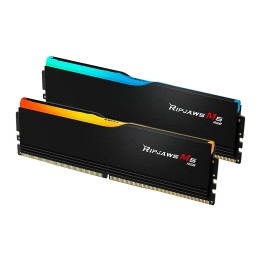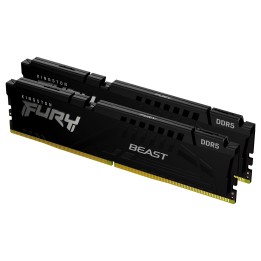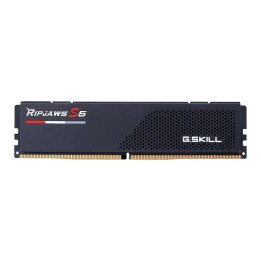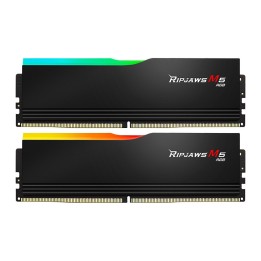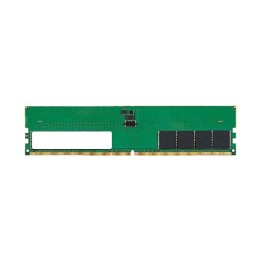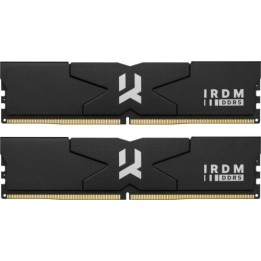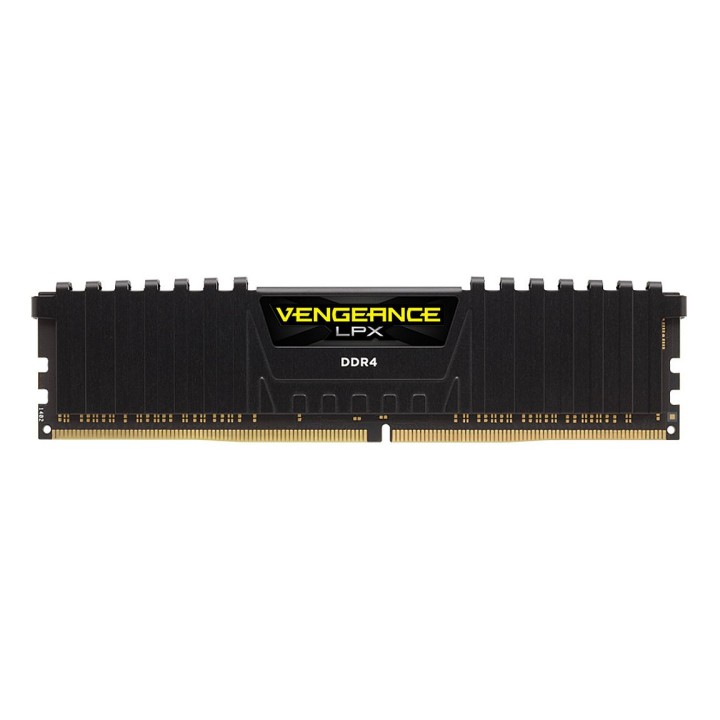
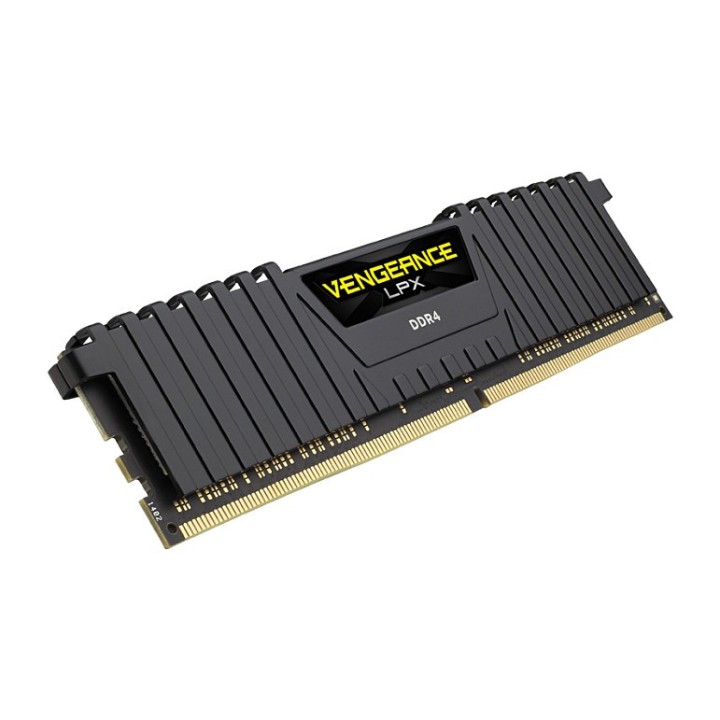
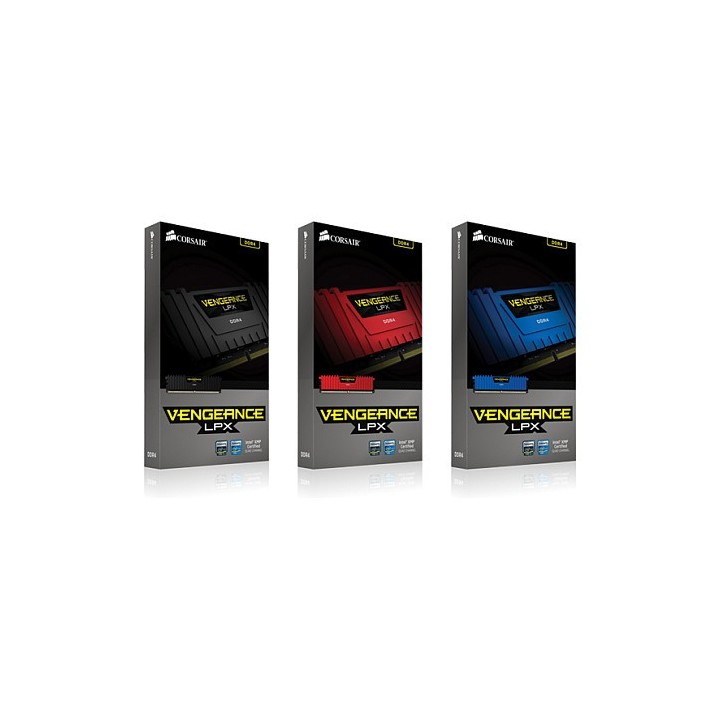
Pamięć DDR4 Vengeance LPX 16GB/2133(2*8GB) CL13-15-15-28 1,20V XMP2.0 czarna

Cena: 939,99 zł
Brutto
Dostępność produktu: Dostępny 10 szt.
Czas dostawy Wysyłka w ciągu 7 dni roboczych
Koszt dostawy Dostawa od 11,99 zł

Opis produktu

Pamięć RAM o pojemności 16 GB. Rodzaj pamięci DDR4. Złącze DIMM.

Specyfikacja

  • Rodzaj pamięci: DDR4
  • Całkowita pojemność pamięci: 16 GB
  • Częstotliwość szyny pamięci: 2133 MHz
  • Liczba pamięci w zestawie: 2
  • CAS Latency: CL13
  • Radiator : Tak
  • Pozostałe parametry: - Unbuffered DIMM 288 Pin- XMP 2.0- 1.2V
  • Pasuje do: Platformy Intel X99 i 100 Series
  • Uwaga: CE+WEEE

Szczegóły produktu

  • Marka Corsair
  • Kod produktu 660fb90971a267703cabc47a
  • Dostępność 10 Przedmioty
  • EAN13 0843591069656
  • MPN CMK16GX4M2A2133C13

Specyfikacja

  • Typ pamięci RAM DDR4
  • Opóźnienie CAS CL13
  • Pojemność zestawu RAM (GB) 16 GB
  • Format modułu RAM DIMM
  • Pojemność jednego modułu (GB) 8 GB
  • Liczba modułów (szt.) 2 szt.
  • Napięcie pamięci (V) 1,2 V

Producent

Producent

Corsair Memory, B.V.

Wormerweg 8 1311 XB Almere Holandia

Formularz kontaktowy: https://help.corsair.com/hc/en-us

Telefon: +31 36 5478360

Osoba odpowiedzialna w UE

Corsair Memory, BV

Wormerweg 8 1311 XB Almere Holandia

Formularz kontaktowy: https://help.corsair.com/hc/en-us

Telefon: +31 365478360

Bezpieczeństwo

Informacje o bezpieczeństwie

List of RAM security warnings based on the requirements of Regulation (EU) 2023/988 on General Product Safety (GPSR) 1. Risk of hardware damage: * Make sure you shut down your computer before installing or disassembling RAM to avoid electrical damage. * Check the compatibility of RAM with your computer's motherboard to avoid problems with system operation. 2. Risk of cuts: * Be careful when manipulating RAM to avoid cuts to sharp edges. 3. Electrostatic hazard: * Protect your RAM from electrostatic discharge (ESD) that can damage electronic components. Use an antistatic band and work on an antistatic surface. 4. Risk of incorrect assembly: * Thoroughly insert RAM modules into the sockets to ensure proper connection and avoid problems with system operation. 5. Overheating: * Provide adequate ventilation in the computer case to prevent overheating of RAM, which can lead to unstable system operation. 6. Voltage: * Make sure the voltage settings in the BIOS are appropriate for the installed RAM to avoid damage or malfunction. 7. Hazard for children: * Keep RAM out of reach of children to prevent ingestion of small items. 8. Suitable use: * Use RAM for its intended purpose, avoid extreme conditions that can lead to damage. 9. Disassembly: * Carefully disassemble the RAM so as not to damage the modules or sockets on the motherboard. 10. Disposal: * Dispose of used RAM in accordance with local e-waste recycling regulations.

Ładowanie...
Wróć na górę