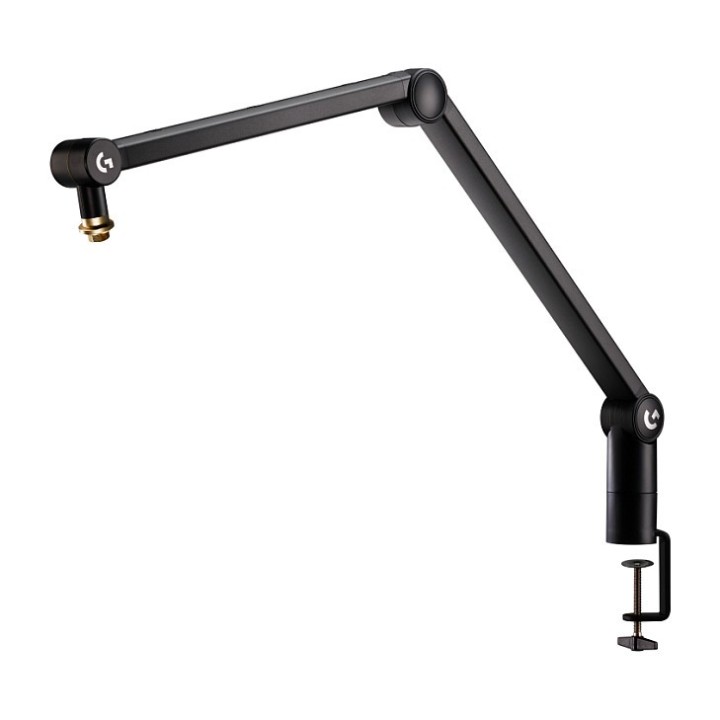
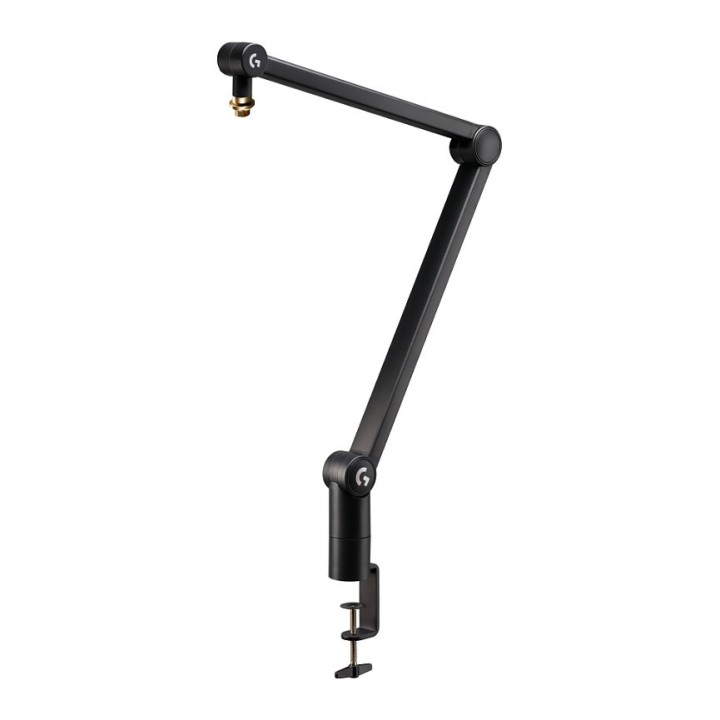
Logitech G Compass
PragmaPay dla biznesu
Zapłać za zakupy firmowe później lub w ratach przez Tpay.
Sprawdź, jak działa (otwiera się w nowej karcie)Opis produktu
Logitech Rameno Compass
Wysokiej jakości regulowane ramię na biurko do streamowania
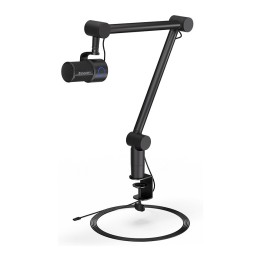
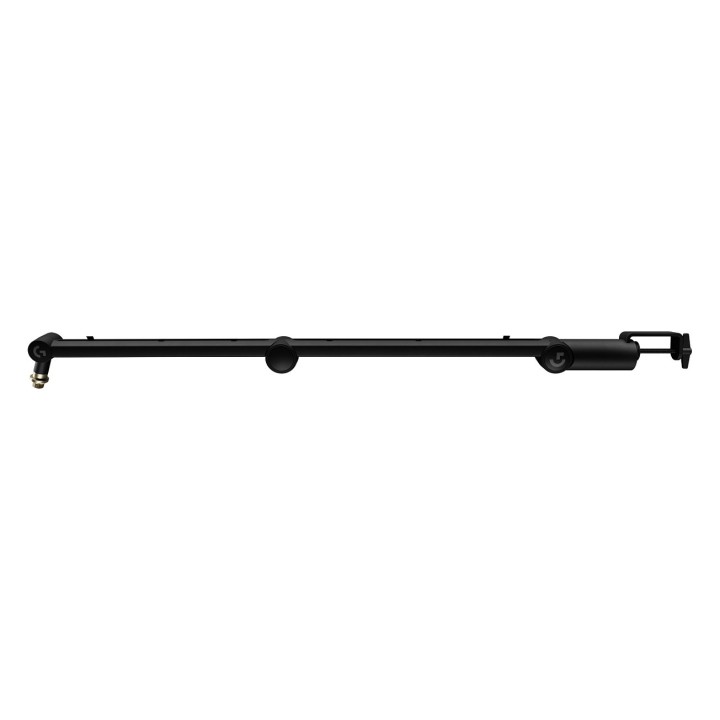
Regulowane ramię Compass wyposażone jest w sprężyny wewnętrzne i zintegrowany organizer kabli, zaprojektowany dla mikrofonów o masie do 1,1 kg. Dzięki płynnej, cichej pracy i wyrafinowanemu wyglądowi przed kamerą, jest idealnym rozwiązaniem do streamowania, m.in. gier.
Specyfikacje
| Specyfikacje techniczne | |
|---|---|
| Obrót | 360° |
| Maksymalne obciążenie | 1,1 kg |
| Maksymalny zasięg poziomy | 81 cm |
| Gwint | 15,8 mm (w zestawie adapter na gwint 9,5 mm) |
Co znajduje się w zestawie
C-Svorka do mocowania do stołu
Adapter 3/8" do 5/8"
Opis produktu został przetłumaczony przez sztuczną inteligencję i może zawierać nieścisłości.
Szczegóły produktu
- Marka Logitech
- Kod produktu 668fd4e23c6610cb5c95915f
- Dostępność 12 Przedmioty
- EAN13 5099206117679
- MPN 955-000076
Specyfikacja
- Typ mikrofonu Statyw do mikrofonu typu żuraw
Producent
Producent
Logitech Europe S.A.
Catharijnesingel 47 3511GC Utrecht Netherlands
Telefon: +41 0 21 863 55 11
Osoba odpowiedzialna w UE
Logitech Europe S.A.
Catharijnesingel 47 3511GC Utrecht Netherlands
Telefon: +41 0 21 863 55 11
Bezpieczeństwo
Informacje o bezpieczeństwie
List of safety warnings for tripods and microphone holders based on the requirements of General Product Safety Regulation (EU) 2023/988 (GPSR): * Make sure the tripod is stable and positioned on level ground to prevent equipment from tipping over and damaging or injury. * Secure the microphone in the tripod holder to prevent it from falling out and getting damaged. * Do not overload the tripod with excessive weight that exceeds its lifting capacity to avoid damaging or tipping over. * Regularly check the technical condition of the tripod and holder to ensure that all components are operational and safe to use. * Use a tripod and holder according to the manufacturer's instructions to ensure their proper and safe use. * Store the tripod in a safe place to prevent accidental damage or unauthorized access. * Be careful when adjusting the height and angle of the tripod to avoid sudden movements that could cause the microphone to fall. * Avoid using a tripod near heat or moisture sources that can negatively affect its stability and durability. * Regularly clean the tripod and handle to remove dust and dirt that can affect their performance. * Perform periodic inspections of the tripod and handle to identify potential problems and take appropriate corrective action. * Pay close attention to the condition of the tripod mounting and adjusting hardware, such as screws, clamps, and locks, to ensure that they are working properly. * In case of damage or wear of tripod components, immediately replace them with new ones to ensure the safety of use. *Before each use, make sure all tripod connections are tightened well to avoid accidental loosening. * When transporting the tripod and handle, protect them from mechanical damage that could affect their functionality. * Do not modify the tripod or holder in a way that does not comply with the manufacturer's recommendations, as this may affect their safety. * If you are not sure how to use the tripod and holder correctly, consult an experienced user or specialist. *Please note that the safety of using the tripod and holder depends on compliance with the above rules.