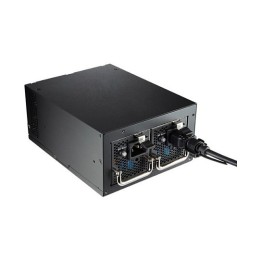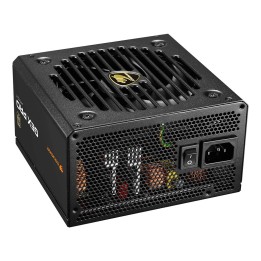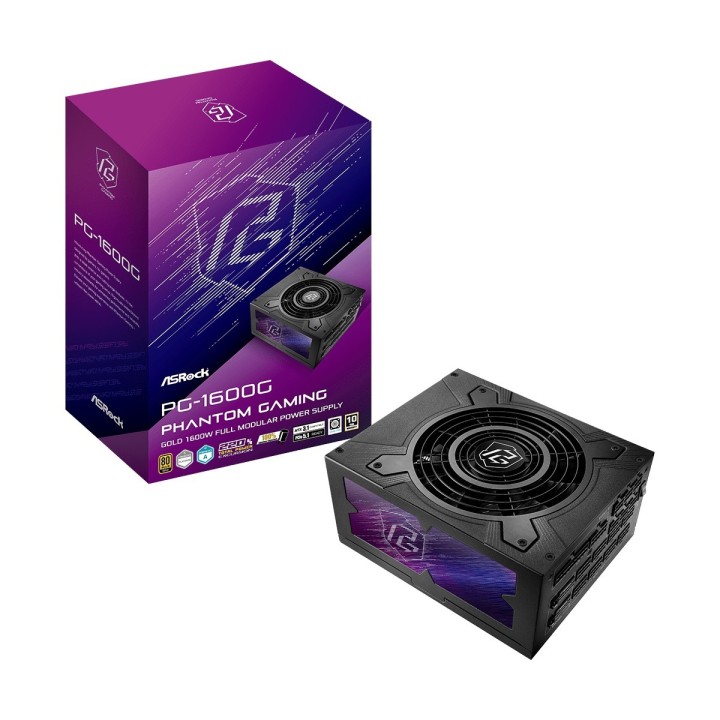
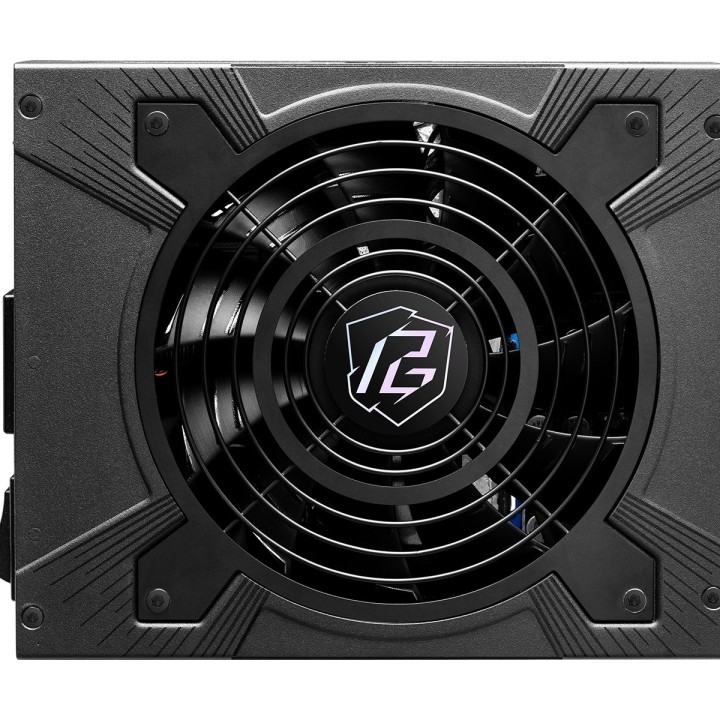
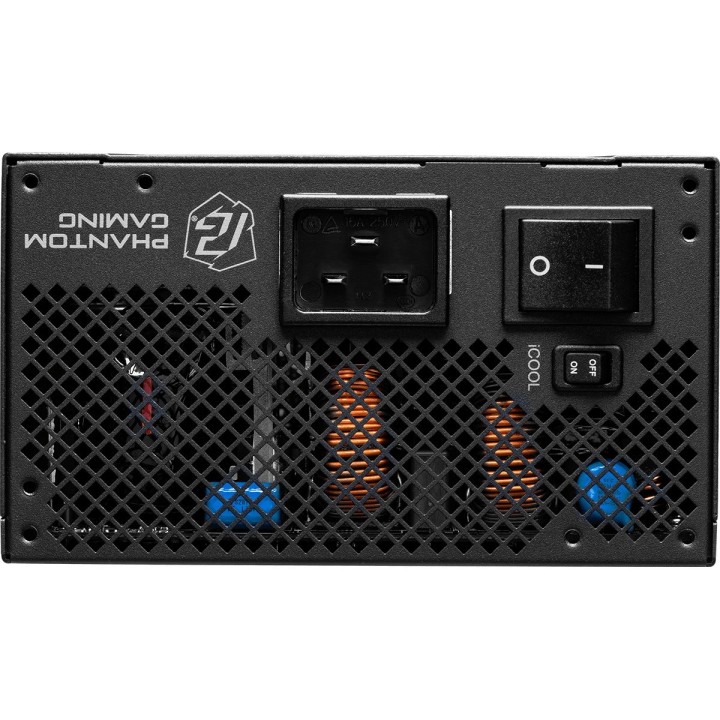
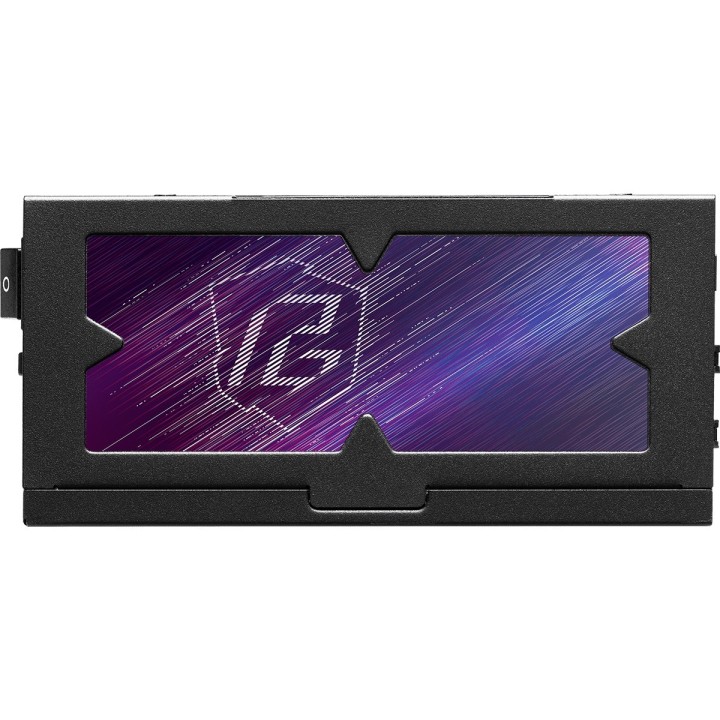
Zasilacz PC ASROCK 1600W 90-UXP160-GFEAAB

Cena: 1 244,49 zł
Brutto
Dostępność produktu: Dostępny 7 szt.
Czas dostawy Wysyłka w ciągu 4 dni roboczych
Koszt dostawy Dostawa od 11,99 zł

Opis produktu

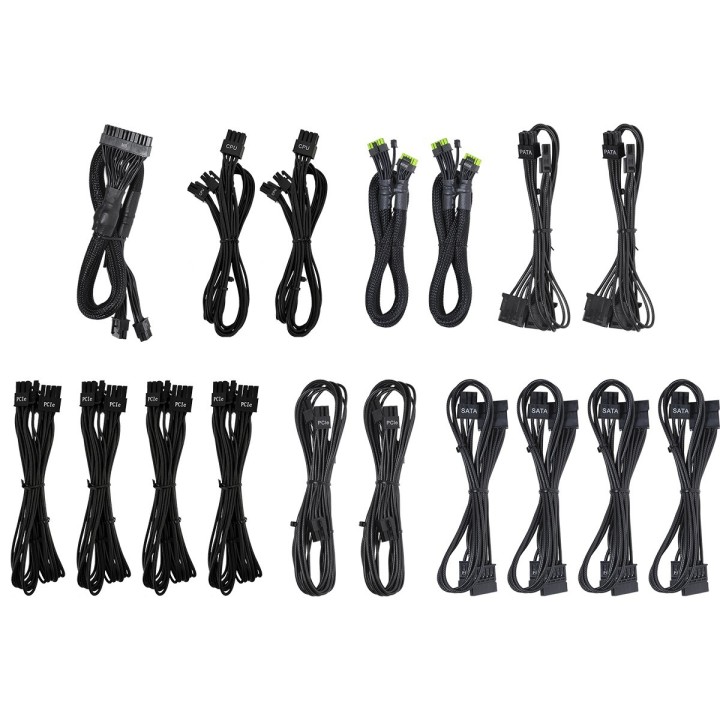
Asrock Phantom Gaming PG-1600G. Moc w sumie: 1600 W. Funkcje ochrony zasilania: Nadprądowe. Ochrona przez zbyt wysokim napięciem. Zabezpieczenie przed przegrzaniem..... Motherboard power connector: 20+4 pin ATX. Długość kabla płyty głównej: 60 cm. Długość kabla zasilającego SATA: 100.450 mm. Przeznaczenie: PC. Rodzaj zasilacza (PSU): ATX. Certyfikat 80 PLUS: 80 PLUS Gold. Kolor produktu: Czarny. Rodzaj chłodzenia: Aktywne. Średnica czaszy wentylatora: 13.5 cm. Przewody: Procesor. PATA. PCIe. Peripheral (Molex). Peripheral (Molex) to SATA 3.3. SATA

Specyfikacja

  • PFC: Aktywny
  • Sprawność zasilacza (%): 90
  • Zastosowane podświetlenie: nie
  • Moc zasilacza (W): 1600
  • Zgodne standardy: ATX 3.1
  • Rodzaj chłodzenia: Wentylator 135 mm
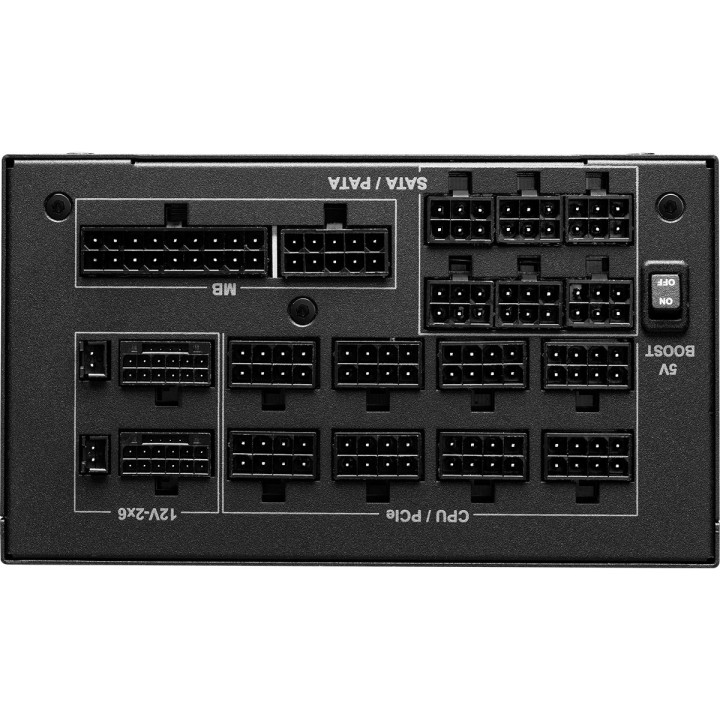
  • Wtyczki ATX 24-pin (20+4): 1
  • Wtyczki PCI-E 8-pin (6+2): 6
  • Wtyczki PCI-E 8-pin: nie
  • Wtyczki PCI-E 6-pin: nie
  • Wtyczki SATA: 12
  • Wtyczki Molex: 4
  • Wtyczki Floppy: nie
  • Modularny typ okablowania: tak
  • Pozostałe złącza: nie
  • Wysokość (mm): 86
  • Szerokość (mm): 150
  • Głębokość (mm): 180
  • Gwarancja: 10 lat
  • Wyposażenie: Dokumentacja

Szczegóły produktu

  • Marka ASRock
  • Kod produktu 67cf1303f6990fd45a1eb39d
  • Dostępność 7 Przedmioty
  • EAN13 4710483948701
  • MPN 90-UXP160-GFEAAB

Specyfikacja

  • Moc znamionowa (W) 1600 W
  • Certyfikat sprawności 80 PLUS Gold
  • Średnica wentylatora (mm) 135 mm
  • Standard ATX 3.1

Producent

Producent

ASRock EUROPE B.V.

Bijsterhuizen 11-11, 6546 AR Nijmegen 6546 AR Nijmegen Netherlands

E-mail: sales@asrock.nl

Formularz kontaktowy: https://www.asrock.com/support/index.asp

Telefon: +31-24-345-44-33

Osoba odpowiedzialna w UE

ASRock EUROPE B.V.

Bijsterhuizen 11-11, 6546 AR Nijmegen 6546 AR Nijmegen Netherlands

E-mail: sales@asrock.nl

Formularz kontaktowy: https://www.asrock.com/support/index.asp

Telefon: +31-24-345-44-33

Bezpieczeństwo

Informacje o bezpieczeństwie

List of safety warnings for computer power supplies based on the requirements of General Product Safety Regulation (GPSR) 2023/988 * Risk of electric shock: * Make sure the power supply is properly grounded. * Do not open the power supply housing when it is connected to power. * Do not touch any internal components of the power supply when it is connected to power. Do not use the power supply in humid or wet environments. Disconnect the power supply from the power supply before cleaning. * Fire risk: * Do not use a power supply with less power than required by your computer. * Make sure the power supply has adequate surge, short-circuit and thermal protection. * Do not cover the power supply to ensure adequate ventilation. * Do not place the power supply near heat sources. * Regularly inspect power cables for damage. * Explosion risk: * Do not use a power supply that is damaged or has visible signs of damage. * Do not try to repair the power supply yourself. Use the power supply only for its intended purpose. Dispose of the power supply according to local regulations. * Risk of injury: * Do not drop the power supply. * Do not disassemble the power supply as it contains live components that can cause electric shock. * Do not expose the power supply to extreme temperatures or moisture. * Before installing the power supply, disconnect the computer from the power supply. * Compatibility and selection: * Make sure the power supply is compatible with the motherboard and other computer components. * Check that power supply has the right connectors for all components. * Overheating protection: * Provide adequate ventilation in the computer case so that the power supply does not overheat. * Regularly clean the power supply fan from dust. * Installation and use: * Follow the manufacturer's instructions when installing the power supply. * Do not overload the power supply by connecting too many devices to it. * Storage: * Store the power supply in a dry and clean place, away from children. Cables & Connections: * Make sure all cables are properly connected and not damaged. * Do not use extension cords or adapters that are not intended to be used with the power supply.

Ładowanie...
Wróć na górę