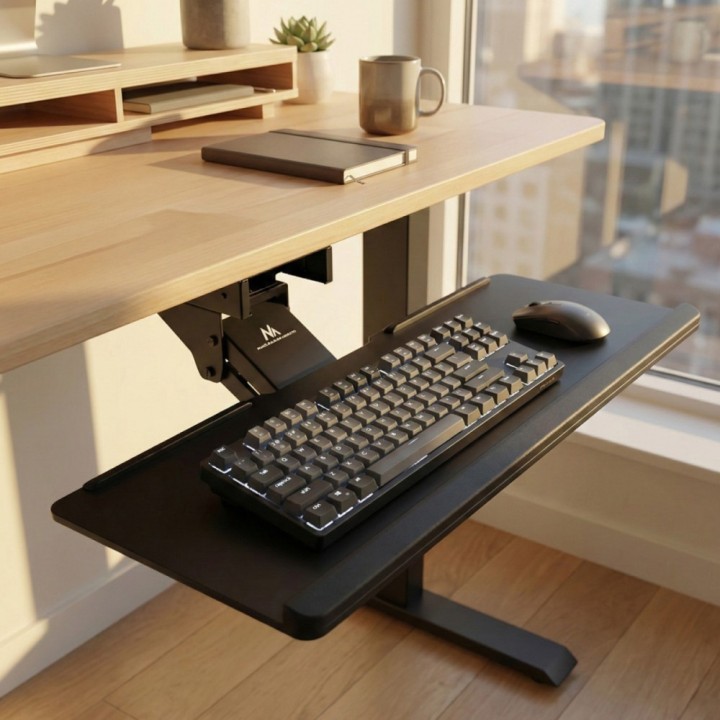
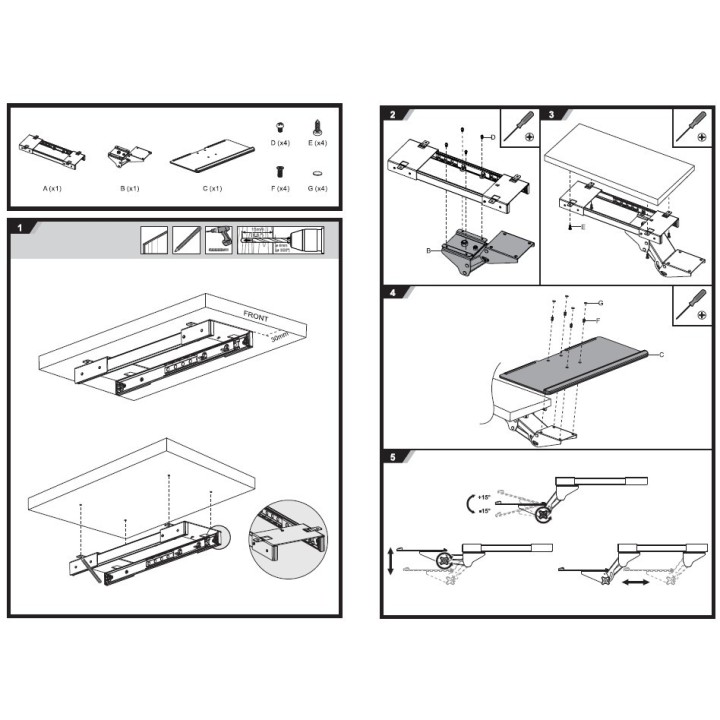
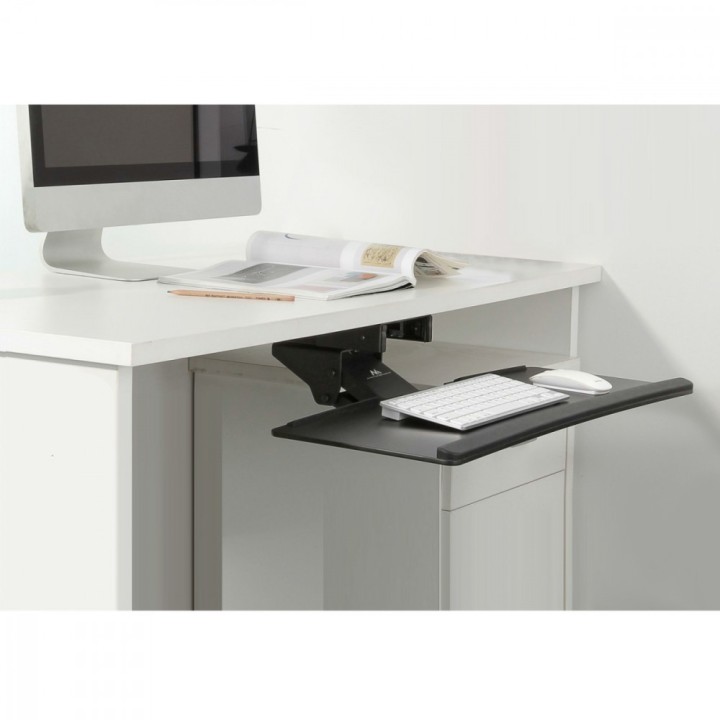
Uchwyt na klawiature MC-757 2kg obrazki
Raty i finansowanie
Uchwyt na klawiature MC-757 2kg
- MPN:
- MC757
- EAN:
- 5902211106234
Akceptowane płatności





Opis produktu
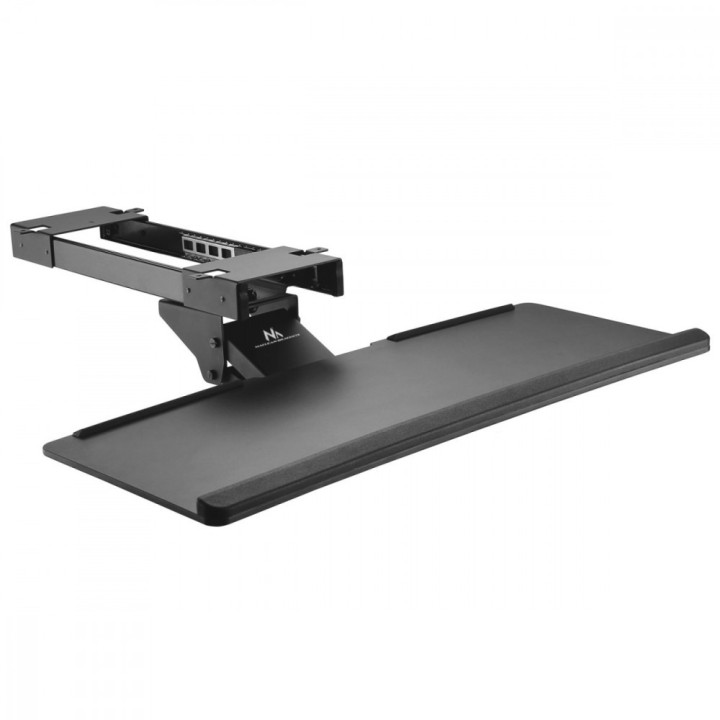
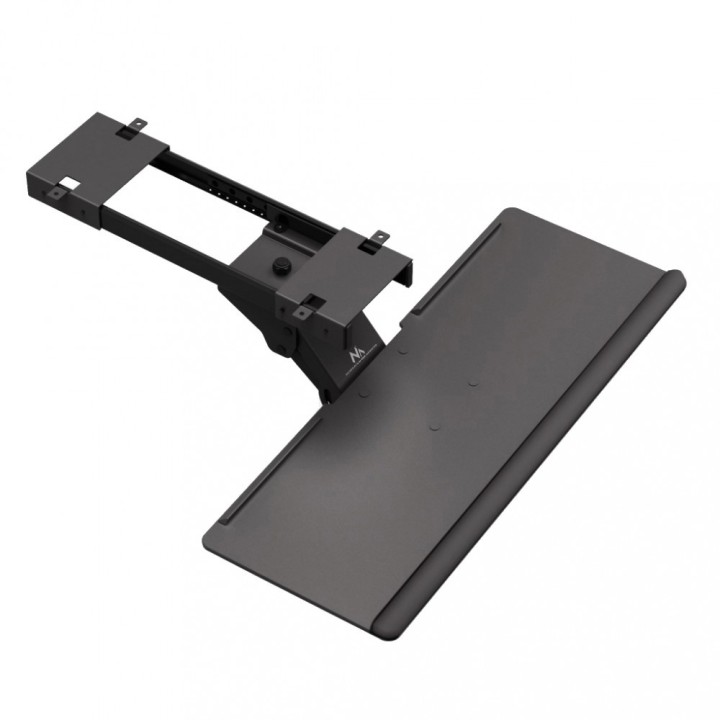
Uchwyt na klawiaturę Maclean MC-757 max 2 kg
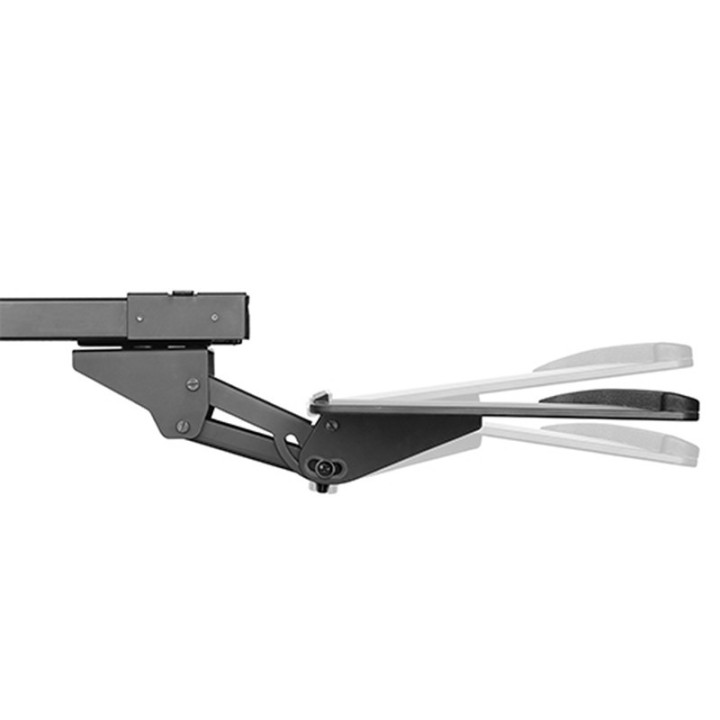
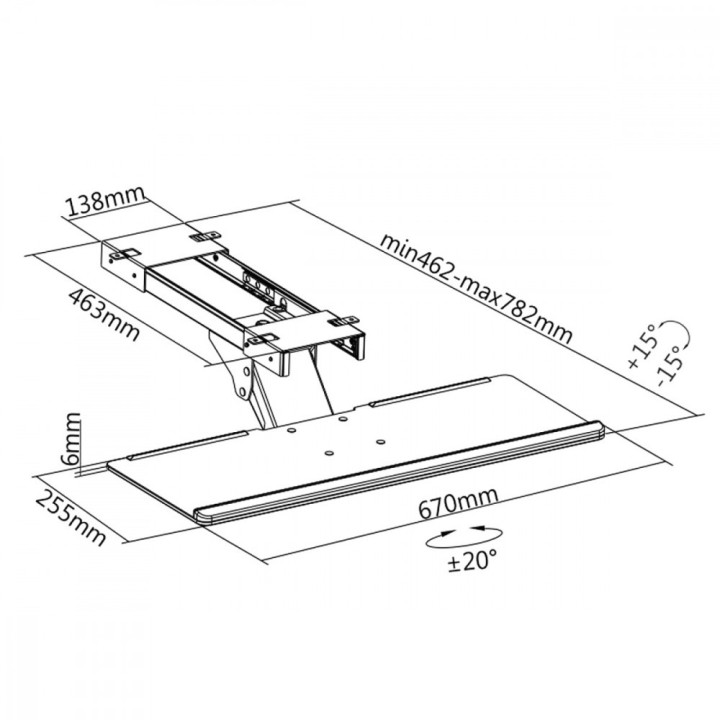
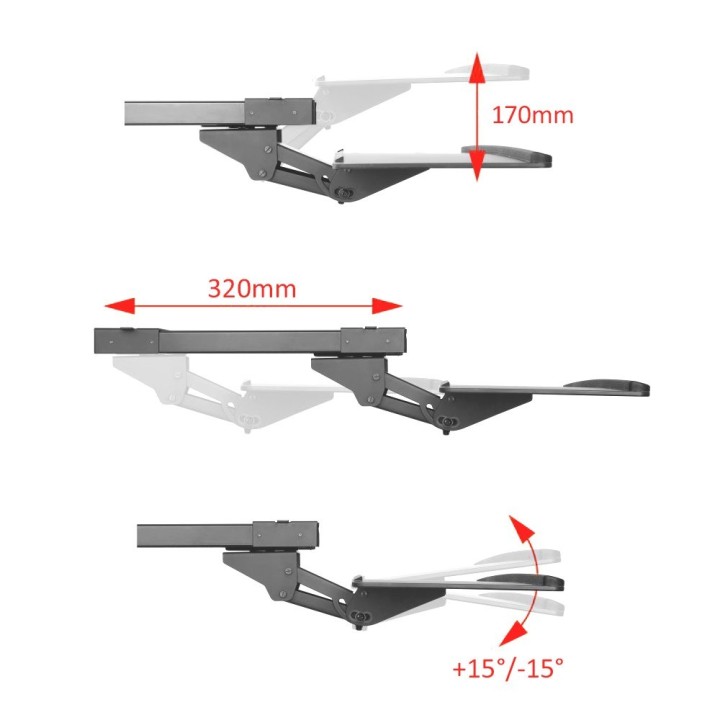
Uniwersalny uchwyt na klawiaturę to doskonałe uzupełnienie biurka komputerowego. Uchwyt mocuje się do blatu biurka. Dzięki takiemu rozwiązaniu uzyskujemy ergonomiczne stanowisko pracy. Ogromne możliwości regulacyjne pozwolą dostosować pozycję klawiatury do indywidualnych potrzeb użytkownika.
Specyfikacja
- Przeznaczenie (uchwyty): Klawiatura
- Rodzaj uchwytu: Biurkowy
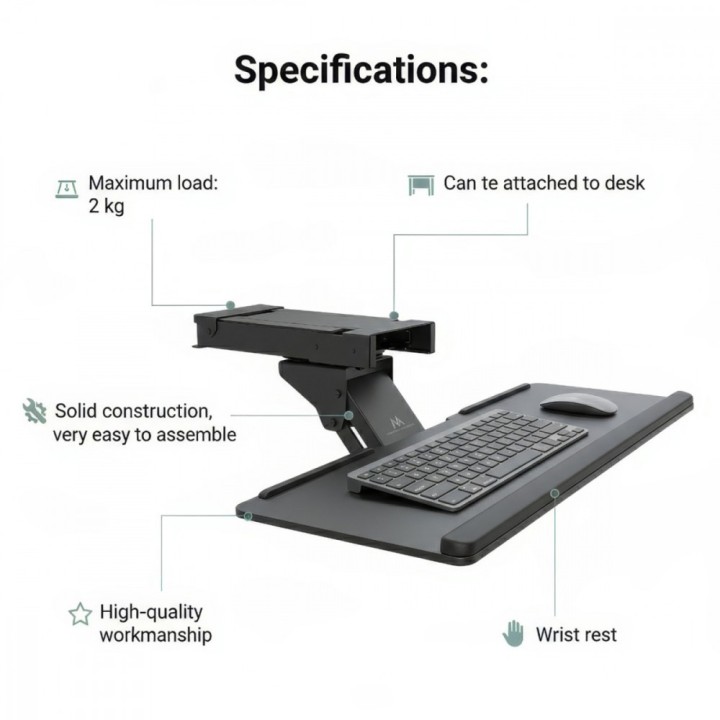
- Obciążenie (maks.): 2 kg
- Akcesoria w zestawie: - Uchwyt na klawiaturę Maclean MC-757- Zestaw montażowy- Oryginalne opakowanie- Instrukcję obsługi PL
- Kolor (wyliczeniowy): Czarny
- Pozostałe parametry: - Możliwość zamocowania do blatu biurka- Solidna konstrukcja, bardzo łatwy montaż- Wysoka jakość wykonania- Lakierowanie proszkowe, kolor czarny- Podkładka pod nadgarstki
- Uwaga: Kosz zgodnie z zasadami recyklingu
- MPN:
- MC757
- EAN:
- 5902211106234
Szczegóły produktu
- Marka Maclean
- Kod produktu 660fba0d71a267703caddb1f
- Dostępność 10 Przedmioty
- EAN13 5902211106234
- MPN MC757
Specyfikacja
- Kolor Czarny
- Regulacja wysokości Tak
- Rodzaj mocowania Biurkowy
- Maksymalne obciążenie na ekran (kg) 2 kg
Producent
Producent
Centrumelektroniki.EU Sp. z o.o.
ul. Korfantego 7 42-600 Tarnowskie Góry Polska
E-mail: contact@centrumelektroniki.pl
Telefon: +48 32 284 7222
Osoba odpowiedzialna w UE
CENTRUMELEKTRONIKI SPÓŁKA Z OGRANICZONĄ ODPOWIEDZIALNOŚCIĄ
ul. Wojciecha Korfantego 7 42-600 Tarnowskie Góry Polska
E-mail: sales@centrumelektroniki.pl
Telefon: +48 32 284 7222
Bezpieczeństwo
Informacje o bezpieczeństwie
List of safety warnings Computer monitor parts and accessories based on the requirements of General Product Safety Regulation (GPSR) 2023/988: 1. Risk of electric shock: * Make sure the accessories are compatible with the voltage and current in your country. * Do not use damaged power cables or plugs. * Disconnect accessories from power before cleaning or maintenance. * Do not touch accessories with wet hands. * Avoid using accessories in damp places. 2. Fire risk: * Use only accessories approved by the monitor manufacturer. * Do not cover accessories (e.g. power supply) during use to prevent overheating. * Do not use accessories near heat sources or open fire. 3. Risk of damage to monitor and accessories: * Make sure accessories are firmly fastened to avoid falling and damage. * Do not overload monitor ports with too many connected accessories. * Use accessories according to their purpose and instruction manual. 4. Health Risks: * Avoid prolonged staring at the monitor screen to prevent eye strain. * Maintain proper distance from the monitor and adjust screen brightness. * Ensure proper posture when working with your monitor. 5. Child safety: * Small accessory components (e.g. screws, end caps) may pose a choking hazard. Keep them out of reach of children. * Do not allow children to play with computer accessories. 6. Disposal: * Dispose of used electronic accessories in accordance with local environmental regulations. * Do not throw away accessories in ordinary garbage. 7. Cleaning: * Disconnect the accessories from the power supply before cleaning. * Use a soft, dry cloth to clean your accessories. * Do not use cleaning products containing alcohol, ammonia or abrasives. 8. Storage: * Store accessories in a dry and cool place, away from direct sunlight. * Protect accessories from moisture and extreme temperatures.
Uchwyty i podstawki





- Nowy



Ostatnio oglądane
Produkty, które ostatnio zwróciły Twoją uwagę.
- Nowy


- Nowy

- Nowy
- Nowy
- Nowy

- Nowy