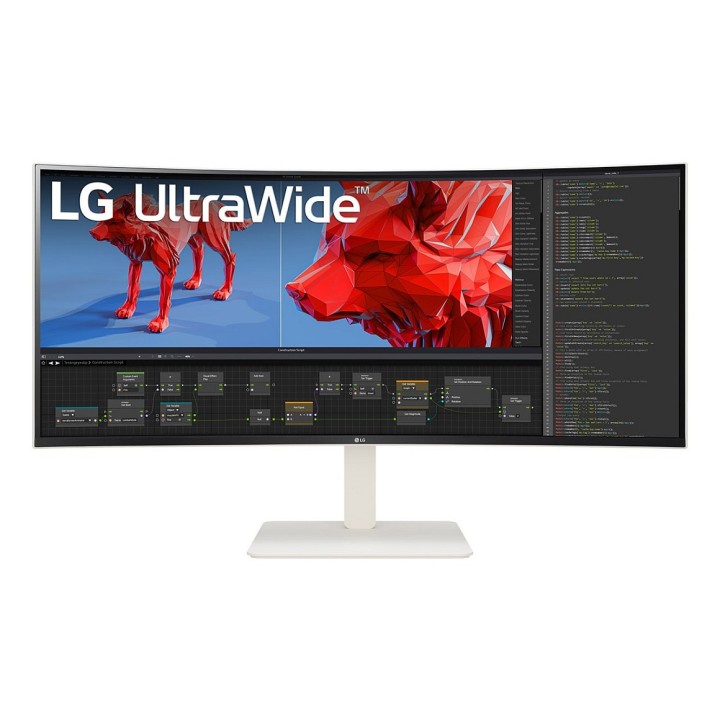
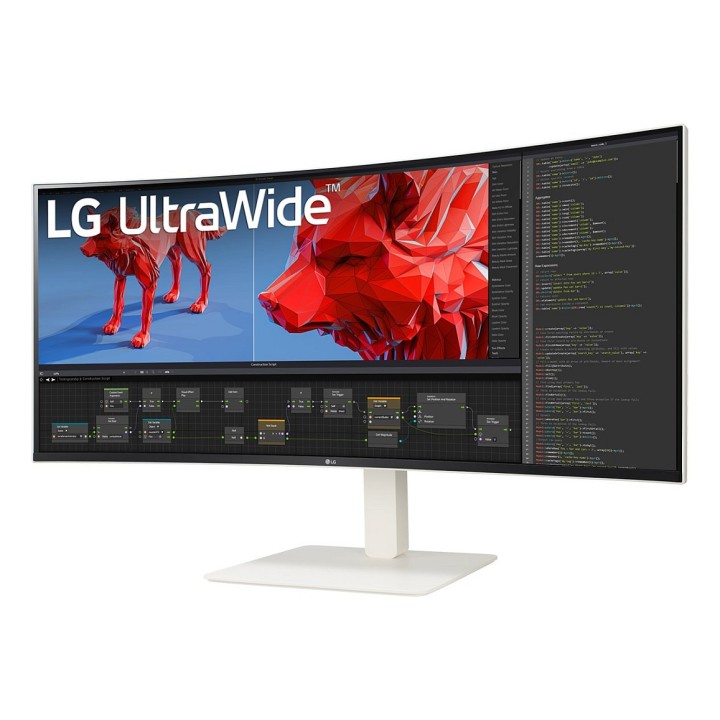
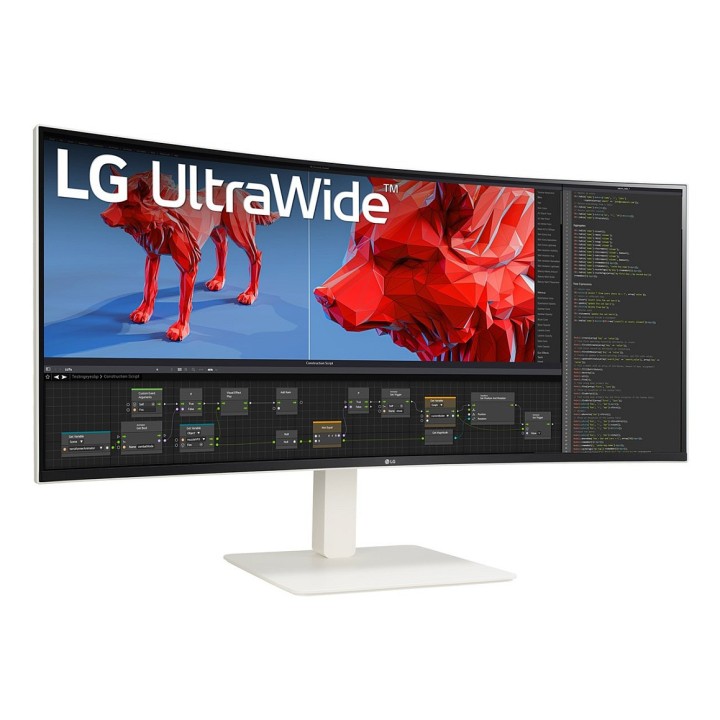
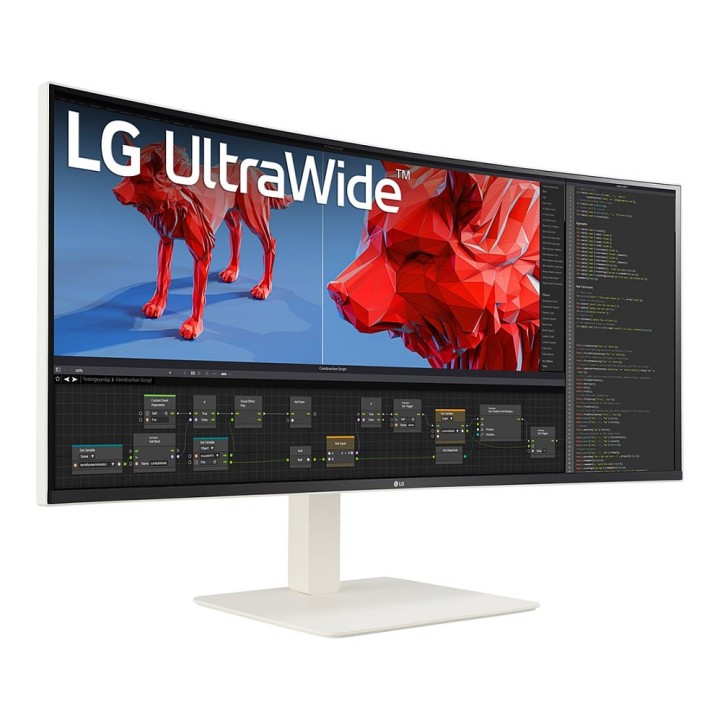
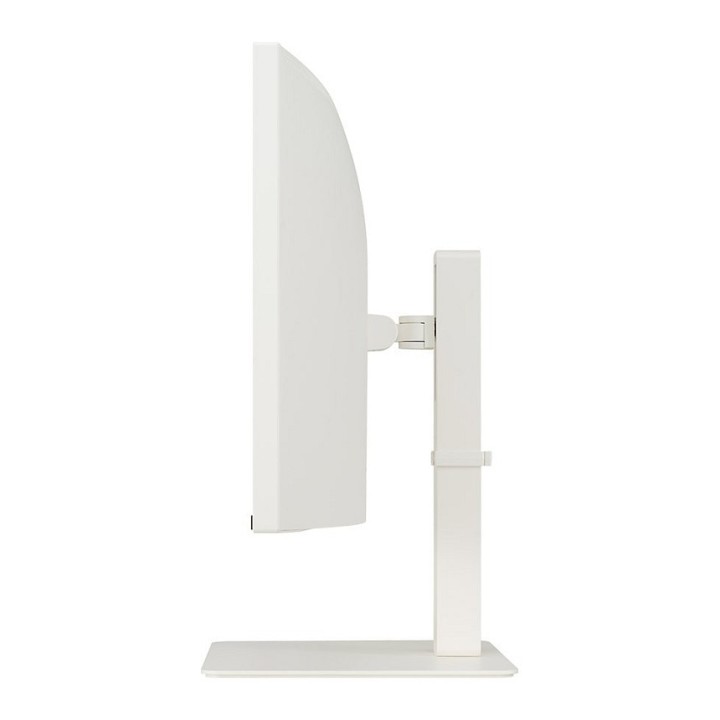
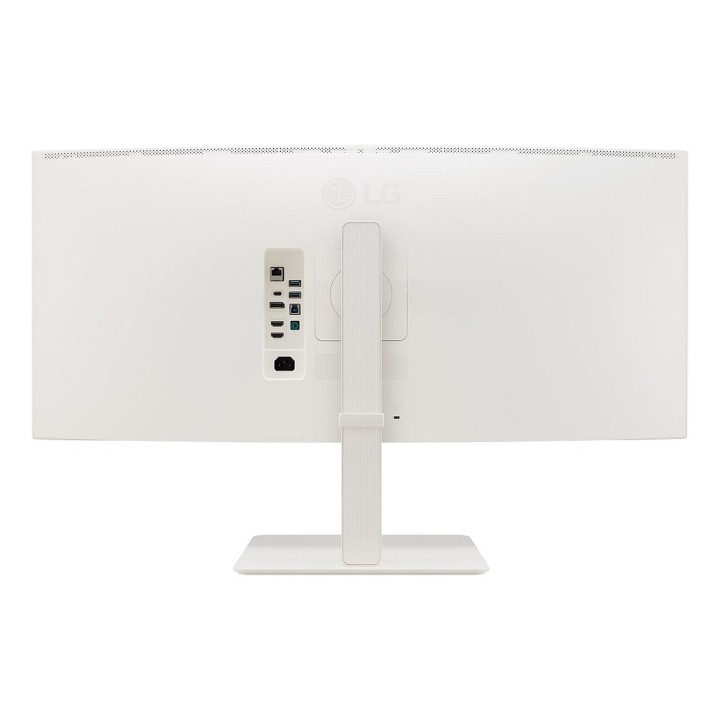
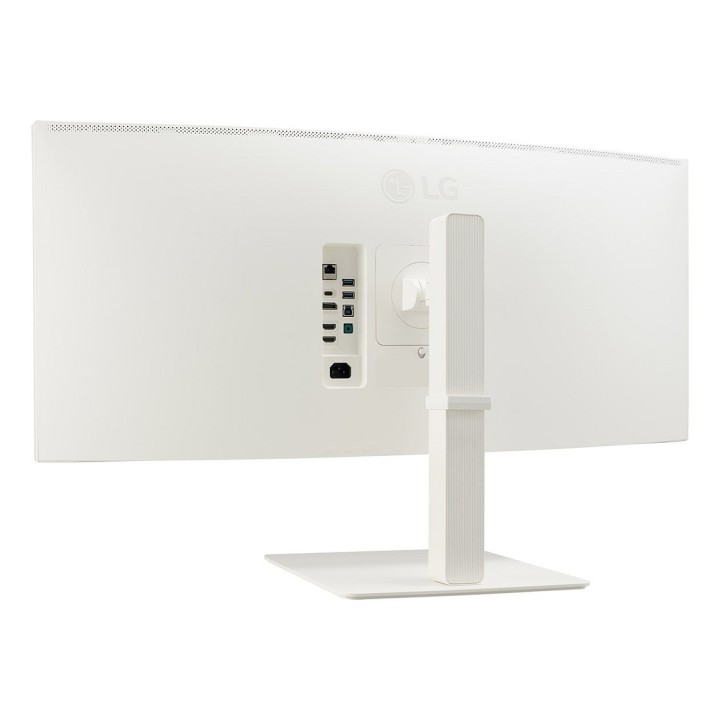
LG 38BR85QC-W 38" (3840x1600) Nano IPS 144Hz USB-C RJ45 Biały

Cena: 6 144,99 zł
Brutto
Dostępność produktu: Dostępny 3 szt.
Czas dostawy Wysyłka w ciągu 6 dni roboczych
Koszt dostawy Dostawa od 11,99 zł

Opis produktu

LG 38BR85QC-W to ultrapanoramiczny monitor 38" o rozdzielczości 3840 x 1600 px, zaprojektowany do wymagającej pracy kreatywnej i wielozadaniowości. Matryca Nano IPS z 10-bitową głębią kolorów i pokryciem 98% przestrzeni DCI-P3 odwzorowuje szeroką paletę barw, a jasność szczytowa i certyfikat DisplayHDR 600 zapewniają wysoką dynamikę obrazu. Ekran o proporcjach 21:9 i krzywiźnie 2300R dostarcza szerokie pole widzenia przy kątach 178°.

Panel oferuje szybki czas reakcji 1 ms (GTG) i odświeżanie do 144 Hz, co przekłada się na płynność obrazu zarówno w pracy, jak i przy szybkich przejściach wizualnych. Monitor obsługuje technologie adaptacyjne (G-SYNC Compatible oraz FreeSync Premium Pro) oraz wyposażony jest w lokalne przyciemnianie i podświetlenie Edge‑Lit, co poprawia kontrast i szczegółowość scen.

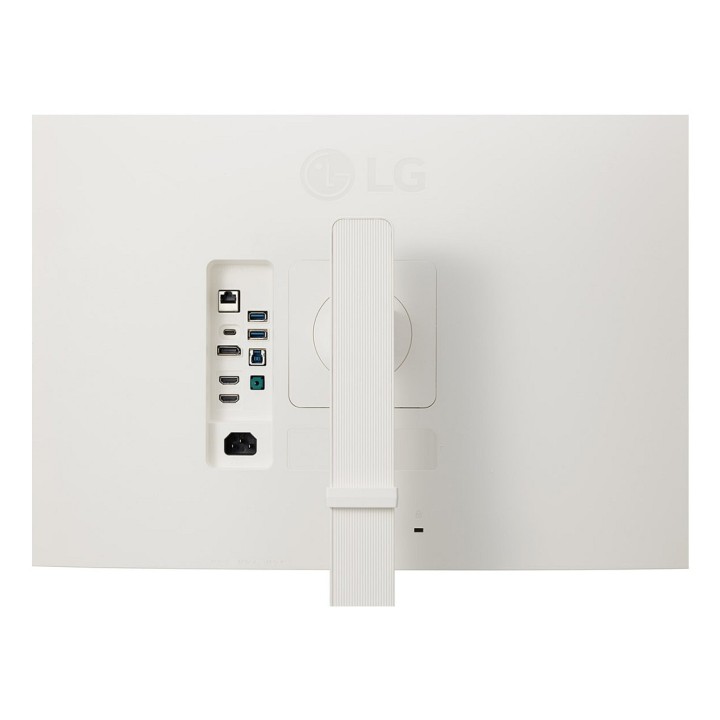
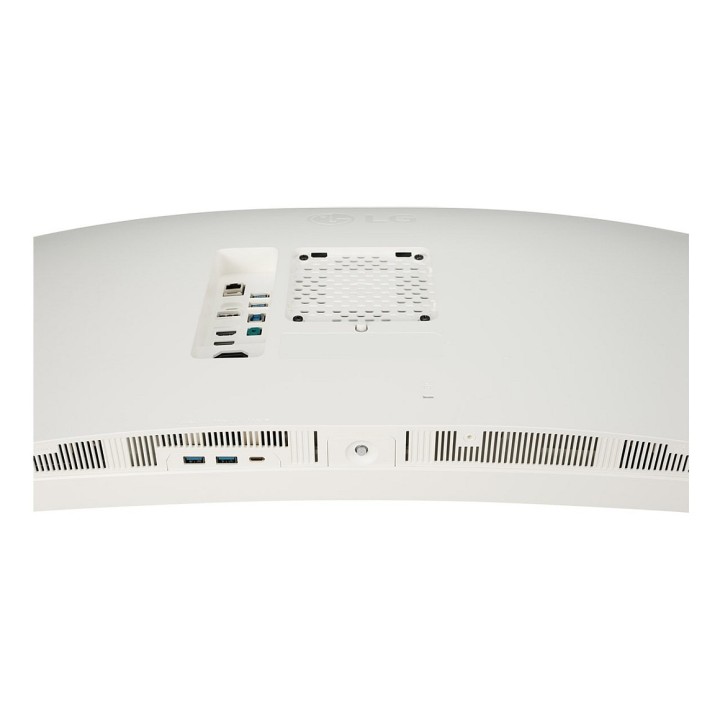
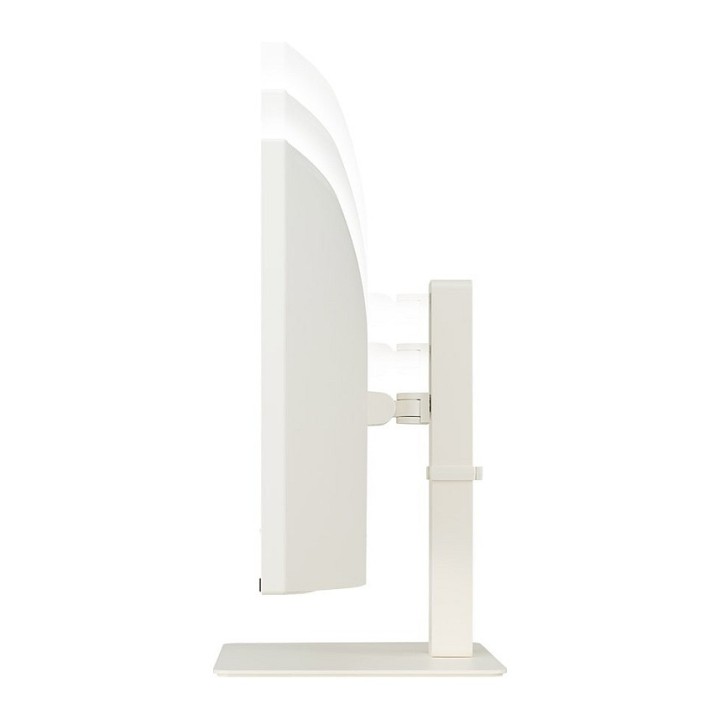
Szeroki zestaw złączy obejmuje 2x HDMI 2.1a, DisplayPort 1.4 (1 wyjście), USB-C z przesyłem obrazu i zasilaniem do 90 W, a także hub USB 3.2 Gen 1 z wejściem upstream (USB-B). Monitor posiada funkcję KVM i port RJ45, wbudowane głośniki 2 x 7 W oraz ergonomiczne możliwości montażu (VESA 100 x 100 mm) wraz z regulacją wysokości, obrotem i nachyleniem, co ułatwia dostosowanie stanowiska pracy.

Specyfikacja

  • Przekątna ekranu: 96.5 cm (38")
  • Rozdzielczość: 3840 x 1600 px
  • Proporcje obrazu: 21:9
  • Typ matrycy: Nano IPS (LCD)
  • Głębia kolorów: 10 bit
  • Liczba kolorów: 1.07 biliona kolorów
  • Pokrycie DCI‑P3: 98%
  • Technologia HDR: DisplayHDR 600
  • Jasność (szczytowa): 360 cd/m²
  • Podświetlenie: Edge‑Lit
  • Lokalne przyciemnianie: Tak
  • Czas reakcji (typowy): 1 ms (GTG)
  • Częstotliwość odświeżania (maks.): 144 Hz
  • Kąt widzenia: 178°
  • Krzywizna ekranu: 2300R
  • Obsługiwane technologie adaptacyjne: G‑SYNC Compatible, FreeSync Premium Pro
  • Wejścia HDMI: 2 x HDMI 2.1a
  • DisplayPort: 1 x DisplayPort 1.4 (wyjście)
  • USB-C: 1 x USB-C (zasilanie do 90 W, przesył obrazu)
  • USB hub: USB 3.2 Gen 1
  • Porty USB upstream: 1 x USB‑B (upstream)
  • Porty USB-C downstream: 1
  • Funkcja KVM: Tak
  • Port sieciowy (RJ45): Tak
  • Wbudowane głośniki: 2 x 7 W (RMS)
  • Montaż VESA: 100 x 100 mm
  • Regulacja wysokości: 11 cm
  • Obrót (swivel): -15° do 15°
  • Kąt nachylenia: -5° do 25°
  • Typ zasilacza: Wewnętrzny
  • Napięcie wejściowe AC: 100 - 240 V, 50/60 Hz
  • Napięcie wyjściowe adaptera: 20.5 V
  • Pobór mocy w trybie czuwania: 0.5 W
  • Tryb wyłączenia: 0.3 W
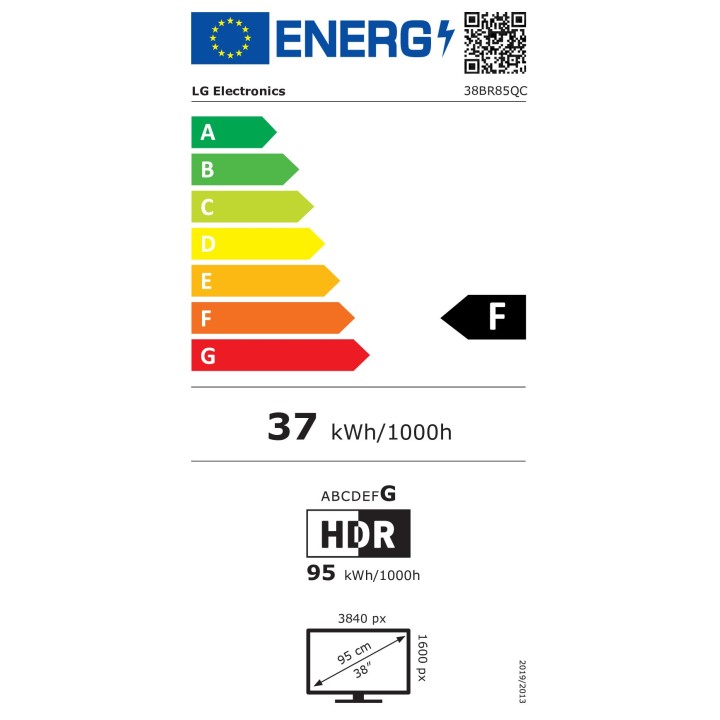
  • Zużycie energii (SDR) na 1000 godzin: 37 kWh
  • Zużycie energii (HDR) na 1000 godzin: 95 kWh
  • Klasa efektywności energetycznej (SDR): F
  • Klasa efektywności energetycznej (HDR): G
  • Szerokość (z podstawą): 896.4 mm
  • Głębokość (z podstawą): 306.8 mm
  • Wysokość (z podstawą): 593.9 mm
  • Waga (z podstawą): 10.5 kg
  • Szerokość (bez podstawy): 896.4 mm
  • Głębokość (bez podstawy): 110.1 mm
  • Wysokość (bez podstawy): 394.4 mm
  • Waga (bez podstawy): 8 kg
  • Kable w zestawie: DisplayPort (1.5 m), HDMI (1.5 m), zasilający (1.8 m), USB A–B, USB‑C
  • Kolor produktu: Biały
Szczegóły produktu

  • Marka LG
  • Kod produktu 6825deccc36ec709f750181e
  • Dostępność 3 Przedmioty
  • EAN13 8806096213070
  • MPN 38BR85QC-W

Specyfikacja

  • Przekątna ekranu (cal) 38 cal
  • Czas reakcji GtG (ms) 1 ms
  • Rozdzielczość natywna 3840 × 1600
  • Typ matrycy Nano IPS
  • Częstotliwość odświeżania (Hz) 144 Hz
  • Ekran dotykowy Nie
  • Zakrzywiony ekran Tak
  • Standard VESA 100 × 100
  • USB-C z obrazem Tak

Producent

Producent

LG Electronics Polska Sp. z o.o.

ul. Wołoska 22 02-675 Warszawa Polska

Formularz kontaktowy: https://www.lg.com/pl/wsparcie/contact-us/email/

Osoba odpowiedzialna w UE

LG Electronics Deutschland GmbH

Alfred-Herrhausen-Allee 3-5 65760 Eschborn Germany

E-mail: info@lg.de

Formularz kontaktowy: https://www.lg.com/de/support/kontaktieren-sie-uns/

Telefon: +49 6196 7883000

Bezpieczeństwo

Informacje o bezpieczeństwie

List of computer monitor safety warnings based on the requirements of General Product Safety Regulation (EU) 2023/988 (GPSR): * Risk to vision: Long-term gazing at the monitor screen may cause eye strain, dry eyes or headaches. * Limit the working time with the monitor. * Take regular breaks. * Maintain proper distance from the screen. * Ensure proper lighting in the room. * Set the brightness and contrast of the monitor to a comfortable level. * Ergonomics: Incorrect position when working with the monitor can lead to back, neck, and shoulder pain. * Set the monitor to the correct height so that the top edge of the screen is at eye level or slightly below. * Use an adjustable chair and desk to ensure an ergonomic position. * Maintain proper posture while sitting. * Risk of electric shock: Improper use or damage to the monitor can lead to electric shock. * Do not use the monitor in humid environments. * Do not touch the monitor with wet hands. * Do not put any items inside the monitor. * If the power cable is damaged, replace it with a new one. * Disconnect the monitor from power before cleaning. * Fire risk: Overheating or short circuiting in the monitor can cause a fire. * Do not cover the ventilation holes of the monitor. * Do not place the monitor near heat sources. * Use only the original power supply that came with your monitor. * If the monitor overheats, disconnect it from power immediately. * Mechanical damage: The fall of the monitor can cause damage and pose a threat to the user. * Set the monitor on a stable surface. * Secure cables to avoid accidental tripping. * For monitor transport, use appropriate protective packaging. * Cleaning: Improper cleaning of the monitor can damage the screen or cause other problems. * Use only a soft, dry cloth to clean the screen. * Do not use cleaning products containing alcohol, ammonia or other corrosive substances. * Disconnect the monitor from power before cleaning. * Disposal: Incorrect disposal of the monitor can pose a threat to the environment. * Return the used monitor to the e-waste collection point. * Do not throw the monitor in a regular trash can. * Children: The monitor is not a toy and should not be used by children without supervision. * Make sure children do not touch the power cables. * Make sure kids don't play around with the monitor packaging. * Repairs: Do not try to repair the monitor yourself. * Any repairs should be done by qualified personnel. * Monitor portability: Be careful when moving your monitor. * Disconnect all cables before moving. * Use appropriate packaging. * Weather conditions: Do not expose the monitor to extreme temperatures or moisture. * Protect your monitor from direct sunlight. * Adjustable settings: Do not use extreme brightness or contrast settings. * These can cause faster eye strain. * Noise: If the monitor makes disturbing noises, turn it off immediately. * Contact the technical service. * Environmental protection: Be sure to turn off the monitor when not in use. * You save energy this way. * Software: Use only the software provided by the manufacturer. * You will avoid compatibility issues.

Ładowanie...
Wróć na górę