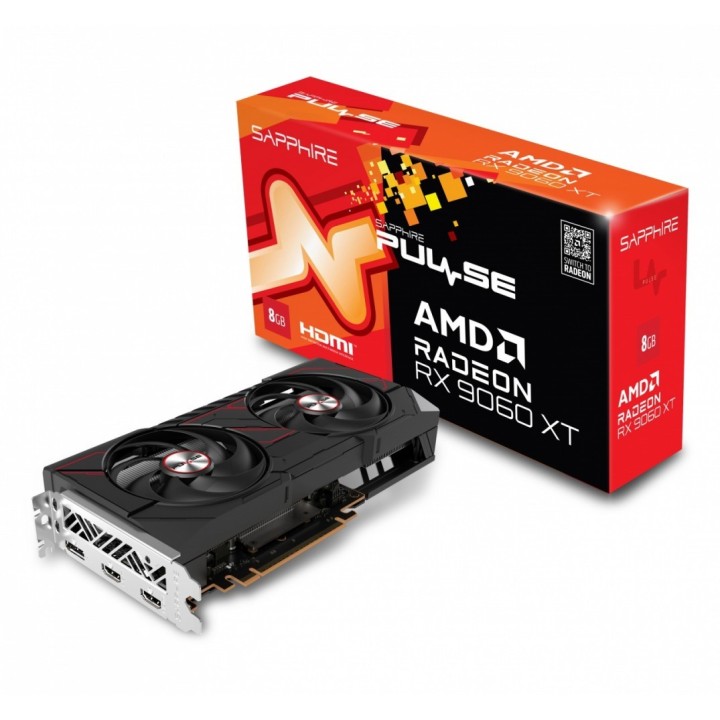
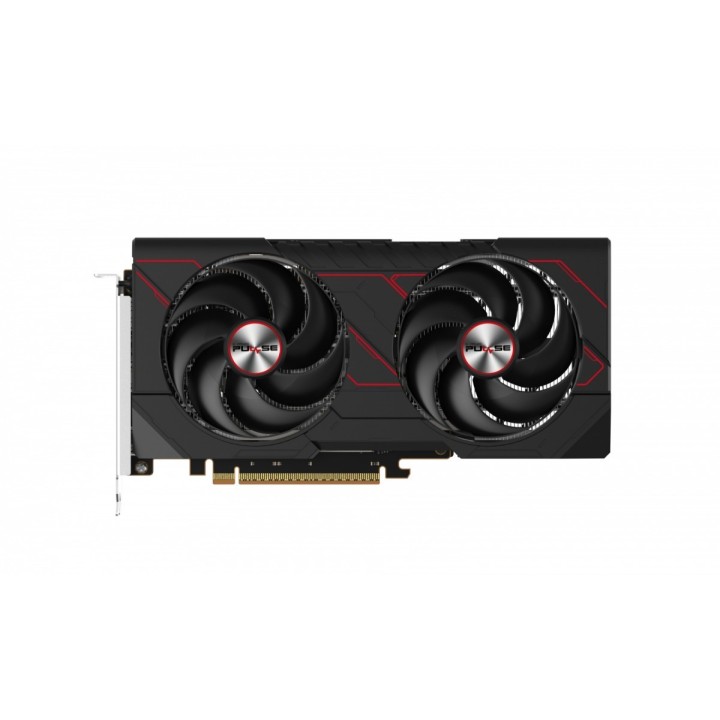
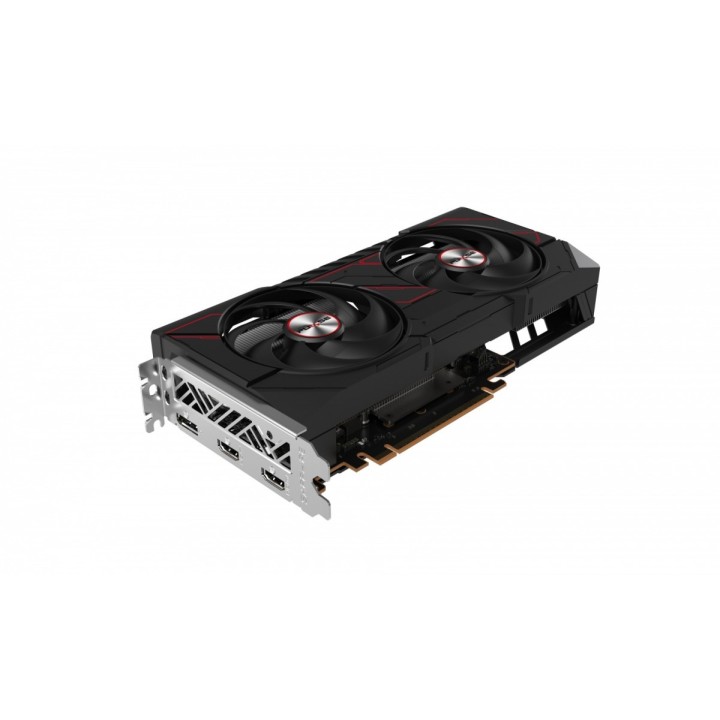
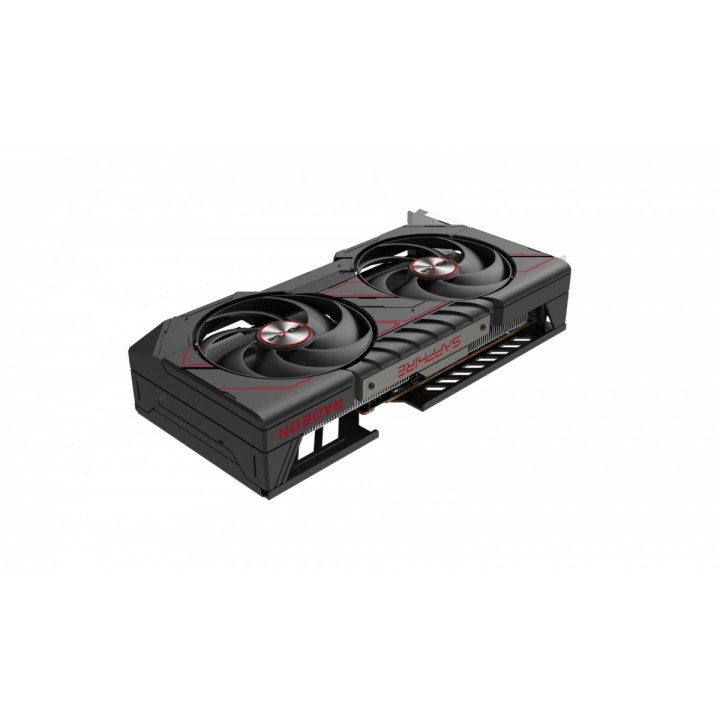
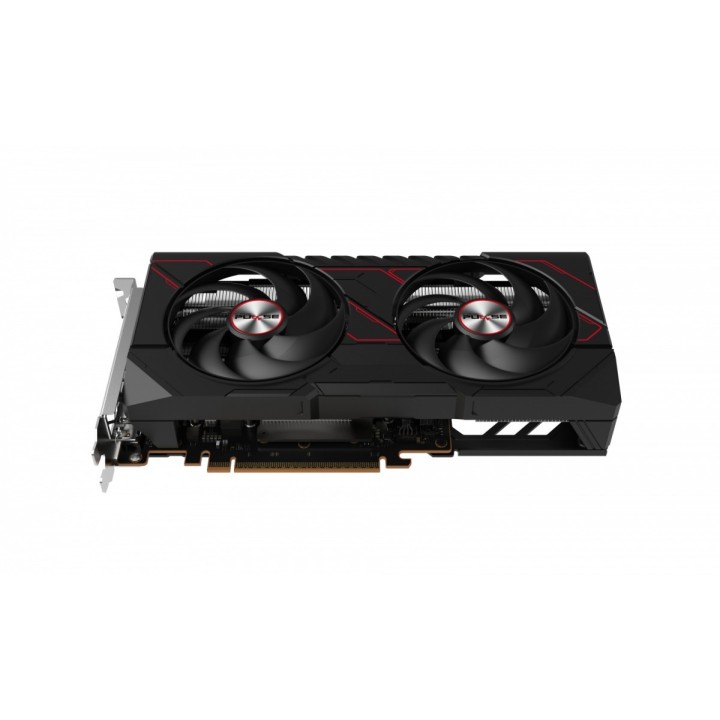
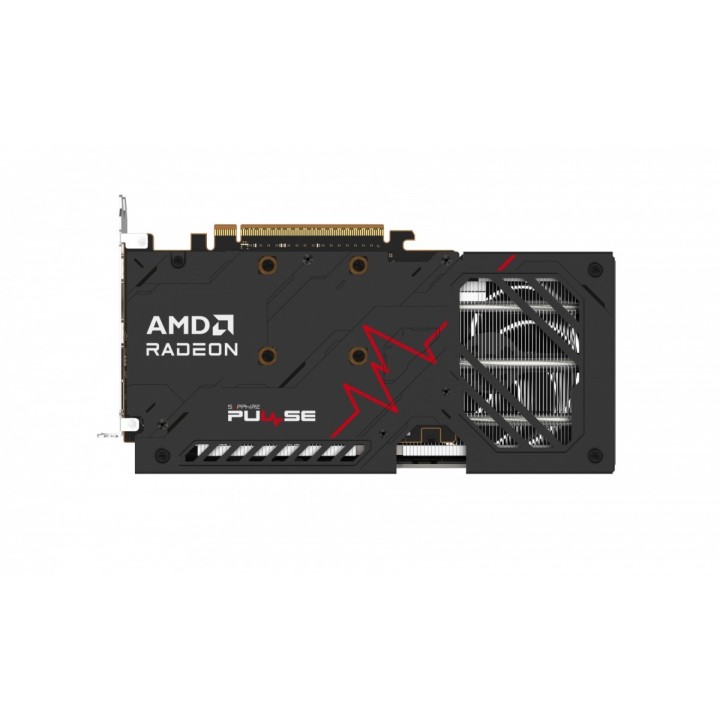
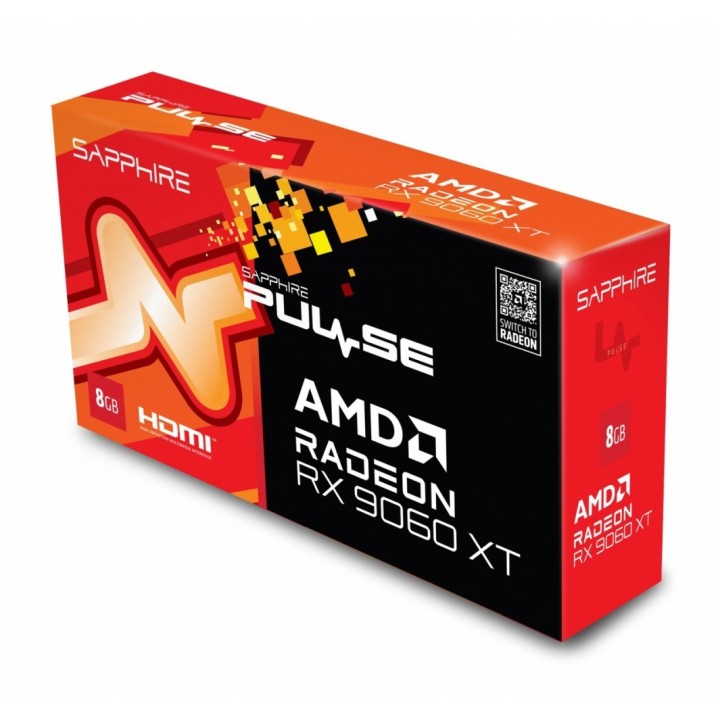
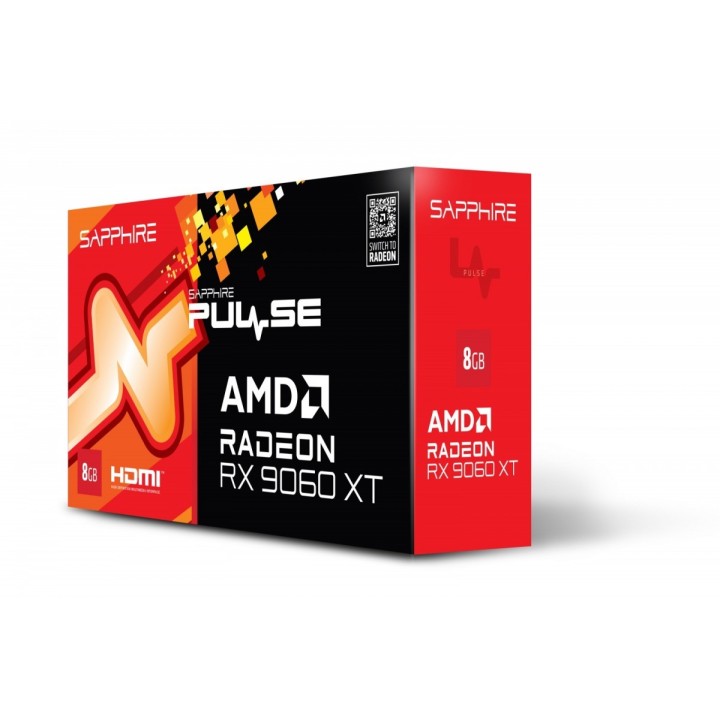
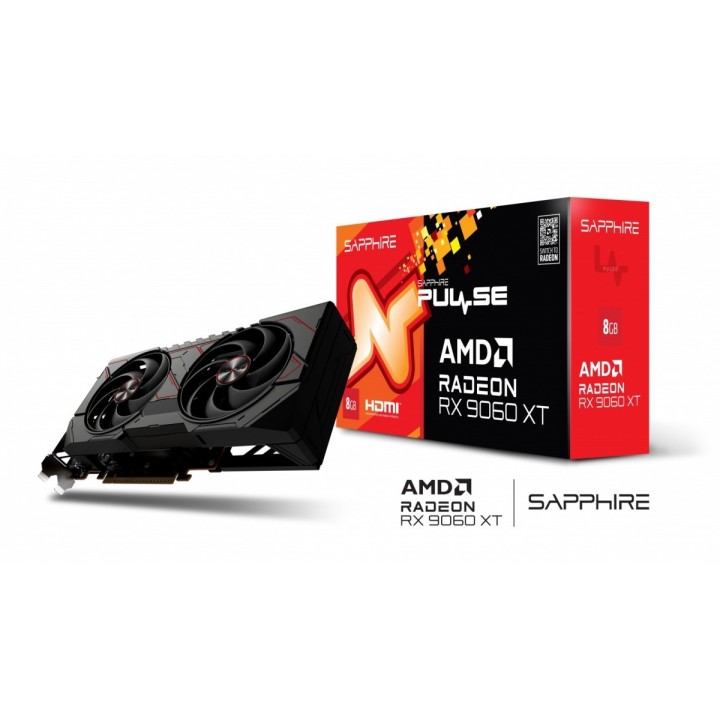
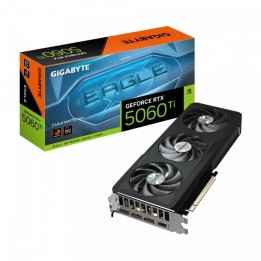
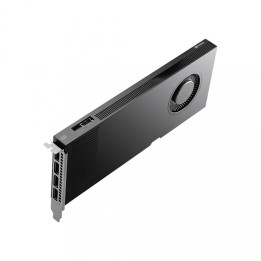
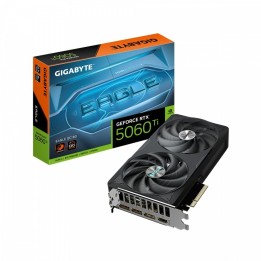
Karta graf. SAPPHIRE PULSE RX 9060 XT GAMING 8GB obrazki
Karta graf. SAPPHIRE PULSE RX 9060 XT GAMING 8GB
Opis produktu
Sapphire PULSE AMD Radeon RX 9060 XT 8GB GPU. Rodzina procesorów grafiki: AMD, Procesor graficzny: Radeon RX 9060 XT. Pamięć adaptera dedykowanej karty graficznej: 8 GB, Typ pamięci adaptera grafiki: GDDR6, Magistrala pamięci: 128 bit. Maks. rozdzielczość: 7680 x 4320 px. Wersja DirectX: 12.0, Wersja OpenGL: 4.6. Typ interfejsu: PCI Express x16 5.0. Rodzaj chłodzenia: Aktywne, Liczba wentylatorów: 2 went.
Szczegóły produktu
- Marka SAPPHIRE
- Kod produktu 68425290ce70ca74719d2e24
- Dostępność 6 Przedmioty
- EAN13 4895106296404
- MPN 11350-04-20G
Specyfikacja
- Model układu graficznego Radeon RX 9060 XT
- Typ chłodzenia Aktywne
- Zalecana moc zasilacza (W) 450 W
- Pamięć karty graficznej (GB) 8 GB
- Typ pamięci GPU GDDR6
- Szerokość magistrali pamięci (bit) 128 bit
- Długość karty (mm) 244 mm
Producent
Producent
SAPPHIRE
Van Nelleweg 1 3044 Rotterdam Holandia
E-mail: compIiance@24hour-ar.com
Bezpieczeństwo
Informacje o bezpieczeństwie
List of graphics card security warnings based on the requirements of General Product Safety Regulation (EU) 2023/988 (GPSR): 1. Risk of electric shock: * Make sure your computer is disconnected from power before installing or disassembling your graphics card. * Do not touch the graphics card with wet hands. * Use only the power supply with the appropriate power and voltage, according to the specification of the graphics card. 2. Risk of hardware damage: * Be careful when installing and disassembling the graphics card to avoid damaging the PCI-e slot, connectors or the card itself. * Make sure the graphics card is properly attached to the PCI-e slot and secured with screws. * Do not use excessive force when inserting or removing the graphics card. 3. Risk of overheating: * Provide adequate ventilation in the computer case to avoid overheating of the graphics card. * Monitor the temperature of the graphics card and, if necessary, install additional fans or change the cooling system. * Do not block the ventilation holes of the graphics card. 4. Fire risk: * Make sure that all power cables are properly connected to the graphics card and power supply. * Do not use damaged power cables. * Regularly check the condition of the power cables and replace them if necessary. 5. Risk of personal injury: * Watch out for sharp edges and elements on the graphics card to avoid cuts. * When working with a graphics card, use protective gloves. 6. Risks associated with improper use: * Do not try to repair a damaged graphics card yourself. * Do not modify the graphics card in a way that does not comply with the manufacturer's instructions. * Do not use the graphics card in an environment with high humidity or dust. 7. Warnings for children: * Keep your graphics card out of reach of children. * Make sure that children do not play with the graphics card or its elements. 8. Disposal: * Used graphics card must be disposed of in accordance with local electronic waste regulations.
Karty graficzne
- Nowy