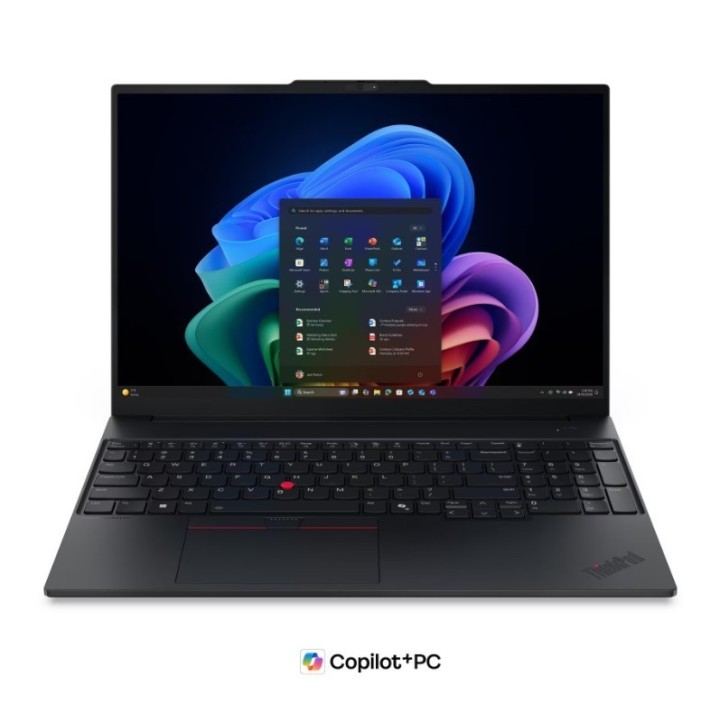
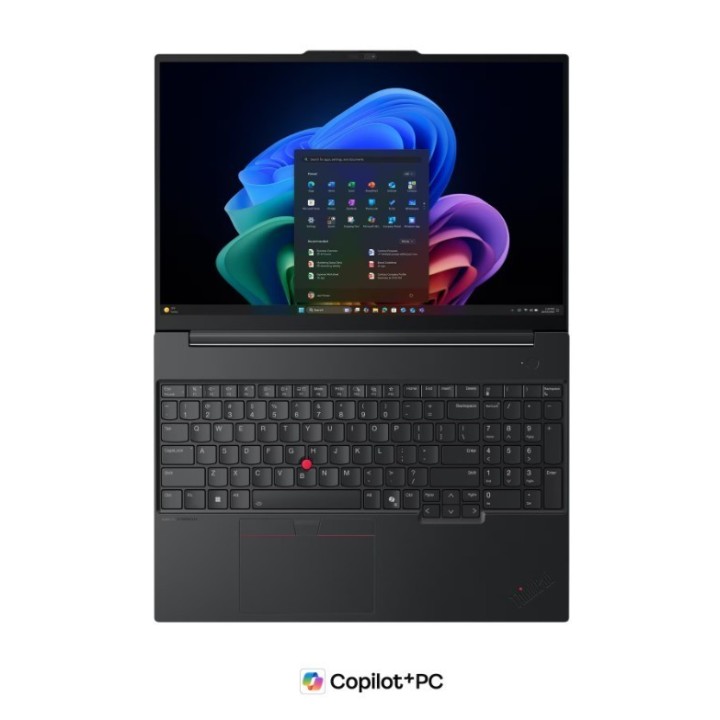
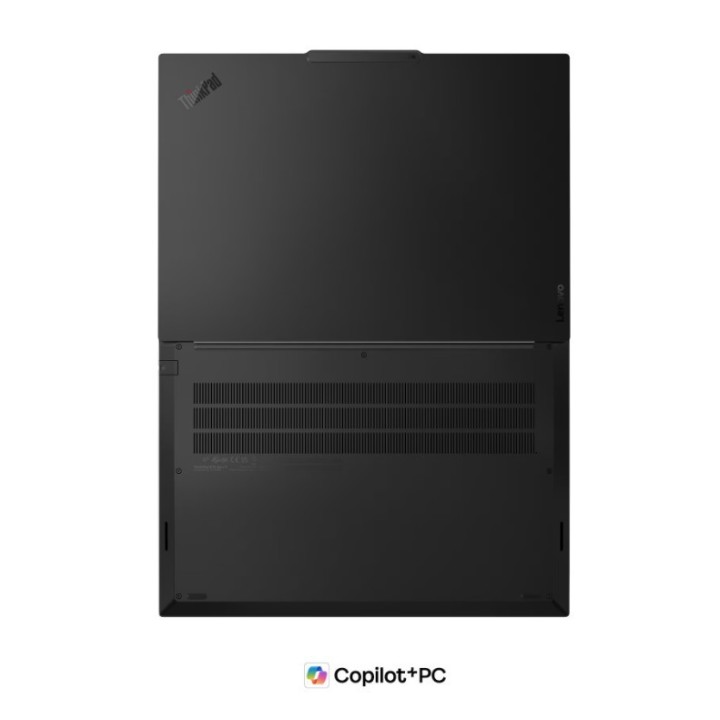
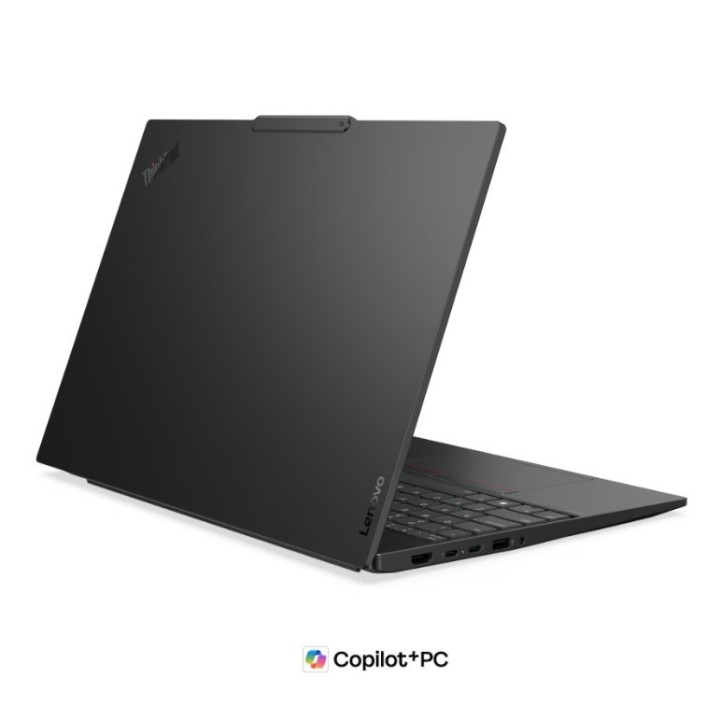
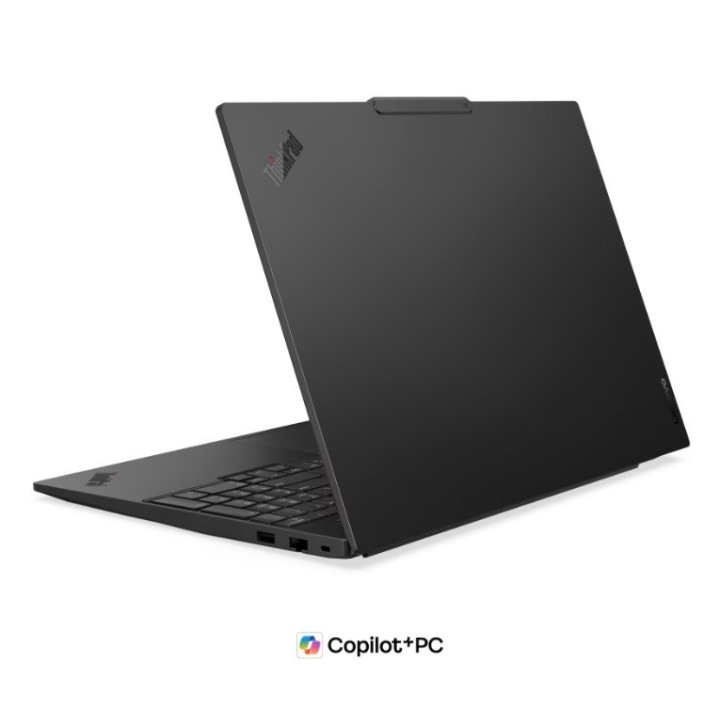
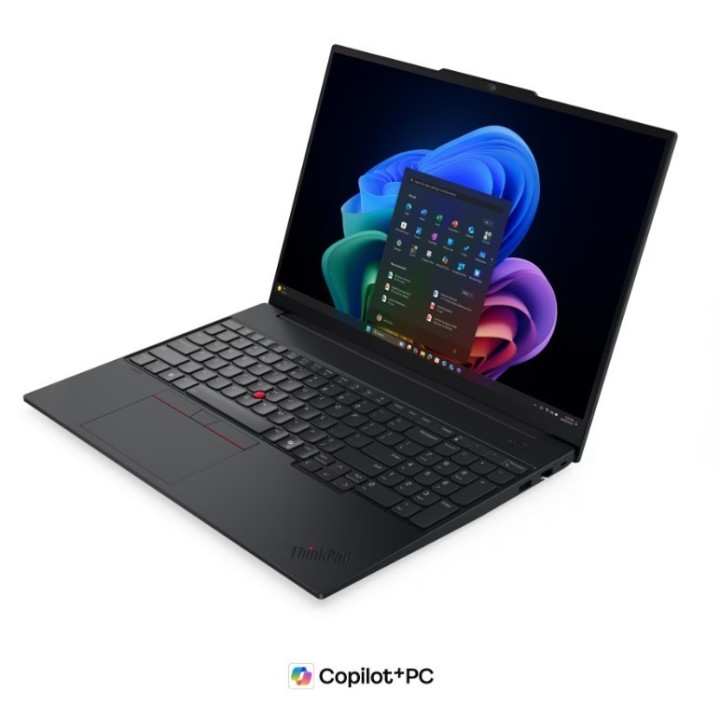
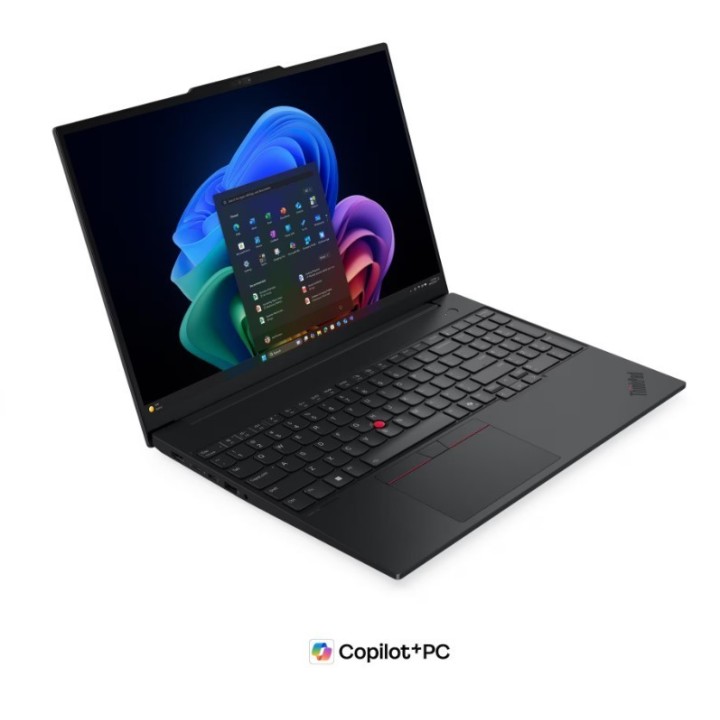
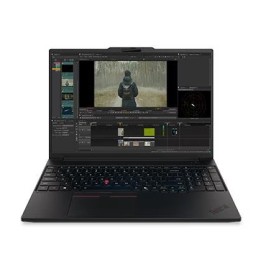
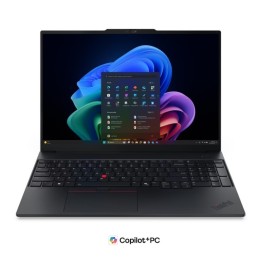
Lenovo Notebook E16 G3 U7 258V 32GB 1TB W11P
PragmaPay dla biznesu
Zapłać za zakupy firmowe później lub w ratach przez Tpay.
Sprawdź, jak działa (otwiera się w nowej karcie)Opis produktu
Lenovo ThinkPad E16 Gen 3 (22AY0089PB) – Nowoczesność, Wydajność i Bezpieczeństwo
Notebook Lenovo ThinkPad E16 Gen 3 to zaawansowany laptop biznesowy, który łączy w sobie najnowsze technologie, wysoką wydajność oraz niezawodność, z której słynie seria ThinkPad. Wyposażony w procesor Intel Core™ Ultra 7 258V, 32GB pamięci RAM LPDDR5X oraz szybki dysk SSD 1TB, ten model jest idealnym wyborem zarówno dla profesjonalistów, jak i wymagających użytkowników domowych. Dzięki wsparciu dla sztucznej inteligencji (AI PC, Copilot+ PC) oraz zintegrowanej grafice Intel® Arc™, ThinkPad E16 Gen 3 zapewnia płynną pracę nawet przy najbardziej wymagających zadaniach.
Najważniejsze Cechy Produktu
Procesor: Intel Core™ Ultra 7 258V, 8 rdzeni, taktowanie do 4.8GHz
Pamięć RAM: 32GB LPDDR5X, dwukanałowa, lutowana
Dysk SSD: 1TB PCIe® 4.0x4 NVMe® Opal 2.0
Ekran: 16" WUXGA (1920x1200), IPS, matowy, 300 nitów
Grafika: Zintegrowana Intel® Arc™ Graphics 140V
System operacyjny: Windows® 11 Pro (PL/EN)
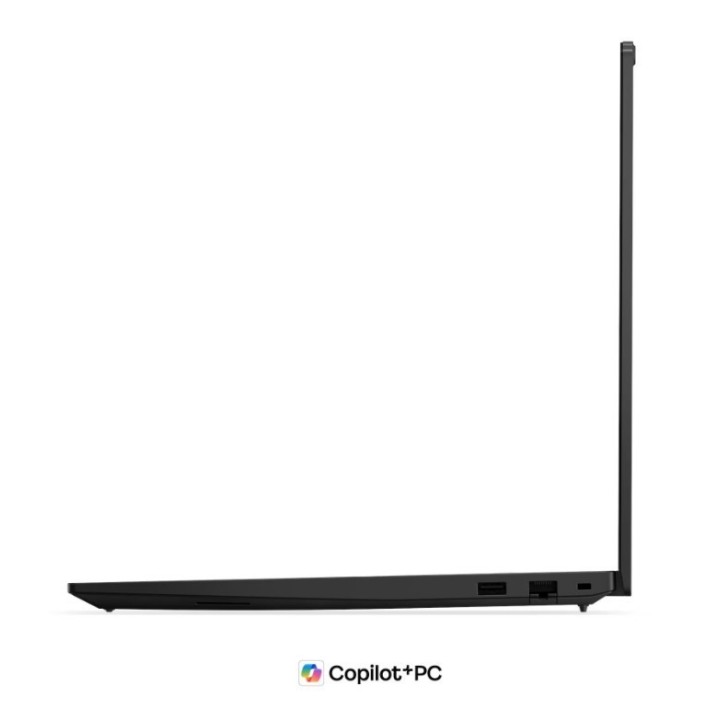
Łączność: Wi-Fi 6E, Bluetooth 5.3, Ethernet RJ-45, Thunderbolt™ 4
Bezpieczeństwo: TPM 2.0, czytnik linii papilarnych, IR Camera, ThinkShield
Audio: Głośniki stereo Dolby Atmos® by HARMAN, mikrofony array
Bateria: 64Wh, szybkie ładowanie przez USB-C® 65W
Obudowa: Aluminium, wytrzymałość potwierdzona normą MIL-STD-810H

Szczegóły produktu
- Marka Lenovo
- Kod produktu 6a520df59042cea65a4338ca
- Dostępność 14 Przedmioty
- EAN13 0199276525031
- MPN 22AY0089PB
Specyfikacja
- Przekątna ekranu (cal) 16 cal
- Rozdzielczość natywna 1920 × 1200
- Typ matrycy IPS
- Ekran dotykowy Nie
- Typ pamięci RAM LPDDR5X
- Pamięć RAM (GB) 32 GB
- Pojemność dysku (GB) 1000 GB
- Masa (kg) 1,61 kg
- System operacyjny Windows 11 Pro
Producent
Producent
Lenovo Technology B.V. Sp. z o.o. Oddział w Polsce
ul. Gottlieba Daimlera 1 02-460 Warszawa Polska
E-mail: support@lenovo.com
Osoba odpowiedzialna w UE
Lenovo (Slovakia) s.r.o.
Landererova 12 811 09 Bratislava Słowacja
E-mail: balenovo_sk@lenovo.com
Formularz kontaktowy: https://www.lenovo.com/sk/sk/contact
Telefon: +421268688000
Bezpieczeństwo
Informacje o bezpieczeństwie
List of laptop safety warnings based on the requirements of General Product Safety Regulation (EU) 2023/988 (GPSR): 1. Risk of electric shock: * Make sure your laptop is connected to a working grounded outlet. * Do not touch the plug or cable with wet hands. * Avoid using your laptop in areas with high humidity. 2. Risk of overheating: * Provide adequate ventilation while maintaining at least 5 cm of free space around your laptop. * Do not block ventilation holes and avoid putting your laptop on soft surfaces such as blankets or pillows. 3. Fire risk: * Use only original chargers and accessories recommended by the manufacturer. * Do not leave your laptop on unattended near flammable materials. 4. Risk of bodily injury: * Avoid using your laptop in a position that causes excessive heat pressure on your skin to prevent burns. * Use your laptop on a stable surface to minimize the risk of falling. 5. Hazards in humid environments: * Do not use your laptop outdoors in rain or in areas with high humidity, such as bathrooms. * If your laptop is flooded, disconnect it from the power source immediately and contact the service. 6. Hazards at high temperatures: * Do not expose your laptop to direct sunlight. * Avoid using your laptop at temperatures above the recommended range (usually 5-35°C). 7. Risk of damage during cleaning: * Before cleaning, disconnect the laptop from power and use a soft, slightly damp cloth. * Avoid using strong detergents that can damage the surface of your laptop. 8. Caution when replacing accessories: * Use only the accessories recommended by the manufacturer. * When replacing batteries, follow the manufacturer's instructions and do not expose the battery to high temperatures. 9. Battery-related hazards: * Avoid damage to the battery by impacts or punctures. * If the battery overheats or swells, stop using the laptop immediately. 10. Child warnings: * Keep power cables out of reach of children. * Make sure your kids don’t play with their laptop or accessories that can be dangerous.
Laptopy
Ostatnio oglądane
Produkty, które ostatnio zwróciły Twoją uwagę.