




Raty i finansowanie
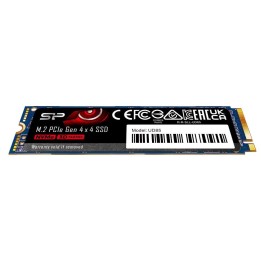
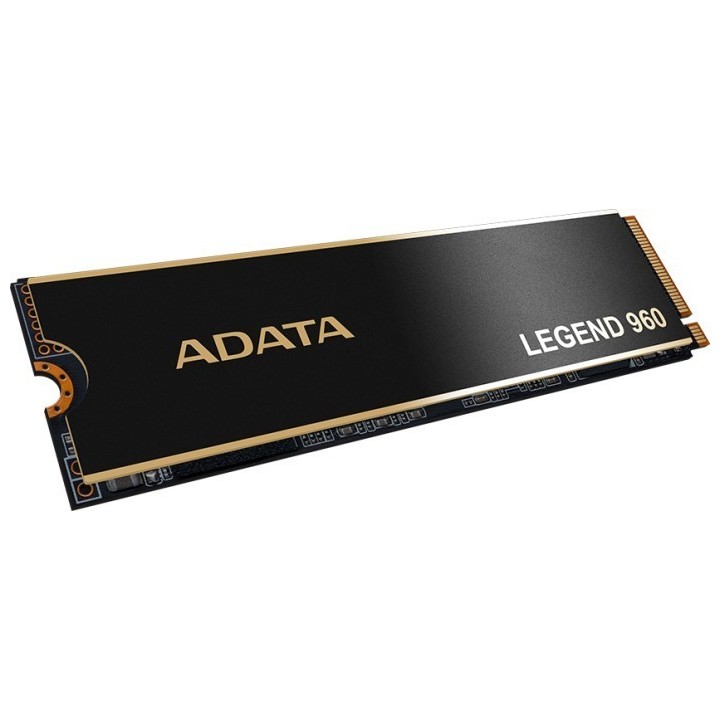
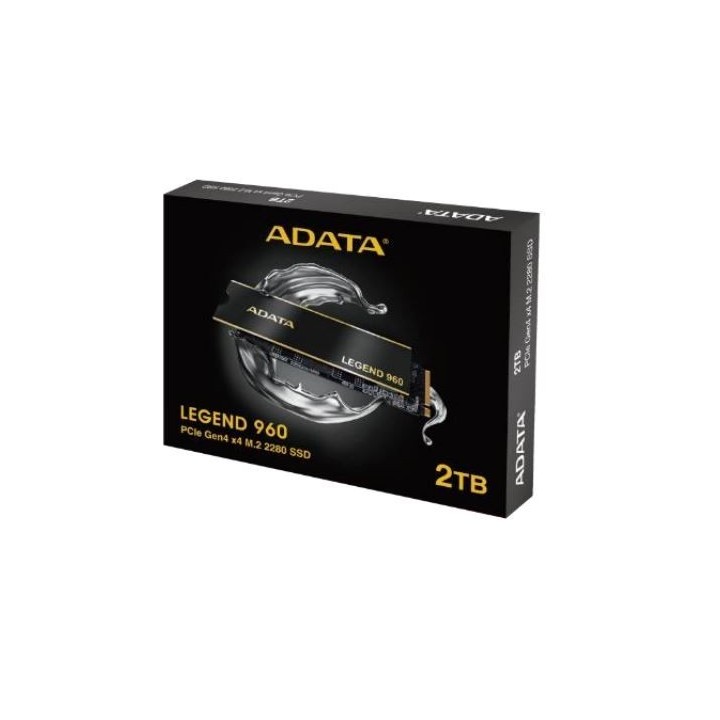
Dysk SSD Legend 960 2TB PCIe 4x4 7.4/6.8 GB/s M2
- MPN:
- ALEG-960-2TCS
- EAN:
- 4711085937513
Akceptowane płatności
Opis produktu
Adata LEGEND 960
Jednostka LEGEND 960 obsługuje najnowszy interfejs PCIe Gen4 x4, który spełnia standard NVMe 1.4. Zapewnia doskonałą wydajność odczytu i zapisu, rozbudowaną łączność urządzeń oraz wsparcie dla najnowszych platform Intel i AMD. Przyspiesz swoją kreatywność na komputerze stacjonarnym lub laptopie.
- PCIe Gen4 x4
- Max. prędkość odczytu/zapisu: 7 400/6 800 MB/s
- Pojemność: do 4 TB
- Chłodzenie zapewnia efektywne chłodzenie
- Obsługuje najnowsze platformy Intel i AMD
- 5-letnia gwarancja
Specyfikacja
| Dane techniczne | |
|---|---|
| Interfejs | PCIe Gen4x4 |
| Format dysku | M.2 2280 |
| Typ dysku | SSD |
| Całkowita pojemność | 2 TB |
| Prędkość sekwencyjna odczytu/zapisu | do 7400 / 6800 MB/s |
| Prędkość losowego odczytu/zapisu | do 750K / 630K IOPS |
| MTBF | 2 000 000 godzin |
| Zapisywane TB(TBW) | 1560 TB |
| Wymiary i waga | |
| Wymiary | 80 x 22 x 4.68 mm |
| Waga | 11 g |
Opis produktu został przetłumaczony przez sztuczną inteligencję i może zawierać nieścisłości.
- MPN:
- ALEG-960-2TCS
- EAN:
- 4711085937513
Szczegóły produktu
- Marka Adata
- Kod produktu 660fc1e171a267703cb84840
- Dostępność 4 Przedmioty
- EAN13 4711085937513
- MPN ALEG-960-2TCS
Producent
Producent
ADATA Technology B.V.
Transistorweg 7 6534 AT Nijmegen Netherlands
E-mail: adata@adata.com
Formularz kontaktowy: https://www.adata.com/pl/contact?tab=business-needs
Osoba odpowiedzialna w UE
EARN Elektroaltgeräte Service GmbH
Landstrasse 91 38644 Goslar Germany
Formularz kontaktowy: https://www.adata.com/en/support/contact-us/
Bezpieczeństwo
Informacje o bezpieczeństwie
List of SSD security warnings based on General Product Safety Regulation (GPSR) 2023/988 requirements: * Before installing or disassembling an SSD, make sure your computer is turned off and disconnected from power. * When installing an SSD, use the appropriate tools and screws to avoid damaging your drive or computer. * Do not open the SSD enclosure as this may result in loss of warranty and damage to the drive. * Protect your SSD from moisture, dust, and extreme temperatures. * Use SSD management software according to the manufacturer's instructions to monitor its health and performance. * Regularly back up data from your SSD to avoid data loss in the event of a drive failure. * Do not disassemble the SSD while writing or reading data, this can lead to data loss. * Do not expose your SSD to shocks, drops, or other mechanical damage. * Once usage is complete, delete data from the SSD securely to prevent unauthorized access to the data. * Follow the rules for the safe handling of electronic waste when disposing of an SSD.
Dyski SSD
Ostatnio oglądane
Produkty, które ostatnio zwróciły Twoją uwagę.