
LENOVO ThinkVision T24-40 23.8inch IPS 1920x1080 16:9 250cd/m2 HDMI DP VGA USB TopSeller — po zwrocie obrazki
LENOVO ThinkVision T24-40 23.8inch IPS 1920x1080 16:9 250cd/m2 HDMI DP VGA USB TopSeller — po zwrocie
Opis produktu
Outlet — produkt uszkodzony
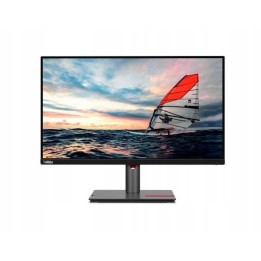
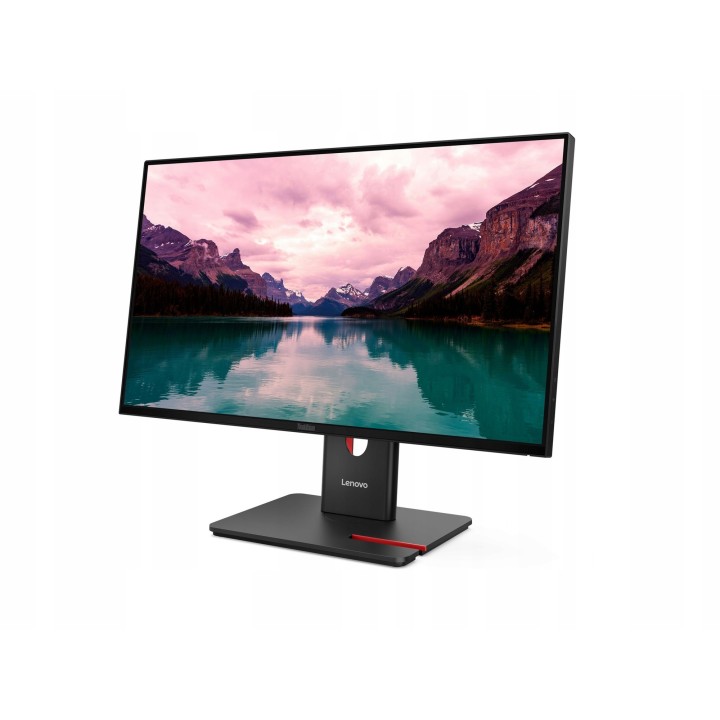
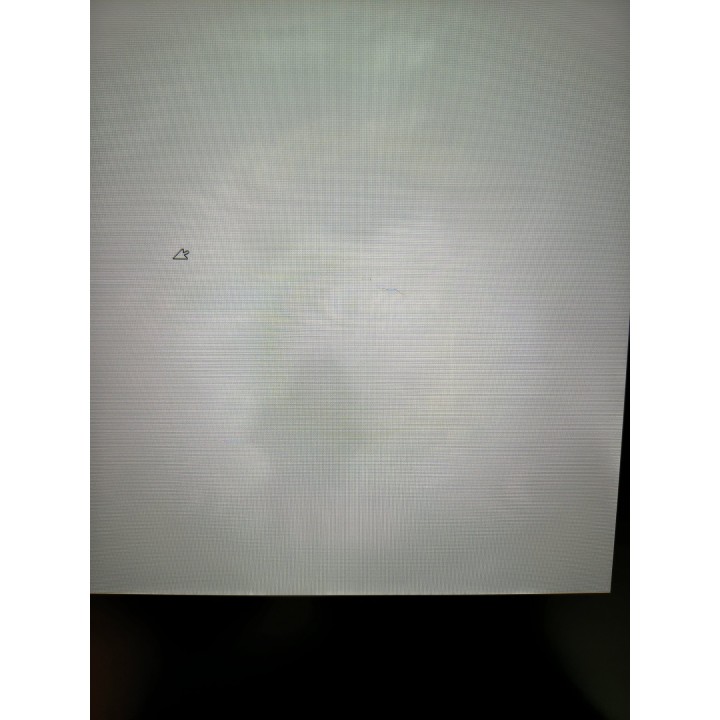
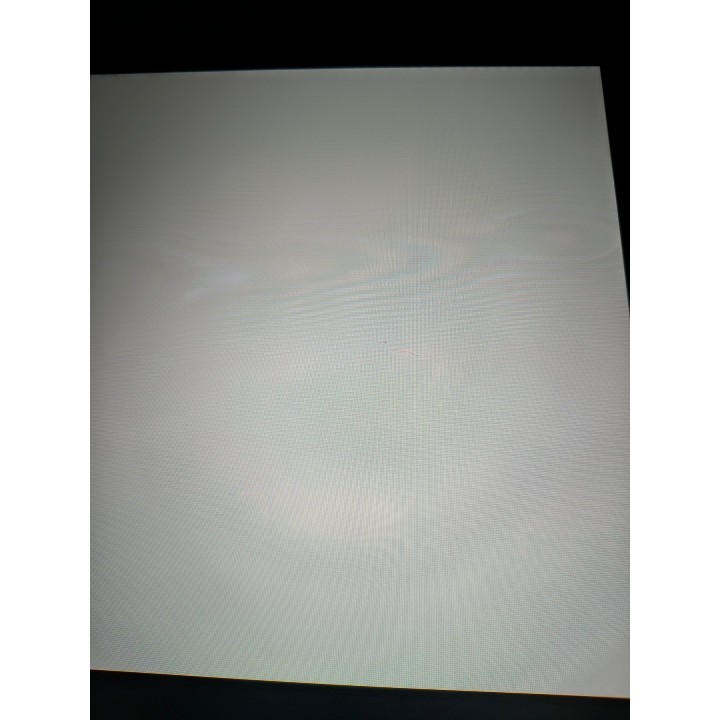
Stan: Otwarte opakowanie, dwie rysy na środku matrycy - jedna prosta około 1,5 cm długości, druga - kręta, około 2,5 cm długości. Wady widoczne na zdjęciu.
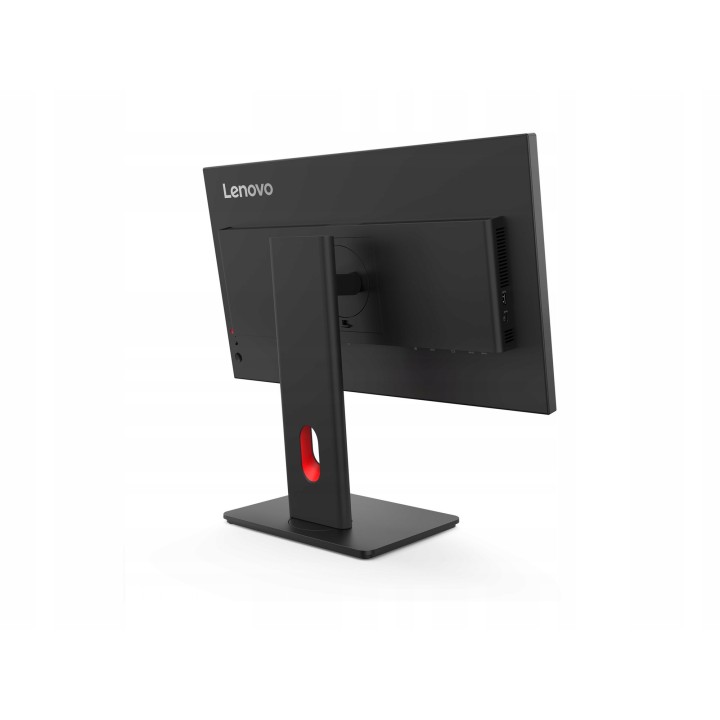
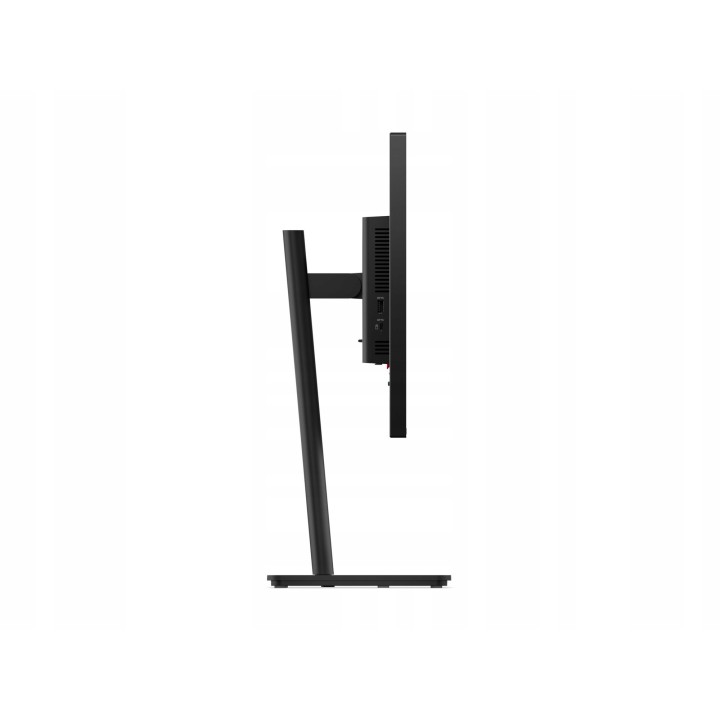
Otwarte opakowanie, dwie rysy na środku matrycy - jedna prosta około 1,5 cm długości, druga - kręta, około 2,5 cm długości. Wady widoczne na zdjęciach. Zestaw kompletny.
stan towaru zgodny ze zdjęciami
Monitor Lenovo ThinkVision T24-40 24inch IPS 1920x1080 250cd/m2
Lenovo
Lenovo ThinkVision T24-40 to monitor z 24-calowym ekranem o rozdzielczości 1920 x 1080, zapewniającym wyraźny obraz Full HD. Jasność 250 cd/m² i współczynnik kontrastu 1500:1 gwarantują ostrość i klarowność obrazu. Technologia Natural Low Blue Light minimalizuje zmęczenie oczu, co jest przydatne podczas długotrwałego użytkowania. Monitor ma ultracienką ramkę, która dodaje nowoczesnego wyglądu, oraz zintegrowany system zarządzania kablami, pomagający utrzymać porządek. Wyświetlacz antyodblaskowy i szerokie kąty widzenia 178 stopni zwiększają komfort użytkowania. Urządzenie obsługuje wiele opcji wejściowych, takich jak HDMI i DisplayPort, a także oferuje doskonałą jakość kolorów z 99% pokryciem sRGB i 99% BT.709. Monitor posiada certyfikaty EPEAT Gold i ENERGY STAR, co świadczy o jego efektywności energetycznej.
- Rodzaj urządzenia: Monitor LCD z podświetleniem LED 24"
- Typ panela: IPS
- Współczynnik kształtu: 16:9
- Rozdzielczość natywna: Full HD (1080p) 1920 x 1080 przy 120 Hz
- Rozstaw pikseli: 0.2745 mm
- Jasność: 250 cd/m2
- Współczynnik kontrastu: 1500:1, 3000000:1 (dynamic)
- Czas reakcji: 4 ms (wartość ekstremalna), 6 ms (standardowo)
- Obsługa kolorów: 16,7 miliony kolorów
- Paleta Kolorów: 99% sRGB, 99% BT.709
- Złącza wejściowe: HDMI, VGA, DisplayPort
- Regulacja pozycji ekranu: Odchylenie, pokrętło, pivot (obrót), wysokość
- Powłoka ekranu: Antyrefleksyjna
- Napięcie: AC 100-240 V (50-60 Hz)
- Kolor: Kruczoczarny
- Wymiary (szer. x gł. x wys.) z podstawką (najwyższa pozycja): 53.98 cm x 19 cm x 50.58 cm
- Waga: 5.1 kg
- Klasa energii: Klasa C
- Cechy: Koncentrator USB 3.2 Generacji 1.
- Standardy ochrony środowiska: EPEAT Gold
- Zgodność z normami: RoHS, TCO Certified 10.0, Eyesafe Certified 2.0, Certyfikacja Komfortu Oka TUV Rheinland (5 gwiazdek), TUV Rheinland Flicker Free Certification, TV Rheinland Low Blue Light, TUV Rheinland Low Blue Light (Hardware Solution), China Energy standard Tier 1
Szczegóły produktu
- Kod produktu OUT:6adf580da0884e8a57e64614:KT-9BA0F778AB924F1C
- Dostępność 1 Przedmiot
- Stan Używane
Producent
Producent
Lenovo Technology B.V. Sp. z o.o. Oddział w Polsce
ul. Gottlieba Daimlera 1 02-460 Warszawa Polska
E-mail: support@lenovo.com
Osoba odpowiedzialna w UE
Lenovo (Slovakia) s.r.o.
Landererova 12 811 09 Bratislava Słowacja
E-mail: balenovo_sk@lenovo.com
Formularz kontaktowy: https://www.lenovo.com/sk/sk/contact
Telefon: +421268688000
Bezpieczeństwo
Informacje o bezpieczeństwie
List of computer monitor safety warnings based on the requirements of General Product Safety Regulation (EU) 2023/988 (GPSR): * Risk to vision: Long-term gazing at the monitor screen may cause eye strain, dry eyes or headaches. * Limit the working time with the monitor. * Take regular breaks. * Maintain proper distance from the screen. * Ensure proper lighting in the room. * Set the brightness and contrast of the monitor to a comfortable level. * Ergonomics: Incorrect position when working with the monitor can lead to back, neck, and shoulder pain. * Set the monitor to the correct height so that the top edge of the screen is at eye level or slightly below. * Use an adjustable chair and desk to ensure an ergonomic position. * Maintain proper posture while sitting. * Risk of electric shock: Improper use or damage to the monitor can lead to electric shock. * Do not use the monitor in humid environments. * Do not touch the monitor with wet hands. * Do not put any items inside the monitor. * If the power cable is damaged, replace it with a new one. * Disconnect the monitor from power before cleaning. * Fire risk: Overheating or short circuiting in the monitor can cause a fire. * Do not cover the ventilation holes of the monitor. * Do not place the monitor near heat sources. * Use only the original power supply that came with your monitor. * If the monitor overheats, disconnect it from power immediately. * Mechanical damage: The fall of the monitor can cause damage and pose a threat to the user. * Set the monitor on a stable surface. * Secure cables to avoid accidental tripping. * For monitor transport, use appropriate protective packaging. * Cleaning: Improper cleaning of the monitor can damage the screen or cause other problems. * Use only a soft, dry cloth to clean the screen. * Do not use cleaning products containing alcohol, ammonia or other corrosive substances. * Disconnect the monitor from power before cleaning. * Disposal: Incorrect disposal of the monitor can pose a threat to the environment. * Return the used monitor to the e-waste collection point. * Do not throw the monitor in a regular trash can. * Children: The monitor is not a toy and should not be used by children without supervision. * Make sure children do not touch the power cables. * Make sure kids don't play around with the monitor packaging. * Repairs: Do not try to repair the monitor yourself. * Any repairs should be done by qualified personnel. * Monitor portability: Be careful when moving your monitor. * Disconnect all cables before moving. * Use appropriate packaging. * Weather conditions: Do not expose the monitor to extreme temperatures or moisture. * Protect your monitor from direct sunlight. * Adjustable settings: Do not use extreme brightness or contrast settings. * These can cause faster eye strain. * Noise: If the monitor makes disturbing noises, turn it off immediately. * Contact the technical service. * Environmental protection: Be sure to turn off the monitor when not in use. * You save energy this way. * Software: Use only the software provided by the manufacturer. * You will avoid compatibility issues.
Outlet