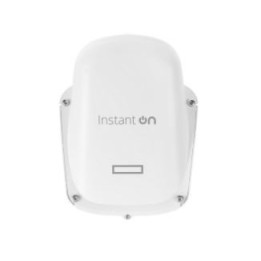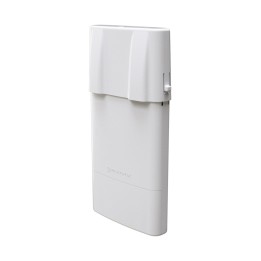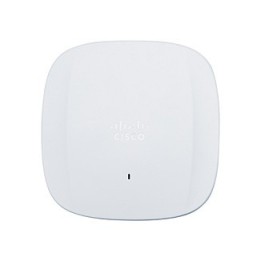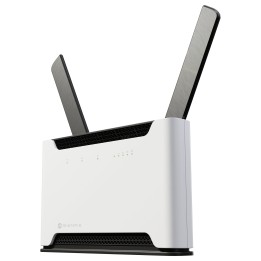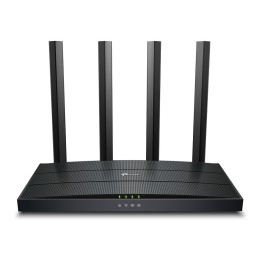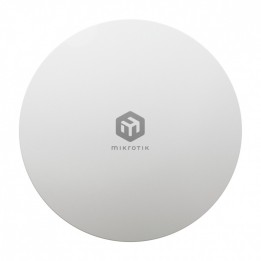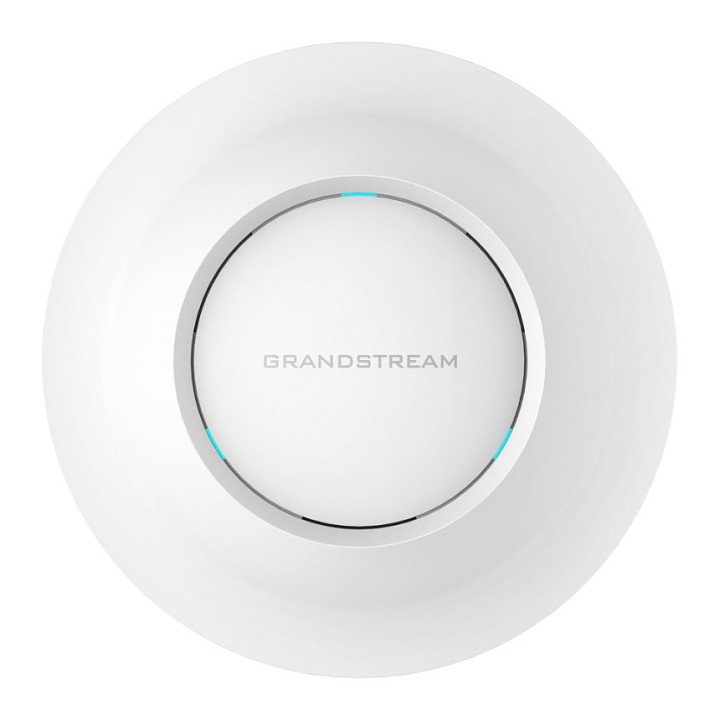
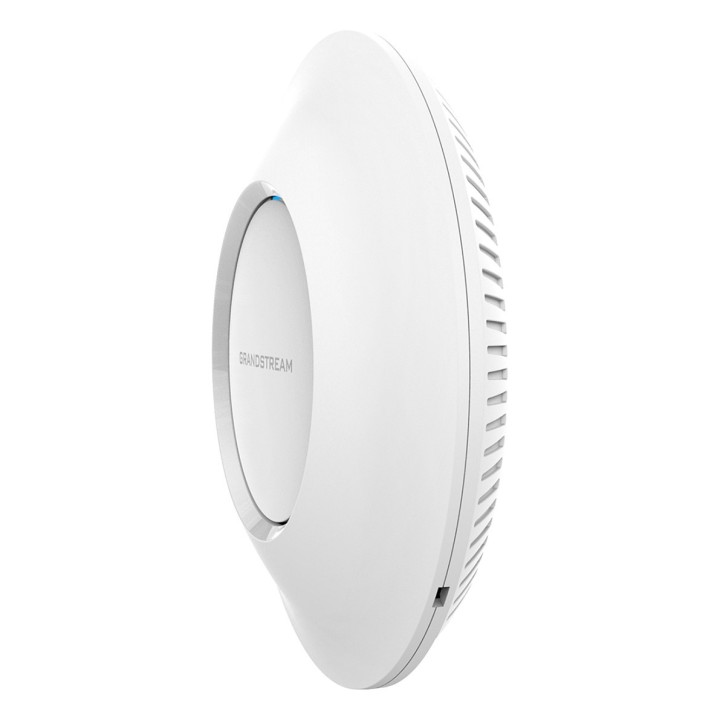
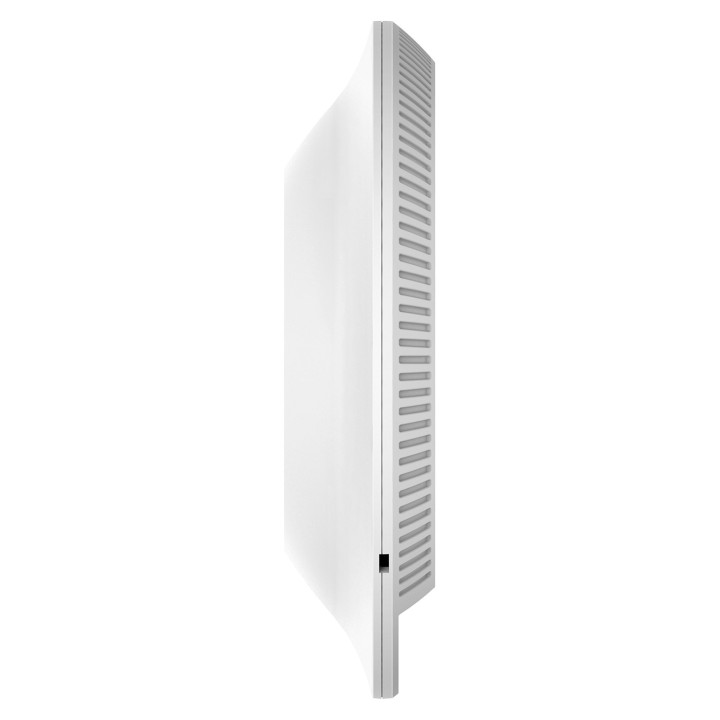
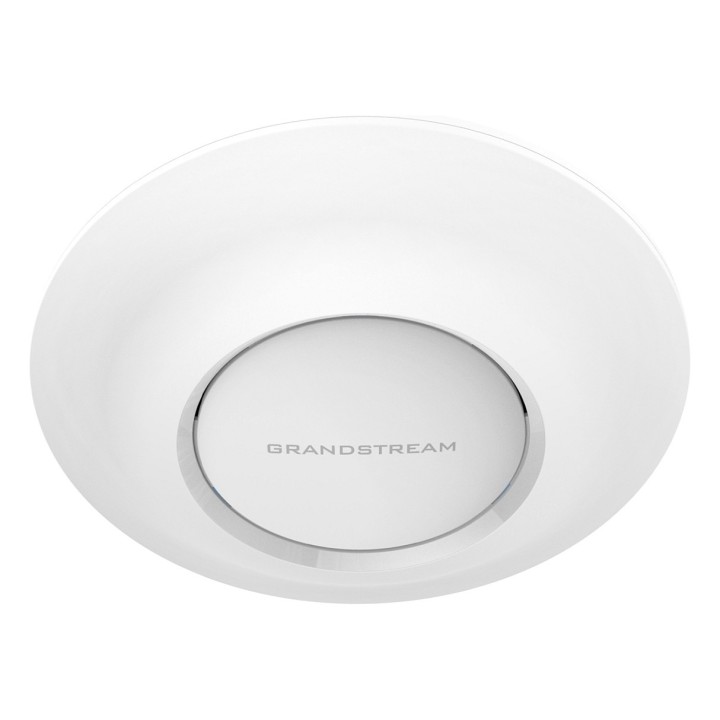
Grandstream GWN7615 802.11ac Wave-2 3×3:3 Enterprise Wi-Fi Access Point

Cena: 424,49 zł
Brutto
Dostępność produktu: Dostępny 23 szt.
Czas dostawy Wysyłka w ciągu 7 dni roboczych
Koszt dostawy Dostawa od 11,99 zł

Raty Pekao

Za zakupy możesz zapłacić na raty przez Tpay.

Oblicz ratę (otwiera się w nowej karcie)

PragmaPay dla biznesu

Zapłać za zakupy firmowe później lub w ratach przez Tpay.

Sprawdź, jak działa (otwiera się w nowej karcie)

Opis produktu

GWN7615 to wydajny punkt dostępowy Wi-Fi 802.11ac Wave-2 dla małych i średnich firm, biur wielopiętrowych, lokalizacji handlowych i oddziałów. Oferuje dwuzakresową technologię MU-MIMO 3 × 3: 3 oraz wyrafinowaną konstrukcję anteny dla maksymalnej przepustowości sieci i rozszerzonego zasięgu Wi-Fi. Aby zapewnić łatwą instalację i zarządzanie, GWN7615 wykorzystuje rozproszony projekt zarządzania siecią bez kontrolera, w którym kontroler jest osadzony w internetowym interfejsie użytkownika. GWN7615 jest także obsługiwany przez GWN Cloud, bezpłatną platformę do zarządzania Wi-Fi w chmurze. Jest to idealny punkt dostępowy Wi-Fi do wdrażania komunikacji głosowej przez Wi-Fi i oferuje płynne połączenie z telefonami IP. GWN7615 jest idealnym punktem dostępu Wi-Fi dla średniej sieci bezprzewodowej.

Szczegóły produktu

  • Marka Grandstream
  • Kod produktu 6610c3a3620507cf6ebe80a2
  • Dostępność 23 Przedmioty
  • EAN13 6947273703051
  • MPN GWN7615

Specyfikacja

  • Generacja Wi-Fi Wi-Fi 5

Producent

Producent

Impet Computers Sp. z o.o.

Marywilska 34 03-228 Warszawa Polska

E-mail: grandstream@impetc.pl

Bezpieczeństwo

Informacje o bezpieczeństwie

List of safety warnings for WiFi and Access Point Routers based on the requirements of Regulation (EU) 2023/988 on General Product Safety (GPSR) 1 Risk of electric shock: * Make sure that the device is connected to a working socket with grounding. * Do not touch the plug or cable with wet hands. Avoid using the device in places with high humidity. 2. Risk of overheating: * Provide adequate ventilation while maintaining at least 5 cm of free space around the device. * Do not block ventilation openings. 3. Fire risk: * Use only original power supplies and accessories recommended by the manufacturer. * Do not leave the device on unattended near flammable materials. 4. Hazards at high temperatures: * Do not expose the device to direct sunlight. Avoid using the router at temperatures above the recommended range (usually 5-35°C). 5. Risk of damage during cleaning: * Before cleaning, disconnect the device from the power supply and use a soft, slightly damp cloth. Avoid using strong detergents that can damage the surface of the device. 6. Warnings for children: * Keep power cables out of reach of children. Make sure that children do not play with the device or accessories that can be dangerous. 7. Check the technical condition of the device: * Check the condition of the device regularly for mechanical damage, cracks or other defects. * Do not use the device if it has visible mechanical damage. 8. Use in humid environments * Avoid using your router in the bathroom, in the rain or other humid environments 9. Interference with other devices * Using a router near medical devices such as pacemakers can cause electromagnetic interference. * Keep a distance of at least 15 cm between your router and medical devices. 10. Regular maintenance * Failure to regularly clean ports and sockets can lead to damage or failure. * Clean ports and sockets regularly using a dry and clean cloth, avoiding moisture input. 11. Risk of loss of water resistance * Do not immerse in water if it is not waterproof. 12. Electromagnetic interference * Smartwatches can interfere with medical devices such as pacemakers. 13. Small parts: * Components of the device, can be swallowed by children. * Keep your device and its accessories out of reach of children. Do not allow children to use the device themselves without supervision. 14. Risk of battery damage * Improper use, dry as overheating or using a non-original charger, can lead to battery damage and, in extreme cases, to battery explosion. * Charge your device at room temperature and use only original accessories. Do not expose your smartwatch to high temperatures. 15. Maintenance and cleaning * Impurities such as sweat or dirt can cause discomfort and damage to materials. * Clean your smartwatch and strap regularly with a soft, damp cloth. Avoid using harsh chemicals.

Ładowanie...
Wróć na górę