- Nowy
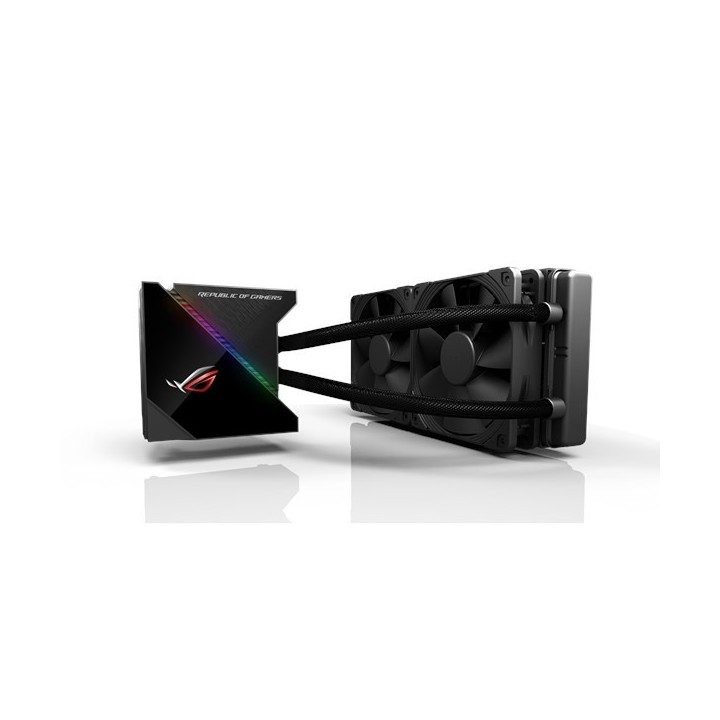
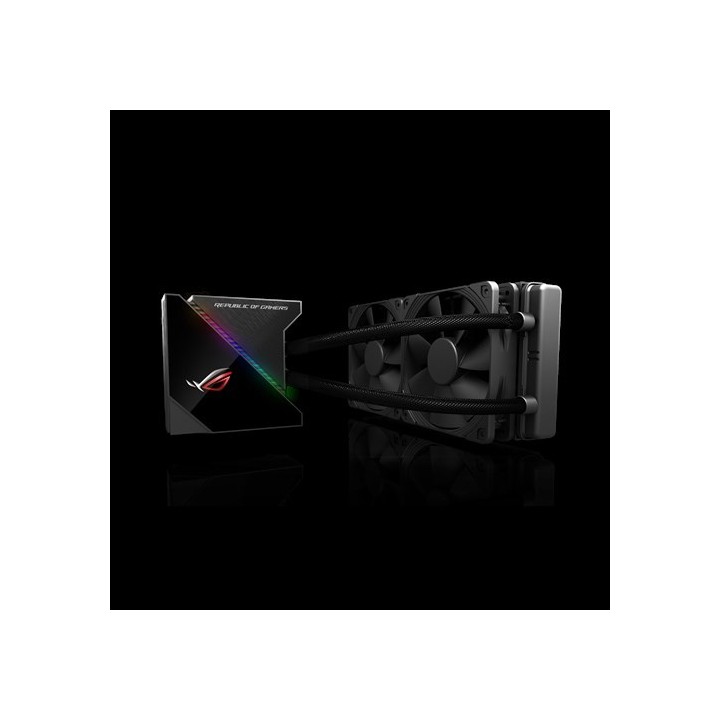
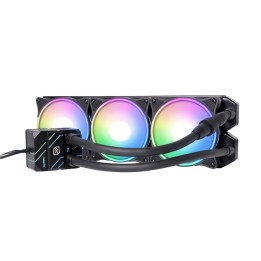
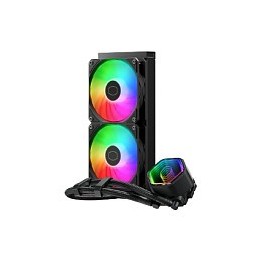
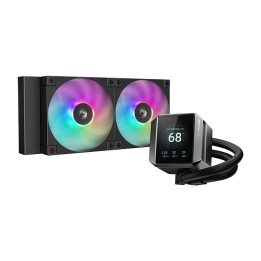
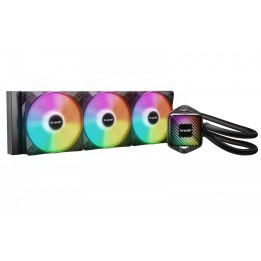
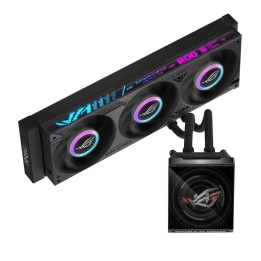
ASUS ROG Ryujin 240 chłodzenie wodne AIO 2 x 120 mm obrazki
ASUS ROG Ryujin 240 chłodzenie wodne AIO 2 x 120 mm
PragmaPay dla biznesu
Zapłać za zakupy firmowe później lub w ratach przez Tpay.
Sprawdź, jak działa (otwiera się w nowej karcie)Opis produktu
Opis i zastosowanie
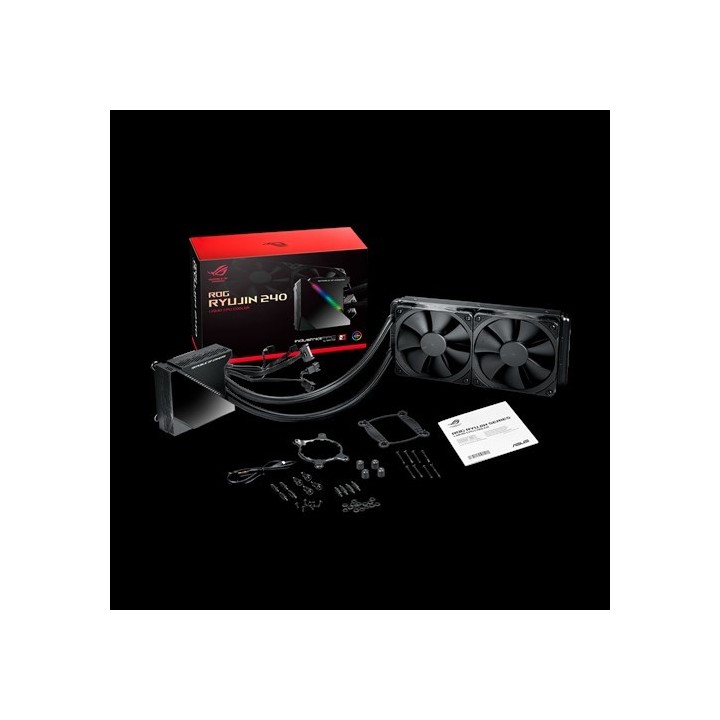
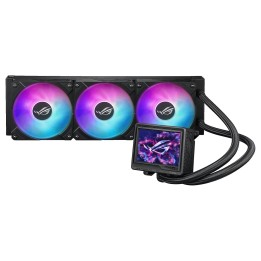
ASUS ROG Ryujin 240 to zamknięte chłodzenie cieczą typu all-in-one przeznaczone do odprowadzania ciepła z procesorów w wydajnych komputerach stacjonarnych. Urządzenie łączy radiator o długości 240 mm z dwoma wentylatorami 120 mm oraz kompaktowym blokiem wodnym, zapewniając obniżenie temperatury rdzeni nawet w obciążonych konfiguracjach.
Wydajność chłodzenia
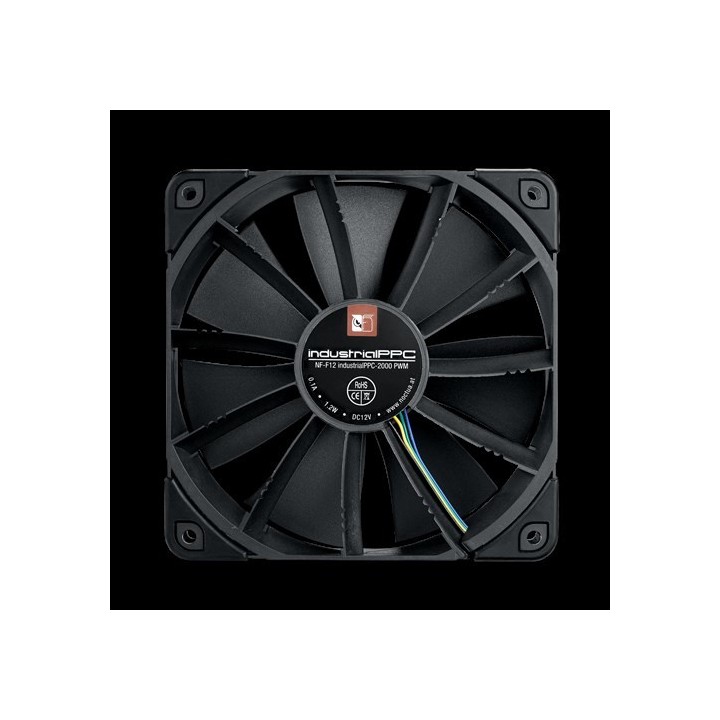
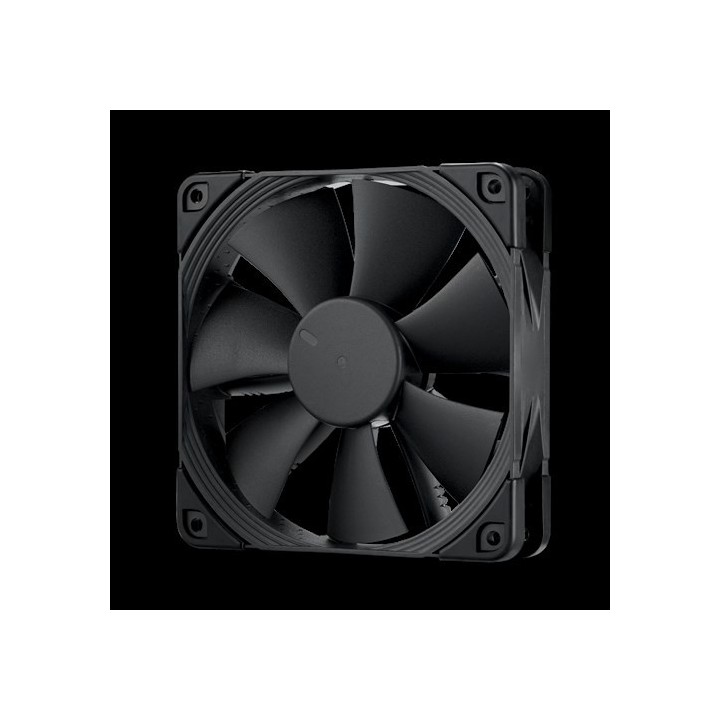
Układ wykorzystuje dwa wentylatory Noctua IndustrialPPC 120 mm sterowane przy pomocy PWM, pracujące z maksymalną prędkością do 2000 obr./min. Poziom hałasu przy pełnym obciążeniu jest niskim poziomie wskazywanym przez producenta, co pozwala uzyskać kompromis między przepływem powietrza a kulturą pracy. Dodatkowy wentylator umieszczony w obudowie pompy (60 mm) kieruje strumień powietrza na sekcję zasilania płyty głównej i gniazdo M.2, co pomaga obniżyć temperatury kluczowych komponentów wokół procesora.
Konstrukcja i materiały
Blok wodny wykonany jest z miedzi dla efektywnego odprowadzania ciepła, a radiator z aluminium zapewnia dużą powierzchnię wymiany ciepła. Węże o długości ok. 38 cm wykonano z elastycznej gumy, co ułatwia prowadzenie i montaż wewnątrz obudowy. Wentylatory mają standardowe wymiary 120 x 120 x 25 mm, a radiator ma wymiary odpowiadające montażowi 240 mm, zgodne z popularnymi wnękami na chłodnice.
Sterowanie i personalizacja
Urządzenie oferuje wbudowany, kolorowy ekran OLED o przekątnej 1,77
Szczegóły produktu
- Marka Asus
- Kod produktu 663baf015521f6e903dc08c8
- Dostępność 1 Przedmiot
- EAN13 4718017058155
- MPN 90RC0030M0UAY0
Producent
Producent
ASUS Polska SP. z o.o.
Cybernetyki 9 02-677 Warszawa Polska
E-mail: sales@asus-polska.pl
Osoba odpowiedzialna w UE
ASUS Polska Sp. z o.o.
Harkort str 21-23 40880 Ratingen Germany
E-mail: sales@asus-polska.pl
Telefon: 22 571 80 00
Bezpieczeństwo
Informacje o bezpieczeństwie
List of computer cooling and tuning safety warnings based on the requirements of General Product Safety Regulation (EU) 2023/988 (GPSR): 1. Risk of electric shock: * Before assembly or disassembly, make sure your computer is disconnected from power. * Do not touch the power cords with wet hands. * Use only power supplies and cables that comply with safety standards. 2. Fire risk: * Make sure the cooling system is compatible with your central unit and power supply. * Regularly check the condition of wires and fittings for damage or overheating * Do not block ventilation holes in the computer case. Use only non-flammable coolants designed for liquid cooling systems. 3. Risk of physical injury: * Use protective gloves during assembly to avoid cuts to the sharp edges of the components. * Beware of heavy elements such as heat sinks to avoid dropping them on your feet or other body parts. * Secure tuning components such as fans so they don't cause injury while your computer is running. Take special care when working with liquids - avoid contact with eyes and skin. 4. Risk of damage to equipment: * Before installation, make sure that all components are compatible with your computer. * Follow assembly and disassembly instructions to avoid damage to components. * Do not exceed the recommended voltage and current values to avoid overheating and damage to components. * Clean cooling elements regularly to ensure efficient heat transfer. 5. Coolant Hazards: * In case of coolant leakage, disconnect the computer from power immediately. Cooling liquid can cause corrosion - it should be removed from the surface of the elements. * Avoid inhaling coolant fumes. 6. Hazards for children: * Keep small items (screws, fittings) out of reach of children. * Do not allow children to assemble or disassemble computer components themselves. 7. Noise: * Fans can generate noise - use headphones or limit the time spent near a loud computer. 8. Electronics hazards: * Use antistatic mats during operation to protect components from electrostatic discharge. * Do not repair damaged items yourself - return them to service. 9. Overheating: * Regularly monitor the temperature of components to avoid overheating. * Make sure your cooling system is working properly and is sufficient for your computer. 10. Fire safety: * Use only certified power supplies and cooling systems. * Regularly check that no dust accumulates inside the housing, which can be flammable.
Chłodzenie wodne
- Nowy
- Nowy
- Nowy