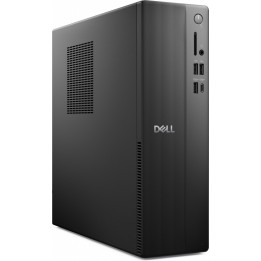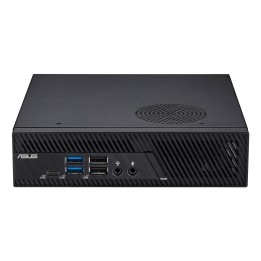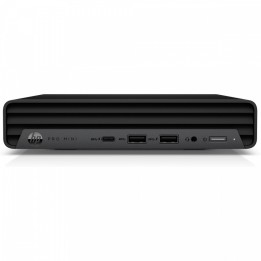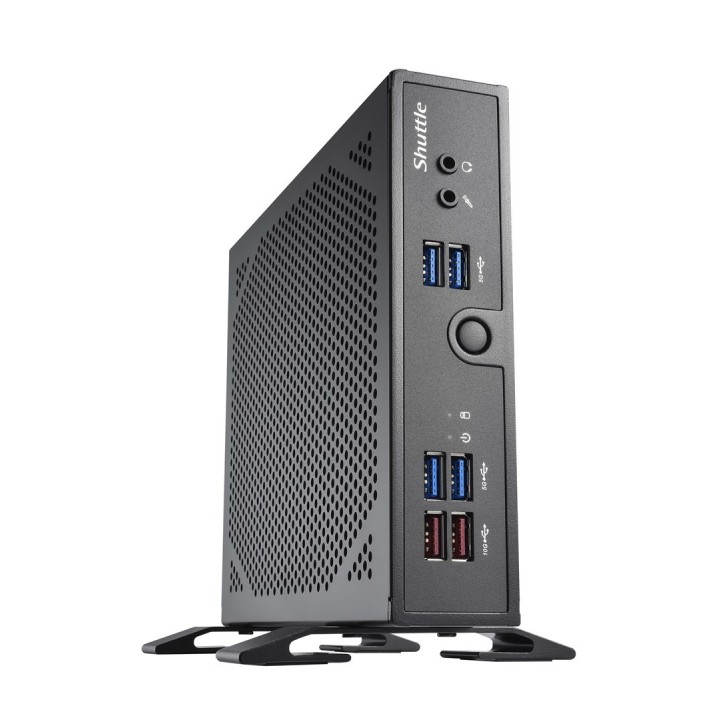
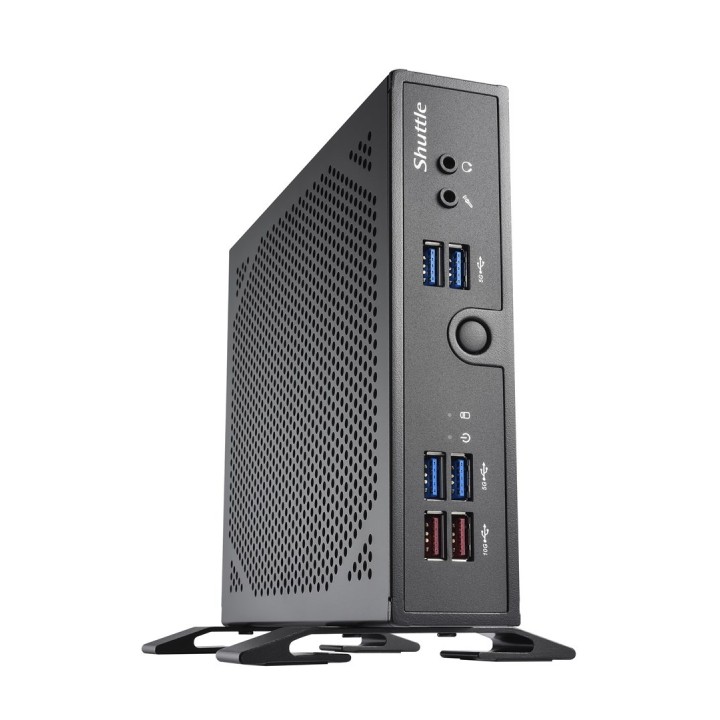
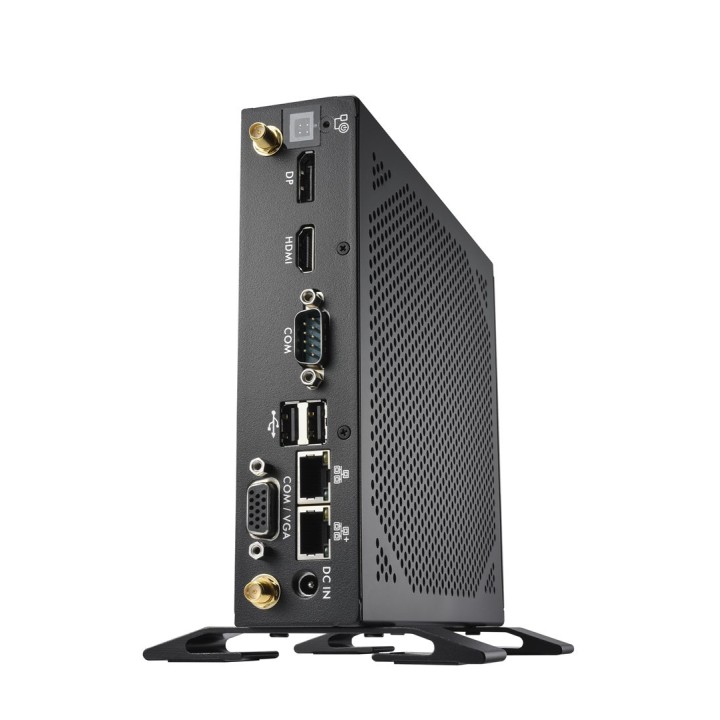
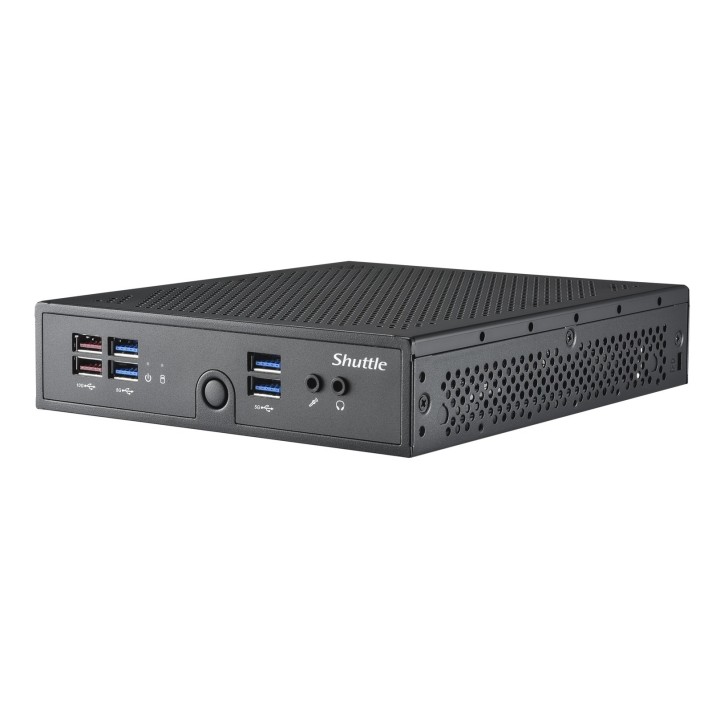
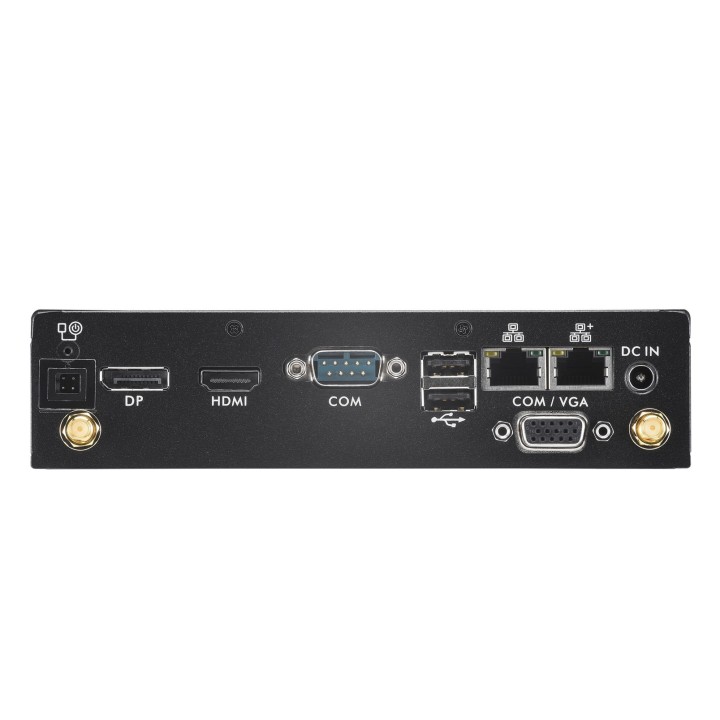
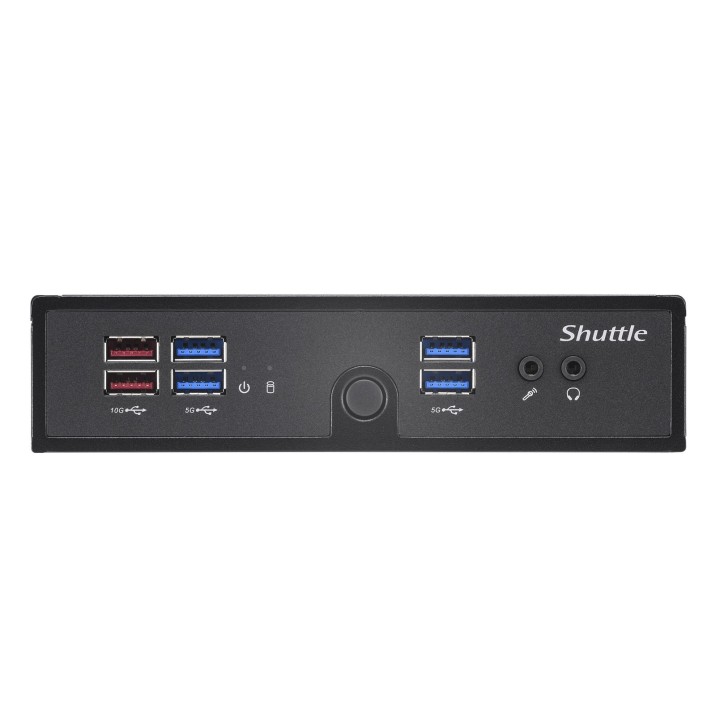
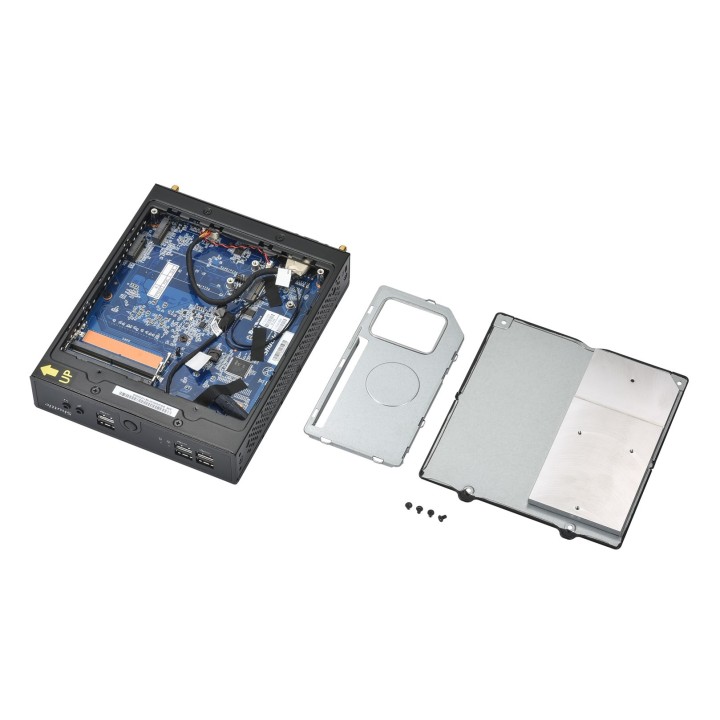
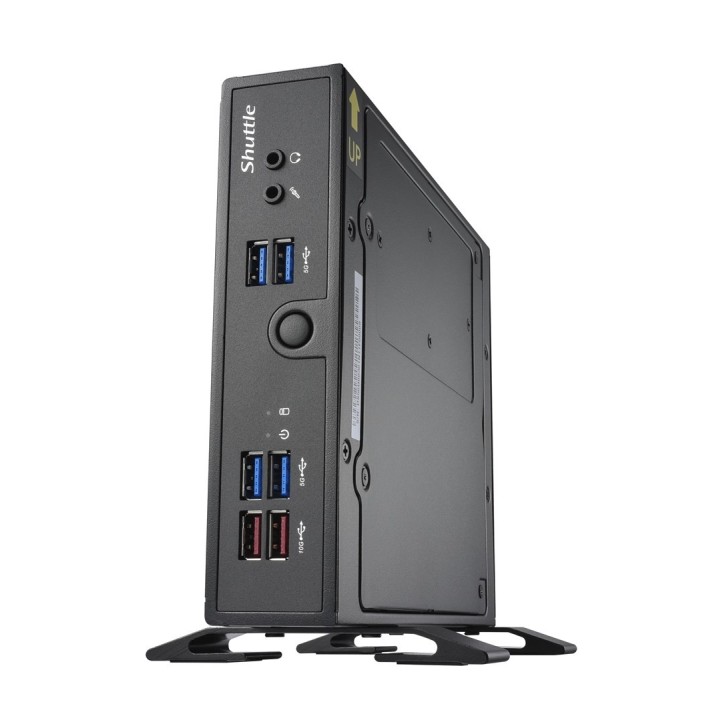
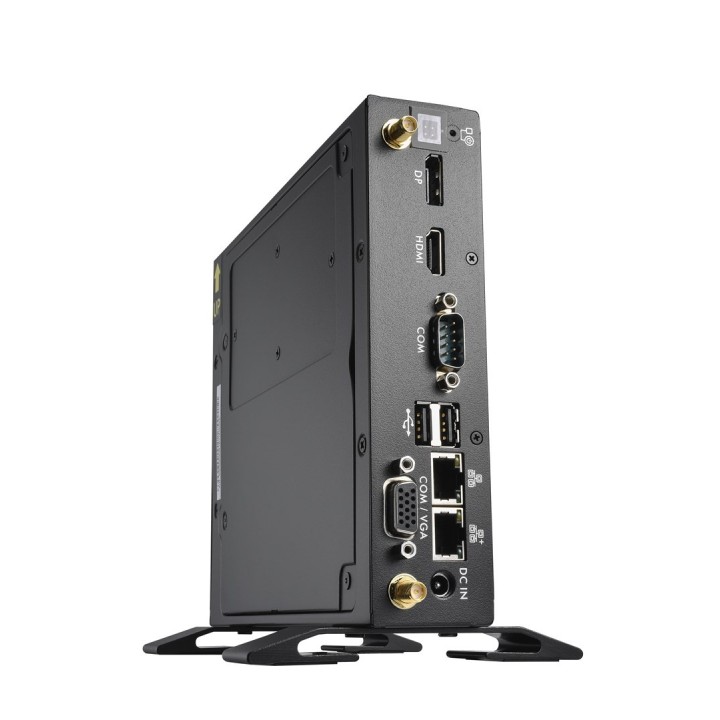
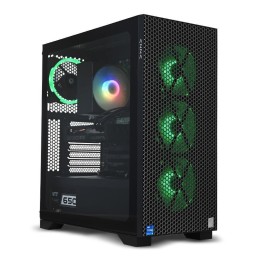
Shuttle DS50U5 barebone 1.3L czarny
PragmaPay dla biznesu
Zapłać za zakupy firmowe później lub w ratach przez Tpay.
Sprawdź, jak działa (otwiera się w nowej karcie)Opis produktu
Przeznaczenie
Barebone Shuttle DS50U5 to kompaktowy komputer typu barebone o pojemności 1.3L przeznaczony do zastosowań jako komputer stacjonarny lub stacja robocza.
Urządzenie występuje w kolorze czarnym i zostało zaprojektowane z myślą o instalacji w ograniczonej przestrzeni.
Montaż i konfiguracja
Format barebone oznacza, że jednostka wymaga uzupełnienia podzespołów przez użytkownika przed uruchomieniem; pozwala to na dobranie procesora, pamięci i pamięci masowej zgodnie z potrzebami systemowymi.
Kompaktowa konstrukcja ułatwia montaż w miejscach o ograniczonej przestrzeni oraz integrację z istniejącą infrastrukturą komputerową.
Szczegóły produktu
- Marka Shuttle
- Kod produktu 667b6a12606d4e0eab9514aa
- Dostępność 14 Przedmioty
- EAN13 0887993006185
- MPN DS50U5
Specyfikacja
- Model procesora i5-1335U
- Seria procesora Intel CoreTM i5
- Model układu graficznego Intel UHD Graphics
- System operacyjny Bez systemu operacyjnego
- Wi-Fi Nie
- Moc zasilacza (W) 90 W
- Format obudowy Wielkość PC 1.3L
Producent
Producent
Shuttle Inc.
No. 30, Lane 76, Ruiguang Road, Neihu District 114 Taipei City Tajwan
E-mail: sales@tw.shuttle.com
Telefon: +886287926168
Osoba odpowiedzialna w UE
Shuttle Computer Handels GmbH
Fritz-Strassmann-Str. 5 25337 Elmshorn Niemcy
E-mail: sales@shuttle.eu
Telefon: +494121476860
Bezpieczeństwo
Informacje o bezpieczeństwie
List of desktop safety warnings based on the requirements of General Product Safety Regulation (EU) 2023/988 (GPSR) * Risk of electric shock: * Make sure your computer is connected to an efficient grounded outlet. * Do not touch the plug or cable with wet hands. Avoid using your computer in areas with high humidity. * Risk of overheating: * Provide adequate ventilation while maintaining at least 5 cm of free space around your computer. * Do not block ventilation openings. * Fire risk: * Use only original chargers and accessories recommended by the manufacturer. * Do not leave your computer on unattended near flammable materials. * Risk of bodily injury: * Use your computer on a stable surface to minimize the risk of falling. * Hazards in humid environments: * Do not use your computer outdoors in rain or in areas with high humidity. * If your computer is flooded, disconnect it from the power source immediately and contact the service. * Hazards at high temperatures: * Do not expose your computer to direct sunlight. Avoid using your computer at temperatures above the recommended range (usually 5-35°C). * Risk of damage during cleaning: * Before cleaning, disconnect the computer from power and use a soft, slightly damp cloth. Avoid using strong detergents that can damage the surface of your computer. * Caution when replacing accessories: * Use only accessories recommended by the manufacturer. * When replacing batteries, follow the manufacturer's instructions and do not expose the battery to high temperatures. * Battery Use Hazards: * Avoid damaging the battery by impact or puncture. If the battery overheats or swells, stop using the computer immediately. Child warnings: Keep power cables out of reach of children. Make sure children don’t play with computers or accessories that can be dangerous.