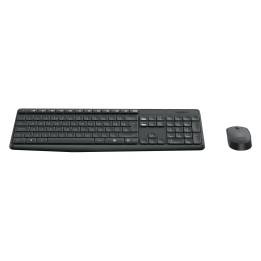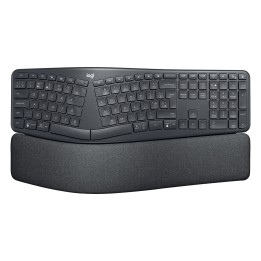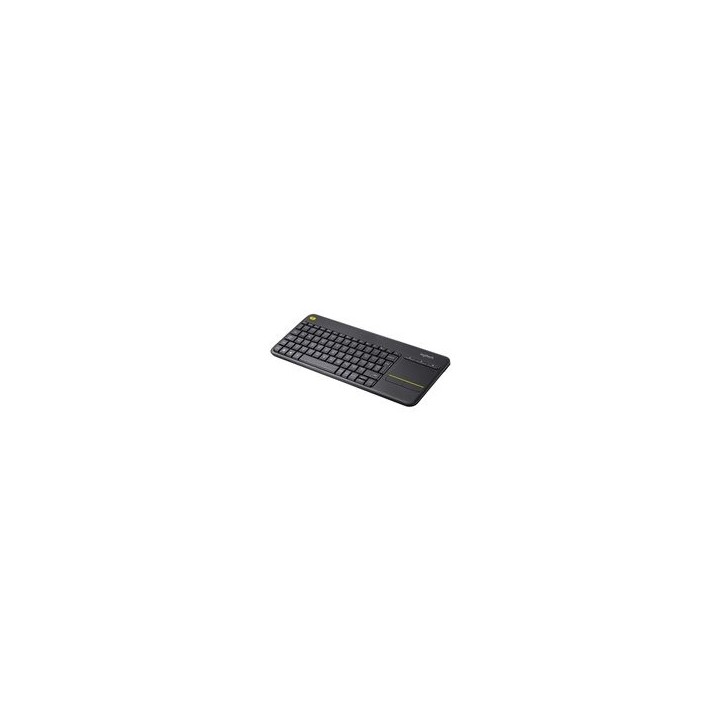
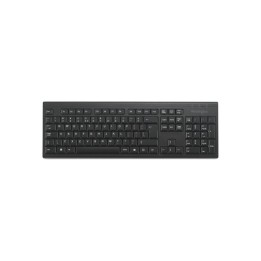
Wireless Touch Keyboard K400 Plus - DARK - NLB - CENTRAL-419

Cena: 209,99 zł
Brutto
Dostępność produktu: Dostępny 30 szt.
Czas dostawy Wysyłka w ciągu 2 dni roboczych
Koszt dostawy Dostawa od 11,99 zł

Raty Pekao

Za zakupy możesz zapłacić na raty przez Tpay.

Oblicz ratę (otwiera się w nowej karcie)

PragmaPay dla biznesu

Zapłać za zakupy firmowe później lub w ratach przez Tpay.

Sprawdź, jak działa (otwiera się w nowej karcie)

Opis produktu

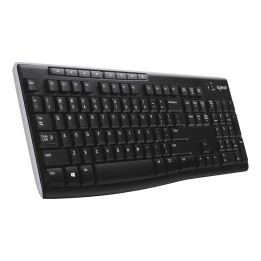
Logitech Wireless Touch Keyboard K400 Plus - Klawiatura - z gładzik - bezprzewodowa - 2.4 GHz - AZERTY - Belgia - czarny

Szczegóły produktu

  • Marka Logitech
  • Kod produktu 667b6a4d606d4e0eab9a1fb3
  • Dostępność 30 Przedmioty
  • EAN13 5099206059290
  • MPN 920-007131

Specyfikacja

  • Układ klawiatury AZERTY
  • Podświetlenie klawiatury Nie
  • Sposób połączenia RF Wireless

Producent

Producent

Logitech Europe S.A.

Catharijnesingel 47 3511GC Utrecht Netherlands

Telefon: +41 0 21 863 55 11

Osoba odpowiedzialna w UE

Logitech Europe S.A.

Catharijnesingel 47 3511GC Utrecht Netherlands

Telefon: +41 0 21 863 55 11

Bezpieczeństwo

Informacje o bezpieczeństwie

List of keyboard safety warnings based on the requirements of General Product Safety Regulation (EU) 2023/988 (GPSR): * Make sure you use the keyboard as intended, avoid over-pressing or hitting the keys. Protect your keyboard from flooding with liquids, as this can damage your electronics. If you are using a wireless keyboard, be sure to replace the batteries regularly and dispose of them as per your regulations. * Keep your keyboard clean, vacuum it regularly, and clean with gentle agents to prevent dust and dirt buildup. * If the keyboard has LED backlighting, avoid staring at intense light for a long time, especially in dark environments. * Store your keyboard in a dry place, away from direct sunlight and heat sources. Make sure that the keyboard cable is not an obstacle and does not threaten to trip. If the keyboard has sharp edges, be careful to avoid cuts. If you experience skin allergies to the materials from which the keyboard is made, stop using it and consult your doctor. * Do not use a damaged keyboard where the keys are loose or missing. * Keep your workstation organized to avoid accidental damage to your keyboard. Avoid using the keyboard in conditions of high humidity or dustiness, as this can negatively affect its operation. * If you notice the keyboard overheating, disconnect it from the power source immediately. If the keyboard is equipped with a USB receiver, store it in a safe place to avoid being swallowed by children. Make sure that children do not play with the keyboard or its elements. * Do not try to repair the keyboard yourself if you are not qualified. * Pay attention to the ergonomics of the work to avoid problems with the wrists and hands during prolonged use of the keyboard.

Ładowanie...
Wróć na górę