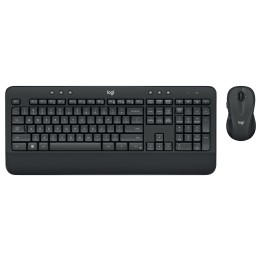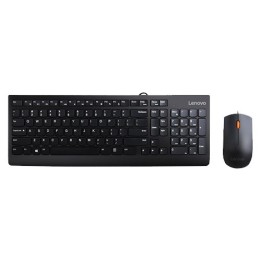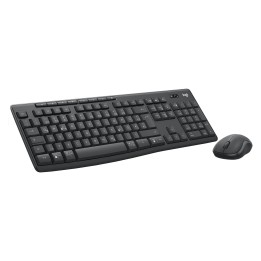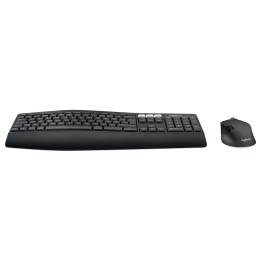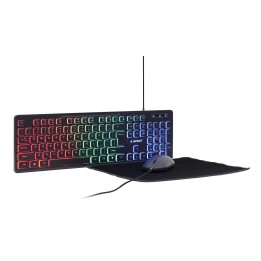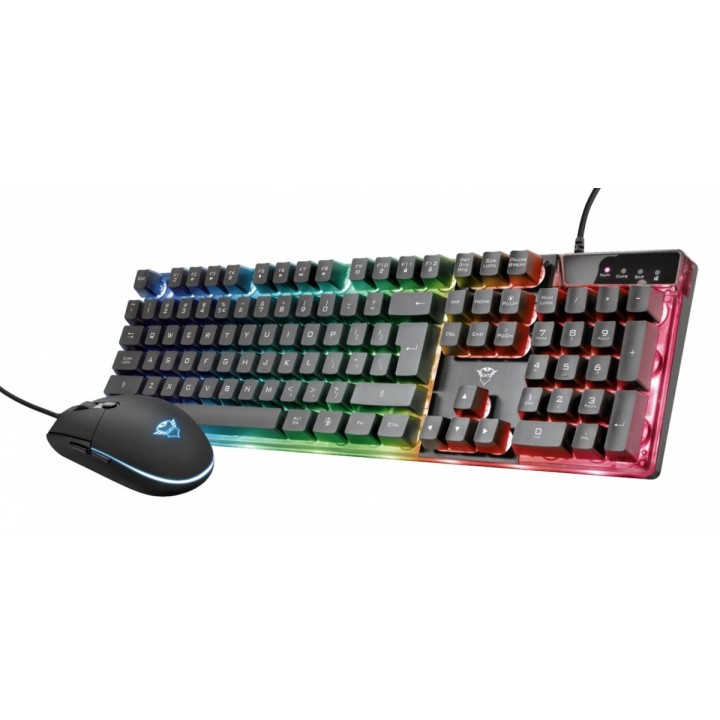
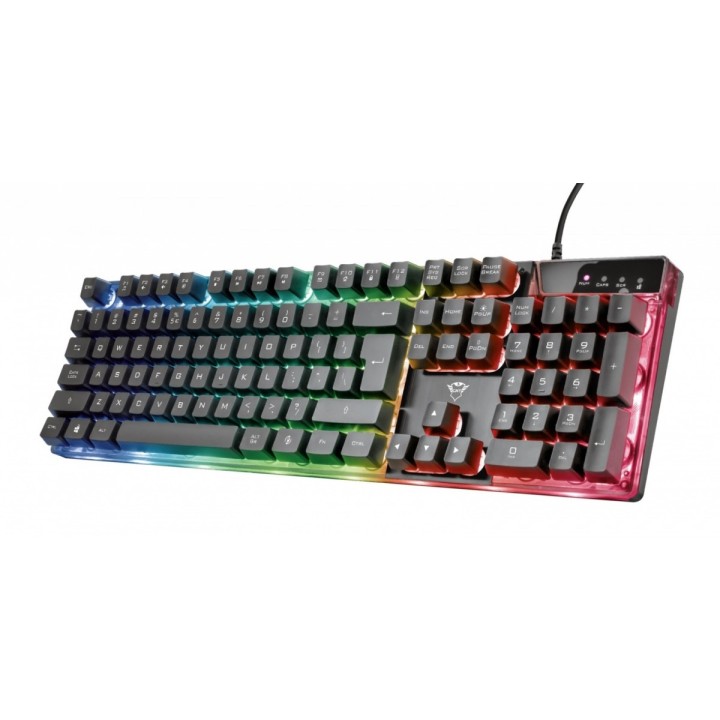
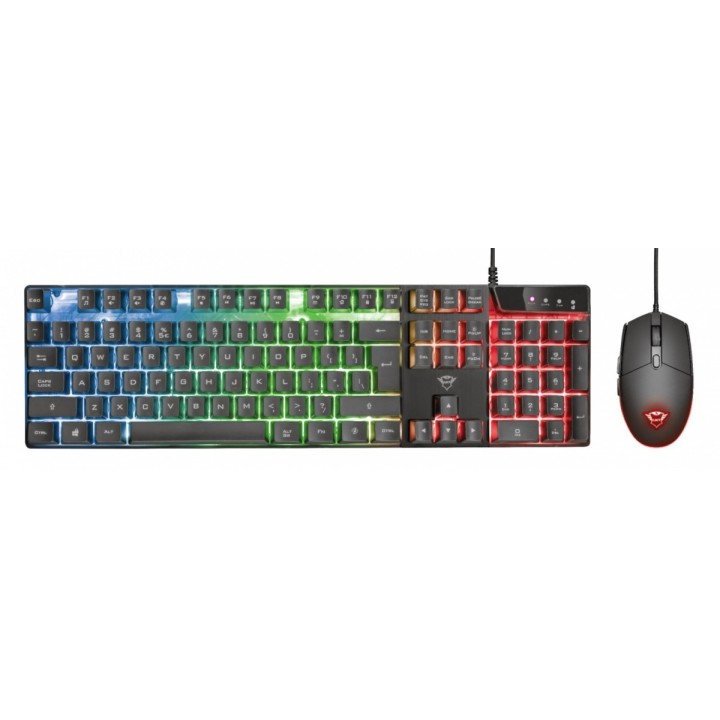
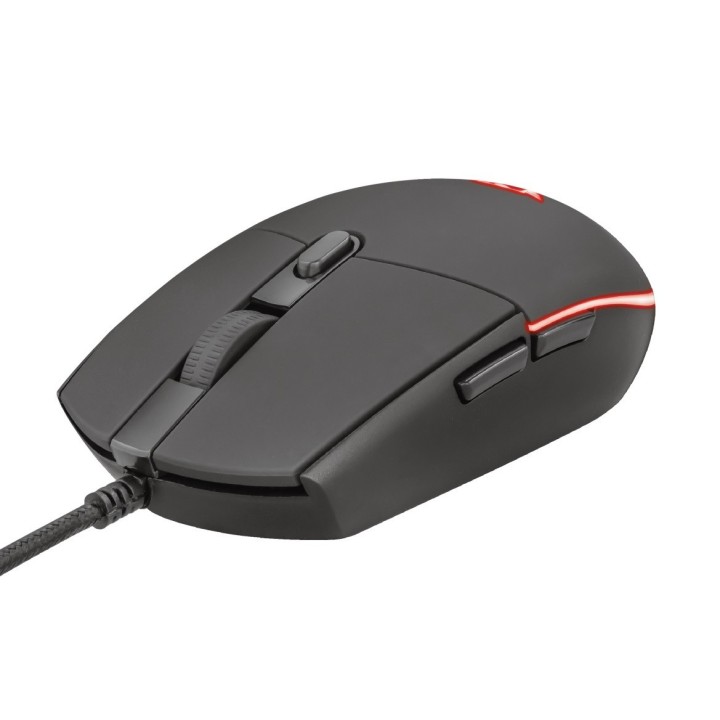
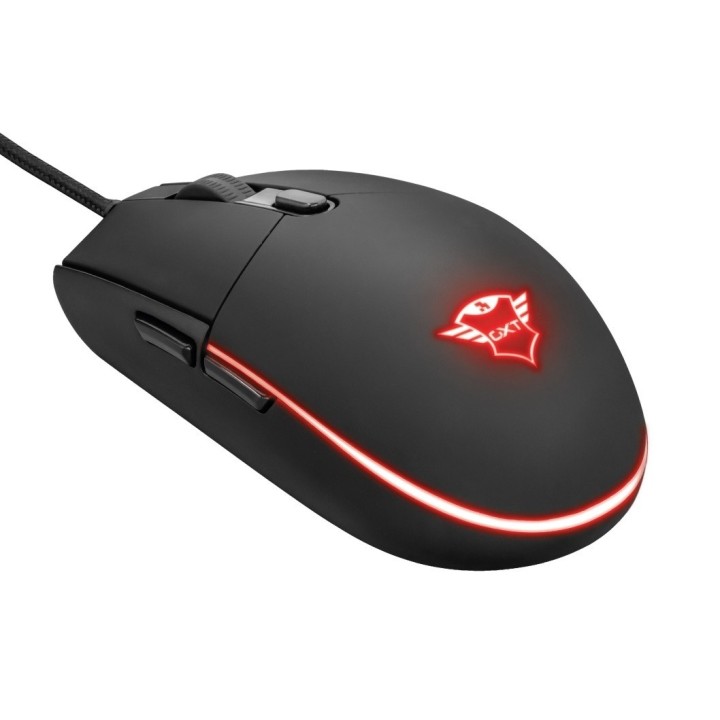
Klawiatura i mysz GXT 838 Azor Gaming Combo

Cena: 150,49 zł
Brutto
Dostępność produktu: Dostępny 14 szt.
Czas dostawy Wysyłka w ciągu 3 dni roboczych
Koszt dostawy Dostawa od 11,99 zł

Raty Pekao

Za zakupy możesz zapłacić na raty przez Tpay.

Oblicz ratę (otwiera się w nowej karcie)

PragmaPay dla biznesu

Zapłać za zakupy firmowe później lub w ratach przez Tpay.

Sprawdź, jak działa (otwiera się w nowej karcie)

Opis produktu

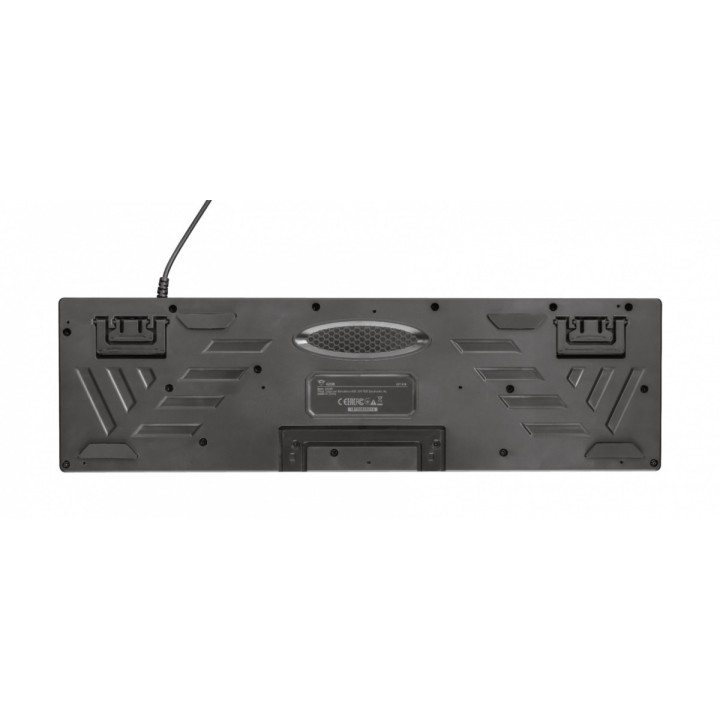
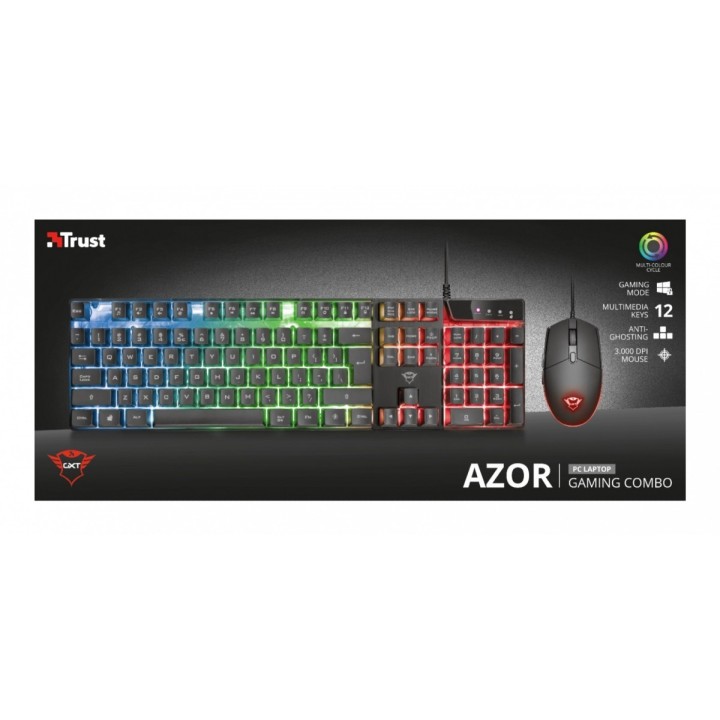
Zestaw dla graczy, w skład którego wchodzą przewodowa klawiatura i optyczna mysz.

Specyfikacja

  • Separator - nagłówek: Mysz
  • Model: GXT 838 Azor
  • Rodzaj klawiatury: Multimedialna
  • Zestaw z myszką: Tak
  • Połączenie: Przewodowe
  • Interfejs: USB
  • Podświetlana klawiatura: Tak
  • Zasilanie (lista): USB 5V
  • Kolor (wyliczeniowy): Czarny
  • Obsługiwane systemy operacyjne: Windows
  • Waga: 758 g
  • Akcesoria w zestawie: Klawiatura gamingowa Mysz gamingowa Instrukcja obsługi Naklejka gracz
  • Pozostałe parametry: Wymagania systemowe: System operacyjny Windows 10, 8 lub 7 Komputery Mac z procesorami firmy Intel i systemem operacyjnym Mac OS X w wersji 10.5 (Leopard) lub nowszym System operacyjny Chrome OS 2 gniazda USB
  • Uwaga: CE+WEEE
  • Przeznaczenie (myszy / podkładki): Gaming
  • Sensor myszy: Optyczny
  • Liczba przycisków: 6
  • Liczba rolek: 1
  • Profil: Uniwersalny
  • Rozdzielczość (min.) [dpi/lpi]: 800 dpi
  • Rozdzielczość (maks.) [dpi/lpi]: 3000 dpi
  • Podświetlenie: Tak

Szczegóły produktu

  • Marka Trust
  • Kod produktu 660fbba271a267703cb043e5
  • Dostępność 14 Przedmioty
  • EAN13 8713439232899
  • MPN 23289

Specyfikacja

  • Sposób połączenia Przewodowe USB

Producent

Producent

Trust International B.V.

Laan van Barcelona 600, 3317 DD Dordrecht, Netherlands 3317 DD Dordrecht Netherlands

Formularz kontaktowy: https://www.trust.com/en/support/contact

Bezpieczeństwo

Informacje o bezpieczeństwie

List of safety warnings for keyboard and mouse sets based on the requirements of General Product Safety Regulation (EU) 2023/988 (GPSR) * Risk of posture-related injuries: Long-term use of the keyboard and mouse in a non-ergonomic position can lead to problems with the wrists, shoulders, neck and back. Try to maintain the correct posture while working and take breaks regularly. * Eye Hazard: Long-term work at the computer, especially in low light, can cause eye strain, dry eyes, and other visual problems. Remember about regular breaks, eye exercises and proper lighting. * Wire Risk: Watch out for keyboard and mouse wires to avoid tripping or getting tangled. Make sure the wires are properly guided and secured. * Skin allergies: Some of the materials used to make the keyboard and mouse can cause allergic reactions in sensitive individuals. If you notice skin irritation, redness or itching, stop using the product and consult your doctor. * Cleaning and Maintenance: Regularly clean your keyboard and mouse to remove dust, dirt, and bacteria. Use a soft, damp cloth and gentle cleaning agents. Avoid using strong detergents and solvents. * Batteries: If your keyboard or mouse is wireless, make sure the batteries are properly installed and protected. Do not mix old and new batteries and different types of batteries. Used batteries should be disposed of appropriately. * Child Hazard: Small items, such as keys or battery components, can pose a threat to children. Keep your keyboard and mouse out of reach of children and do not allow them to play with these items. * Mechanical Damage: Beware of mechanical damage to your keyboard and mouse, such as cracks, fractures, or sharp edges. Damaged products can pose a safety risk. * Moisture: Avoid contact of the keyboard and mouse with moisture, as this can cause damage to electronics and the risk of electric shock. * Responsible use: Use the keyboard and mouse as intended and with the manufacturer's instructions. Do not modify or repair the product yourself, as this can lead to loss of warranty and safety risk.

Ładowanie...
Wróć na górę