StarTech.com USB2AC2MNC USB cable USB A USB C 0.48 Gbit/s
PragmaPay dla biznesu
Zapłać za zakupy firmowe później lub w ratach przez Tpay.
Sprawdź, jak działa (otwiera się w nowej karcie)Opis produktu
Ładowanie i przesył danych
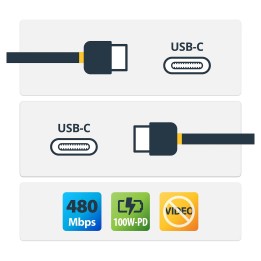
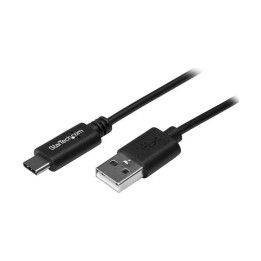
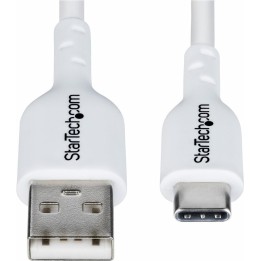
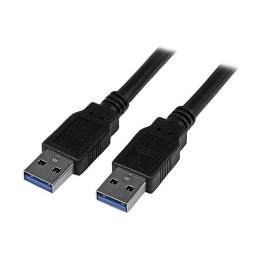
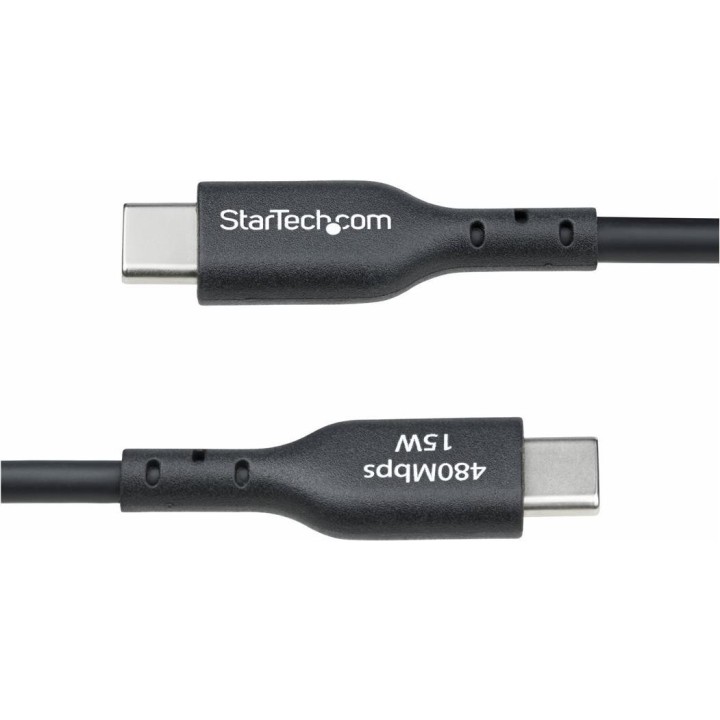
Kabel StarTech USB2AC2MNC łączy urządzenia z portem USB-A i USB-C. Służy do ładowania oraz synchronizacji danych w standardzie USB 2.0, z szybkością do 480 Mbit/s.
Złącza i długość
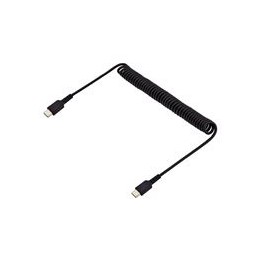
Przewód ma długość 2 m. Oba złącza są męskie i proste: USB-A oraz USB-C. Kolor przewodu jest czarny.
Parametry użytkowe
Maksymalne natężenie prądu wynosi 3 A, a moc ładowania do 15 W przy zgodnym źródle zasilania. Kabel nie obsługuje przesyłania obrazu w trybie DisplayPort Alternate Mode.
Szczegóły produktu
- Marka StarTech
- Kod produktu 67999907fee0db66f4dc652f
- Dostępność 20 Przedmioty
- EAN13 0065030911849
- MPN USB2AC2MNC
Specyfikacja
- Kolor Czarny
Producent
Producent
StarTech.com Limited v1
Laarderhoogtweg 25 1101 EB Amsterdam Holandia
E-mail: info@startech.de
Formularz kontaktowy: https://www.startech.com/en-at/contact
Telefon: +31207006073
Osoba odpowiedzialna w UE
StarTech.com Limited
Laarderhoogtweg 25 1101 EB Amsterdam Holandia
E-mail: info@startech.de
Formularz kontaktowy: https://www.startech.com/en-at/contact
Telefon: +31207006073
Bezpieczeństwo
Informacje o bezpieczeństwie
List of safety warnings for cables, wires and docking stations based on the requirements of Regulation (EU) 2023/988 on General Product Safety (GPSR): 1. Risk of electric shock: Make sure that cables and docking stations are used according to the manufacturer’s instructions. Do not touch live cables, plugs or docking stations with wet hands. Avoid using damaged cables or plugs. 2. Fire Risk: Do not overload electrical outlets or power strips. Use only cables and docking stations with adequate power. Do not place cables in areas where they may be crushed or exposed to damage. 3. Risk of suffocation: Small components, dry as plugs or adapters, can pose a risk to children. Keep them out of reach of children. 4. Risk of tripping: Make sure that the cables are arranged in a way that does not pose a risk of tripping. Secure cables so they don’t lie on aisles or in places where people walk. 5. Risk of damage to equipment: Use only compatible cables and docking stations with your devices to avoid damage. Check the technical specification before connecting. 6. Risk of overheating: Do not cover docking stations or cables that generate heat to prevent overheating. Provide adequate ventilation. 7. Cleaning and Maintenance: Disconnect the docking station from the power supply before cleaning. Clean with a dry cloth. Do not use water or detergents. 8. Safe storage: Store cables and docking stations in a dry place, away from moisture and extreme temperatures. 9. Animal protection: Protect cables from being chewed by animals by using shields or placing them in hard-to-reach places. 10. Disposal: Recycle used cables and docking stations at appropriate collection points in accordance with local regulations.