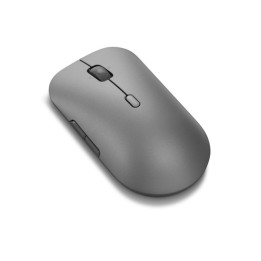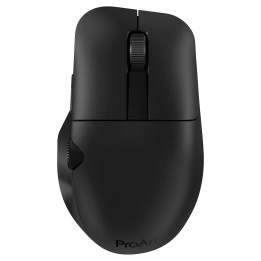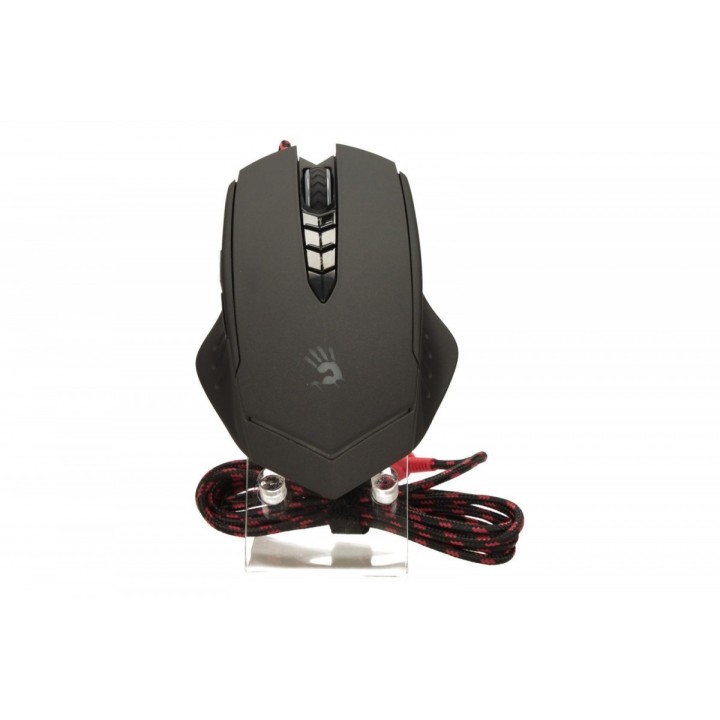
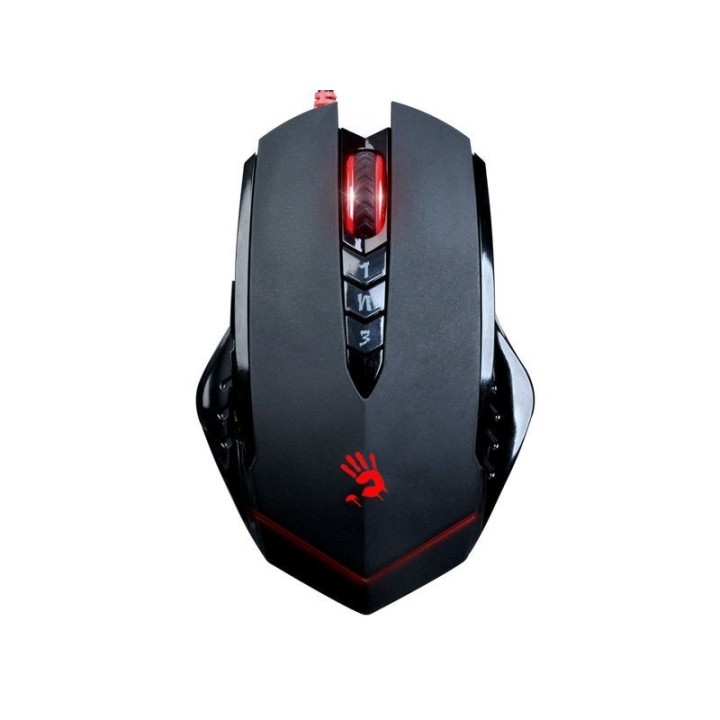
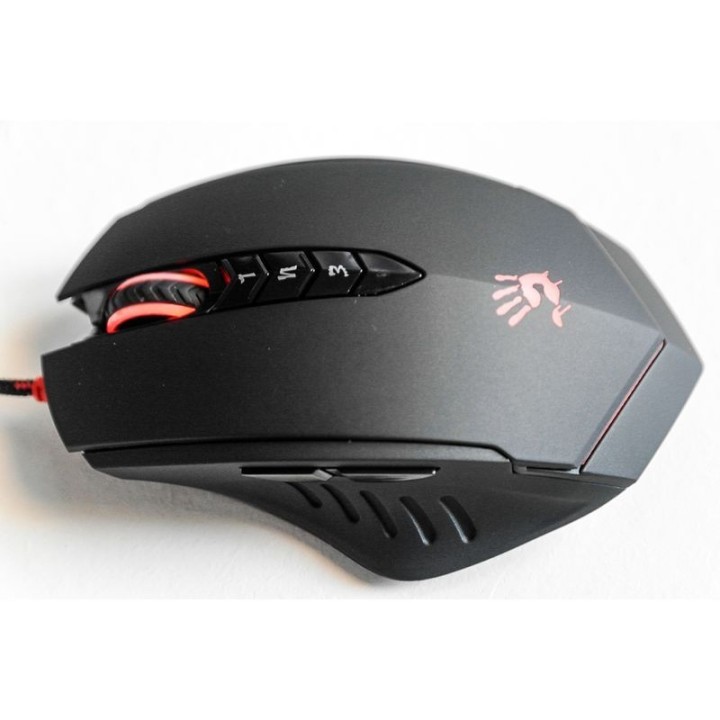
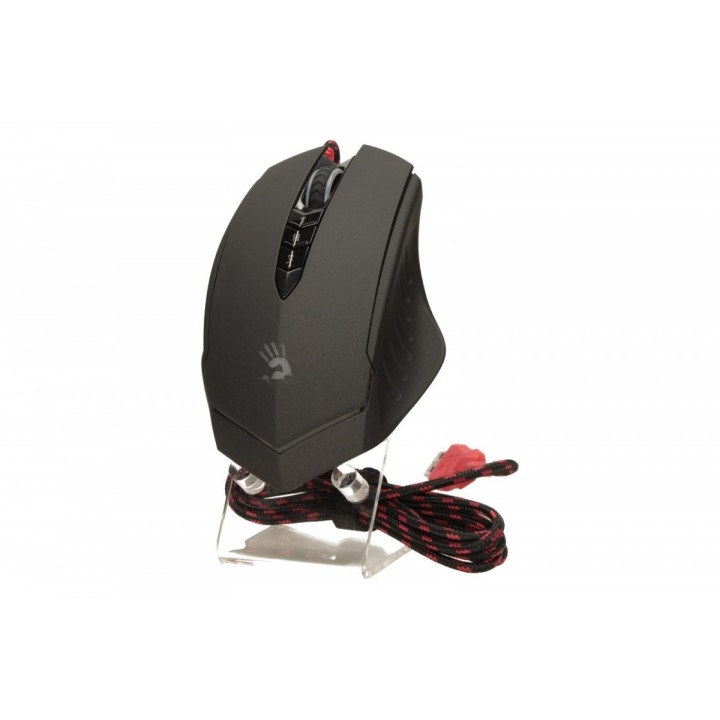
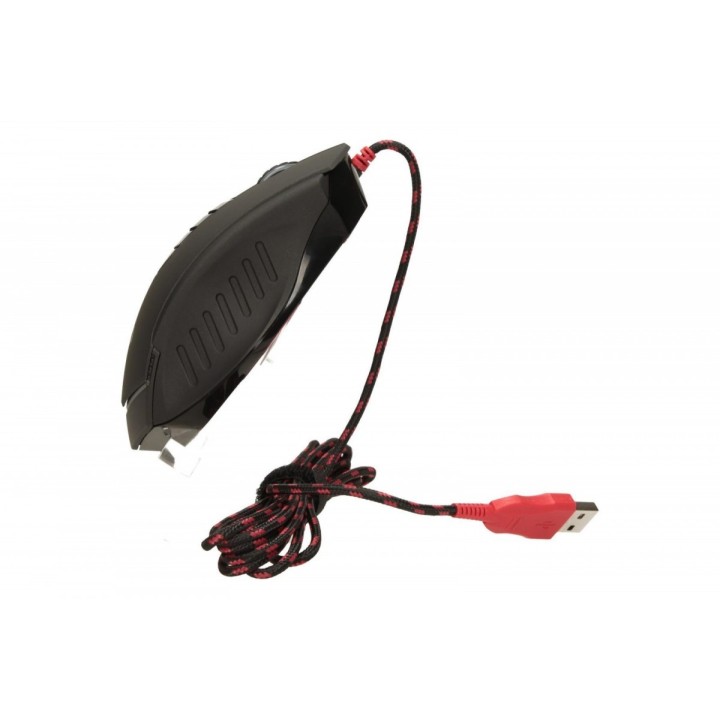
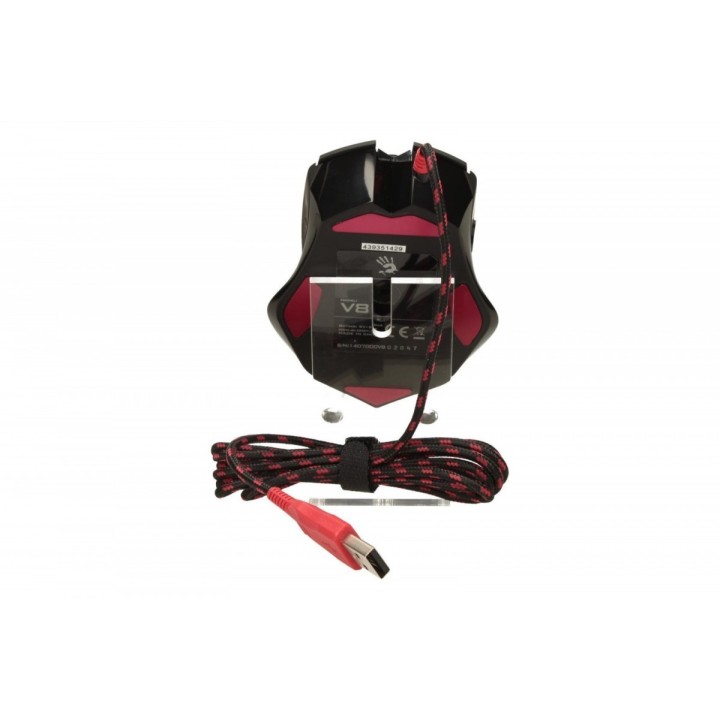
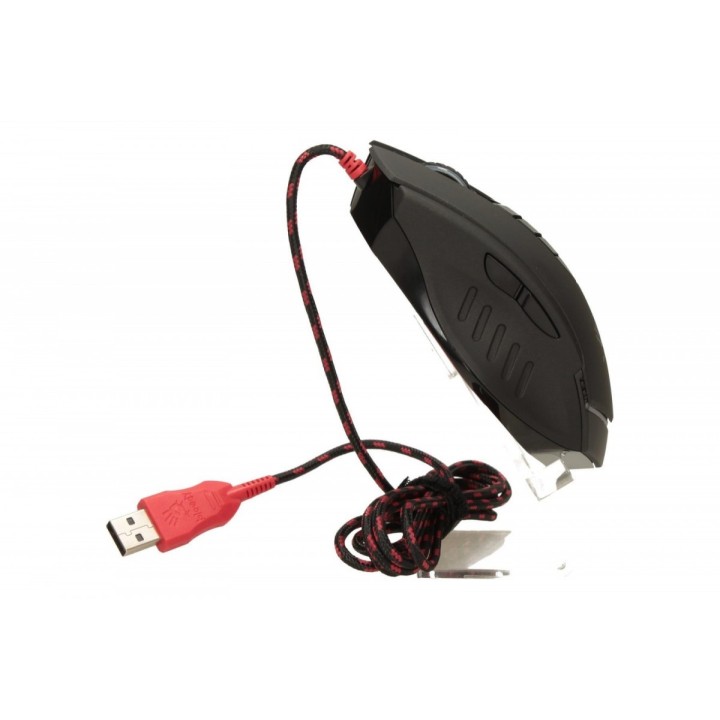
Mysz A4Tech Bloody V8m USB
PragmaPay dla biznesu
Zapłać za zakupy firmowe później lub w ratach przez Tpay.
Sprawdź, jak działa (otwiera się w nowej karcie)Opis produktu
Mysz gamingowa posiadająca innowacyjny system Multi-Core.
Wyposażona jest w 3 dodatkowe przyciski, pozwalające na szybką zmianę trybu strzelania.
Wyposażona jest w metalowe ślizgacze.
Czas zwłoki V8 wynosi tylko 1ms. W normalnych myszach gamingowych jest to około 18ms.
Zaprojektowana tak, aby bezblędność strzałów była jak największa.
Produkt z nie odblokowanym Core3.
Możliwość odblokowania dodatkowych funkcji poprzez stronę www.bloody.tw
Wersja z Metal Feet.
Specyfikacja
- Model: Bloody V8m
- Przeznaczenie (myszy / podkładki): Gaming
- Sensor myszy: Holeless
- Liczba przycisków: 8
- Liczba rolek: 1
- Połączenie: Przewodowe
- Interfejs: USB
- Kolor (wyliczeniowy): Czarny
- Zasilanie (lista): USB 5V
- Pozostałe parametry: - Rozdzielczość CPI / DPI: 100-3200- Oprogramowanie: Oscar Mouse Editor (po odblokowaniu Core3)- Długość przewodu: 1,8 m.- Zgodność z systemami operacyjnymi Windows 2000,Windows XP, Windows Vista, Windows 7, Windows 8- Ślizgacze: metalowe ślizgacze -10 krotnie trwalsze i 20% szybsze
- Uwaga: CE+WEEE
Szczegóły produktu
- Marka A4 Tech
- Kod produktu 660fb8f671a267703cab8dc0
- Dostępność 5 Przedmioty
- EAN13 4711421902984
- MPN A4TMYS43935
Specyfikacja
- Maksymalna czułość (DPI) 3200 DPI
- Liczba przycisków (szt.) 8 szt.
Producent
Producent
MEGABAJT SP. Z O.O.
Rydygiera 8 01-793 Warszawa Polska
E-mail: biuro@megabajt.com.pl
Formularz kontaktowy: https://www.tracer.pl/kontakt
Telefon: +48 22 633 11 99
Osoba odpowiedzialna w UE
MEGABAJT SP. Z O.O.
Rydygiera 8 01-793 Warszawa Polska
E-mail: biuro@megabajt.com.pl
Formularz kontaktowy: https://www.tracer.pl/kontakt
Telefon: +48 22 633 11 99
Bezpieczeństwo
Informacje o bezpieczeństwie
List of mouse safety warnings based on the requirements of General Product Safety Regulation (EU) 2023/988 (GPSR): 1. Ergonomics and repetitive movements: I use the mouse ergonomically to avoid strains and injuries. I regularly take breaks to reduce the risk of carpal tunnel syndrome or other problems associated with repetitive movements. 2. Cleaning and Maintenance: I disconnect the mouse from the computer before cleaning. I use a soft, dry cloth to clean my mouse. I avoid using liquids that can get inside the unit and damage it. 3. Cable and Connections: I make sure the mouse cable is properly connected to the computer and is not damaged. A damaged cable may pose a risk of electric shock or cause the mouse to malfunction. 4. Batteries (if applicable): If I use a battery-operated wireless mouse, I use the right type of battery and insert it correctly. I remove the batteries when the mouse is not in use for extended periods of time to prevent leaks and damage. 5. LED lighting (if applicable): I avoid staring at the intense LED light for a long time, which can cause eye strain. 6. Kids: I store my mouse and small items (e.g. batteries) out of reach of children to avoid the risk of ingestion or choking. 7. Recycling: I return the used mouse to the appropriate recycling point to minimize the environmental impact. 8. Usage: I do not use a damaged mouse as this may result in electric shock or injury. 9. Repairs: I do not repair the mouse myself, I give it to the service. 10. Storage: I store the mouse in a dry place, away from moisture and extreme temperatures.