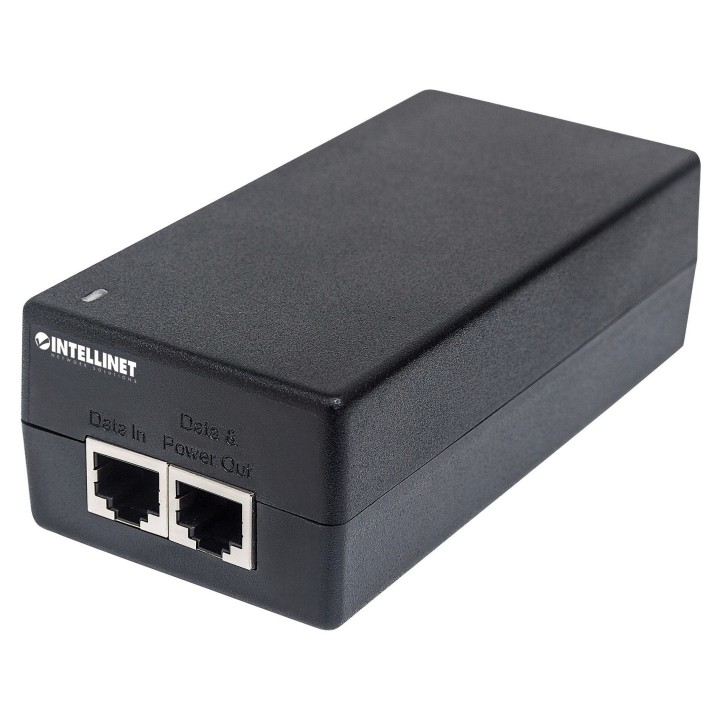
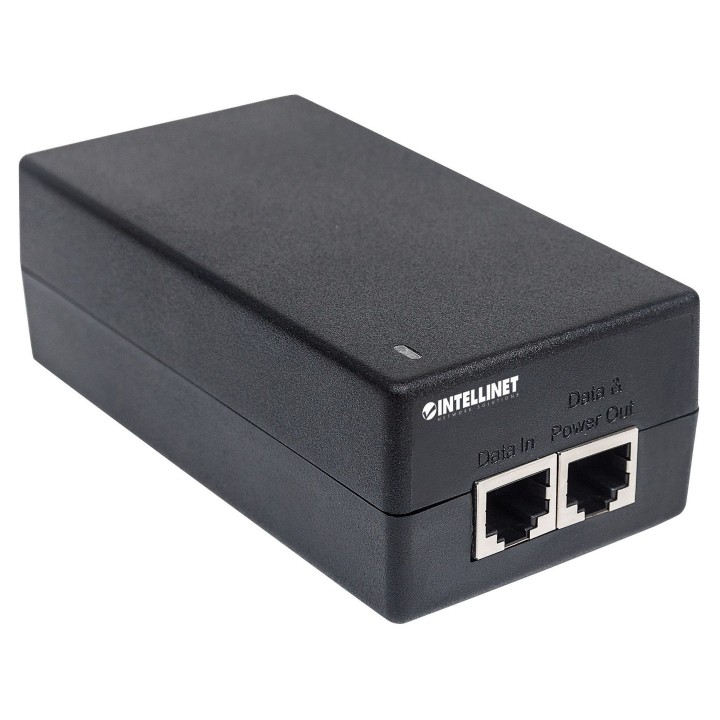
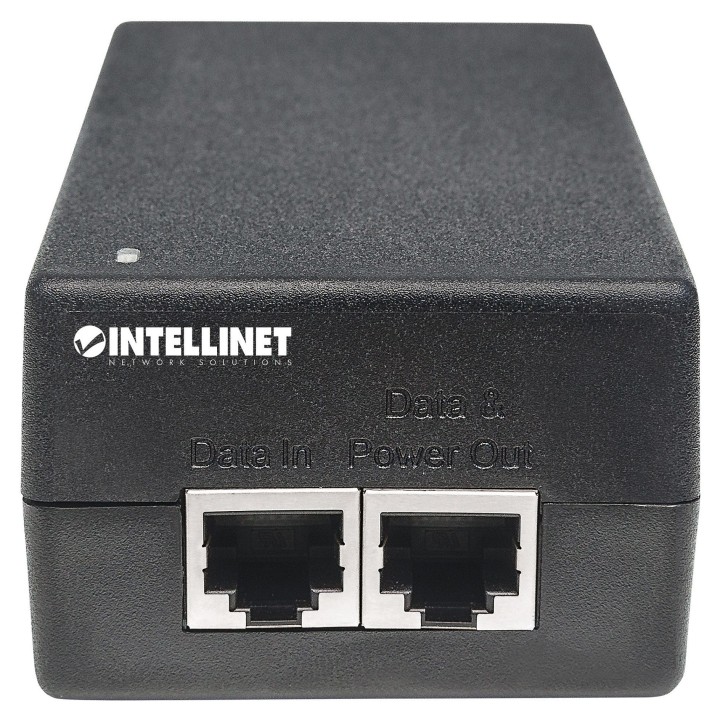
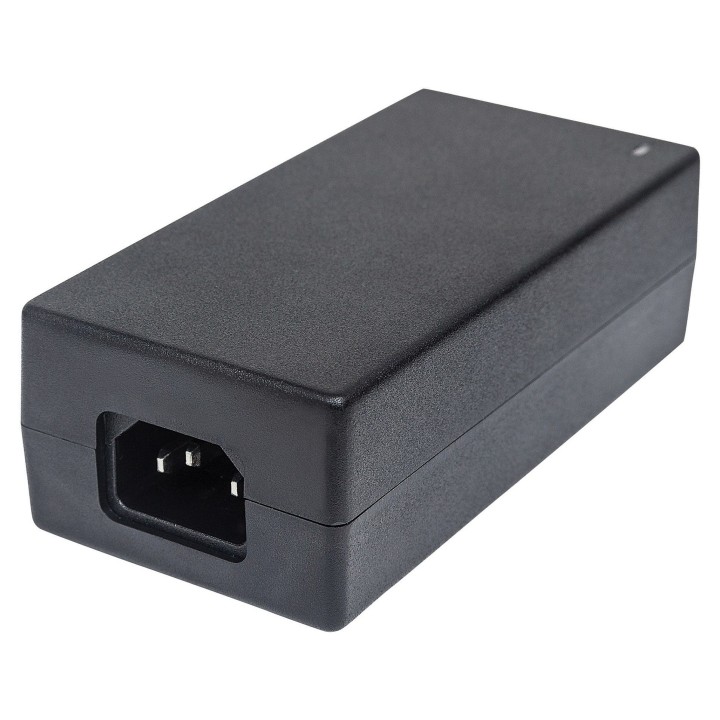
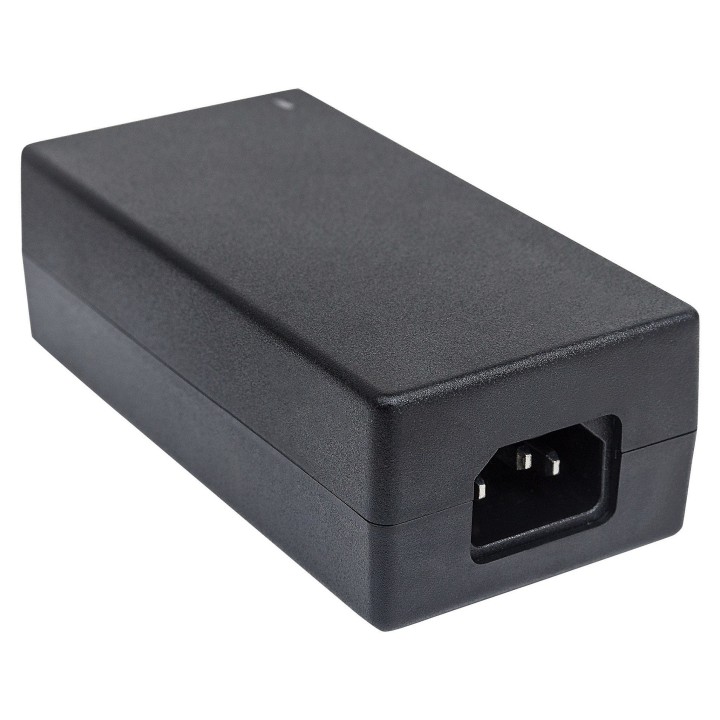
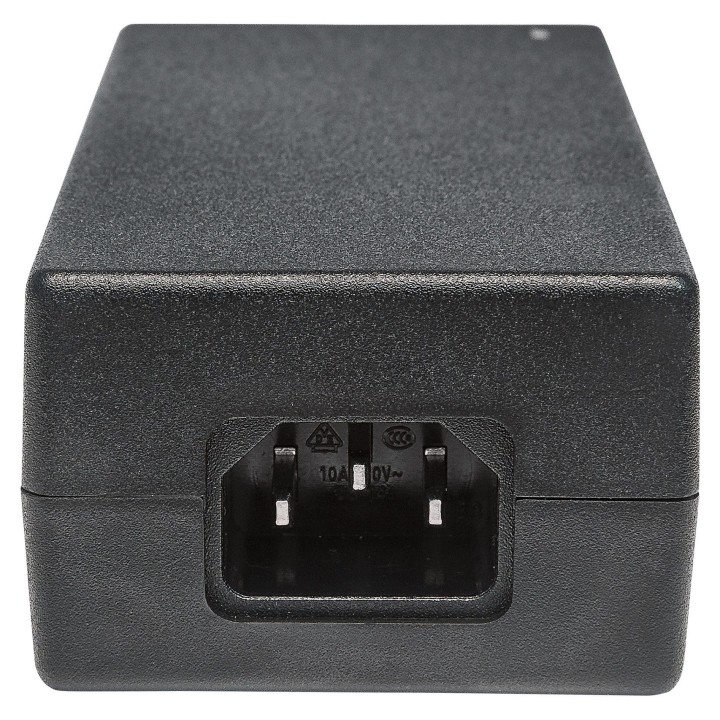
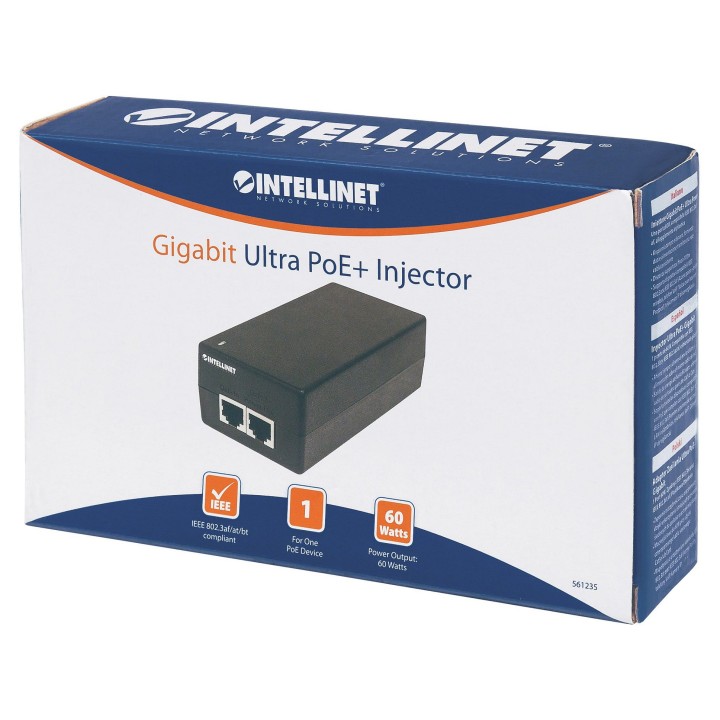
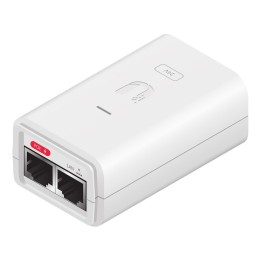
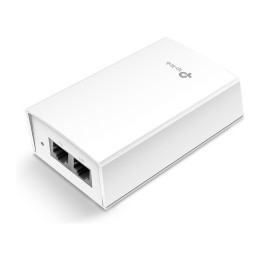
60 watów mocy dla internetu rzeczy (IoT)!Gigabitowy PoE injektor Intellinet Network Solutions z wysoką mocą zapewnia do 60 W przy użyciu wszystkich czterech par skręconych kabli Cat5 lub Cat6, obsługując aplikacje internetu rzeczy, takie jak oświetlenie, czujniki i automatyka budynkowa.Systemy powiązane z telefonami potrzebują od 30 do 50 W mocy. Czytniki kart i drukarki w punktach sprzedaży wymagają aż 60 watów. Oprawy oświetleniowe i sterowniki oświetlenia potrzebują od 40 do 50 watów. Klienci końcowi pobierają do 50 watów. Standard Ultra PoE jest doskonałym rozwiązaniem do zasilania tych ważnych i krytycznych systemów. Z pojawieniem się wielu nowych urządzeń zasilanych na rynku, będziesz na nie gotowy dzięki gigabitowemu, wysokowydajnemu PoE injektorowi Intellinet Network Solutions. Kompatybilność z istniejącymi urządzeniami z zasilaniem PoE zgodnie ze standardami IEEE 802.3af/atGigabitowy PoE injektor Intellinet Network Solutions High-Power umożliwia podłączenie Twoich produktów zgodnych z IEEE 802.3af/at do portu switcha LAN bez PoE. Injektor można używać do podłączenia punktu dostępowego Wi-Fi, telefonu VoIP, kamery IP lub dowolnego urządzenia (PD) z zasilaniem zgodnie ze standardami IEEE 802.3af/at do przełącznika. Redukcja kosztów okablowania Do punktu dostępowego Wi-Fi, kamery sieciowej lub telefonu IP nie jest już konieczne prowadzenie okablowania sieciowego. Wystarczy podłączyć PoE Injector do portu switcha LAN i użyć istniejącego kabla Cat5 do dostarczania zarówno zasilania stałoprądowego, jak i transmisji danych. Chroń swoje urządzenia Po podłączeniu zasilania stałoprądowego do Twojego urządzenia sieciowego za pomocą kabla Cat5e/6, Intellinet Network Solutions PoE Injector zapewni ochronę Twoich produktów przed problemami z zasilaniem, takimi jak zwarcia (short GRND), przeciążenia prądem i wysokie napięcia. Możliwość montażu naściennego Dla pełnej elastyczności instalacji, injektor można zamontować na ścianie za pomocą czterech wbudowanych punktów mocowania na panelu tylnym. Zaoszczędź czas i pieniądze dzięki przesyłaniu danych i zasilania przez istniejące kable sieciowe. Wyjściowa moc do 60 W przez czteroparowy kabel sieciowy Cat5 lub Cat6. Obsługuje wszystkie urządzenia PoE zgodne ze standardami IEEE 802.3at i IEEE 802.3af (punkty dostępowe i mosty sieci bezprzewodowej LAN, telefony VoIP [Voice over Internet Protocol], kamery IP monitorujące). Obsługa odległości: do 100 m (328 stóp) Wbudowane zasilanie Konstrukcja bez wentylatora idealna do cichej pracy Wbudowane otwory do montażu na ścianie i cztery gumowe nóżki do użytku na biurku Całkowicie zgodny z NDAA Trzyletnia gwarancja
Opis produktu został przetłumaczony przez sztuczną inteligencję i może zawierać nieścisłości.
Specyfikacja
- Porty we/wy (sieciówka drobna): 2 x 10/100/1000 Mbit/s
- Kolor (wyliczeniowy): Czarny
- Bezpieczeństwo: - Zabezpieczenie przed zwarciem - Zabezpieczenie nadprądowe - Zabezpieczenie przeciwprzepięciowe
- Akcesoria w zestawie: - Adapter zasilania Ultra PoE+ Gigabit- Kabel zasilający- Instrukcja użytkownika
- Wymiary: 123 x 61 x 40 mm
- Waga: 0.29 kg
- Pozostałe parametry: - Certyfikaty: FCC Class B, CE- Dwukolorowa dioda sygnalizacji zasilania oraz PoE- Temperatura pracy: 0 - 40°C (32 - 104°F)- Wilgotność: 10 ? 90% RH, nieskondensowana- Temperatura magazynowania: -20 - 80°C (-4 - 176°F)- Plastikowa obudowaObsadzenie pinów PoE- Pin 1: DC (-)- Pin 2: DC (-)- Pin 3: DC (+)- Pin 4: DC (+)- Pin 5: DC (+)- Pin 6: DC (+)- Pin 7: DC (-)- Pin 8: DC (-)
- Uwaga: CE+WEEE