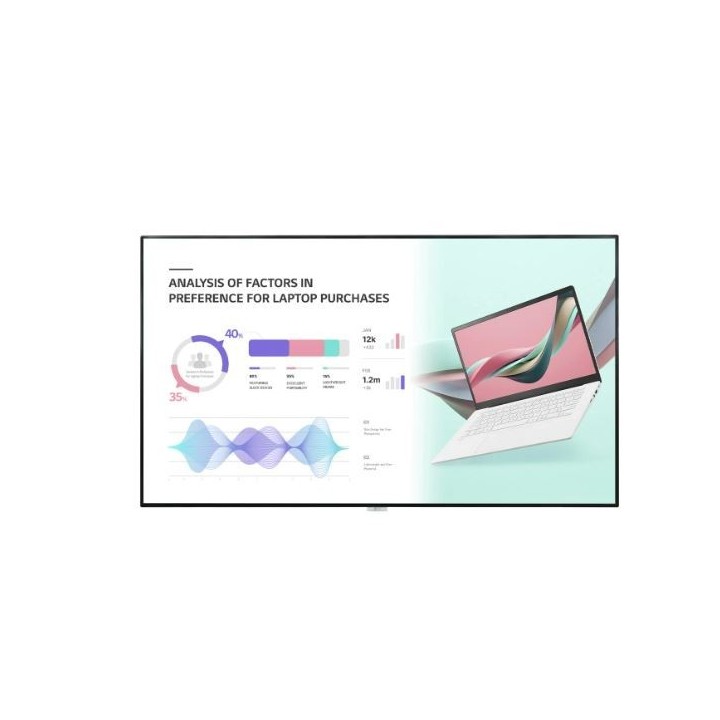
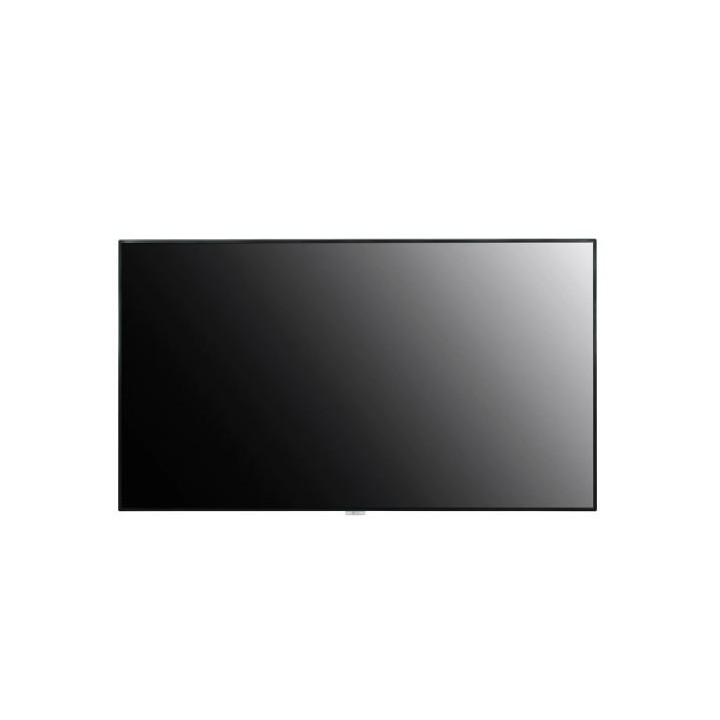
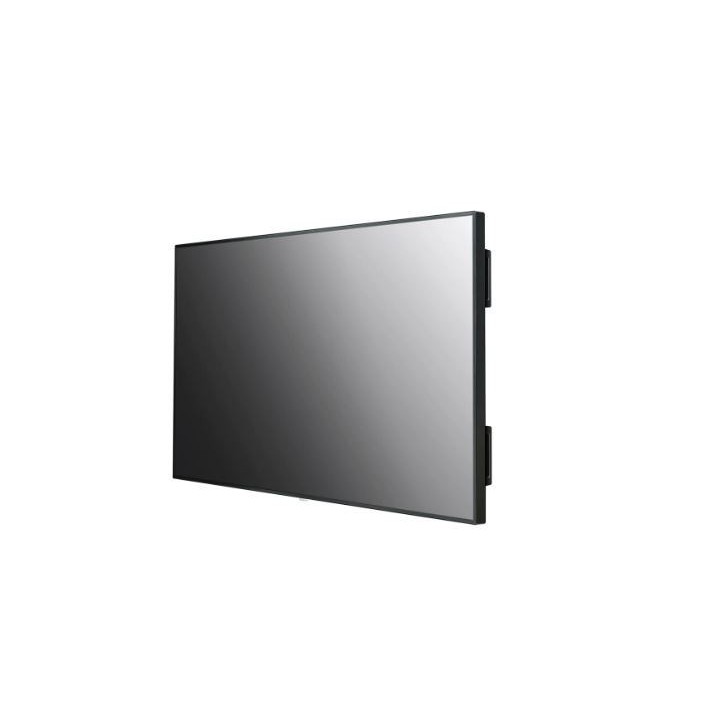
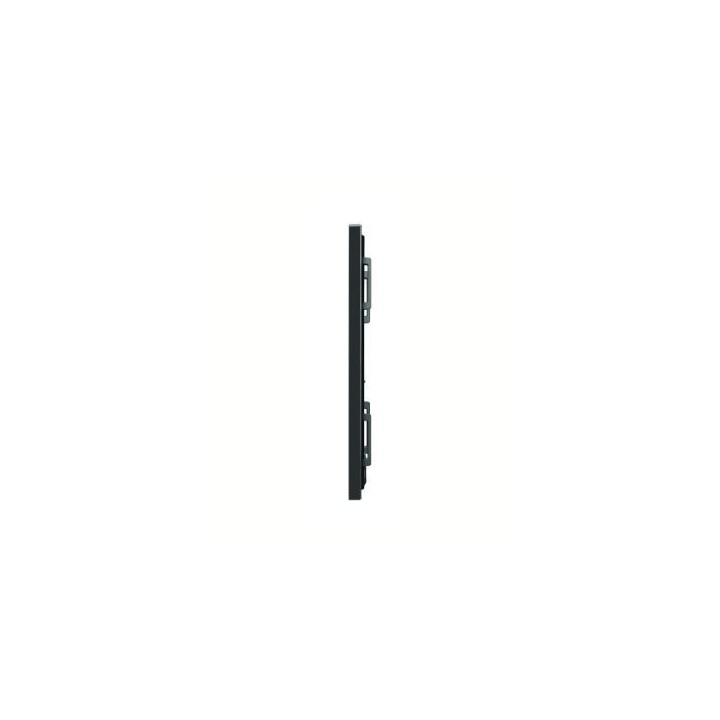
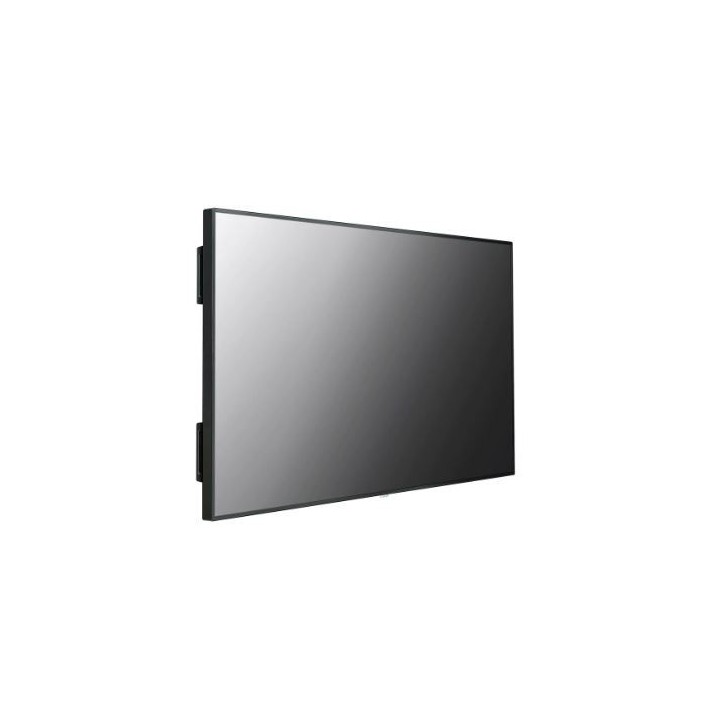
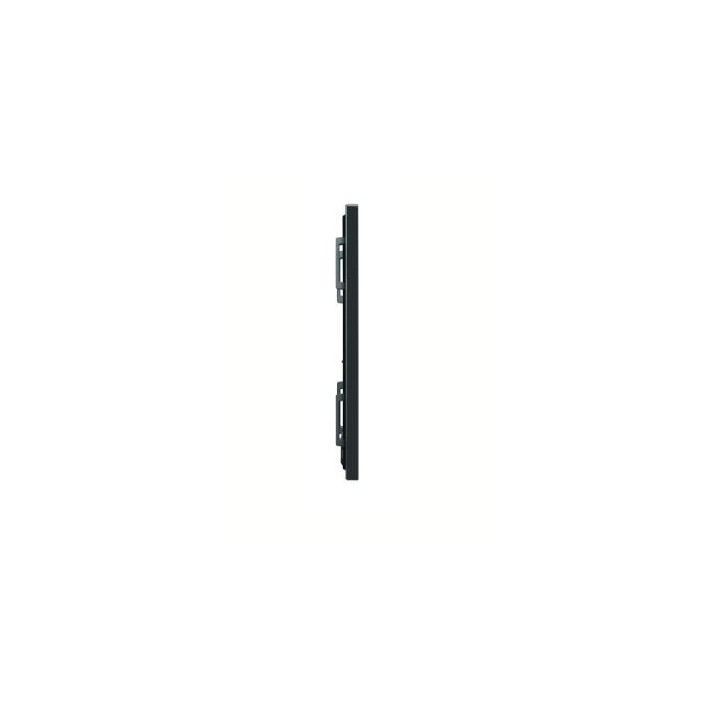
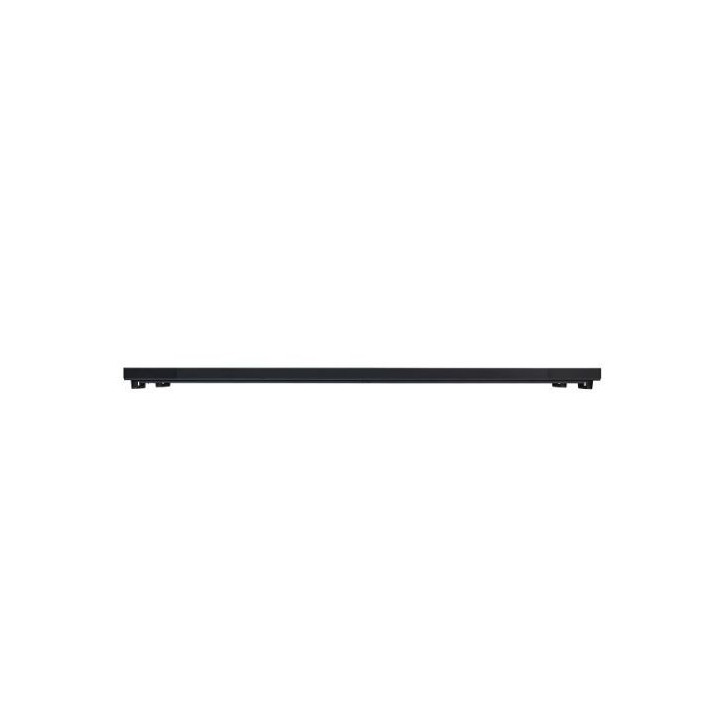
Monitor wielkoformatowy 98UH5J-H UHD 98 cali IPS 500cd/m2 24/7
PragmaPay dla biznesu
Zapłać za zakupy firmowe później lub w ratach przez Tpay.
Sprawdź, jak działa (otwiera się w nowej karcie)Opis produktu
98UH5J-H
Odpowiednia jasność ekranu
Seria UH5J-H z zalecaną jasnością 500 cd/m2 dla ekranów wewnętrznych wyraźnie prezentuje treści i przyciąga uwagę publiczności, więc jest najbardziej odpowiednim ekranem do marketingu w salach konferencyjnych, na lotniskach, w sklepach, centrach handlowych itd.
Powierzchnia konformalna
W różnych miejscach seria UH5J-H nieuniknienie narażona jest na działanie środowiska zawierającego kurz, wilgoć itp., co może z czasem pogorszyć jej wydajność. Powierzchnia konformalna na płycie zasilania zmniejsza to ryzyko, chroniąc serię UH5J-H przed solą, kurzem, pyłem żelaznym, wilgocią itd.
Wysoka wydajność z systemem webOS
Platforma LG webOS zwiększa komfort użytkowania dzięki intuicyjnemu interfejsowi graficznemu i prostym narzędziom do tworzenia aplikacji.
Specyfikacja
Warunki pracyZużycie energiiCertyfikatyKompatybilność OPSKompatybilność z oprogramowaniemInterfejsDźwiękJęzykKluczowe funkcje| Panel | |
|---|---|
| Rozmiar | 98" |
| Technologia | IPS |
| Podświetlenie | Direct |
| Stosunek boków | 16:9 |
| Natívne rozdzielczości | 3 840 x 2 160 (UHD) |
| Częstotliwość odświeżania | 60 Hz |
| Jasność | 500 nit (Typ.) |
| Współczynnik kontrastu | 1,200 : 1 |
| Dynamiczny kontrast | 1 000 000 : 1 |
| Gamut kolorów | NTSC 72% |
| Kąt widzenia (V x H) | 178 × 178 |
| Głębokość koloru | 1,07 mld kolorów (10 bitów) |
| Czas reakcji | 8 ms (G to G) |
| Powierzchnia | 28 % Haze |
| Żywotność (typ.) | 50 000 godzin |
| Czas pracy (godziny / dni) | 24/7 |
| Portret / Krajobraz | Tak / Tak |
| Właściwości fizyczne | |
| Kolor ramki | Czarny |
| Szerokość ramki | 14,9 mm |
| Waga ekranu | 66 kg |
| Waga opakowania | 99 kg |
| Wymiary monitora (S x V x G) | 2 191,8 × 1 246,8 × 86,1 mm (bez uchwytu i logo LG) |
| Wymiary kartonu (s x v x g) (wymiary zewnętrzne opakowania) | 2 342 × 1 386 × 420 mm |
| Uchwyty | Tak |
| Montaż VESA™ | 800 × 400 mm |
| Temperatura pracy | 0°C do 40°C |
| Wilgotność powietrza w pracy | 10% do 80% |
| Typ / Max. | 420 W / 570 W (TBD) |
| Smart Energy Saving | 294 W (TBD) |
| DPM | 0,5 W |
| Wyłączenie zasilania | 0,5 W |
| BTU | 1 433 BTU/godz. (Typ.), 1 945 BTU/godz. (Max.) (TBD) |
| Bezpieczeństwo | CB / NRTL |
| EMC | FCC Klasa "A" / CE / KC |
| ErP / Energy Star | Tak (NewErP) / Nie (TBD) |
| Kompatybilny z typem OPS | Nie |
| Wbudowane zasilanie OPS | Nie |
| Oprogramowanie | SuperSign CMS, SuperSign Control / Control+, SuperSign WB, SuperSign Media Editor, Promota (Niedostępne dla UE/CIS), Mobile CMS, LG ConnectedCare |
| Wejście | HDMI (2, HDCP 2.2/1.4), HDMI (HDCP 1.4), Dp (HDCP 2.2/1.3), DVI-D (HDCP 1.4), Audio In, RS-232C In (4 Pin Phone-jack), RJ45 (LAN), IR In, USB 2.0 (2, Type A) |
| Wideo / Audio | HDMI Out, Audio Out, External Control (RS-232C Out (4 Pin Phone-jack)) |
| Głośnik | Tak |
| OSD | Angielski, francuski, niemiecki, hiszpański, włoski, koreański, chiński (uproszczony), chiński (oryginalny), portugalski (Brazylia), szwedzki, fiński, norweski, duński, rosyjski, japoński, portugalski (Europa), niderlandzki, czeski, grecki, turecki, arabski. |
| Funkcje | Wewnętrzna pamięć 16 GB, wbudowane Wi-Fi, czujnik (czujnik temperatury, czujnik jasności automatycznej, czujnik przyspieszenia (żyroskop)), operacje klawisza lokalnego, webOS 6.0, zintegrowany CMS ( harmonogram treści lokalnych, menedżer grup), USB Plug & Play, fail over, obraz tła (logo rozruchowe, obraz bez sygnału), tryb synchronizacji (RS-232C, synchronizacja sieci lokalnej), multi-screen (PIP, PBP (4)), Screen Share, Video Tag (4), Play via URL, Rotation (rotacja ekranu, rotacja wejścia zewnętrznego), bezprzerwowe odtwarzanie, ustawienie trybu kafelek (max. 15 × 15), klonowanie danych ustawień, SNMP, metoda ISM, automatyczne ustawianie ID, powiadomienia statusu, menedżer kontroli, kompatybilność z 3-stronnymi urządzeniami (Crestron Connected), zasilanie (Smart Energy Saving, tryb PM, Wake on LAN, gotowość sieciowa (z wyjątkiem 98”/86”/75”)), Beacon, HDMI-CEC, ustawienia serwera SI, webRTC, Pro:Idiom |
Co jest w opakowaniu
Pilot zdalnego sterowania
Kabel zasilający
QSG
Regulamin
Telefon do RS-232C Gender
Opis produktu został przetłumaczony przez sztuczną inteligencję i może zawierać nieścisłości.
Szczegóły produktu
- Marka LG
- Kod produktu 660fc2ef71a267703cb96557
- Dostępność 3 Przedmioty
- EAN13 8806091848529
- MPN 98UH5J-H
Specyfikacja
- Przekątna ekranu (cal) 98 cal
- Rozdzielczość natywna 3840 × 2160
- Typ matrycy IPS
- Częstotliwość odświeżania (Hz) 60 Hz
- Ekran dotykowy Nie
- Standard VESA 800 × 400
- Pivot Nie
Producent
Producent
LG Electronics Polska Sp. z o.o.
ul. Wołoska 22 02-675 Warszawa Polska
Formularz kontaktowy: https://www.lg.com/pl/wsparcie/contact-us/email/
Osoba odpowiedzialna w UE
LG Electronics Deutschland GmbH
Alfred-Herrhausen-Allee 3-5 65760 Eschborn Germany
E-mail: info@lg.de
Formularz kontaktowy: https://www.lg.com/de/support/kontaktieren-sie-uns/
Telefon: +49 6196 7883000
Bezpieczeństwo
Informacje o bezpieczeństwie
List of computer monitor safety warnings based on the requirements of General Product Safety Regulation (EU) 2023/988 (GPSR): * Risk to vision: Long-term gazing at the monitor screen may cause eye strain, dry eyes or headaches. * Limit the working time with the monitor. * Take regular breaks. * Maintain proper distance from the screen. * Ensure proper lighting in the room. * Set the brightness and contrast of the monitor to a comfortable level. * Ergonomics: Incorrect position when working with the monitor can lead to back, neck, and shoulder pain. * Set the monitor to the correct height so that the top edge of the screen is at eye level or slightly below. * Use an adjustable chair and desk to ensure an ergonomic position. * Maintain proper posture while sitting. * Risk of electric shock: Improper use or damage to the monitor can lead to electric shock. * Do not use the monitor in humid environments. * Do not touch the monitor with wet hands. * Do not put any items inside the monitor. * If the power cable is damaged, replace it with a new one. * Disconnect the monitor from power before cleaning. * Fire risk: Overheating or short circuiting in the monitor can cause a fire. * Do not cover the ventilation holes of the monitor. * Do not place the monitor near heat sources. * Use only the original power supply that came with your monitor. * If the monitor overheats, disconnect it from power immediately. * Mechanical damage: The fall of the monitor can cause damage and pose a threat to the user. * Set the monitor on a stable surface. * Secure cables to avoid accidental tripping. * For monitor transport, use appropriate protective packaging. * Cleaning: Improper cleaning of the monitor can damage the screen or cause other problems. * Use only a soft, dry cloth to clean the screen. * Do not use cleaning products containing alcohol, ammonia or other corrosive substances. * Disconnect the monitor from power before cleaning. * Disposal: Incorrect disposal of the monitor can pose a threat to the environment. * Return the used monitor to the e-waste collection point. * Do not throw the monitor in a regular trash can. * Children: The monitor is not a toy and should not be used by children without supervision. * Make sure children do not touch the power cables. * Make sure kids don't play around with the monitor packaging. * Repairs: Do not try to repair the monitor yourself. * Any repairs should be done by qualified personnel. * Monitor portability: Be careful when moving your monitor. * Disconnect all cables before moving. * Use appropriate packaging. * Weather conditions: Do not expose the monitor to extreme temperatures or moisture. * Protect your monitor from direct sunlight. * Adjustable settings: Do not use extreme brightness or contrast settings. * These can cause faster eye strain. * Noise: If the monitor makes disturbing noises, turn it off immediately. * Contact the technical service. * Environmental protection: Be sure to turn off the monitor when not in use. * You save energy this way. * Software: Use only the software provided by the manufacturer. * You will avoid compatibility issues.