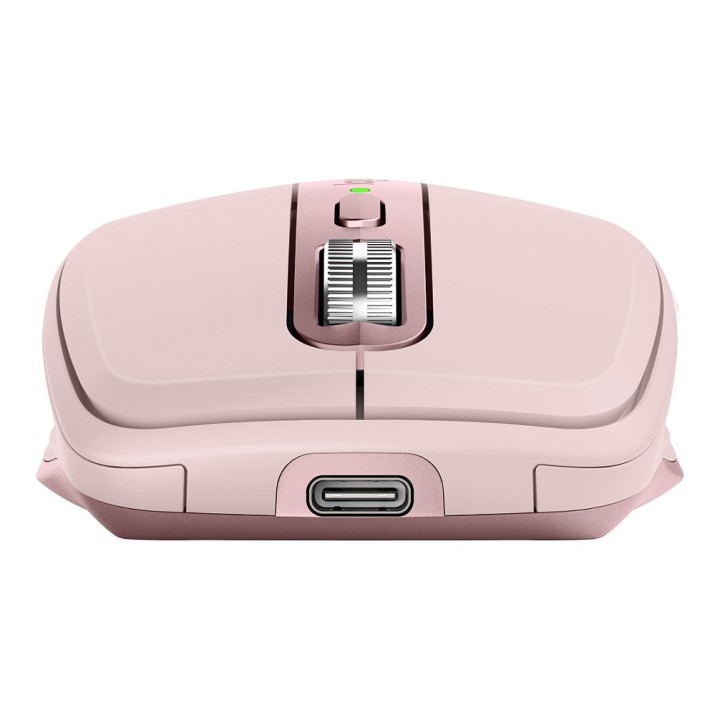
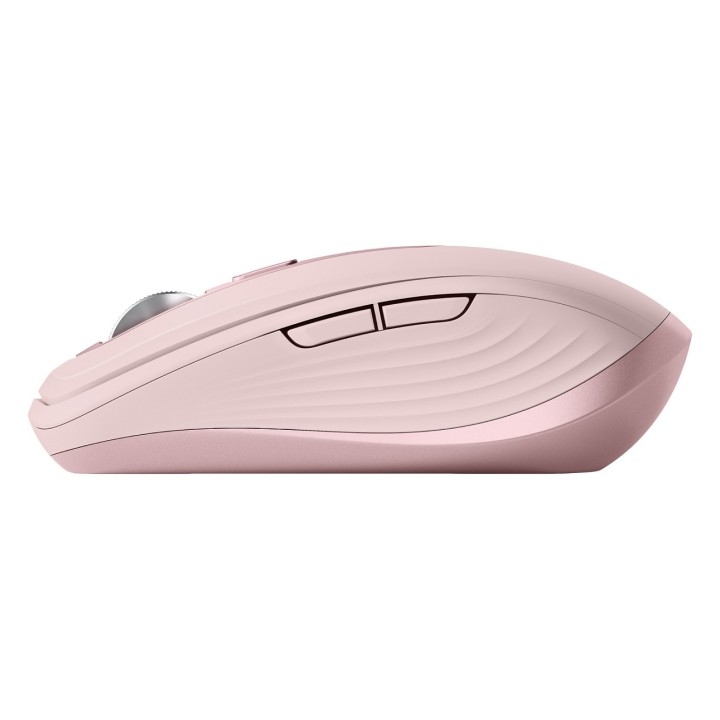
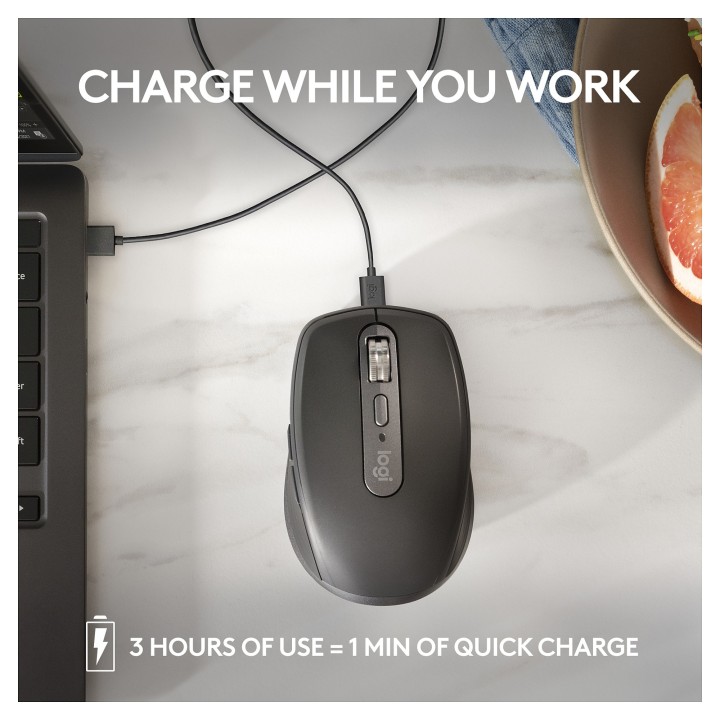
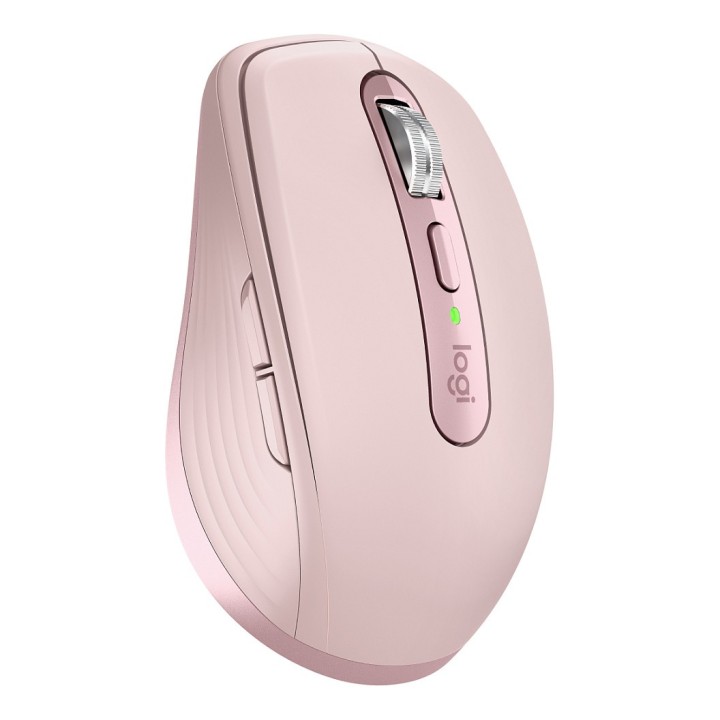
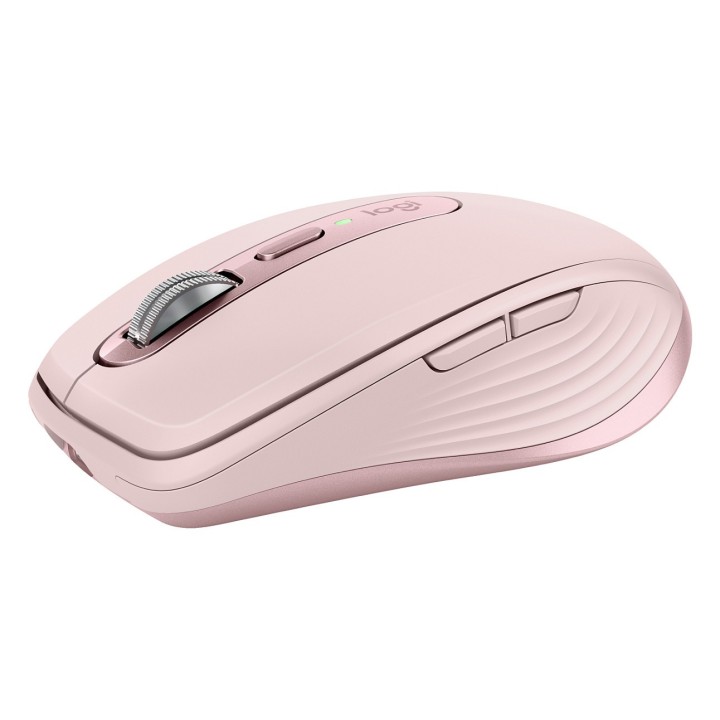
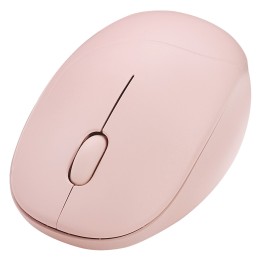
LOGITECH MX Anywhere 3S Mouse optical 6 buttons wireless Bluetooth rose

MPN:
910-006931
EAN:
5099206111714
Cena: 419,99 zł
Brutto 341,46 zł netto
Dostępność produktu: Dostępny 21 szt.
Czas dostawy Wysyłka w ciągu 2 dni roboczych
Koszt dostawy Dostawa od 11,99 zł

Raty Pekao

Za zakupy możesz zapłacić na raty przez Tpay.

Oblicz ratę (otwiera się w nowej karcie)

PragmaPay dla biznesu

Zapłać za zakupy firmowe później lub w ratach przez Tpay.

Sprawdź, jak działa (otwiera się w nowej karcie)

Opis produktu

Logitech MX Anywhere 3S

Kompaktowa bezprzewodowa mysz wydajnościowa

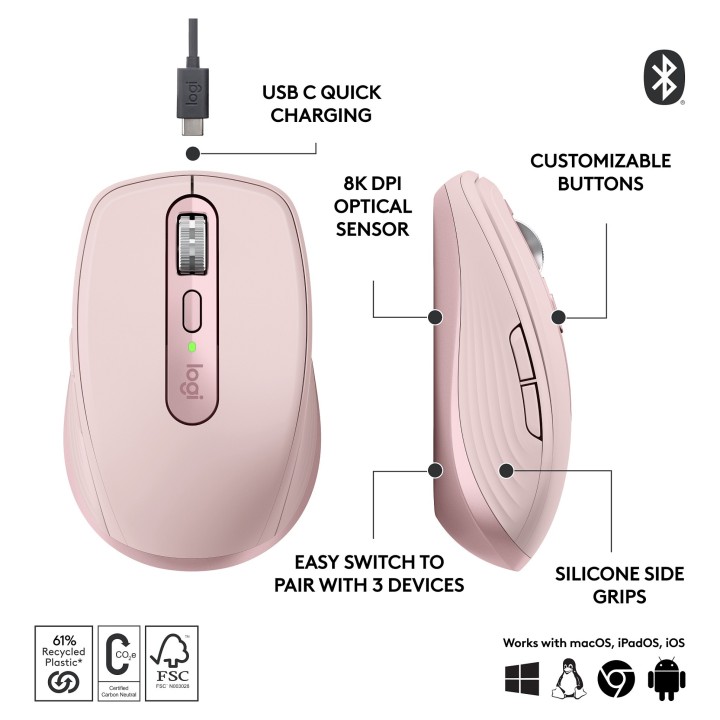
Delektuj się uniwersalnością i niezwykłą wydajnością. Zaawansowana, kompaktowa mysz, która pozwala Ci pracować gdziekolwiek Cię poniosła praca. Teraz z dokładnością i responsywnością na nowym poziomie dzięki śledzeniu ruchu na dowolnej powierzchni z rozdzielczością 8K DPI i cichym klikiem.

Specyfikacja

Czujnik
DPI200–8000
Typ czujnikaOpatyczny
Sterowanie
Użyciedla praworęcznych/leworęcznych
KółkoTak
Liczba przycisków6
Połączenie
Typ połączeniaBezprzewodowe/Przewodowe
BluetoothTak
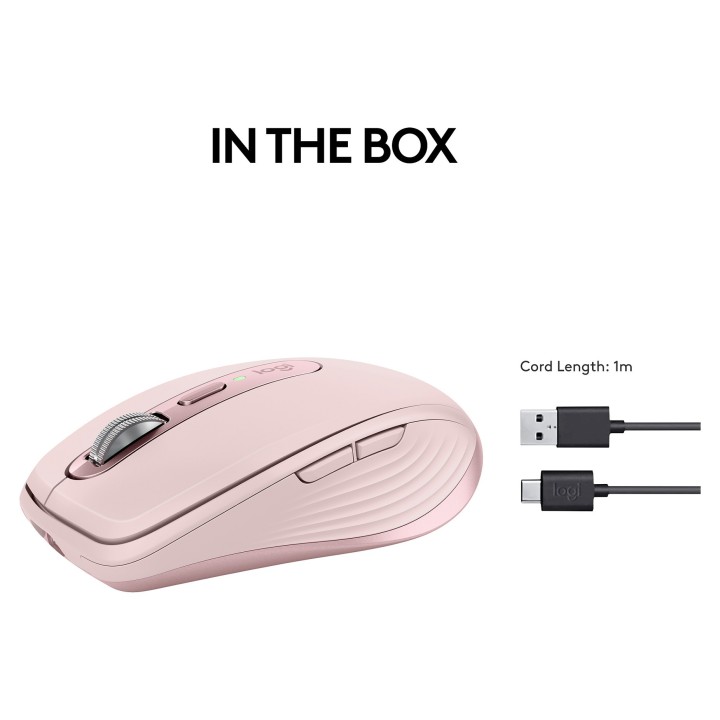
Kabel USBUSB-C do USB-A
Rozmiar i Waga
Rozmiar100,5 x 65 x 34,4 mm
Waga99 g

Opis produktu został przetłumaczony przez sztuczną inteligencję i może zawierać nieścisłości.

Specyfikacja

  • Opis produktu: Logitech MX Anywhere 3S mysz Bluetooth różowy
  • Rodzaj urządzenia: Mysz
  • Sposób podłączenia: Bezprzewodowa Bluetooth
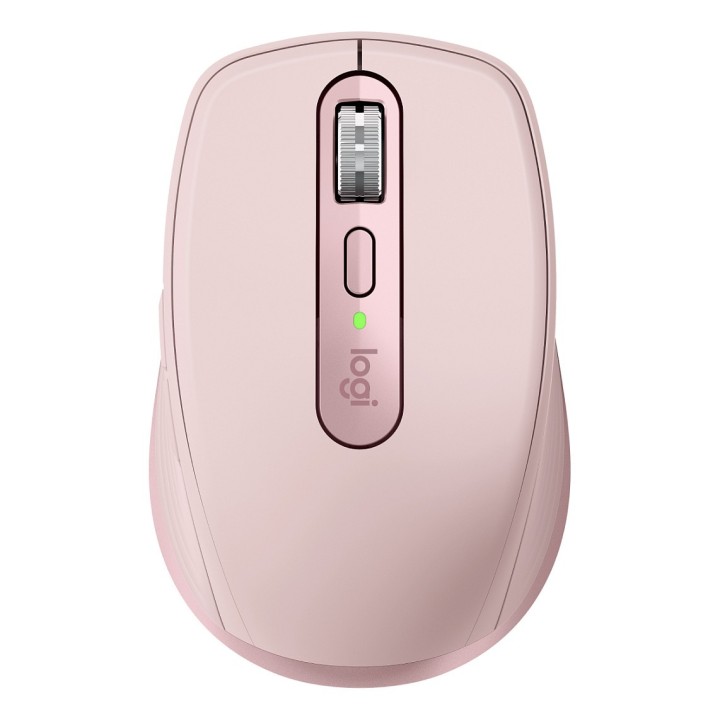
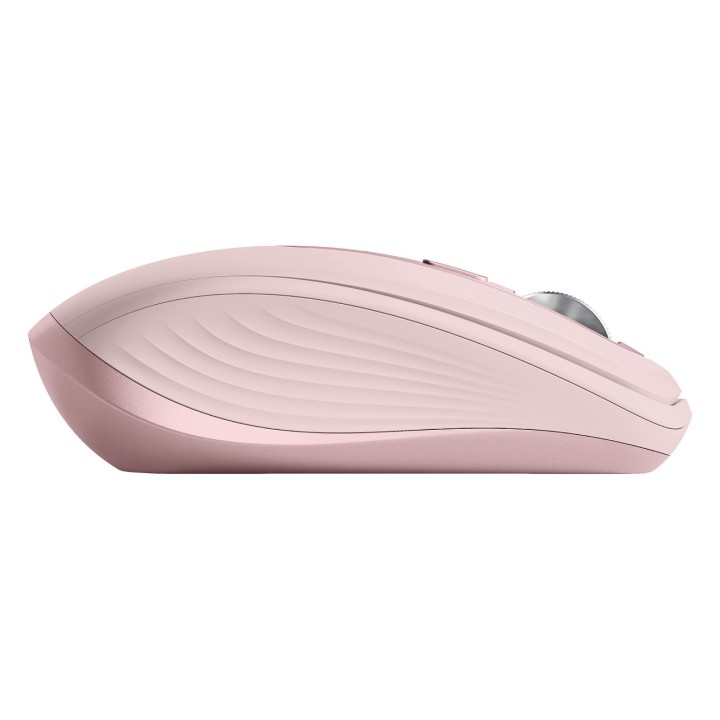
  • Kolor: Różowy
  • Wymiary (szer.głęb.wys.): 6.5 cm x 10.05 cm x 3.44 cm
  • Waga: 99 g
  • Technologia wykrywania ruchu: Optyczna
  • Ilość przycisków: 6
  • Zakres ruchu: 8000 dpi
  • Wykonanie: 10 milionów kliknięć
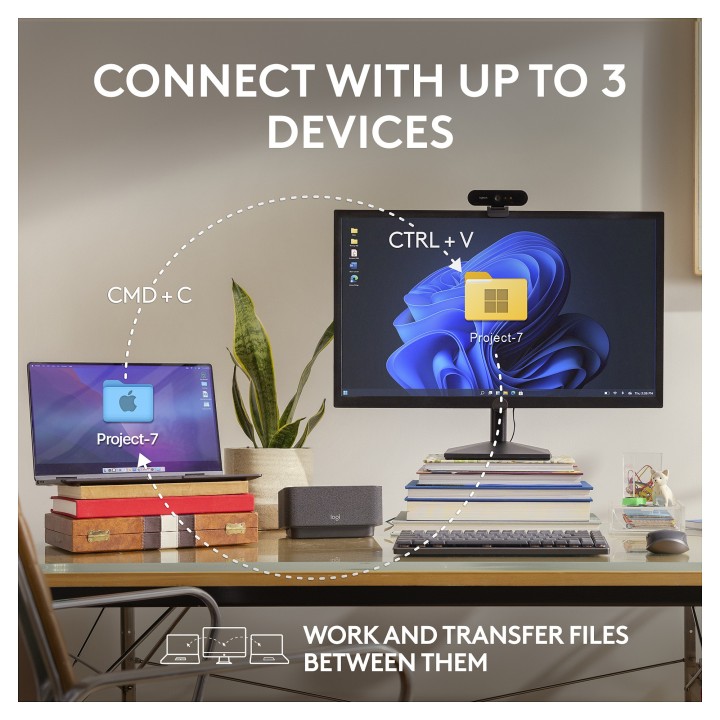
  • Cechy: Logitech Darkfield Laser Tracking, kółko kolorów z przyciemnianiem automatycznym, łączność do 3 urządzeń jednocześnie, technologia Quiet Clicks, kółko MagSpeed, programowalne przyciski, wskaźnik LED
  • Wymagany system operacyjny: Windows 10 11 lub nowsza wersja, Apple macOS 10.15 lub nowsza wersja, Android 8.0 (Oreo) lub nowsza wersja, Apple iPadOS 14 lub nowsza wersja, Google Chrome OS, Linux
  • Produkt z odzysku wtórnego: 61 wyprodukowano z plastiku postkonsumenckiego z recyklingu

Szczegóły produktu
  • Marka Logitech
  • Kod produktu 6610cd45620507cf6ecb1640
  • Dostępność 21 Przedmioty
  • EAN13 5099206111714
  • MPN 910-006931

Specyfikacja

  • Sposób połączenia Bluetooth / Przewodowe USB
  • Typ sensora Optyczny
  • Maksymalna czułość (DPI) 8000 DPI
  • Liczba przycisków (szt.) 6 szt.
  • Masa (g) 99 g

Producent

Producent

Logitech Europe S.A.

Catharijnesingel 47 3511GC Utrecht Netherlands

Telefon: +41 0 21 863 55 11

Osoba odpowiedzialna w UE

Logitech Europe S.A.

Catharijnesingel 47 3511GC Utrecht Netherlands

Telefon: +41 0 21 863 55 11

Bezpieczeństwo

Informacje o bezpieczeństwie

List of mouse safety warnings based on the requirements of General Product Safety Regulation (EU) 2023/988 (GPSR): 1. Ergonomics and repetitive movements: I use the mouse ergonomically to avoid strains and injuries. I regularly take breaks to reduce the risk of carpal tunnel syndrome or other problems associated with repetitive movements. 2. Cleaning and Maintenance: I disconnect the mouse from the computer before cleaning. I use a soft, dry cloth to clean my mouse. I avoid using liquids that can get inside the unit and damage it. 3. Cable and Connections: I make sure the mouse cable is properly connected to the computer and is not damaged. A damaged cable may pose a risk of electric shock or cause the mouse to malfunction. 4. Batteries (if applicable): If I use a battery-operated wireless mouse, I use the right type of battery and insert it correctly. I remove the batteries when the mouse is not in use for extended periods of time to prevent leaks and damage. 5. LED lighting (if applicable): I avoid staring at the intense LED light for a long time, which can cause eye strain. 6. Kids: I store my mouse and small items (e.g. batteries) out of reach of children to avoid the risk of ingestion or choking. 7. Recycling: I return the used mouse to the appropriate recycling point to minimize the environmental impact. 8. Usage: I do not use a damaged mouse as this may result in electric shock or injury. 9. Repairs: I do not repair the mouse myself, I give it to the service. 10. Storage: I store the mouse in a dry place, away from moisture and extreme temperatures.

Ładowanie...
Wróć na górę