Wideobar A30-020 obrazki
Wideobar A30-020
PragmaPay dla biznesu
Zapłać za zakupy firmowe później lub w ratach przez Tpay.
Sprawdź, jak działa (otwiera się w nowej karcie)Opis produktu
Gorąca Oferta — produkt nowy
Stan: Do oceny
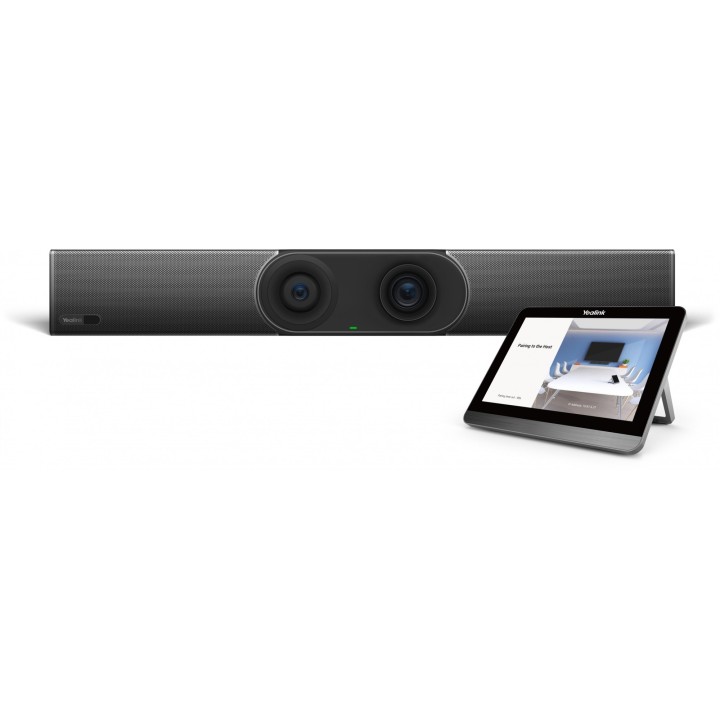
Yealink A30-020 Panel sterujący
Yealink
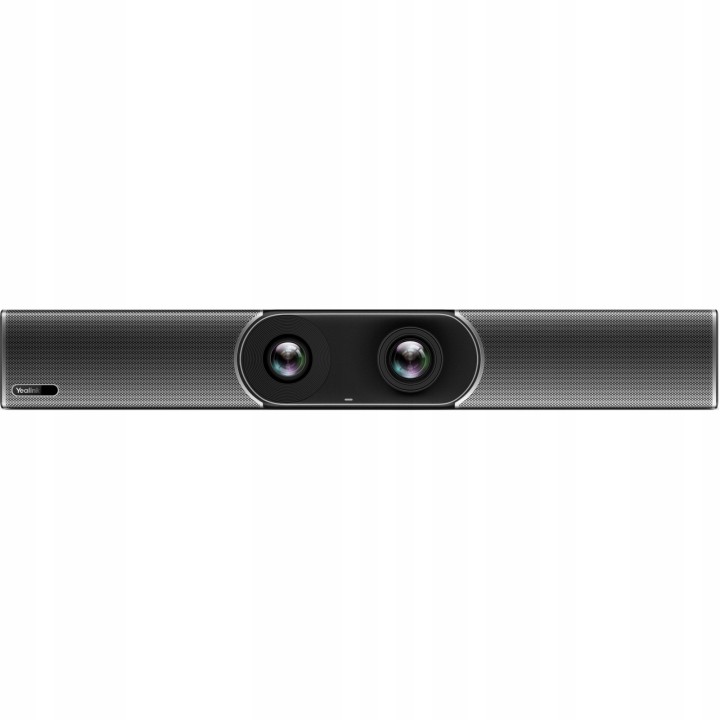
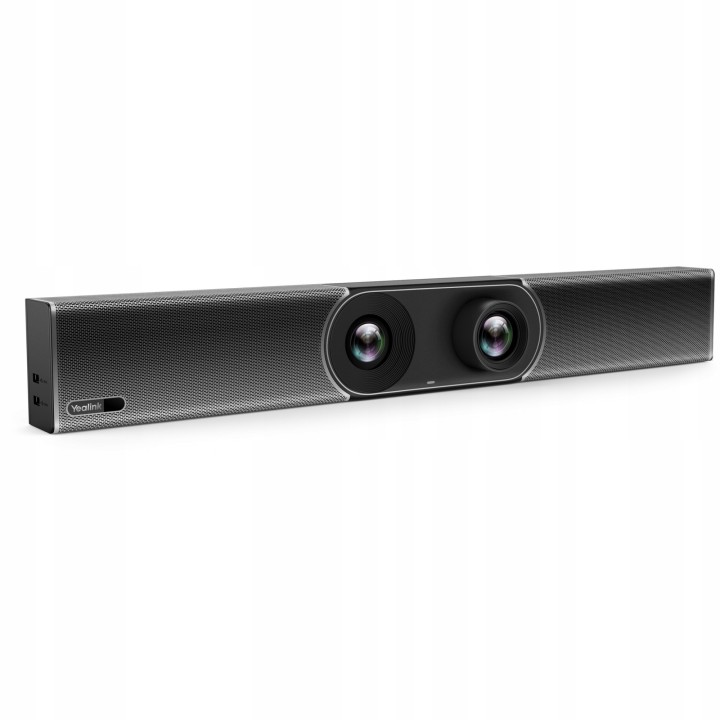
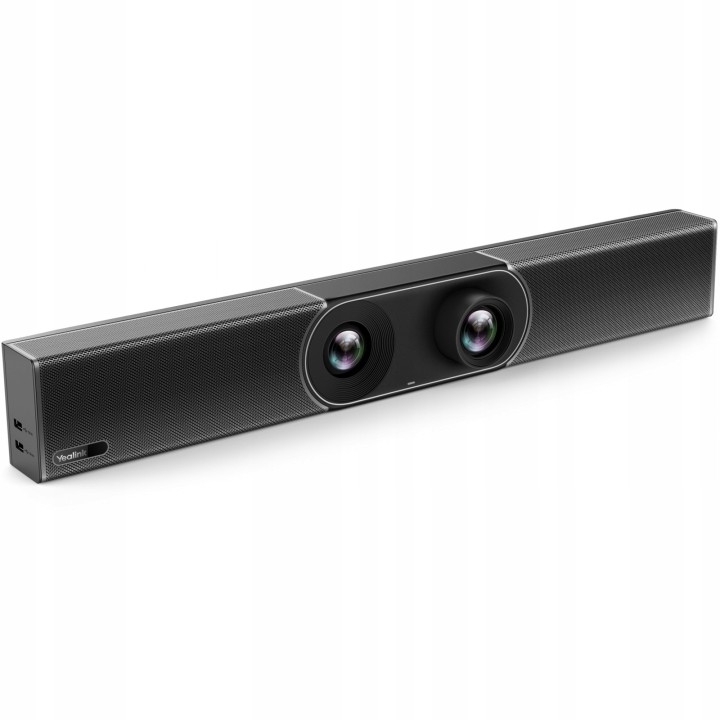
Yealink A30 Teams to nowoczesny wideoterminal all-in-one przeznaczony do średnich pomieszczeń i sal spotkań. Wyposażony w aparat 8 MP z szerokokątnym obiektywem 120°, zapewnia wysoką jakość wideo. Technologia AI umożliwia automatyczne kadrowanie i śledzenie mówcy. System składa się z 8 mikrofonów MEMS i algorytmu tłumienia szumów, co gwarantuje doskonały dźwięk.
CTP18 to panel dotykowy dedykowany do małych i średnich pomieszczeń. Posiada 8-calowy ekran dotykowy, który ułatwia dołączanie do spotkania i jego kontrolę. Współpraca z Yealink Wireless Presentation Pod WPP20 umożliwia dodawanie adnotacji i zarządzanie treściami bezpośrednio na panelu, co poprawia efektywność komunikacji.
- Cechy: Skrócona instrukcja obsługi
- Kolor produktu: Czarny
- Funkcje spotkań: Add participates, Kalendarz, Udostępnianie treści, Hold/Resume, Łączenie jednym kliknięciem, Biała tablica
- Typ produktu: Bar do współpracy wideo
- Sterowniki wideo: H.264 High profile, H.264 SVC, H.264
- Ilość głośników: 1
- Moc wyjściowa (RMS): 5 W
- Ilość portów wyjściowych HDMI: 2
- Ilość portów wejściowych HDMI: 1
- Obsługiwany typ USB: USB Typu-A, USB Type-C
- Liczba portów USB 2.0: 2
- Ilość portów Ethernet LAN (RJ-45): 1
- Prędkość transferu danych przez Ethernet LAN: 10/100/1000 Mbit/s
- Standardy komunikacyjne: IEEE 802.1x
- Szyfrowanie / bezpieczeństwo: 256-bit AES, EAP-MD5, EAP-TTLS, PEAP, SRTP, TLS
- Megapiksele: 8 MP
- Typ aparatu/kamery: Podwójny obiektyw
- Rozdzielczość drugiego aparatu/kamery: 8 MP
- Pole widzenia (szerokie): 120°
- Pole widzenia (tele): 90°
- Długość przekątnej ekranu: 20.3 cm (8")
- Rozdzielczość: 1280 x 800 px
- Liczba matryc mikrofonowych: 8
- Typ procesora: Qualcomm Snapdragon
- Model procesora: 845
- Zainstalowany system operacyjny: Android 10
- Zakres temperatur (eksploatacja): 0 - 40 °C
- Zakres wilgotności względnej: 10 - 95%
- Zakres temperatur (przechowywanie): -30 - 70 °C
- Rodzaj zasilania: Prąd przemienny
- Napięcie wejściowe AC: 100 - 240 V
- Napięcie wyjściowe DC: 48 V
- Wyjście prądu stałego (w amperach): 0.7 A
- Pobór mocy: 10.5 W
- Pobór mocy (bezczynny): 13 W
- Certyfikaty: CE, FCC, RoHS, REACH, ISO 9001, CCC, NOM
- Szerokość produktu: 700 mm
- Głębokość produktu: 98 mm
- Wysokość produktu: 121 mm
- Przewody: HDMI, LAN (RJ-45)
- Długość kabla sieciowego: 3 m
- Długość kabla HDMI: 1.8 m
Szczegóły produktu
- Kod produktu OUT:6ae0b3ec0dcd327873789cf8:KT-08046E5638D6F22C
- Dostępność 1 Przedmiot
- Stan Nowy
Producent
Producent
Yealink (Europe) Network Technology B.V.
Keizersgracht 62 1015 CS Amsterdam Holandia
E-mail: europe@yealink.com
Formularz kontaktowy: https://www.yealink.com/en/contact
Telefon: +86 5925702000
Osoba odpowiedzialna w UE
Yealink (Europe) Network Technology B.V.
Keizersgracht 62 1015 CS Amsterdam Netherlands
E-mail: europe@yealink.com
Formularz kontaktowy: https://www.yealink.com/
Telefon: +86 5925702000
Bezpieczeństwo
Informacje o bezpieczeństwie
List of safety warnings for video conferencing sets and cameras based on the requirements of Regulation (EU) 2023/988 on General Product Safety (GPSR) 1. Risk of electric shock: * Make sure that the device is connected to a working socket with grounding. * Do not touch the plug or cable with wet hands. * Avoid using the device in places with high humidity. 2. Risk of overheating: * Provide adequate ventilation while maintaining at least 5 cm of free space around the device. * Do not block ventilation openings. 3. Fire risk: * Use only original chargers and accessories recommended by the manufacturer. * Do not leave the device on unattended near flammable materials. 4. Risk of bodily injury: * Avoid using the device in a position that causes excessive heat pressure on the skin to prevent burns. * Use the device on a stable surface to minimize the risk of falling. 5. Hazards in humid environments: * Do not use the unit outdoors in rain or in areas with high humidity, such as bathrooms. * If the device is flooded, immediately disconnect it from the power source and contact the service. 6. Hazards at high temperatures: * Do not expose the device to direct sunlight. * Avoid using the device at temperatures exceeding the recommended range (usually 5-35°C). 7. Risk of damage during cleaning: * Before cleaning, disconnect the device from the power supply and use a soft, slightly damp cloth. * Avoid using strong detergents that can damage the surface of the device. 8. Caution when replacing accessories: * Use only the accessories recommended by the manufacturer. * When replacing batteries, follow the manufacturer's instructions and do not expose the battery to high temperatures. 9. Risks associated with battery use: * Avoid damage to the battery by impact or puncture. * If the battery overheats or swells, stop using the device immediately. 10. Child Hazards: * Keep power cables out of reach of children. * Make sure that children do not play with the device or accessories that can be dangerous. 11. Risk of mechanical damage and injury: * The device's fall may cause the screen to shatter, which can lead to user cuts. * Use durable protective cases and tempered glass for your screen. If the screen is damaged, do not use the device until repaired. 12. Risk of electromagnetic interference * Using the device near medical devices such as pacemakers can cause electromagnetic interference. * Maintain a distance of at least 15 cm between the device and medical devices. 13. Effects on vision * Long-term use of the device, especially in dark conditions, can lead to eye strain. * Use eye protection mode if available, and take breaks from the screen regularly. 14. Regular maintenance * Failure to regularly clean ports and sockets can lead to damage or failure. * Clean ports and sockets regularly using a dry and clean cloth, avoiding moisture input. 15. Allergic reactions to materials * Materials used in the device housing (e.g. silicone, metal) can cause skin irritation or allergic reactions. * In case of redness or discomfort, remove the device and consult a dermatologist. Clean the case regularly to avoid accumulation of sweat or dirt.
Gorąca Oferta