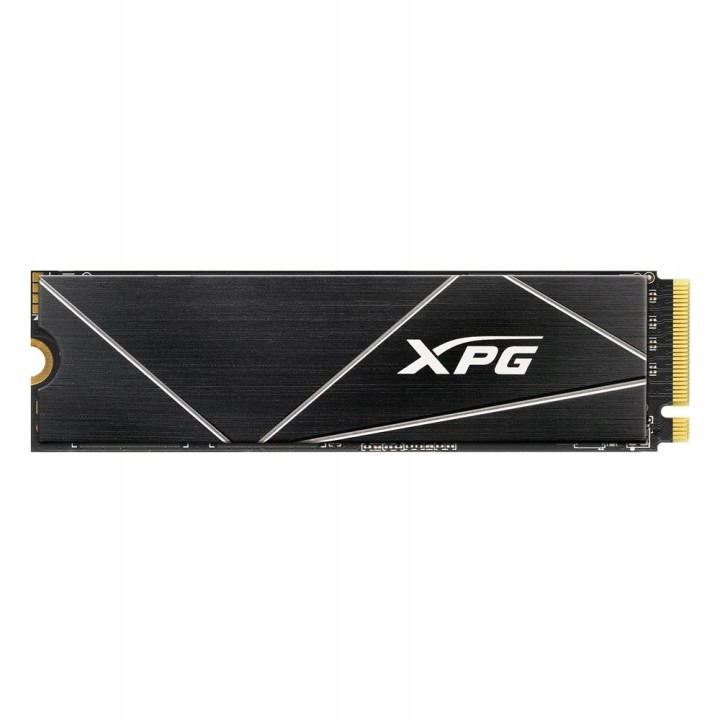
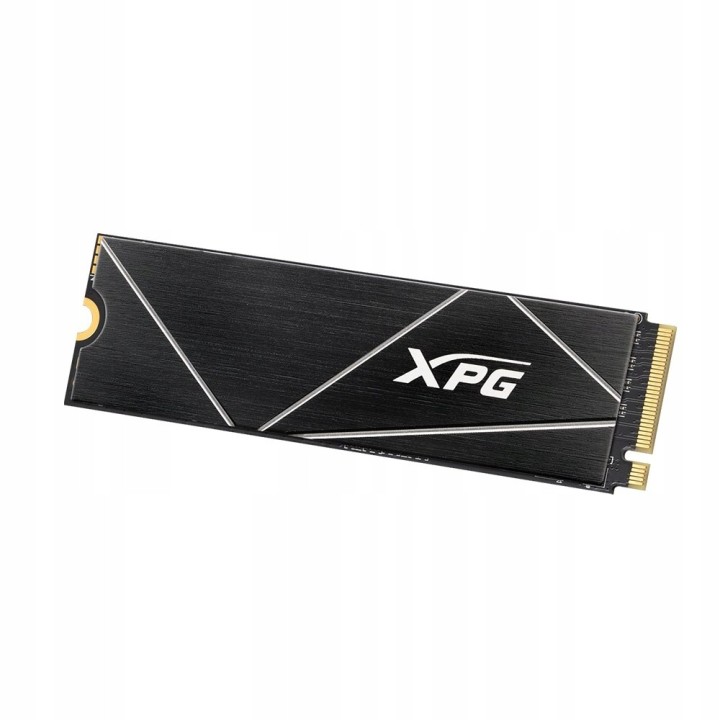
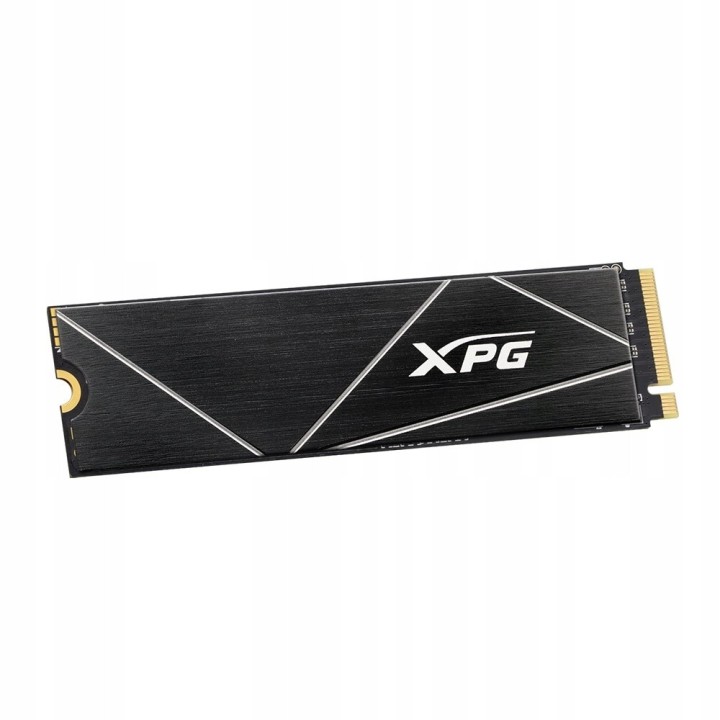
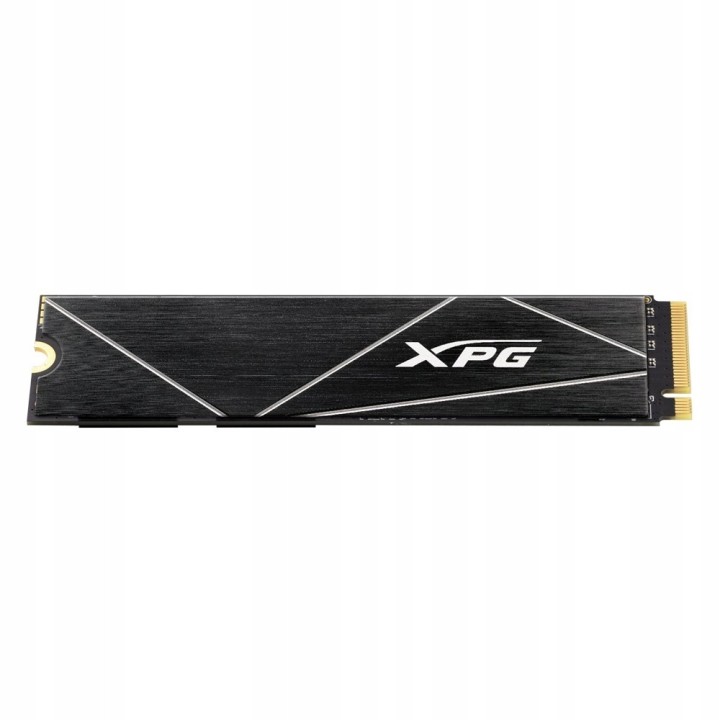
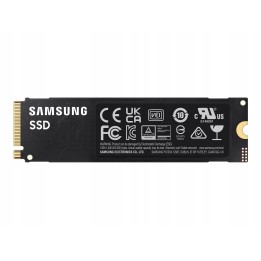
Dysk SSD XPG GAMMIX S70 BLADE 1TB PCIe 4x4 7.4/5.5 GBs
PragmaPay dla biznesu
Zapłać za zakupy firmowe później lub w ratach przez Tpay.
Sprawdź, jak działa (otwiera się w nowej karcie)Opis produktu
Gorąca Oferta — produkt nowy
Stan: Do oceny
Dysk SSD ADATA XPG GAMMIX S70 BLADE 1TB M2 PCIe NVMe
Adata
Dysk SSD XPG GAMMIX S70 BLADE z interfejsem PCIe Gen4 oferuje wyjątkowe prędkości do 7400/6800 MB/s, dwukrotnie przewyższające PCIe 3.0. Wyposażony w aluminiowy radiator, efektywnie odprowadza ciepło, obniżając temperaturę nawet o 20%. Dzięki formatowi M.2 2280 jest idealny do laptopów i smukłych urządzeń, współpracuje też z konsolą PS5. Z dynamicznym buforowaniem SLC i buforem DRAM zyskuje większą wydajność, a dzięki technologii 3D NAND oferuje pojemność do 2 TB. Funkcje korekcji błędów, ochrona danych E2E oraz 256-bitowe szyfrowanie AES zapewniają najwyższy poziom bezpieczeństwa i integralności danych.
- Rodzina dysków: GAMMIX S70 BLADE
- Pojemność dysku: 1 TB
- Format dysku: M.2 2280
- Typ dysku: SSD
- Typ kości pamięci: 3D NAND
- Technika zapisywania danych: SLC
- Interfejs: PCIe NVMe 4.0 x4
- Typ złącza: M.2 (NGFF)
- Prędkość odczytu (max): 7400 MB/s
- Prędkość zapisu (max): 5500 MB/s
- TBW (Total Bytes Written): 740.0
- Odczyt losowy: 740000 IOPS
- Zapis losowy: 740000 IOPS
- Średni czas między uszkodzeniami (MTBF): 2000000 h
- Informacje dodatkowe: E2E Data Protection and RAID Engine

Szczegóły produktu
- Kod produktu OUT:6ae4861e2603fa2972c37e83:KT-E208A92BA0DE1513
- Dostępność 1 Przedmiot
- Stan Nowy
Producent
Producent
ADATA Technology B.V.
Transistorweg 7 6534 AT Nijmegen Netherlands
E-mail: adata@adata.com
Formularz kontaktowy: https://www.adata.com/pl/contact?tab=business-needs
Osoba odpowiedzialna w UE
EARN Elektroaltgeräte Service GmbH
Landstrasse 91 38644 Goslar Germany
Formularz kontaktowy: https://www.adata.com/en/support/contact-us/
Bezpieczeństwo
Informacje o bezpieczeństwie
List of SSD security warnings based on General Product Safety Regulation (GPSR) 2023/988 requirements: * Before installing or disassembling an SSD, make sure your computer is turned off and disconnected from power. * When installing an SSD, use the appropriate tools and screws to avoid damaging your drive or computer. * Do not open the SSD enclosure as this may result in loss of warranty and damage to the drive. * Protect your SSD from moisture, dust, and extreme temperatures. * Use SSD management software according to the manufacturer's instructions to monitor its health and performance. * Regularly back up data from your SSD to avoid data loss in the event of a drive failure. * Do not disassemble the SSD while writing or reading data, this can lead to data loss. * Do not expose your SSD to shocks, drops, or other mechanical damage. * Once usage is complete, delete data from the SSD securely to prevent unauthorized access to the data. * Follow the rules for the safe handling of electronic waste when disposing of an SSD.