- Nowy
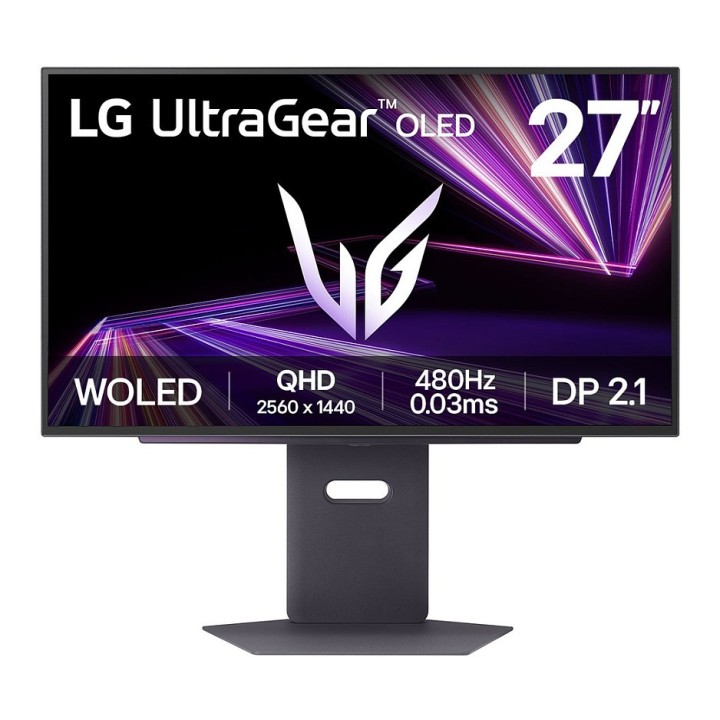
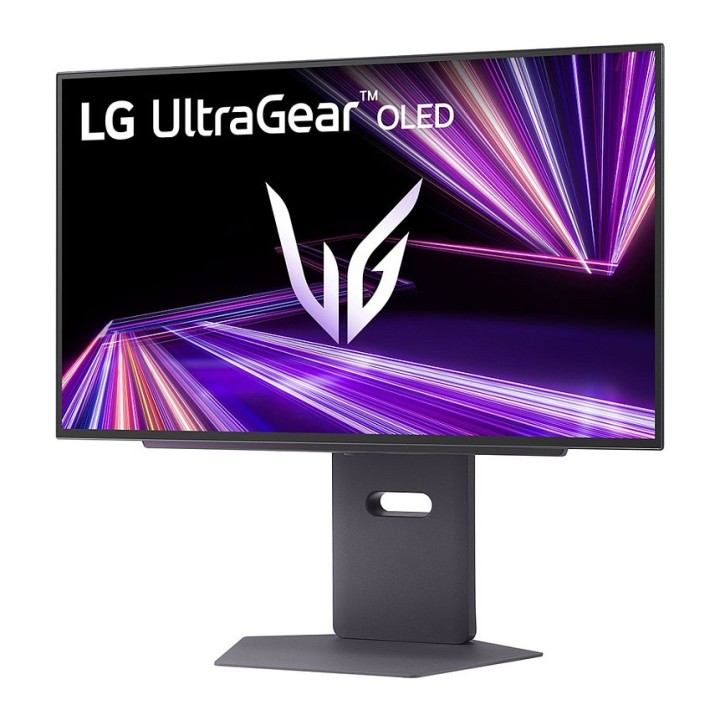
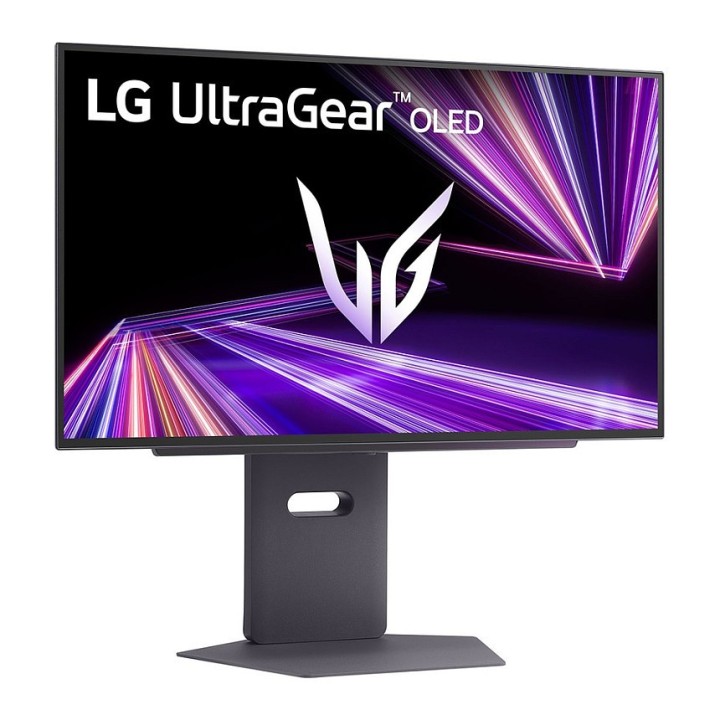
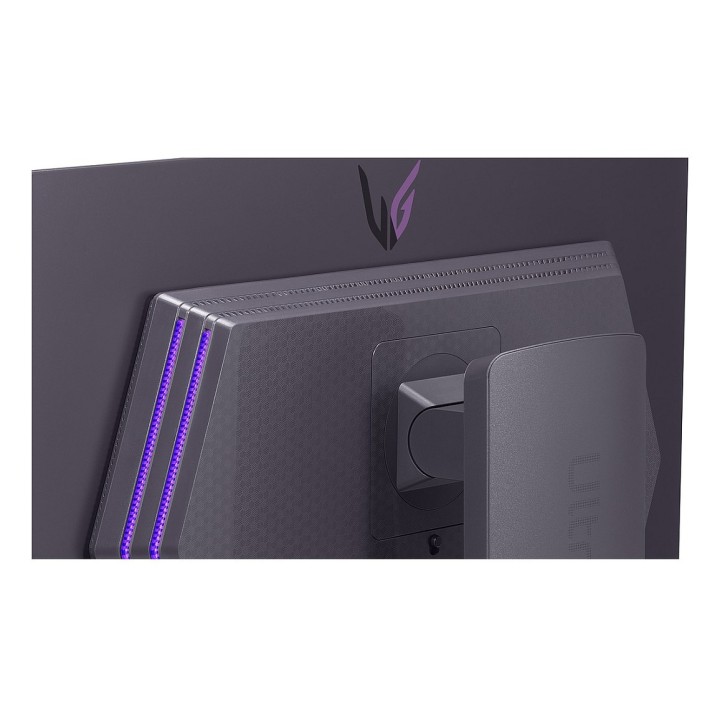
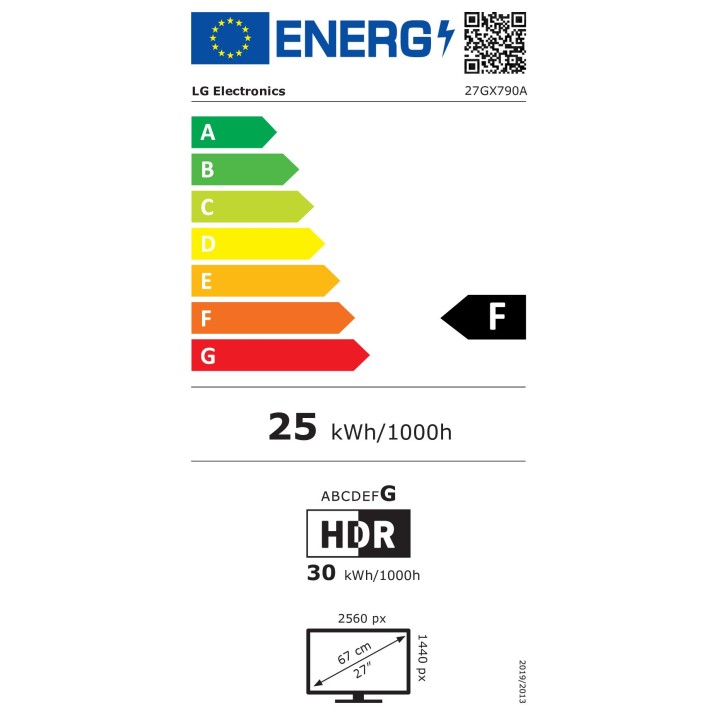
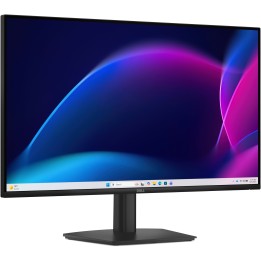
Monitor gamingowy LG UltraGear OLED 27GX790A-B 27" QHD 480 Hz obrazki
Monitor gamingowy LG UltraGear OLED 27GX790A-B 27" QHD 480 Hz
PragmaPay dla biznesu
Zapłać za zakupy firmowe później lub w ratach przez Tpay.
Sprawdź, jak działa (otwiera się w nowej karcie)Opis produktu
Przeznaczenie
Monitor gamingowy LG UltraGear OLED 27" zaprojektowany z myślą o szybkiej, konkurencyjnej rozgrywce oraz zaawansowanej pracy multimedialnej. Umożliwia płynne wyświetlanie obrazu o wysokiej częstotliwości odświeżania, jednocześnie zachowując szeroką gamę kolorów i głęboką czerń charakterystyczną dla paneli WOLED.
Jakość obrazu i HDR
Ekran oparty na technologii WOLED z warstwą Micro Lens Array+ poprawia wydajność świetlną i zwiększa jasność SDR, zapewniając wyraźne, nasycone barwy. Typowa jasność wynosi około 275 cd/m², a podświetlenie MLA+ pozwala osiągać znacznie wyższe wartości szczytowe przy krótkotrwałych scenach. Monitor obsługuje standardy HDR obejmujące DisplayHDR True Black 400, oferuje szeroką przestrzeń kolorów DCI-P3 (~98,5% typ.) oraz wysoką dokładność odwzorowania barw (Delta E ≤ 2), co przekłada się na naturalne odwzorowanie materiałów graficznych i filmowych.
Wydajność i płynność obrazu
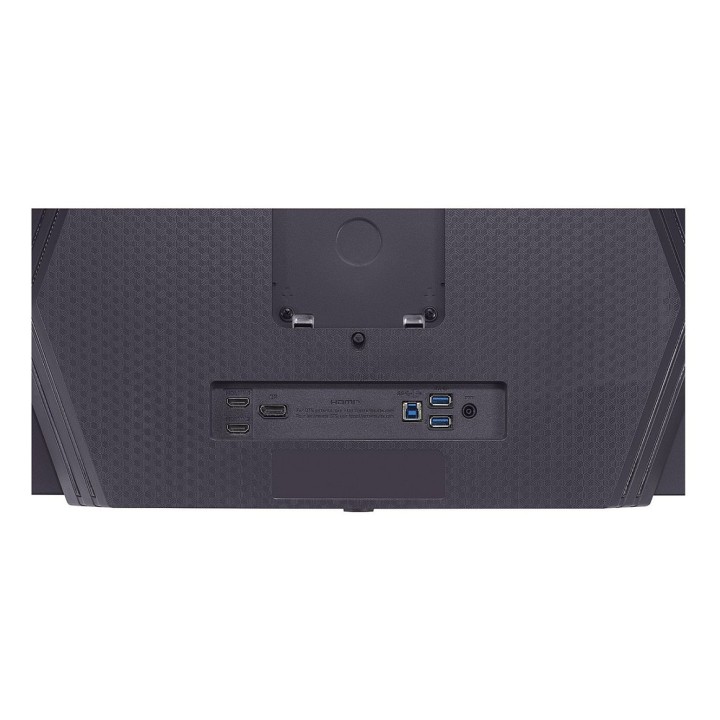
Monitor pracuje z częstotliwością do 480 Hz i czasem reakcji matrycy rzędu 0,03 ms (GtG), co minimalizuje rozmycie ruchu i pozwala na bardzo płynne odwzorowanie szybkich scen. Wyposażono go w DisplayPort 2.1 oraz dwa złącza HDMI 2.1, co umożliwia podłączenie nowoczesnych kart graficznych i konsol przy wysokich częstotliwościach odświeżania w rozdzielczości QHD. Obsługa technologii synchronizacji obrazu obejmuje NVIDIA G-SYNC Compatible, VESA AdaptiveSync oraz AMD FreeSync Premium Pro, co redukuje rozrywanie i zacinanie obrazu w grach.
Konstrukcja i ergonomia
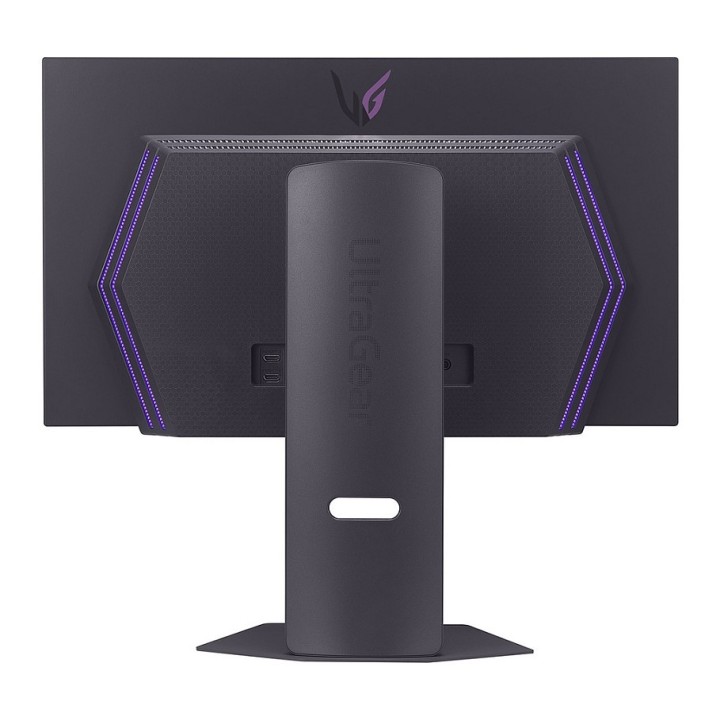
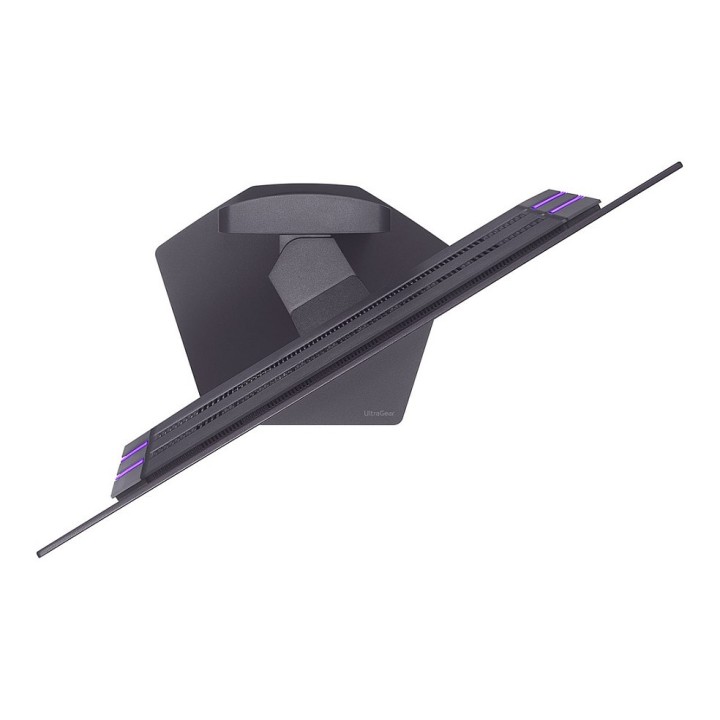
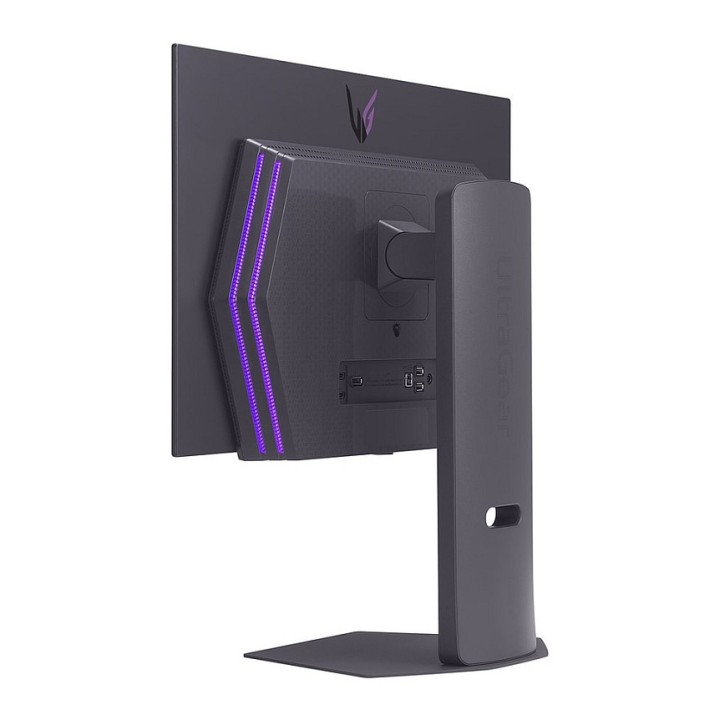
Obudowa o wąskich ramkach z czterech stron i odłączaną, kompaktową podstawą w kształcie litery L pozwala na oszczędne wykorzystanie miejsca na biurku. Stojak oferuje regulację wysokości (maks. ~11 cm), pochylenia (-5° do 15°), obrót -30° do 30° oraz tryb pivot, a także możliwość montażu na ścianie zgodnie ze standardem VESA 100 x 100 mm. Wymiary z podstawą to około 605 x 579 x 249 mm, a masa urządzenia z podstawą to około 9,3 kg.
Funkcje dodatkowe i łączność
Monitor ma wbudowany hub USB (porty USB 3.0 / 3.1 Gen1), port upstream USB typu B oraz pojedyncze wyjście słuchawkowe 3,5 mm (4-biegunowe) wspierające DTS Headphone:X dla wirtualnego dźwięku przestrzennego. Urządzenie oferuje funkcje poprawy obrazu i komfortu użytkowania, takie jak redukcja migotania (Flicker-free), redukcja emisji niebieskiego światła, lokalne przyciemnianie oraz narzędzie do kalibracji sprzętowej LG Calibration Studio. Dodatkowe wyróżniki to certyfikat VESA ClearMR 21000 oraz liczniki i tryby przydatne graczom (licznik FPS, tryby obrazu).
Specyfikacja
- Marka: LG
- Model: UltraGear 27GX790A-B
- Rozdzielczość natywna: 2560 x 1440 (WQHD)
- Typ matrycy: WOLED
- Częstotliwość odświeżania: 480 Hz
- Kontrast statyczny: ok. : 1
- HDMI: HDMI 2.1 x2
- Waga z podstawą: 9,3 kg
- Kolor: Czarny
- Klasa efektywności energetycznej: SDR: F, HDR: G
Szczegóły produktu
- Marka LG
- Kod produktu 682fe23f417c6945fa699a54
- Dostępność 5 Przedmioty
- EAN13 8806096357484
- MPN 27GX790A-B.AEU
Specyfikacja
- Przekątna ekranu (cal) 27 cal
- Czas reakcji GtG (ms) 0,03 ms
- Rozdzielczość natywna 2560 × 1440
- Typ matrycy WOLED
- Częstotliwość odświeżania (Hz) 480 Hz
- Ekran dotykowy Nie
- Zakrzywiony ekran Nie
- Standard VESA 100 × 100
- USB-C z obrazem Nie
Producent
Producent
LG Electronics Polska Sp. z o.o.
ul. Wołoska 22 02-675 Warszawa Polska
Formularz kontaktowy: https://www.lg.com/pl/wsparcie/contact-us/email/
Osoba odpowiedzialna w UE
LG Electronics Deutschland GmbH
Alfred-Herrhausen-Allee 3-5 65760 Eschborn Germany
E-mail: info@lg.de
Formularz kontaktowy: https://www.lg.com/de/support/kontaktieren-sie-uns/
Telefon: +49 6196 7883000
Bezpieczeństwo
Informacje o bezpieczeństwie
List of computer monitor safety warnings based on the requirements of General Product Safety Regulation (EU) 2023/988 (GPSR): * Risk to vision: Long-term gazing at the monitor screen may cause eye strain, dry eyes or headaches. Limit the working time with the monitor. * Take regular breaks. * Maintain proper distance from the screen. * Ensure proper lighting in the room. Set the brightness and contrast of the monitor to a comfortable level. Ergonomics: Incorrect position when working with the monitor can lead to back, neck, and shoulder pain Set the monitor to the correct height so that the top edge of the screen is at eye level or slightly below. * Use an adjustable chair and desk to ensure an ergonomic position. * Maintain proper posture while sitting. * Risk of electric shock: Improper use or damage to the monitor can lead to electric shock. * Do not use the monitor in humid environments. * Do not touch the monitor with wet hands. * Do not put any items inside the monitor. If the power cable is damaged, replace it with a new one. * Disconnect the monitor from power before cleaning. * Fire risk: Overheating or short circuiting in the monitor can cause a fire. * Do not cover the ventilation holes of the monitor. * Do not place the monitor near heat sources. Use only the original power supply that came with your monitor. * If the monitor overheats, disconnect it from power immediately. Mechanical damage: The fall of the monitor can cause damage and pose a threat to the user. Set the monitor on a stable surface. * Secure cables to avoid accidental tripping. * For monitor transport, use appropriate protective packaging. * Cleaning: Improper cleaning of the monitor can damage the screen or cause other problems. * Use only a soft dry cloth to clean the screen. * Do not use cleaning products containing alcohol, ammonia or other corrosive substances. * Disconnect the monitor from power before cleaning. * Disposal: Incorrect disposal of the monitor can pose a threat to the environment. Return the used monitor to the e-waste collection point. * Do not throw the monitor in a regular trash can. * Children: The monitor is not a toy and should not be used by children without supervision. * Make sure children do not touch the power cables. * Make sure kids don't play around with the monitor packaging. * Repairs: Do not try to repair the monitor yourself. * Any repairs should be done by qualified personnel. * Monitor portability: Be careful when moving your monitor. * Disconnect all cables before moving. * Use appropriate packaging. * Weather conditions: Do not expose the monitor to extreme temperatures or moisture. * Protect your monitor from direct sunlight. * Adjustable settings: Do not use extreme brightness or contrast settings. * These can cause faster eye strain. * Noise: If the monitor makes disturbing noises, turn it off immediately. * Contact the technical service. * Environmental protection: Be sure to turn off the monitor when not in use. * You save energy this way. Software: Use only the software provided by the manufacturer. * You will avoid compatibility issues.
Monitory
- Nowy

- Nowy