- Nowy
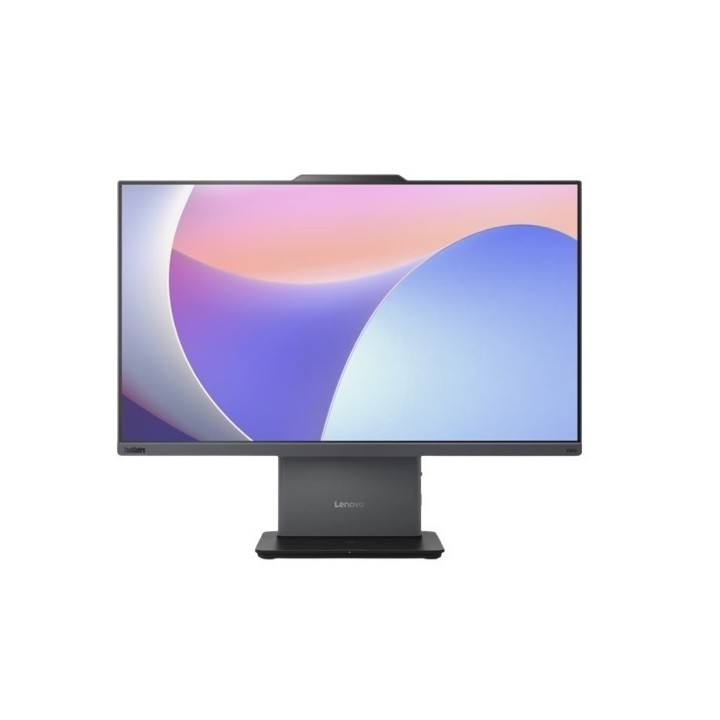
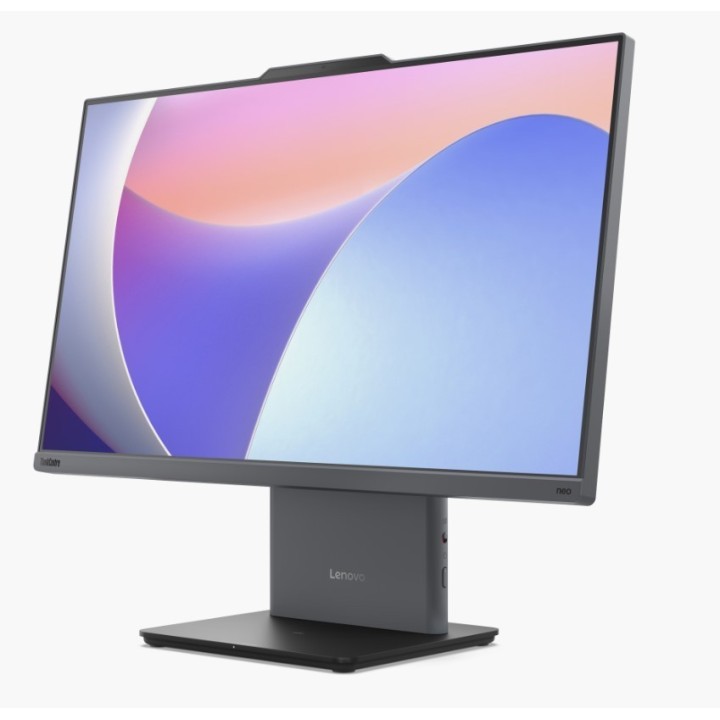
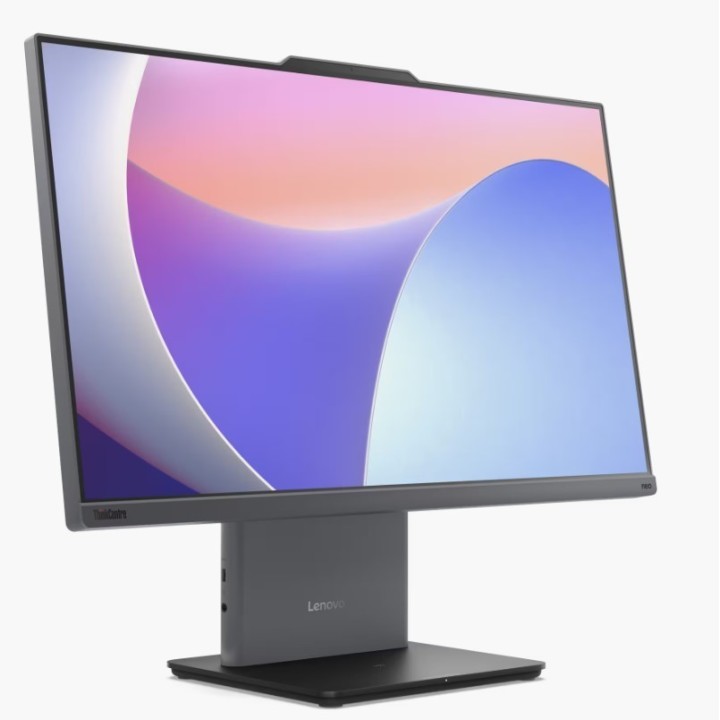
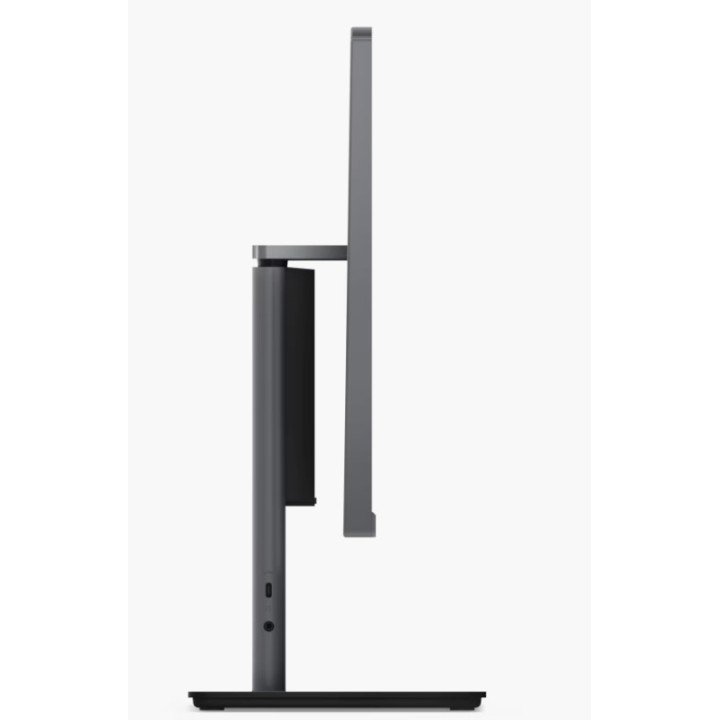
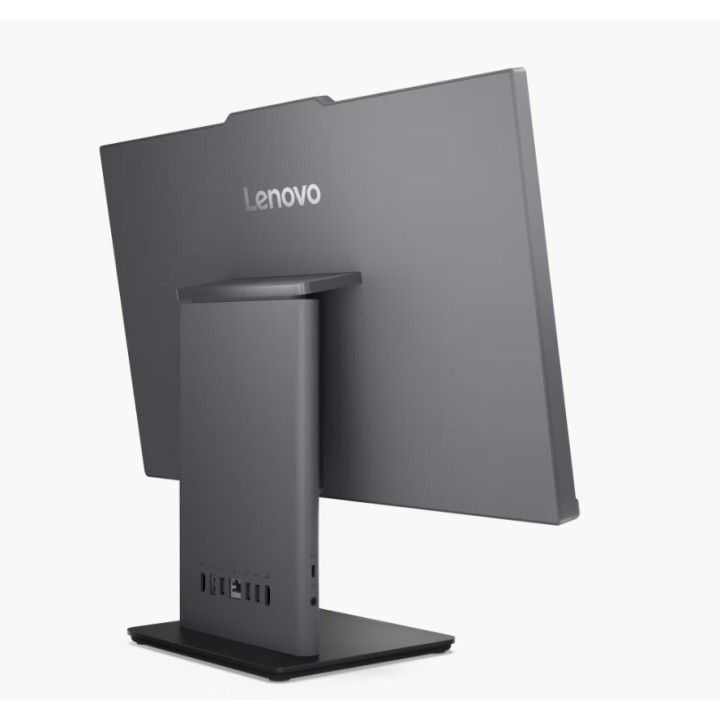
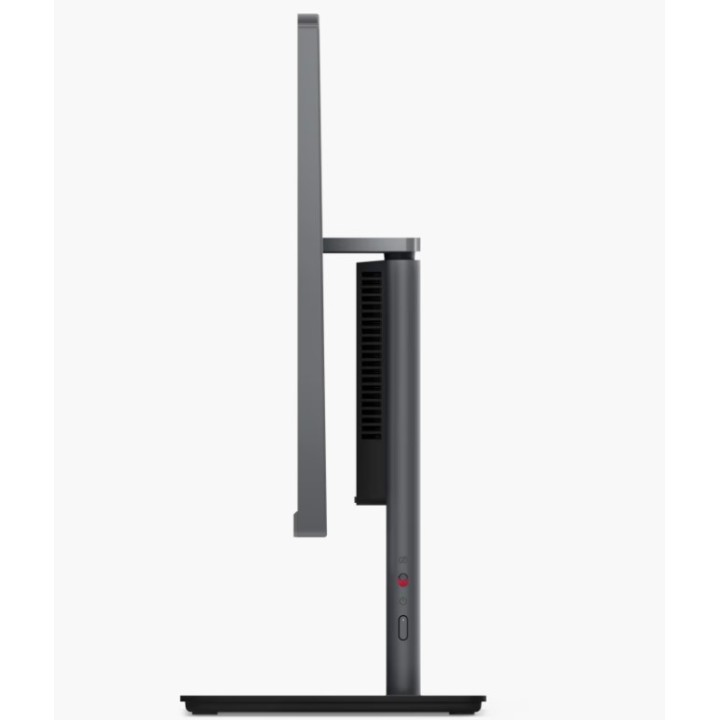
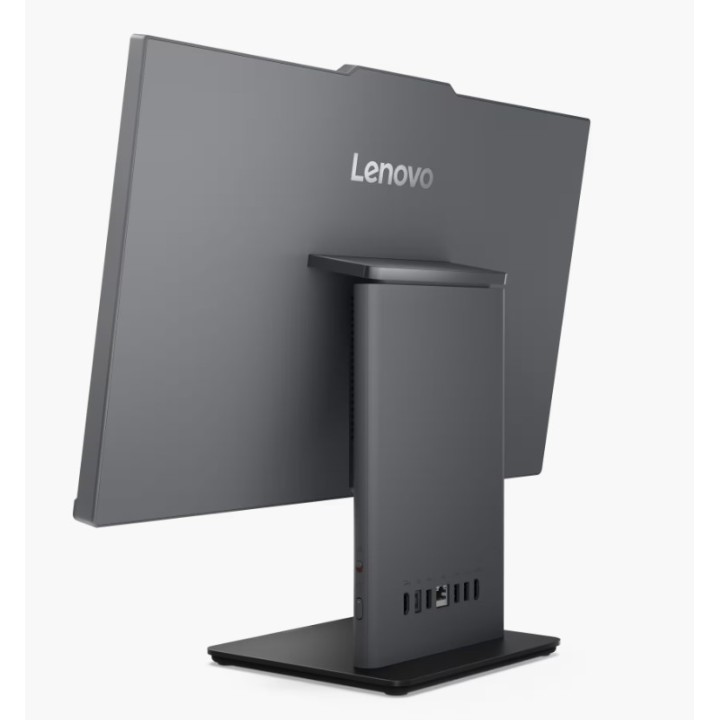
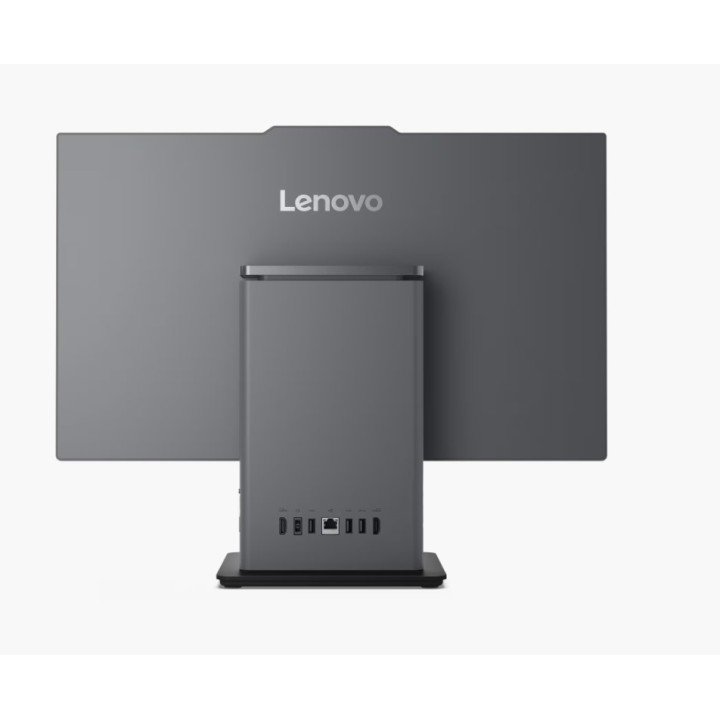
LENOVO ThinkCentre neo 50a 24 G5 Intel Core 5 210H 23.8inch 16GB 512GB SSD M.2 PCIe W11P 3Y OS obrazki
LENOVO ThinkCentre neo 50a 24 G5 Intel Core 5 210H 23.8inch 16GB 512GB SSD M.2 PCIe W11P 3Y OS
PragmaPay dla biznesu
Zapłać za zakupy firmowe później lub w ratach przez Tpay.
Sprawdź, jak działa (otwiera się w nowej karcie)Opis produktu
Komputer Lenovo ThinkCentre Neo 50a Gen 5 typu all-in-one wyróżnia się kompaktowym, eleganckim designem oraz wyjątkowo cichą pracą, co czyni go idealnym rozwiązaniem do biur frontowych. Dzięki trosce o komfort użytkownika, ten desktop redukuje hałas podczas pracy, sprawdzając się w miejscach, gdzie cisza jest kluczowa. Doskonale nadaje się do pracy w domu oraz w modelu hybrydowym, oferując energooszczędność i komfort użytkowania, pomagając uniknąć niepotrzebnych rozproszeń.
Specyfikacja
- Opis produktu: Lenovo ThinkCentre neo 50a 24 Gen 5 wszystkowjednym Core 5 210H 2.2 GHz 16 GB SSD 512 GB LED 23.8" Angielska Europejska
- Typ: Komputer osobisty wszystkowjednym
- Lokalizacja: Język: Polish region: Polska
- Procesor: Intel Core 5 (Seria 2) 210H 2.2 GHz (do 4.8 GHz, (8rdzeniowy)
- Pamięć podręczna: 12 MB
- Pamięć podręczna na procesor: 12 MB
- RAM: 16 GB (zainstalowane) 32 GB (maks.) DDR5 SDRAM
- Dysk twardy: SSD 512 GB PCI Express 4.0 x4 M.2 2280 TCG Opal Encryption 2, NVM Express (NVMe)
- Napęd optyczny: Bez napędu optycznego
- Monitor: 23.8" LED 1920 x 1080 (Full HD) 16:9 ekran dotykowy
- Sterownik grafiki: Intel Graphics pamięć video współdzielona (UMA)
- Aparat fotograficzny: Tak
- Praca w sieci: 1GbE, 802.11a, 802.11bgn, WiFi 5, Bluetooth 5.2, WiFi 6
- Klawiatura: Angielska Europejska
- Zasilanie: (5060 Hz)
- Dołączony system operacyjny: Windows 11 Pro
- Kolor: Księżycowy szary
- Wymiary (szer.głęb.wys.): 54 cm x 19.2 cm x 43.1 cm
- Waga: 6 kg
- Program sprzedaży producenta: Lenovo TopSeller
- Standardy ochrony środowiska: Tak EPEAT Gold
Szczegóły produktu
- Marka Lenovo
- Kod produktu 6896b72dd03d8eef29d163fb
- Dostępność 17 Przedmioty
- EAN13 0198156864611
- MPN 12SD0060PB
Specyfikacja
- Model procesora 210H
- Typ pamięci RAM DDR5
- Pamięć RAM (GB) 16 GB
- System operacyjny Windows 11 Pro
- Wi-Fi Tak
- Format obudowy All-In-One
Producent
Producent
Lenovo Technology B.V. Sp. z o.o. Oddział w Polsce
ul. Gottlieba Daimlera 1 02-460 Warszawa Polska
E-mail: support@lenovo.com
Osoba odpowiedzialna w UE
Lenovo (Slovakia) s.r.o.
Landererova 12 811 09 Bratislava Słowacja
E-mail: balenovo_sk@lenovo.com
Formularz kontaktowy: https://www.lenovo.com/sk/sk/contact
Telefon: +421268688000
Bezpieczeństwo
Informacje o bezpieczeństwie
List of desktop safety warnings based on the requirements of General Product Safety Regulation (EU) 2023/988 (GPSR) * Risk of electric shock: * Make sure your computer is connected to an efficient grounded outlet. * Do not touch the plug or cable with wet hands. * Avoid using your computer in areas with high humidity. * Risk of overheating: * Provide adequate ventilation while maintaining at least 5 cm of free space around your computer. * Do not block ventilation openings. * Fire risk: * Use only original chargers and accessories recommended by the manufacturer. * Do not leave your computer on unattended near flammable materials. * Risk of bodily injury: * Use your computer on a stable surface to minimize the risk of falling. * Hazards in humid environments: * Do not use your computer outdoors in rain or in areas with high humidity. * If your computer is flooded, disconnect it from the power source immediately and contact the service. * Hazards at high temperatures: * Do not expose your computer to direct sunlight. * Avoid using your computer at temperatures above the recommended range (usually 5-35°C). * Risk of damage during cleaning: * Before cleaning, disconnect the computer from power and use a soft, slightly damp cloth. * Avoid using strong detergents that can damage the surface of your computer. * Caution when replacing accessories: * Use only accessories recommended by the manufacturer. * When replacing batteries, follow the manufacturer's instructions and do not expose the battery to high temperatures. * Battery Use Hazards: * Avoid damaging the battery by impact or puncture. * If the battery overheats or swells, stop using the computer immediately. * Child warnings: * Keep power cables out of reach of children. * Make sure children don’t play with computers or accessories that can be dangerous.
Komputery stacjonarne
- Nowy
- Nowy
- Nowy
- Nowy
Ostatnio oglądane
Produkty, które ostatnio zwróciły Twoją uwagę.
- Nowy
- Nowy
- Nowy
- Nowy
- Nowy
- Nowy
- Nowy
- Nowy
- Nowy
- Nowy
- Nowy
- Nowy