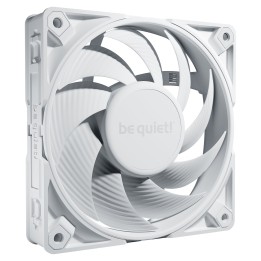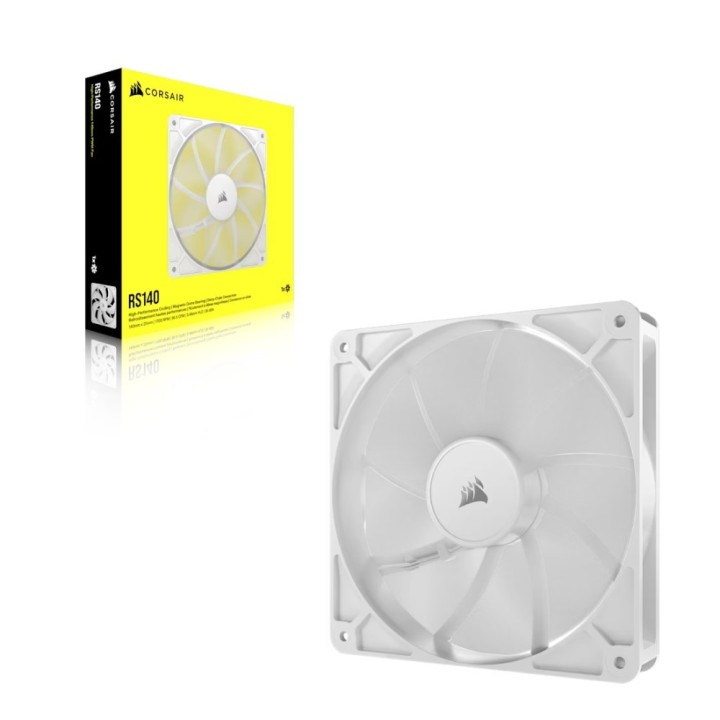
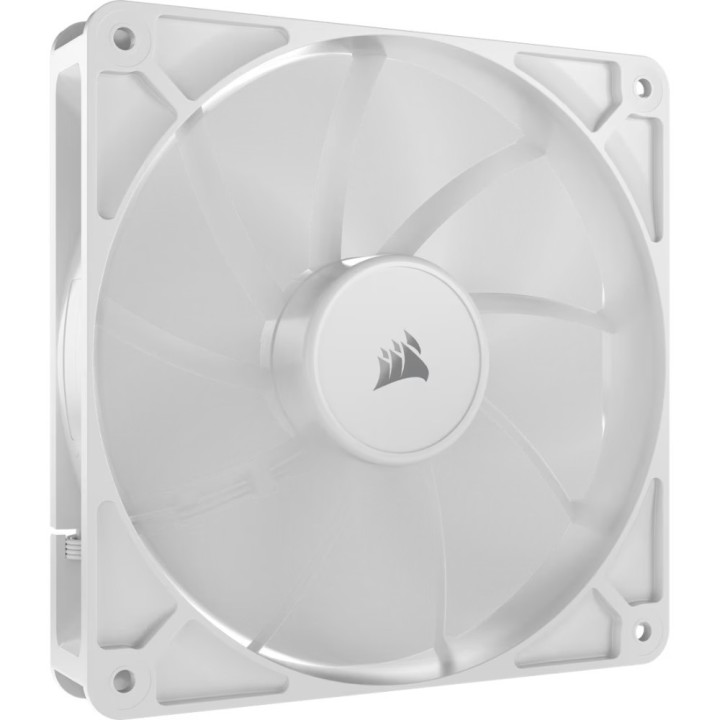
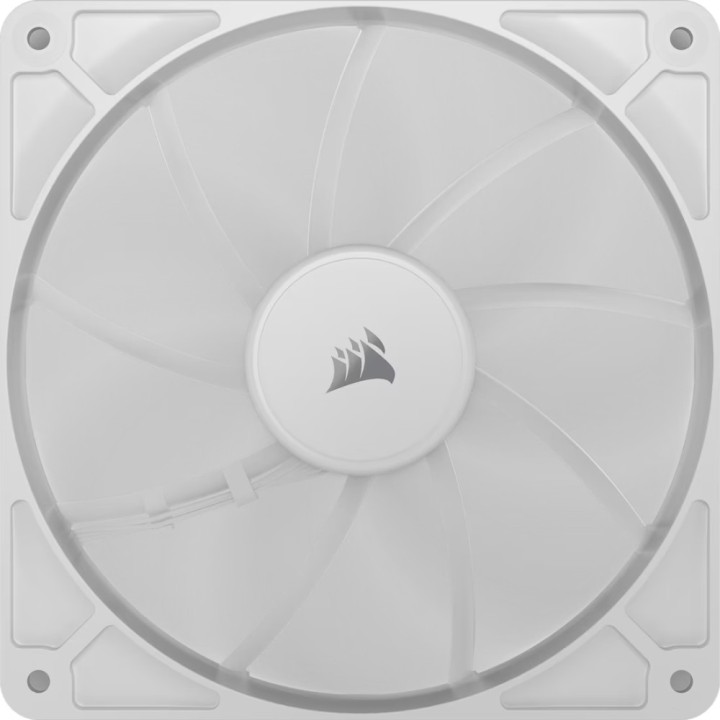
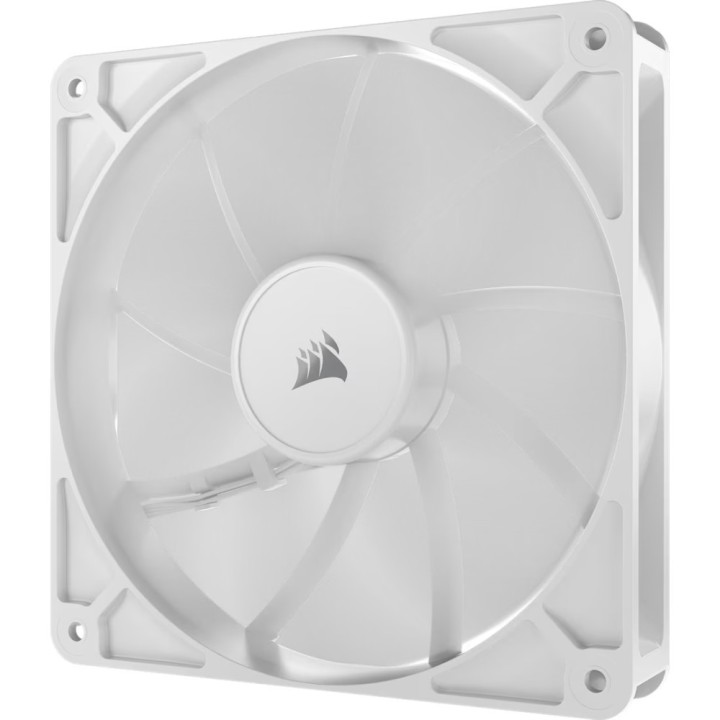
CORSAIR RS140 White, 140mm Fan, Single Pack
PragmaPay dla biznesu
Zapłać za zakupy firmowe później lub w ratach przez Tpay.
Sprawdź, jak działa (otwiera się w nowej karcie)Opis produktu
Wentylator RS140 140mm biały
Dodaj do swojego układu chłodzenia wentylator PWM 140 mm CORSAIR RS140, z szeregowym połączeniem 4-pinowym umożliwiającym sterowanie PWM, generujący skoncentrowany strumień powietrza.
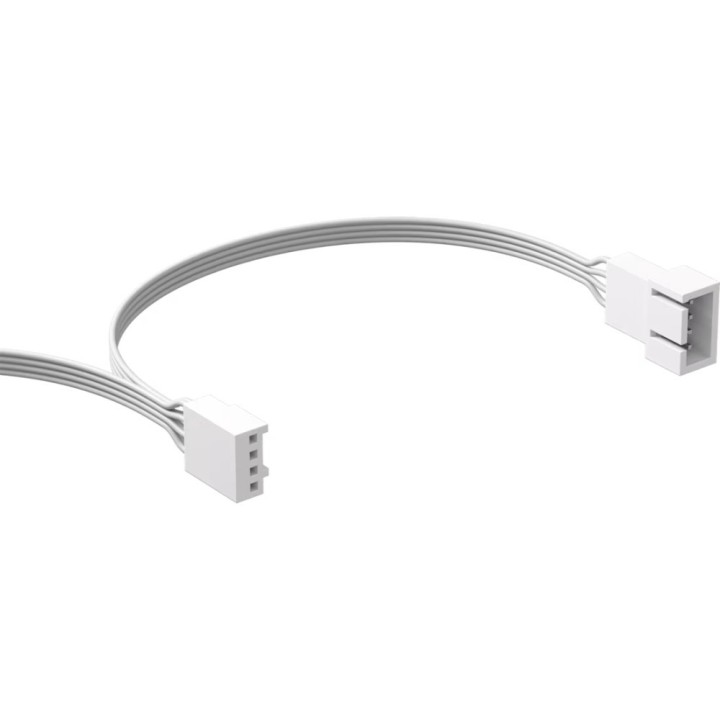
- 4-pinowe złącza PWM z możliwością łączenia szeregowego
- Technologia CORSAIR AirGuide do skoncentrowanego przepływu powietrza
- Łożysko z kopułą magnetyczną CORSAIR o wydłużonej żywotności i obniżonym poziomie hałasu
- Tryb Zero RPM przy niskim obciążeniu
Szczegóły produktu
- Marka Corsair
- Kod produktu 689d4d3cd03d8eef29a77b6a
- Dostępność 2 Przedmioty
- EAN13 0840006684268
- MPN CO-9050194-WW
Specyfikacja
- Podświetlenie RGB Nie
- Średnica wentylatora (mm) 140 mm
- Typ złącza wentylatora 4-pin
- Maksymalne obroty wentylatora (obr/min) 1700 obr/min
Producent
Producent
Corsair Memory, B.V.
Wormerweg 8 1311 XB Almere Holandia
Formularz kontaktowy: https://help.corsair.com/hc/en-us
Telefon: +31 36 5478360
Osoba odpowiedzialna w UE
Corsair Memory, BV
Wormerweg 8 1311 XB Almere Holandia
Formularz kontaktowy: https://help.corsair.com/hc/en-us
Telefon: +31 365478360
Bezpieczeństwo
Informacje o bezpieczeństwie
List of computer cooling and tuning safety warnings based on the requirements of General Product Safety Regulation (EU) 2023/988 (GPSR): 1. Risk of electric shock: * Before assembly or disassembly, make sure your computer is disconnected from power. * Do not touch the power cords with wet hands. * Use only power supplies and cables that comply with safety standards. 2. Fire risk: * Make sure the cooling system is compatible with your central unit and power supply. * Regularly check the condition of wires and fittings for damage or overheating * Do not block ventilation holes in the computer case. Use only non-flammable coolants designed for liquid cooling systems. 3. Risk of physical injury: * Use protective gloves during assembly to avoid cuts to the sharp edges of the components. * Beware of heavy elements such as heat sinks to avoid dropping them on your feet or other body parts. * Secure tuning components such as fans so they don't cause injury while your computer is running. Take special care when working with liquids - avoid contact with eyes and skin. 4. Risk of damage to equipment: * Before installation, make sure that all components are compatible with your computer. * Follow assembly and disassembly instructions to avoid damage to components. * Do not exceed the recommended voltage and current values to avoid overheating and damage to components. * Clean cooling elements regularly to ensure efficient heat transfer. 5. Coolant Hazards: * In case of coolant leakage, disconnect the computer from power immediately. Cooling liquid can cause corrosion - it should be removed from the surface of the elements. * Avoid inhaling coolant fumes. 6. Hazards for children: * Keep small items (screws, fittings) out of reach of children. * Do not allow children to assemble or disassemble computer components themselves. 7. Noise: * Fans can generate noise - use headphones or limit the time spent near a loud computer. 8. Electronics hazards: * Use antistatic mats during operation to protect components from electrostatic discharge. * Do not repair damaged items yourself - return them to service. 9. Overheating: * Regularly monitor the temperature of components to avoid overheating. * Make sure your cooling system is working properly and is sufficient for your computer. 10. Fire safety: * Use only certified power supplies and cooling systems. * Regularly check that no dust accumulates inside the housing, which can be flammable.
Wentylatory i radiatory
Ostatnio oglądane
Produkty, które ostatnio zwróciły Twoją uwagę.