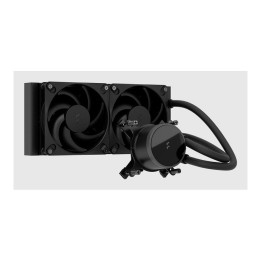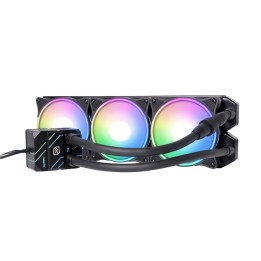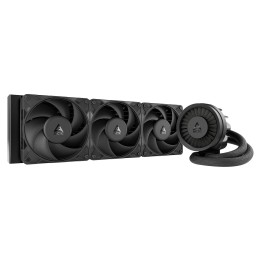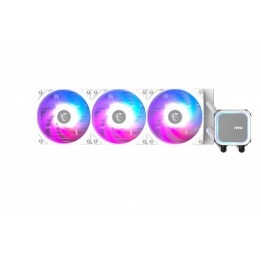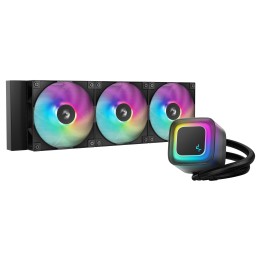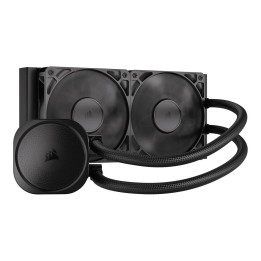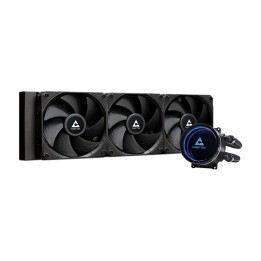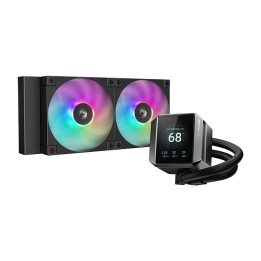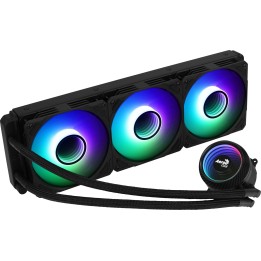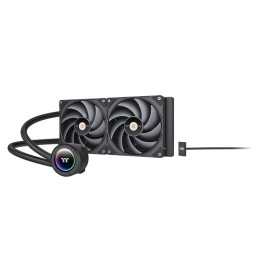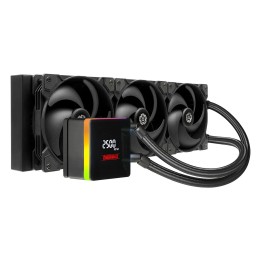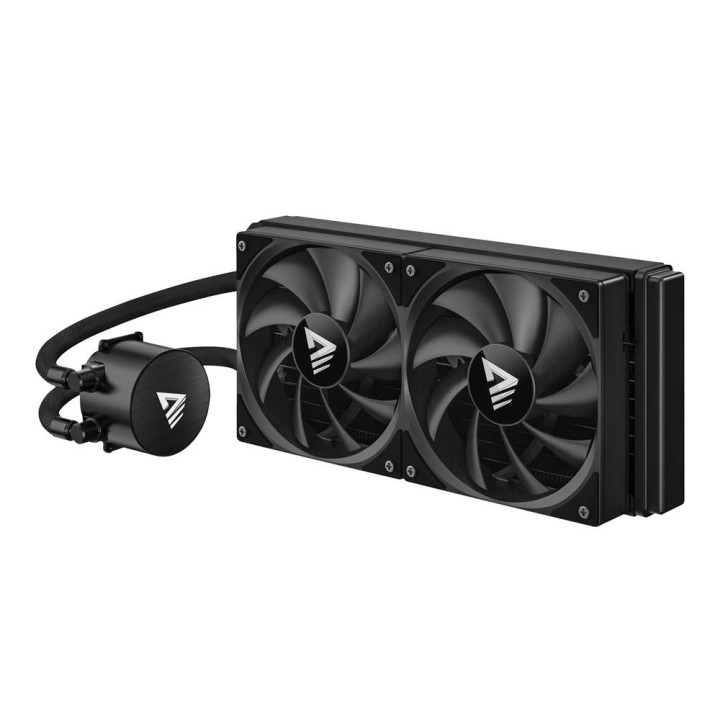
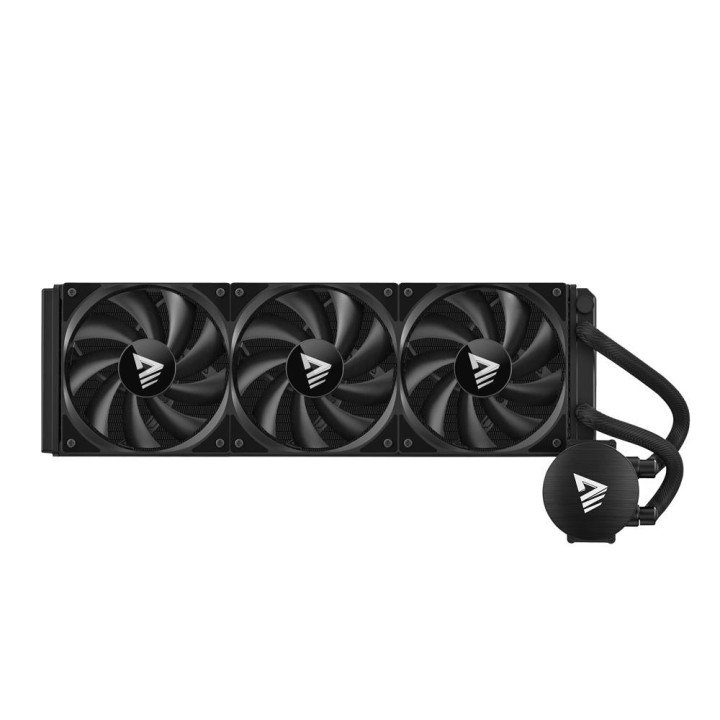
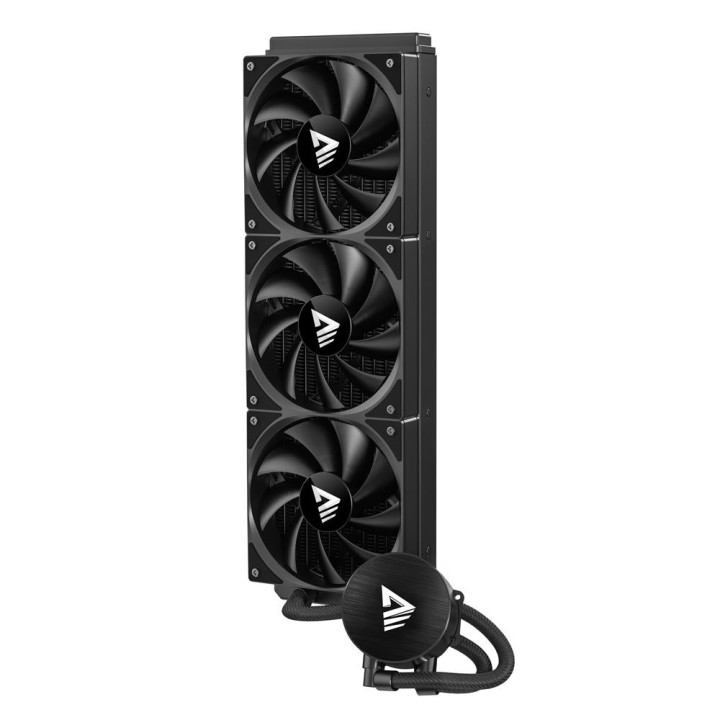
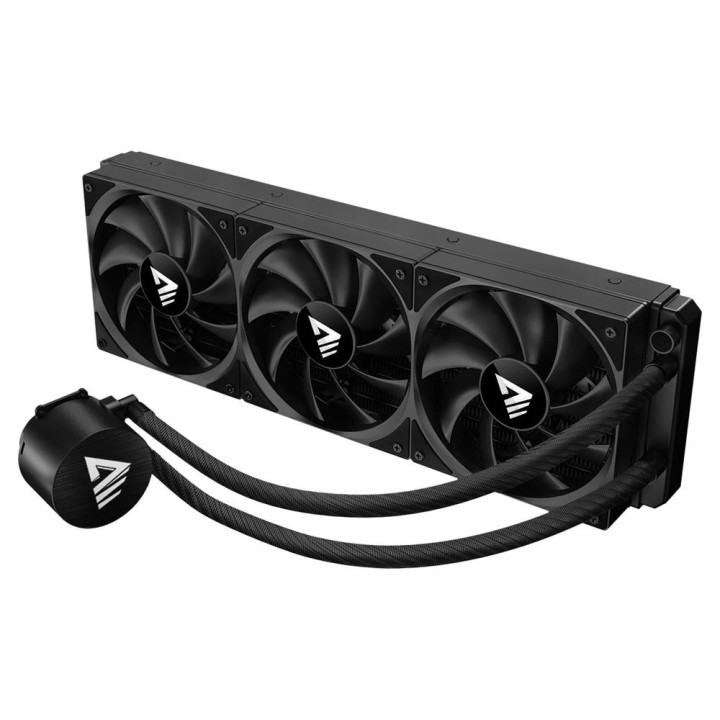
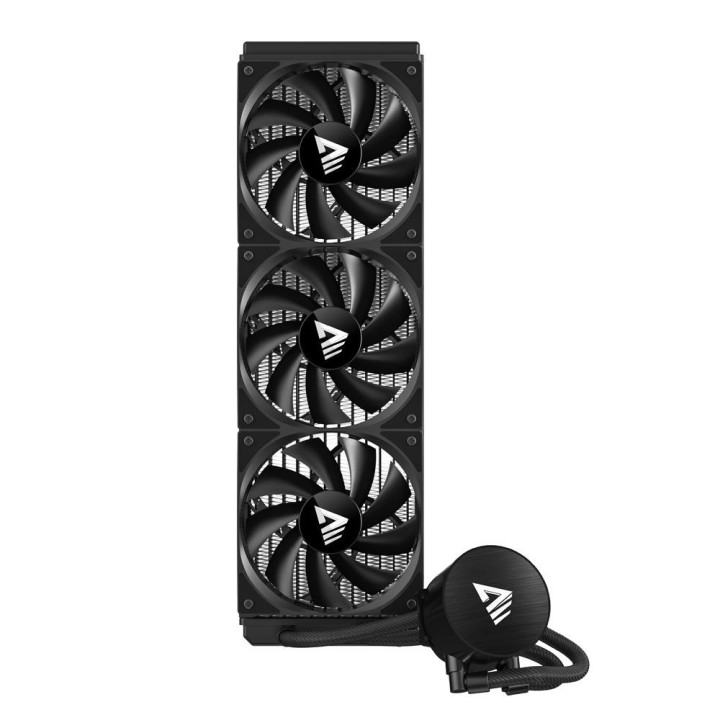
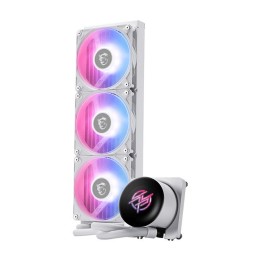
Chłodzenie wodne SAVIO NOX 360 mm CPU

Cena: 272,49 zł
Brutto
Dostępność produktu: Dostępny 10 szt.
Czas dostawy Wysyłka w ciągu 2 dni roboczych
Koszt dostawy Dostawa od 11,99 zł

Raty Pekao

Za zakupy możesz zapłacić na raty przez Tpay.

Oblicz ratę (otwiera się w nowej karcie)

PragmaPay dla biznesu

Zapłać za zakupy firmowe później lub w ratach przez Tpay.

Sprawdź, jak działa (otwiera się w nowej karcie)

Opis produktu

Chłodzenie cieczą do procesora

Chłodzenie wodne SAVIO NOX 360 mm to układ chłodzenia procesora przeznaczony do odprowadzania ciepła z jednostek montowanych w gnieździe AM5.
Produkt obsługuje procesory o maksymalnym TDP do 300.0 W i jest zaprojektowany z myślą o montażu w obudowach przewidzianych na chłodnice 360 mm.

Konstrukcja i rozmiar

Radiator o konstrukcji przystosowanej do konfiguracji 360 mm współpracuje z wentylatorami pracującymi w zakresie prędkości od 800 do 1800 RPM, co pozwala na elastyczne dostosowanie wydajności chłodzenia.
Rozmiary radiatora to 397 x 120 x 27 mm, a całkowita waga urządzenia wynosi 1329 g.

Specyfikacja

  • Gniazdo procesora: AM5
  • Zakres mocy CPU (TDP): 300.0 W
  • Waga (g): 1329
  • Wymiary [G x S x W] (mm): 397 x 120 x 27
  • Informacje dodatkowe: Wentylatory o zakresie prędkości od 800 do 1800 RPM.

Szczegóły produktu

  • Marka Savio
  • Kod produktu 689e9efcd03d8eef29a2d45d
  • Dostępność 10 Przedmioty
  • EAN13 5901986049869
  • MPN NOX360MM

Specyfikacja

  • Liczba wentylatorów (szt.) 3 szt.

Producent

Producent

Elmak Sp. z o.o.

Al. Żołnierzy I Armii Wojska Polskiego 20B 35-301 Rzeszów Polska

E-mail: handlowy@savio.net.pl

Formularz kontaktowy: https://elmak.pl/kontakt/

Telefon: +48 17 777 95 99

Osoba odpowiedzialna w UE

ELMAK sp. z o.o.

Al. Żołnierzy I Armii Wojska Polskiego 20B 35-301 Rzeszów Polska

E-mail: handlowy@savio.net.pl

Bezpieczeństwo

Informacje o bezpieczeństwie

List of computer cooling and tuning safety warnings based on the requirements of General Product Safety Regulation (EU) 2023/988 (GPSR): 1. Risk of electric shock: * Before assembly or disassembly, make sure your computer is disconnected from power. * Do not touch the power cords with wet hands. * Use only power supplies and cables that comply with safety standards. 2. Fire risk: * Make sure the cooling system is compatible with your central unit and power supply. * Regularly check the condition of wires and fittings for damage or overheating * Do not block ventilation holes in the computer case. Use only non-flammable coolants designed for liquid cooling systems. 3. Risk of physical injury: * Use protective gloves during assembly to avoid cuts to the sharp edges of the components. * Beware of heavy elements such as heat sinks to avoid dropping them on your feet or other body parts. * Secure tuning components such as fans so they don't cause injury while your computer is running. Take special care when working with liquids - avoid contact with eyes and skin. 4. Risk of damage to equipment: * Before installation, make sure that all components are compatible with your computer. * Follow assembly and disassembly instructions to avoid damage to components. * Do not exceed the recommended voltage and current values to avoid overheating and damage to components. * Clean cooling elements regularly to ensure efficient heat transfer. 5. Coolant Hazards: * In case of coolant leakage, disconnect the computer from power immediately. Cooling liquid can cause corrosion - it should be removed from the surface of the elements. * Avoid inhaling coolant fumes. 6. Hazards for children: * Keep small items (screws, fittings) out of reach of children. * Do not allow children to assemble or disassemble computer components themselves. 7. Noise: * Fans can generate noise - use headphones or limit the time spent near a loud computer. 8. Electronics hazards: * Use antistatic mats during operation to protect components from electrostatic discharge. * Do not repair damaged items yourself - return them to service. 9. Overheating: * Regularly monitor the temperature of components to avoid overheating. * Make sure your cooling system is working properly and is sufficient for your computer. 10. Fire safety: * Use only certified power supplies and cooling systems. * Regularly check that no dust accumulates inside the housing, which can be flammable.

Ładowanie...
Wróć na górę