




Raty i finansowanie
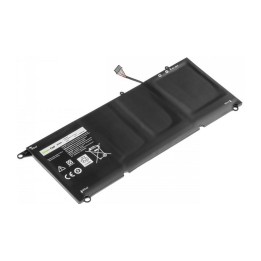
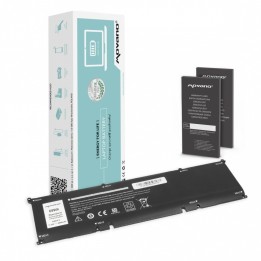
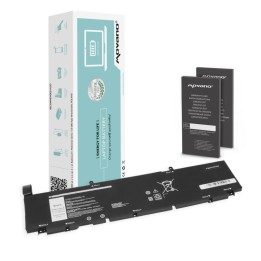
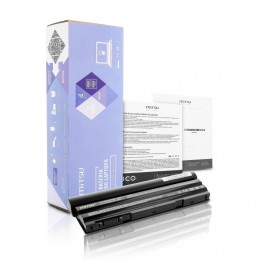
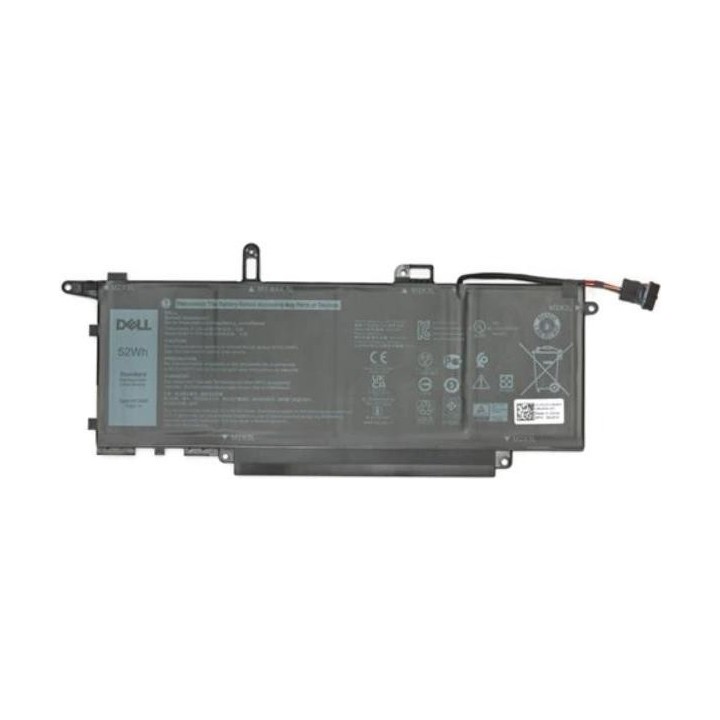
Akumulator litowo-jonowy 52 Wh do laptopa Dell
- MPN:
- GJD1V
- EAN:
- 5704174857730
Akceptowane płatności
Opis produktu
Zastosowanie
Akumulator litowo-jonowy o pojemności 52 Wh, przeznaczony jako zamiennik do laptopów marki Dell.
Bateria pełni funkcję zasilania przenośnego komputera, umożliwiając pracę urządzenia bez podłączenia do sieci elektrycznej.
Konstrukcja i działanie
Produkt wykorzystuje ogniwa litowo-jonowe umożliwiające magazynowanie energii w typowej formie stosowanej w bateriach do laptopów.
Akumulator montowany jest w miejscu fabrycznego źródła zasilania i współpracuje z systemem zasilania komputera, zapewniając działanie w trybie bateryjnym oraz zasilanie podczas przenośnej pracy.
- MPN:
- GJD1V
- EAN:
- 5704174857730
Szczegóły produktu
- Marka Dell
- Kod produktu 69a42d9d82e4b8e7a023f100
- Dostępność 7 Przedmioty
- EAN13 5704174857730
- MPN GJD1V
Specyfikacja
- Kompatybilne marki Dell
- Liczba ogniw (szt.) 4 szt.
- Energia akumulatora (Wh) 52 Wh
- Rodzaj ogniw Litowo-jonowy (Li-ion)
- Oryginalność części Zamiennik
Producent
Producent
Dell Sp. z o.o.
ul. Inflancka 4A 00-189 Warszawa Poland
E-mail: regulatory.compliance@dell.com
Telefon: 15 123 381 551
Osoba odpowiedzialna w UE
Dell Spółka z Ograniczoną Odpowiedzialnością
Al.Jerozolimskie 123A 02-017 Warszawa Polska
E-mail: regulatory.compliance@dell.com
Telefon: +1 512 338 1551
Bezpieczeństwo
Informacje o bezpieczeństwie
List of safety warnings for Laptop Batteries based on the requirements of General Product Safety Regulation (GPSR) 2023/988: * Use only batteries compatible with your laptop model. The wrong battery can cause damage to your laptop and even fire. * Do not expose the battery to extreme temperatures, both high and low. Extreme temperatures can damage the battery or shorten its lifespan. * Avoid dropping or hitting batteries. Mechanical damage can cause internal short circuits and fire. * Do not disassemble or modify the battery. Any repairs should be carried out by qualified personnel. * Do not short the battery poles. Short circuit can cause overheating and fire. * Do not throw batteries into the fire. The battery could explode. * If the battery shows signs of damage, dry as bulges, spills, or overheating, stop using it immediately. Remove the battery from the laptop if it is not used for a long time. This will reduce the risk of battery damage in the event of a power failure. * Disconnect your laptop from power after charging the battery. Continuous charging can shorten battery life. Store batteries in a dry and cool place, away from flammable materials. Dispose of used batteries responsibly, in accordance with local environmental regulations.