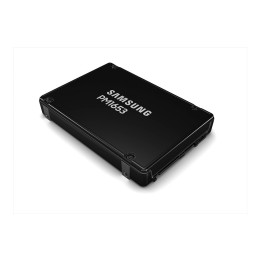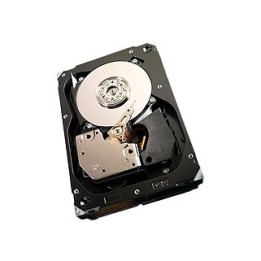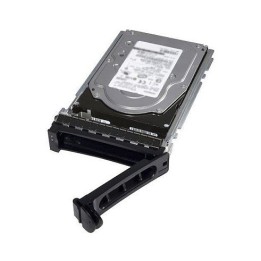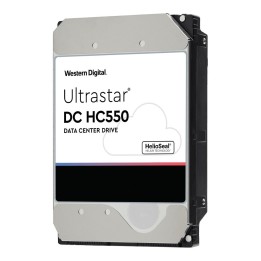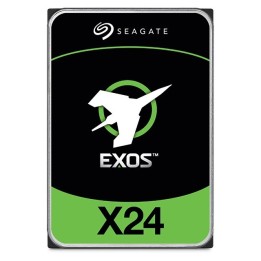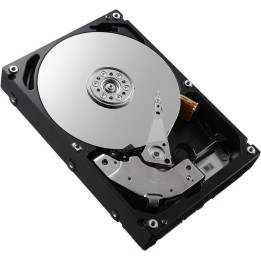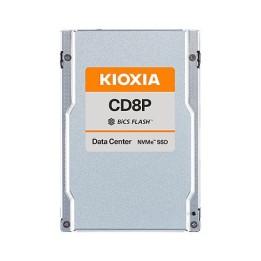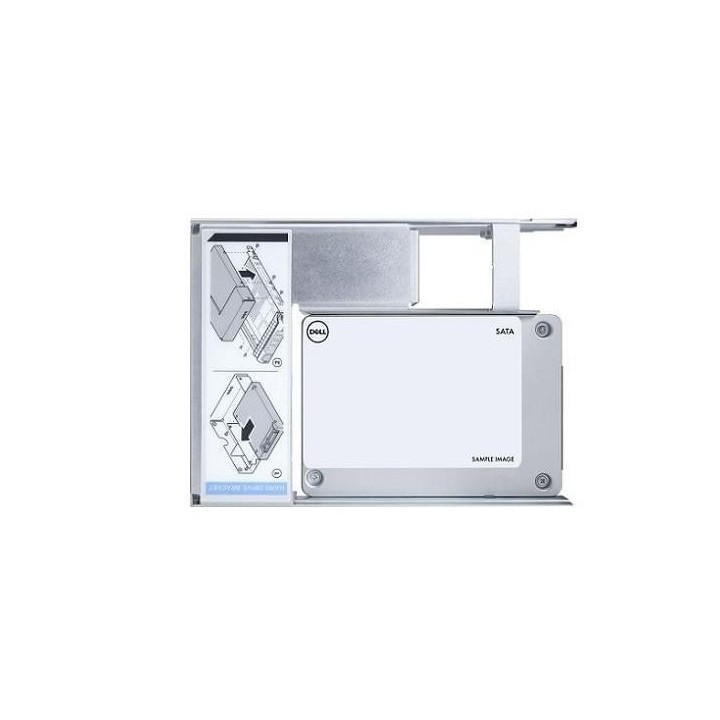
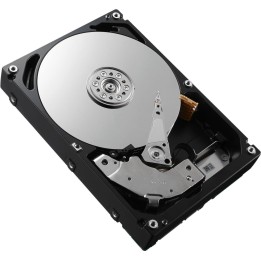
Dysk SSD 480 GB SATA 2,5" Read Intensive Dell
PragmaPay dla biznesu
Zapłać za zakupy firmowe później lub w ratach przez Tpay.
Sprawdź, jak działa (otwiera się w nowej karcie)Opis produktu
Zastosowanie
Dysk SSD 2,5" przeznaczony do zastosowań o intensywnym odczycie danych, przyspieszający dostęp do systemu i często odczytywanych plików.
Klasyfikacja Read Intensive oznacza optymalizację pod kątem obciążeń z przewagą operacji odczytu, co czyni go odpowiednim do zastosowań serwerowych, systemów cache oraz środowisk wirtualizacyjnych.
Konstrukcja i interfejs
Nośnik ma format 2,5" i wykorzystuje interfejs SATA, zapewniając szeroką zgodność z laptopami, serwerami oraz stacjami roboczymi obsługującymi standardowe zatoki na dyski 2,5".
W nazwie produktu występuje oznaczenie 6 Gb/s oraz 512e, wskazujące na pracę w trybie SATA 6 Gb/s i użycie emulacji sektorów 512e.
Urządzenie nie obsługuje funkcji hot-plug dla dysków HDD według dostępnych danych.
Specyfikacja
- Pojemność SSD (GB): 480 GB
- Rodzaj dysku: SSD
- Interfejs: SATA
- Format: 2,5"
- Obsługa hot-plug (HDD): Nie
Szczegóły produktu
- Marka Dell
- Kod produktu 69a8e81c1decee40a91b4af6
- Dostępność 3 Przedmioty
- EAN13 5397321020882
- MPN 345-BJQZ
Specyfikacja
- Rodzaj nośnika SSD
- Pojemność nośnika (GB) 480 GB
- Format dysku 2,5 cala
- Hot-swap Nie
Producent
Producent
Dell Sp. z o.o.
ul. Inflancka 4A 00-189 Warszawa Poland
E-mail: regulatory.compliance@dell.com
Telefon: 15 123 381 551
Osoba odpowiedzialna w UE
Dell Spółka z Ograniczoną Odpowiedzialnością
Al.Jerozolimskie 123A 02-017 Warszawa Polska
E-mail: regulatory.compliance@dell.com
Telefon: +1 512 338 1551
Bezpieczeństwo
Informacje o bezpieczeństwie
List of server component safety warnings based on the requirements of General Product Safety Regulation (EU) 2023/988 (GPSR) * Risk of electric shock: Make sure all components are properly grounded and disconnect the power supply before any maintenance or replacement. Avoid contact with wet hands when manipulating electrical components. * Overheating of components: Provide adequate ventilation in the server housing to prevent overheating of components. Monitor the temperature of components and respond to thermal alarms. Do not block ventilation openings. * Compatibility: Make sure the components are compatible with the server and other components. Improper compatibility can lead to damage and failure. * Mechanical Damage: Treat components with care, avoid dropping and bumps that can cause damage. * Electrostatics: When manipulating with components, use an antistatic band and work on an antistatic surface to avoid damage caused by electrostatic discharge (ESD). * Power Supply: Use power supplies of adequate power and quality to avoid overloading and damage to components. * Installation: Follow the manufacturer's instructions when installing the components. Incorrect installation can lead to damage and malfunction. * Sharp edges: Watch out for sharp edges of components and enclosures to avoid cuts. * Weight: Be careful when lifting heavy components and servers to avoid injuries. * Children and Animals: Keep components out of reach of children and pets to avoid swallowing small items or other dangerous situations. * Batteries: If the component contains a battery, make sure that it is properly installed and disposed of in accordance with local regulations. Recycling: Recycle used components in accordance with applicable regulations.