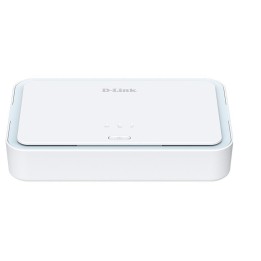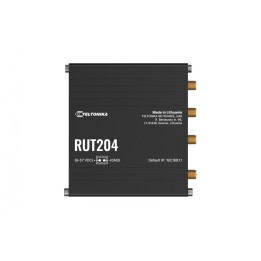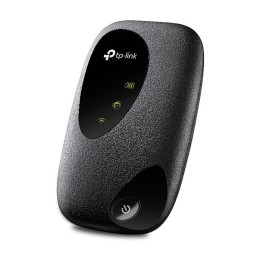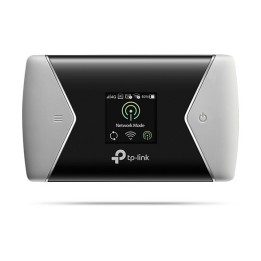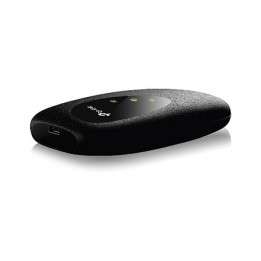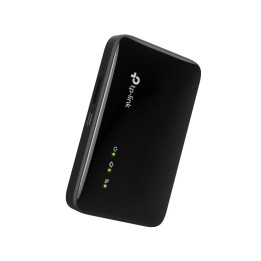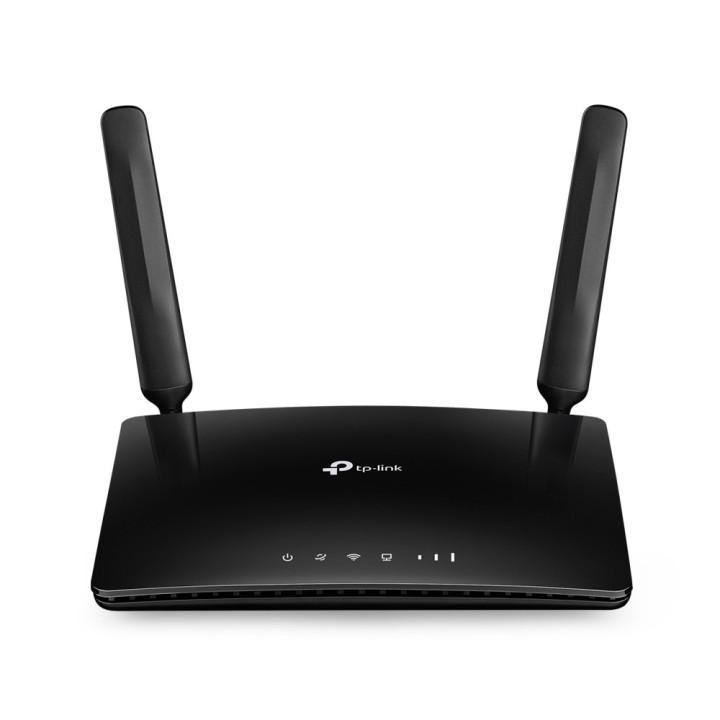
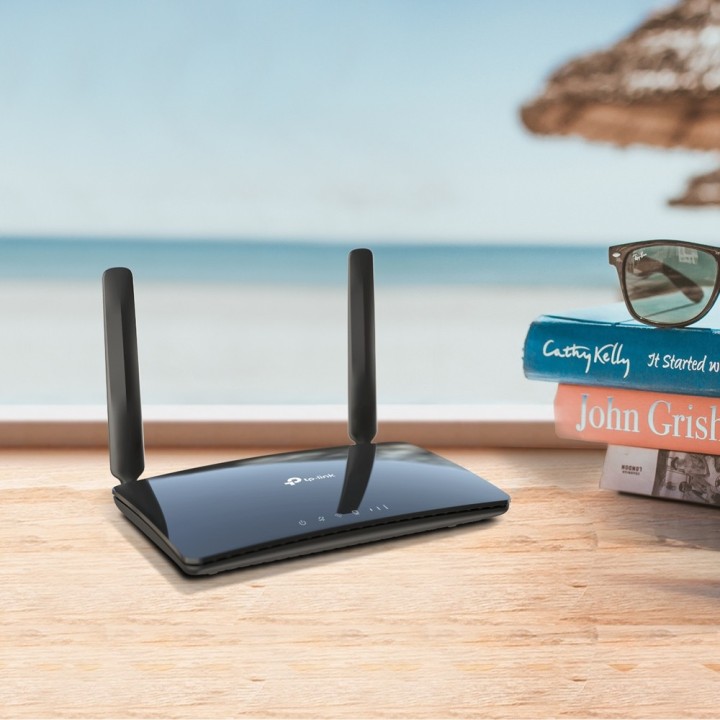
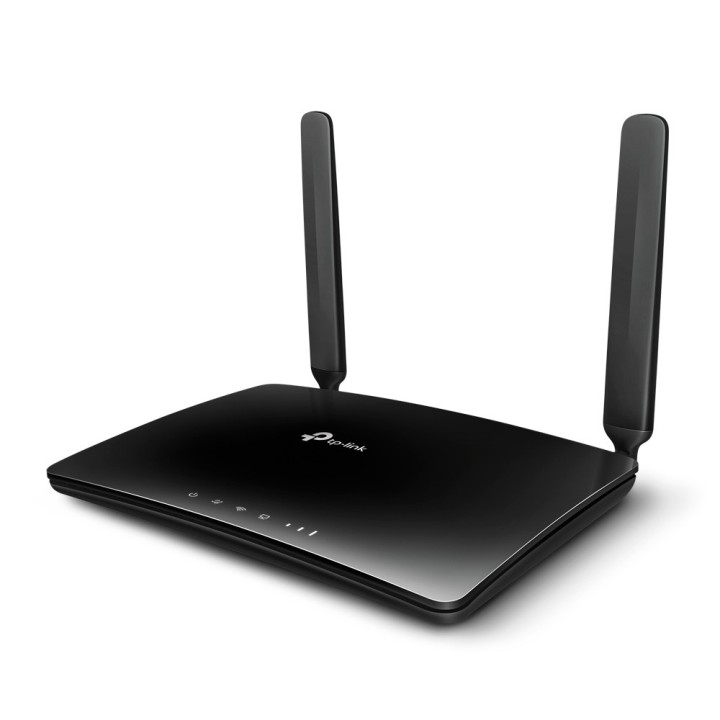
TP-LINK router z 3x LAN 10/100, 1x LAN/WAN, SIM, Wi-Fi 802.11ac
PragmaPay dla biznesu
Zapłać za zakupy firmowe później lub w ratach przez Tpay.
Sprawdź, jak działa (otwiera się w nowej karcie)Opis produktu
Łączność
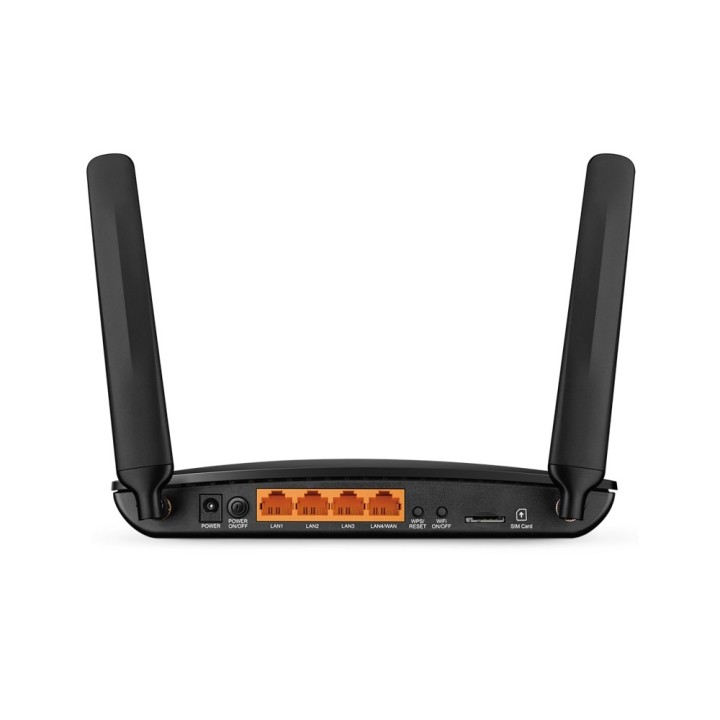
Router TP-LINK posiada trzy porty LAN 10/100 Mbps oraz dodatkowy port konfigurowalny jako LAN/WAN 10/100 Mbps.
Wyposażony jest w gniazdo na kartę SIM i obsługuje standardy Wi-Fi 802.11ac oraz zgodne ze starszymi 802.11n/802.11a/b/g, pracując w paśmie 2,4 GHz i 5 GHz.
Budowa i zastosowanie
Obudowa ma wymiary 202 × 141 × 33,6 mm.
Urządzenie zapewnia łączność przewodową i bezprzewodową, umożliwiając podłączenie kilku urządzeń w sieci domowej lub w małym biurze.
Szczegóły produktu
- Marka TP-LINK
- Kod produktu 69d8e92a97ffa1a2b05a8f9b
- Dostępność 30 Przedmioty
- EAN13 6935364086862
- MPN ARCHERMR400EU
Producent
Producent
TP-Link Polska Sp. z o.o.
Ożarowska 40/42 05-850 Duchnice Polska
E-mail: info.pl@tp-link.com
Telefon: +48 22 360 63 63
Osoba odpowiedzialna w UE
TP-Link
Ożarowska 40/42 05-850 Duchnice Polska
E-mail: office.poland@tp-link.com
Telefon: +48 22 360 63 00
Bezpieczeństwo
Informacje o bezpieczeństwie
List of mobile router security warnings based on the requirements of General Product Safety Regulation (GPSR) 2023/988: 1. Risk of electric shock: * Use only original chargers and power cables supplied by the manufacturer or certified to be compatible with your model. * Do not use damaged cables or chargers. Avoid using your router in wet or wet conditions. * Disconnect the router from power before cleaning. 2. Risk of fire or explosion: * Do not place the router near heat sources or in high temperature areas. * Do not cover the router during use to prevent overheating. * Do not use the router near flammable materials. * Protect the battery from mechanical damage. * Do not expose the battery to high temperatures. 3. Health Risk: * Avoid prolonged contact of the router with the body, especially in areas with poor airflow (e.g. under the duvet) to prevent skin burns caused by heat. 4. Battery Hazards (if applicable): * Do not try to replace the battery yourself. * In case of leakage from the battery, avoid contact with skin and eyes. In case of contact, rinse immediately with water and consult a doctor. * Recycle used batteries in accordance with local regulations. 5. Travel safety: * Turn off the router where required (e.g. on the plane). * Make sure your router is properly secured during transit to avoid damage. 6. Electromagnetic interference: * The router may interfere with medical devices. Be careful near hospitals and other medical facilities. 7. Hazards for children: * Keep your router and accessories out of reach of young children. Do not allow children to play with the router or its accessories. 8. Mechanical damage: * Protect your router from drops and bumps. Do not use the router with visible damage. 9. Data protection: * Secure your router with a strong password. * Update your router software regularly to ensure protection against the latest security threats. * Beware of phishing attempts and other online scams. 10. Disposal: * Do not throw away the used router in ordinary garbage. Return it to the electro-waste collection point. 11. Cleaning: * Use a soft, dry cloth to clean your router. * Do not use chemicals or solvents. 12. Use in extreme conditions: * Avoid exposing your router to extreme temperatures or moisture. * Do not use the router near water or other liquids that could cause it to flood.
Routery mobilne i modemy
Ostatnio oglądane
Produkty, które ostatnio zwróciły Twoją uwagę.