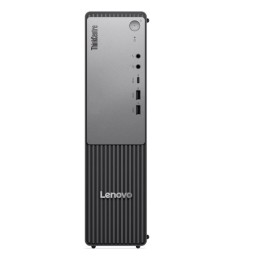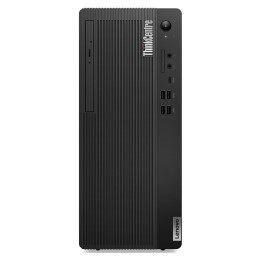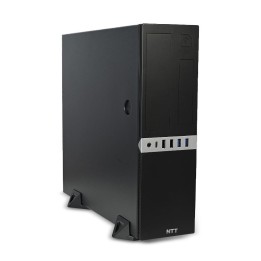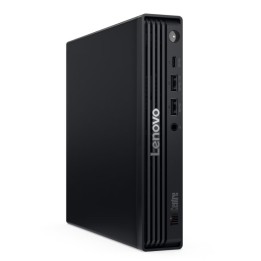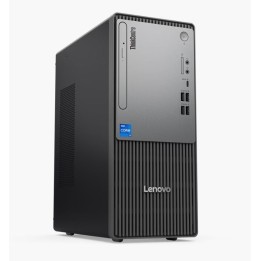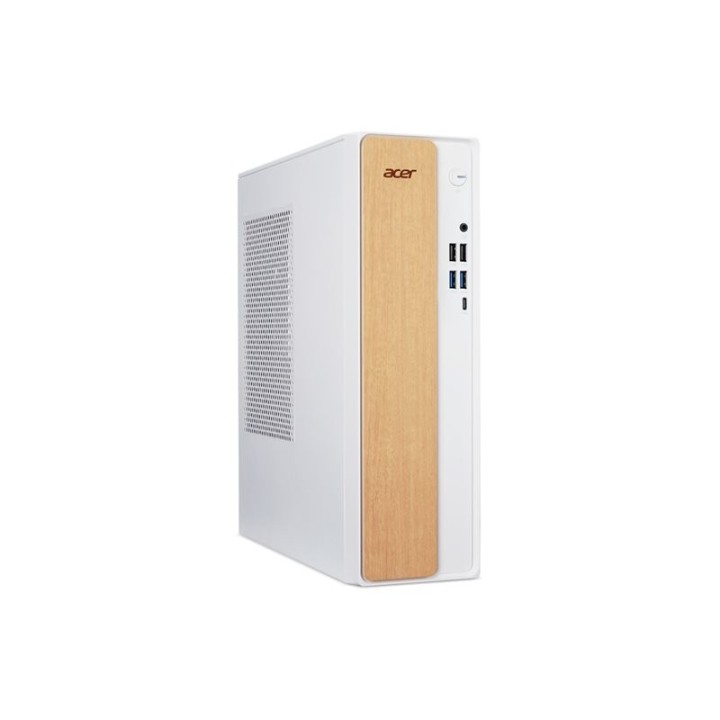
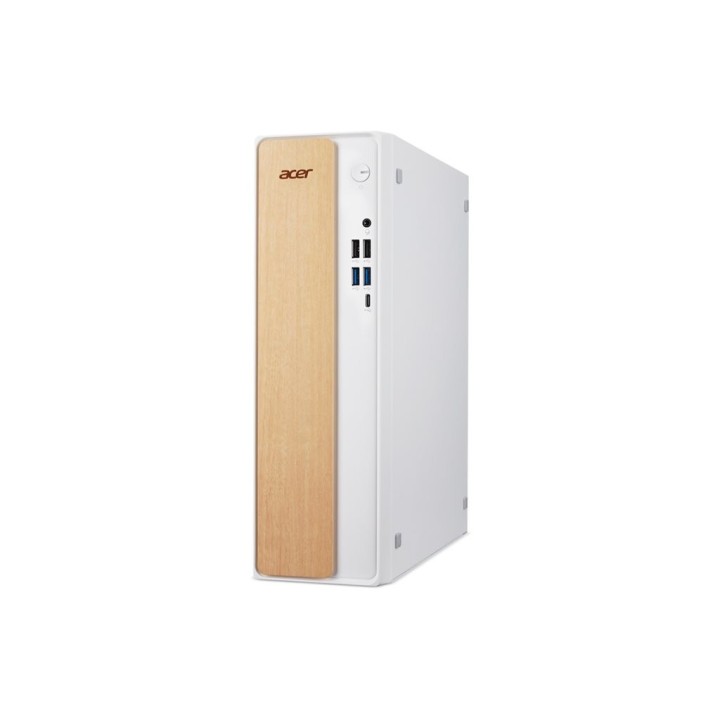
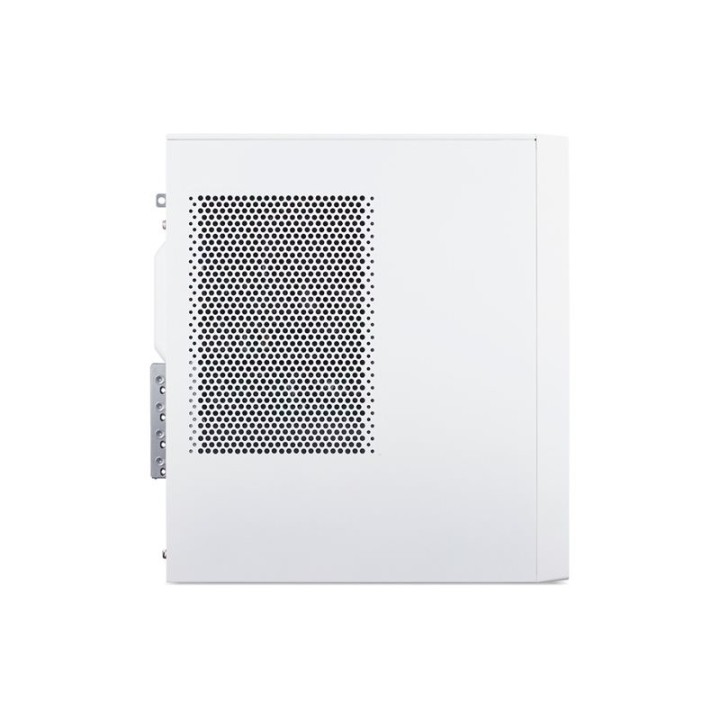
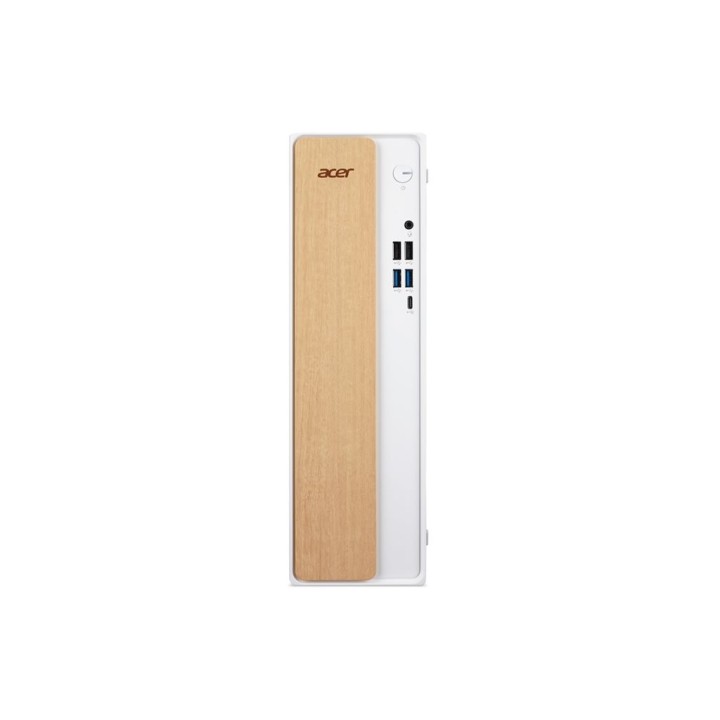
Acer XC102 z Intel Core i5-14400, 8 GB RAM, 512 GB ESHELL
PragmaPay dla biznesu
Zapłać za zakupy firmowe później lub w ratach przez Tpay.
Sprawdź, jak działa (otwiera się w nowej karcie)Opis produktu
Model i procesor
Acer XC102 to komputer stacjonarny wyposażony w procesor Intel Core i5-14400.
Zastosowany procesor pozwala na płynną obsługę typowych zadań biurowych, przeglądanie internetu oraz pracę z aplikacjami użytkowymi w środowisku wielozadaniowym.
Pamięć i przechowywanie
Komputer posiada 8 GB pamięci RAM oraz 512 GB pamięci wewnętrznej oznaczonej jako ESHELL.
Taka konfiguracja daje miejsce na system operacyjny, programy i pliki multimedialne, zapewniając podstawową responsywność przy codziennym użytkowaniu.
Szczegóły produktu
- Marka Acer
- Kod produktu 6a52056d9042cea65a38a81b
- Dostępność 21 Przedmioty
- EAN13 4711721197035
- MPN DTBT3EP00D
Producent
Producent
Acer Poland Sp. z o.o.
ul. Graniczna 8D/E, 54-610 Wrocław 54-610 Wrocław Poland
E-mail: contact.pl@acer.com
Formularz kontaktowy: https://www.acer.com/pl-pl/support/contact-acer/service-contact
Telefon: +48 22 209 89 88
Osoba odpowiedzialna w UE
Acer Poland Sp. z o.o.
ul. Graniczna 8D/E, 54-610 Wrocław 54-610 Wrocław Poland
E-mail: contact.pl@acer.com
Formularz kontaktowy: https://www.acer.com/pl-pl/support/contact-acer/service-contact
Telefon: +48 22 209 89 88
Bezpieczeństwo
Informacje o bezpieczeństwie
List of desktop safety warnings based on the requirements of General Product Safety Regulation (EU) 2023/988 (GPSR) * Risk of electric shock: * Make sure your computer is connected to an efficient grounded outlet. * Do not touch the plug or cable with wet hands. Avoid using your computer in areas with high humidity. * Risk of overheating: * Provide adequate ventilation while maintaining at least 5 cm of free space around your computer. * Do not block ventilation openings. * Fire risk: * Use only original chargers and accessories recommended by the manufacturer. * Do not leave your computer on unattended near flammable materials. * Risk of bodily injury: * Use your computer on a stable surface to minimize the risk of falling. * Hazards in humid environments: * Do not use your computer outdoors in rain or in areas with high humidity. * If your computer is flooded, disconnect it from the power source immediately and contact the service. * Hazards at high temperatures: * Do not expose your computer to direct sunlight. Avoid using your computer at temperatures above the recommended range (usually 5-35°C). * Risk of damage during cleaning: * Before cleaning, disconnect the computer from power and use a soft, slightly damp cloth. Avoid using strong detergents that can damage the surface of your computer. * Caution when replacing accessories: * Use only accessories recommended by the manufacturer. * When replacing batteries, follow the manufacturer's instructions and do not expose the battery to high temperatures. * Battery Use Hazards: * Avoid damaging the battery by impact or puncture. If the battery overheats or swells, stop using the computer immediately. Child warnings: Keep power cables out of reach of children. Make sure children don’t play with computers or accessories that can be dangerous.
Komputery stacjonarne
Ostatnio oglądane
Produkty, które ostatnio zwróciły Twoją uwagę.