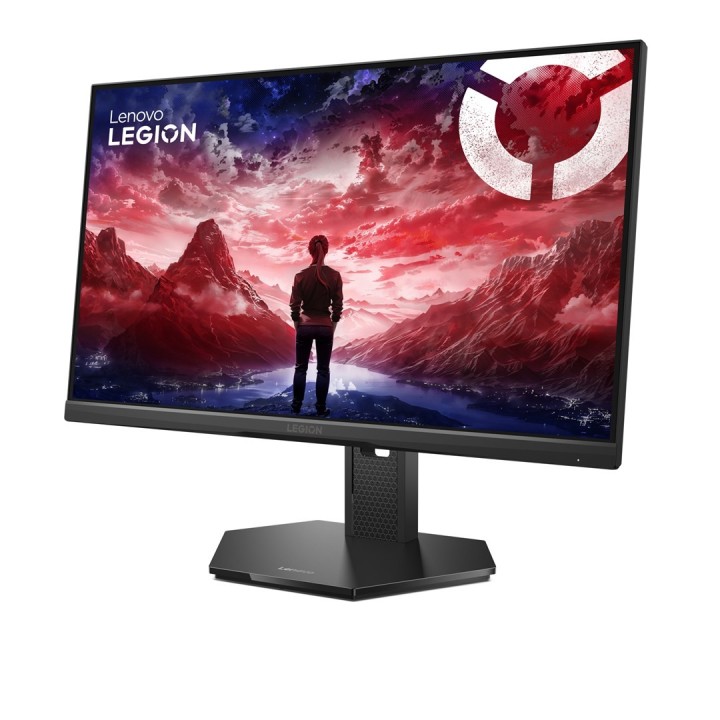
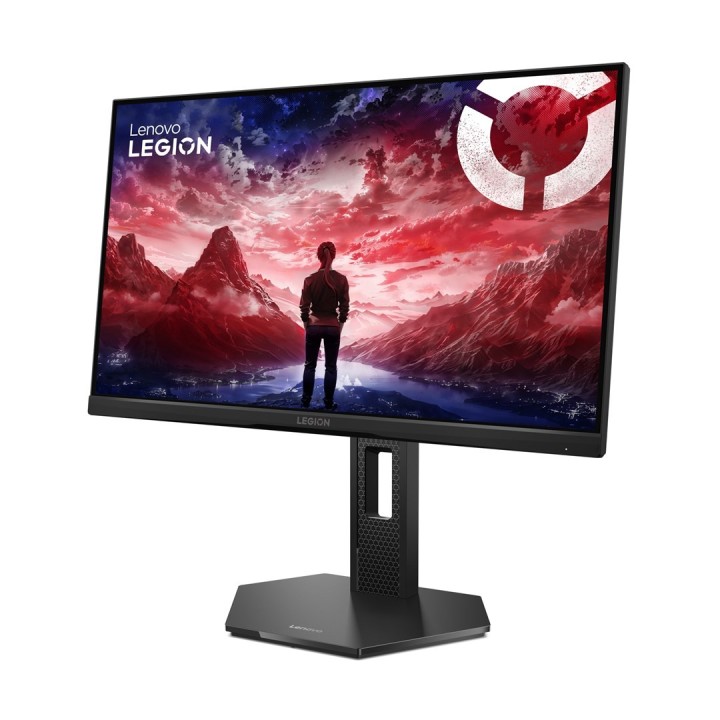
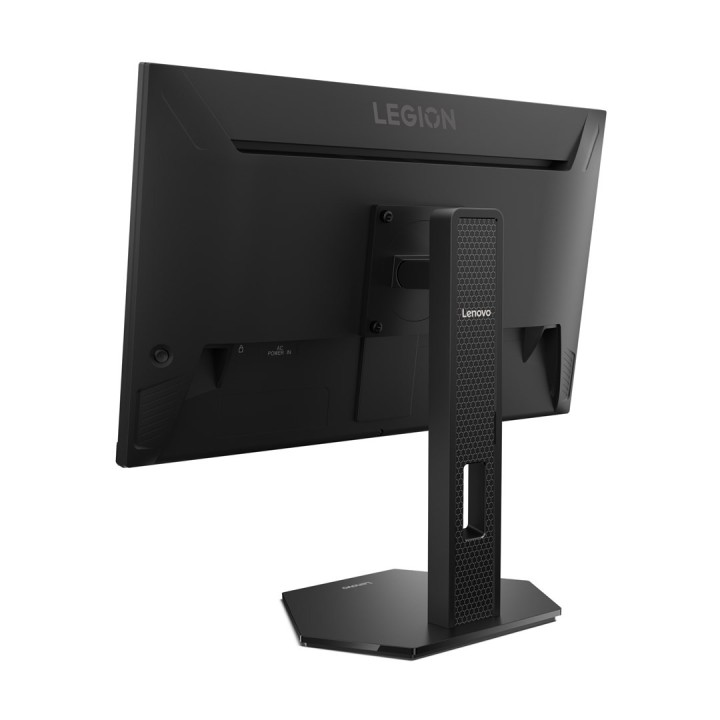
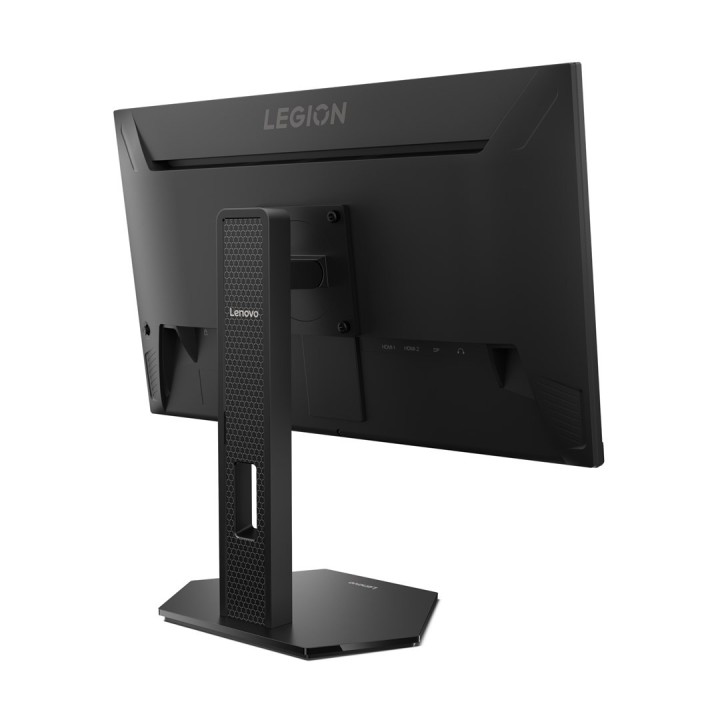
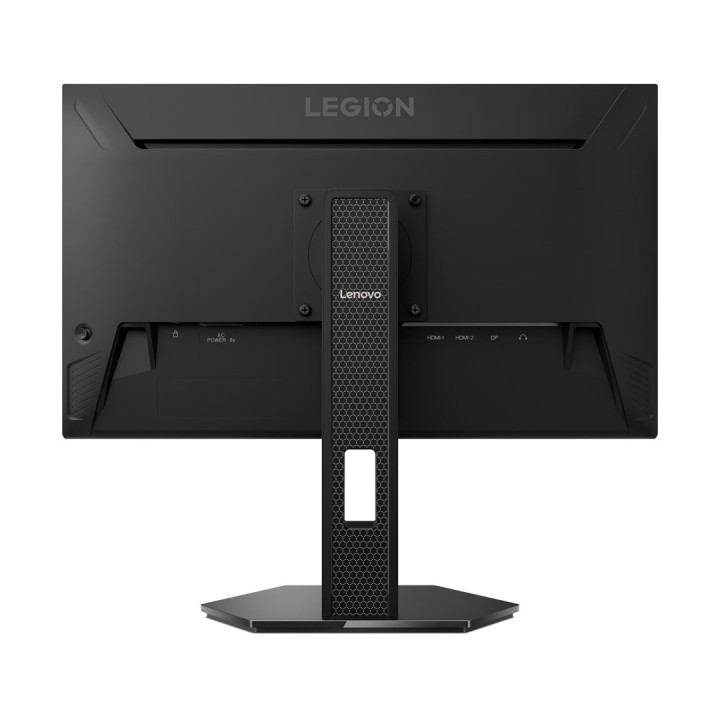
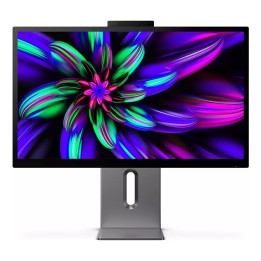
Lenovo Legion 25-10 24.5”FHD IPS 320Hz AG HDMI DP Eclipse Black

MPN:
67D4GAC3EU
EAN:
0198158386395
Cena: 614,99 zł
Brutto 499,99 zł netto
Dostępność produktu: Dostępny 30 szt.
Czas dostawy Wysyłka w ciągu 2 dni roboczych
Koszt dostawy Dostawa od 11,99 zł

Raty Pekao

Za zakupy możesz zapłacić na raty przez Tpay.

Oblicz ratę (otwiera się w nowej karcie)

PragmaPay dla biznesu

Zapłać za zakupy firmowe później lub w ratach przez Tpay.

Sprawdź, jak działa (otwiera się w nowej karcie)

Opis produktu

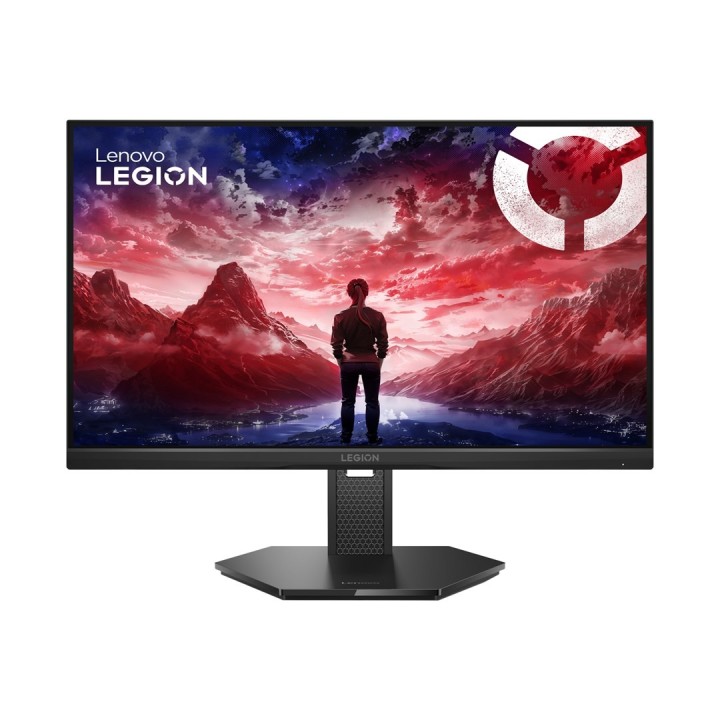
Monitor LED Lenovo 67D4GAC3EU

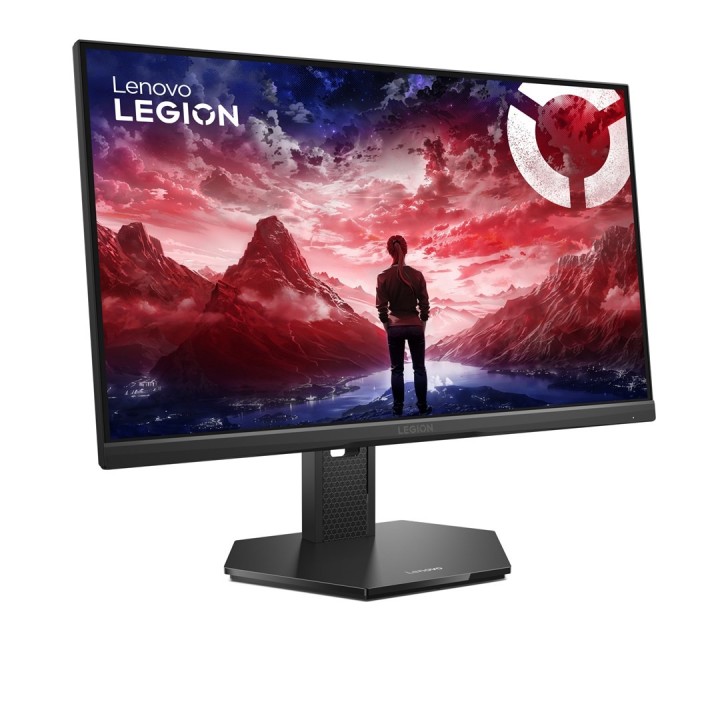
Monitor LED Lenovo 67D4GAC3EU to idealne rozwiązanie dla osób poszukujących wysokiej jakości obrazu i komfortu użytkowania. Dzięki matrycy IPS/PLS o przekątnej 24,5 cala i rozdzielczości 1920 x 1080 px, monitor zapewnia wyraźny i szczegółowy obraz z szerokimi kątami widzenia, co sprawia, że jest doskonały do pracy i rozrywki.

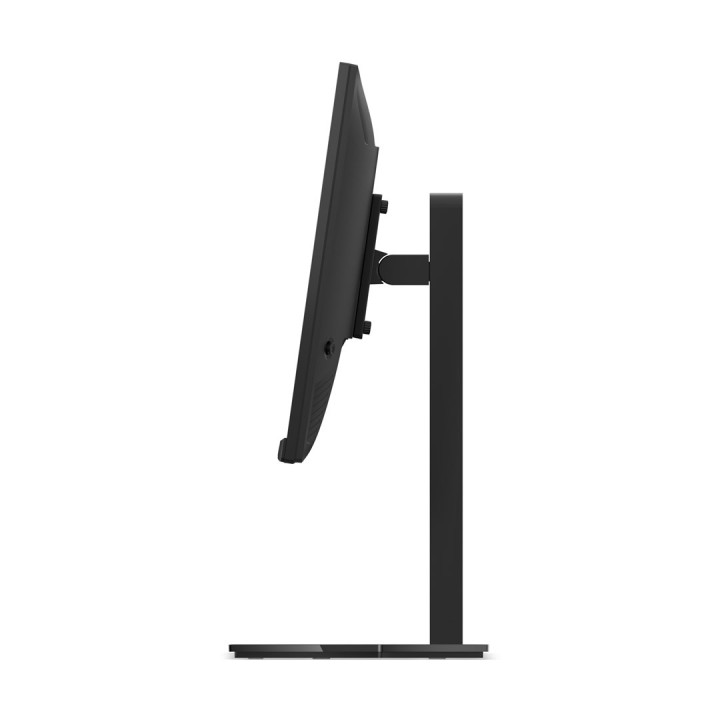
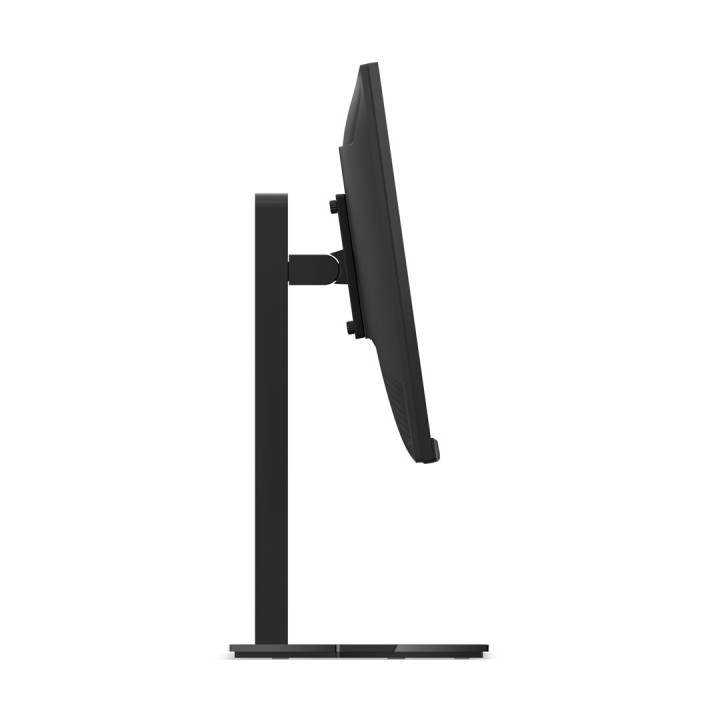
Monitor Lenovo oferuje szereg funkcji, które zwiększają komfort użytkowania. Regulacja obrotu, pochylenia i wysokości pozwala na dostosowanie ustawień do indywidualnych potrzeb, zapewniając ergonomiczną pozycję podczas pracy. Dodatkowo, monitor wyposażony jest w technologie FreeSync, G-Sync i HDR, które poprawiają jakość obrazu i płynność wyświetlania.

Specyfikacja:

- Marka: Lenovo

- Typ matrycy: IPS / PLS

- Rozdzielczość natywna: 1920 x 1080

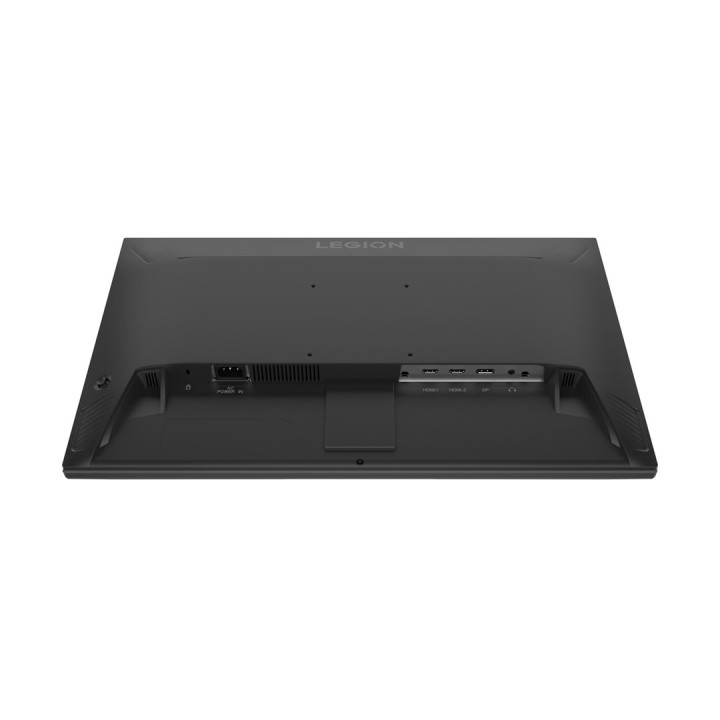
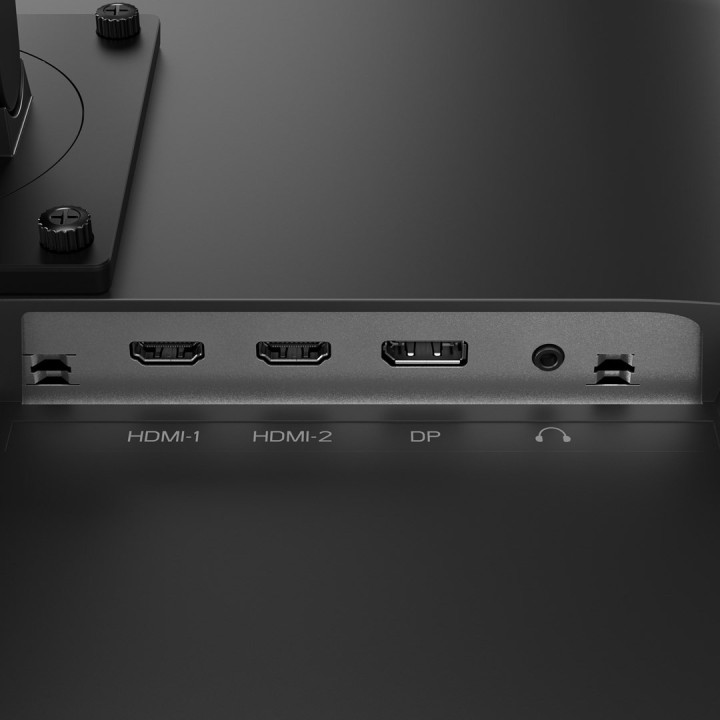
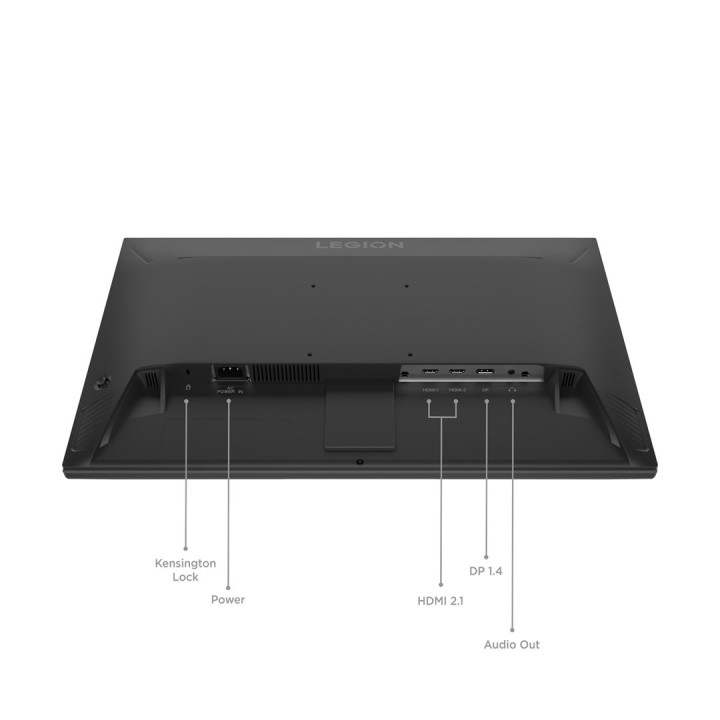
- Złącza: HDMI, wyjście audio (minijack 3,5 mm)

- Kolor: czarny

- Powłoka matrycy: matowa

- Proporcje obrazu: 16:9

Podsumowując, monitor LED Lenovo 67D4GAC3EU to wszechstronne urządzenie, które łączy w sobie wysoką jakość obrazu, funkcjonalność i ergonomię. Idealny dla graczy, osób pracujących z grafiką oraz wszystkich, którzy cenią sobie komfort i jakość.

Szczegóły produktu

  • Marka Lenovo
  • Kod produktu 687b097b1443a83637aee510
  • Dostępność 30 Przedmioty
  • EAN13 0198158386395
  • MPN 67D4GAC3EU

Specyfikacja

  • Przekątna ekranu (cal) 24,5 cal
  • Rozdzielczość natywna 1920 × 1080
  • Czas reakcji MPRT (ms) 0,5 ms
  • Typ matrycy IPS
  • Częstotliwość odświeżania (Hz) 320 Hz
  • Ekran dotykowy Nie
  • Zakrzywiony ekran Nie
  • Standard VESA 100 × 100

Producent

Producent

Lenovo Technology B.V. Sp. z o.o. Oddział w Polsce
ul. Gottlieba Daimlera 1 02-460 Warszawa Polska

E-mail: support@lenovo.com

Osoba odpowiedzialna w UE

Lenovo (Slovakia) s.r.o.

Landererova 12 811 09 Bratislava Słowacja

E-mail: balenovo_sk@lenovo.com

Formularz kontaktowy: https://www.lenovo.com/sk/sk/contact

Telefon: +421268688000

Bezpieczeństwo

Informacje o bezpieczeństwie

List of computer monitor safety warnings based on the requirements of General Product Safety Regulation (EU) 2023/988 (GPSR): * Risk to vision: Long-term gazing at the monitor screen may cause eye strain, dry eyes or headaches. Limit the working time with the monitor. * Take regular breaks. * Maintain proper distance from the screen. * Ensure proper lighting in the room. Set the brightness and contrast of the monitor to a comfortable level. Ergonomics: Incorrect position when working with the monitor can lead to back, neck, and shoulder pain Set the monitor to the correct height so that the top edge of the screen is at eye level or slightly below. * Use an adjustable chair and desk to ensure an ergonomic position. * Maintain proper posture while sitting. * Risk of electric shock: Improper use or damage to the monitor can lead to electric shock. * Do not use the monitor in humid environments. * Do not touch the monitor with wet hands. * Do not put any items inside the monitor. If the power cable is damaged, replace it with a new one. * Disconnect the monitor from power before cleaning. * Fire risk: Overheating or short circuiting in the monitor can cause a fire. * Do not cover the ventilation holes of the monitor. * Do not place the monitor near heat sources. Use only the original power supply that came with your monitor. * If the monitor overheats, disconnect it from power immediately. Mechanical damage: The fall of the monitor can cause damage and pose a threat to the user. Set the monitor on a stable surface. * Secure cables to avoid accidental tripping. * For monitor transport, use appropriate protective packaging. * Cleaning: Improper cleaning of the monitor can damage the screen or cause other problems. * Use only a soft dry cloth to clean the screen. * Do not use cleaning products containing alcohol, ammonia or other corrosive substances. * Disconnect the monitor from power before cleaning. * Disposal: Incorrect disposal of the monitor can pose a threat to the environment. Return the used monitor to the e-waste collection point. * Do not throw the monitor in a regular trash can. * Children: The monitor is not a toy and should not be used by children without supervision. * Make sure children do not touch the power cables. * Make sure kids don't play around with the monitor packaging. * Repairs: Do not try to repair the monitor yourself. * Any repairs should be done by qualified personnel. * Monitor portability: Be careful when moving your monitor. * Disconnect all cables before moving. * Use appropriate packaging. * Weather conditions: Do not expose the monitor to extreme temperatures or moisture. * Protect your monitor from direct sunlight. * Adjustable settings: Do not use extreme brightness or contrast settings. * These can cause faster eye strain. * Noise: If the monitor makes disturbing noises, turn it off immediately. * Contact the technical service. * Environmental protection: Be sure to turn off the monitor when not in use. * You save energy this way. Software: Use only the software provided by the manufacturer. * You will avoid compatibility issues.

Ładowanie...
Wróć na górę