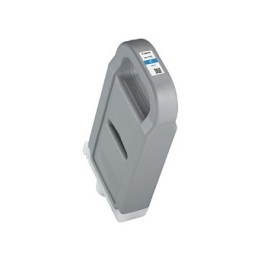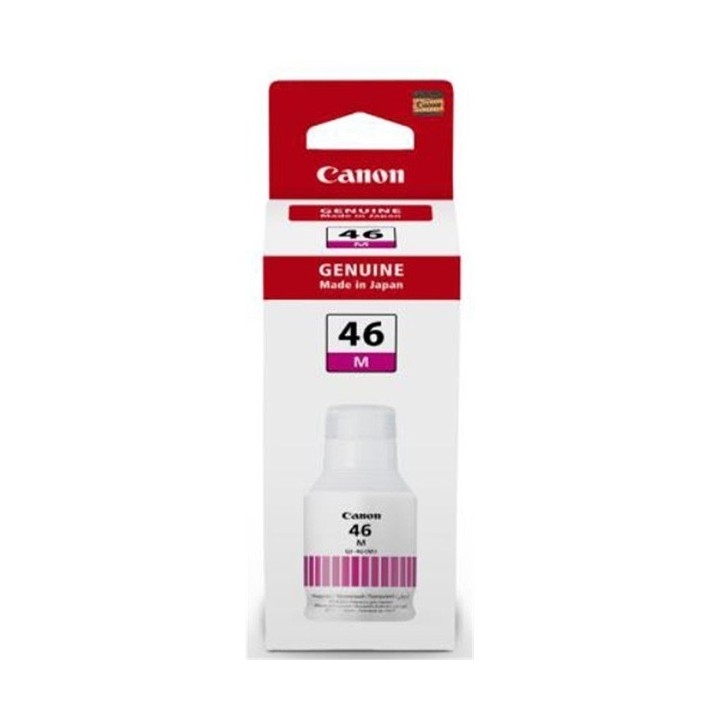
Tusz GI-46 EMB MAGENTA 4428C001
PragmaPay dla biznesu
Zapłać za zakupy firmowe później lub w ratach przez Tpay.
Sprawdź, jak działa (otwiera się w nowej karcie)Opis produktu
Canon GI 46 M - Magenta - oryginał - wkład atramentu - dla MAXIFY GX5040, GX6040, GX7040
Specyfikacja
- Rodzaj wkładu: Tusz
- Kolor (mat.eksp.): Purpurowy (magenta)
- Wydajność (mat.eks.): 14000 str. A4
- Liczba w opakowaniu jednostkowym: 1
- Uwaga: CE+WEEE
Szczegóły produktu
- Marka Canon
- Kod produktu 660fbf1271a267703cb4cefd
- Dostępność 6 Przedmioty
- EAN13 4549292168990
- MPN 4428C001
Specyfikacja
-
Kompatybilne modele
Canon Maxify: GX6040 - 4470C009
GX7040 - 4471C009 - Kompatybilne marki Canon
- Kody zgodnych wkładów 4428C001
- Kolor tuszu Magenta
- Oryginalność materiału Oryginalny
- Wydajność deklarowana (str.) 14000 str.
Producent
Producent
Canon Polska Sp. z o.o.
ul. Gottlieba Daimlera 2 02-460 Warszawa Polska
E-mail: corporate.communications@canon-europe.com
Osoba odpowiedzialna w UE
Canon EUROPA N.V.
Bovenkerkerweg 59 1185XB Amstelveen Netherlands
E-mail: sekretariat@canon.pl
Telefon: +31 20 535 8545
Bezpieczeństwo
Informacje o bezpieczeństwie
List of carcass safety warnings based on the requirements of General Product Safety Regulation (EU) 2023/988 (GPSR): * Health risk: Avoid contact of the carcass with skin and eyes. In case of contact, rinse with plenty of water. * Risk of ingestion: Protect from children. Swallowing ink can be harmful to your health. If swallowed, do not induce vomiting, contact your doctor. * Explosion or fire hazard: Keep carcasses away from heat sources and open fire. Do not expose to direct sunlight. * Freezing protection: Do not store the carcass in places where the temperature drops below freezing. * Disposal: Dispose of used carcasses in accordance with local regulations. Do not throw in ordinary garbage cans. * Compatibility: Make sure the ink you use is compatible with your printer model. Incorrect ink can damage the printer. * Storage: Store inks in a dry and cool place, away from flammable materials. * Ventilation: Use the printer in a well-ventilated area to avoid inhaling ink fumes. * Cleaning: When replacing ink, avoid touching the electrical contacts in the printer. * Data security: Make sure your documents are printed in a secure location to protect sensitive information.