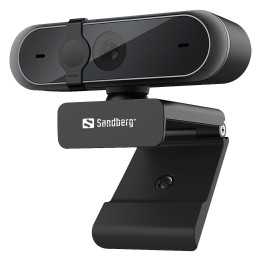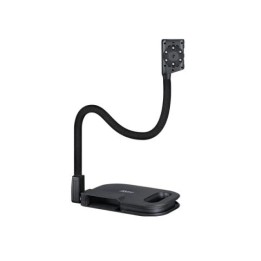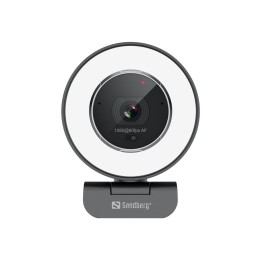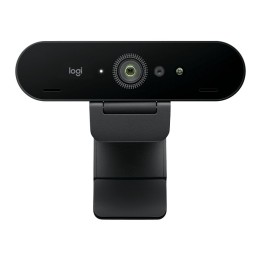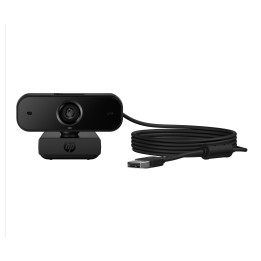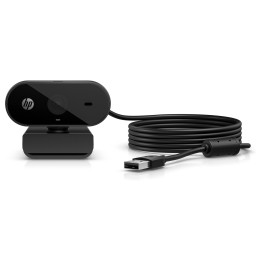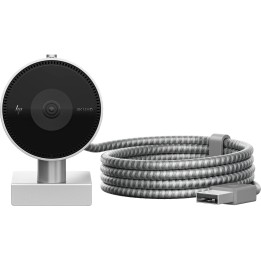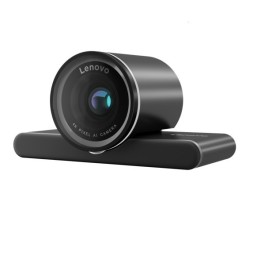
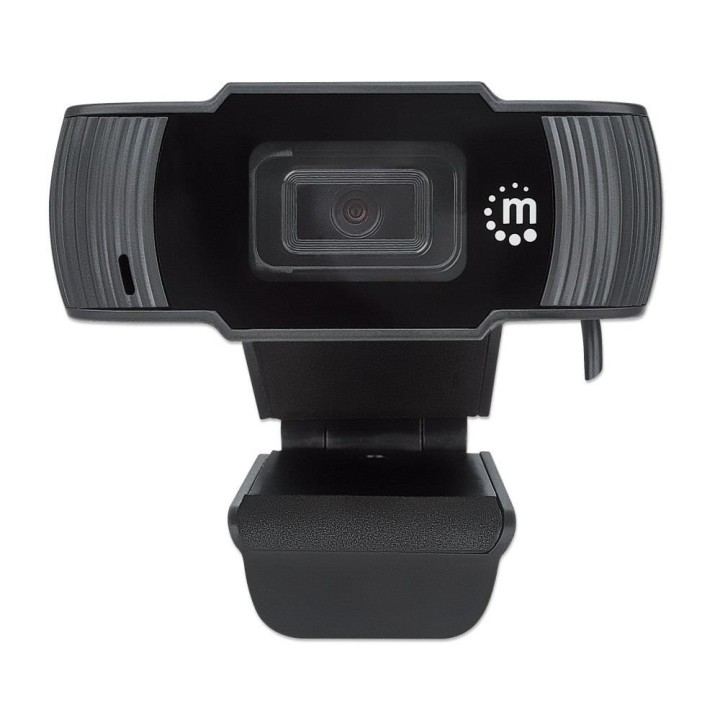
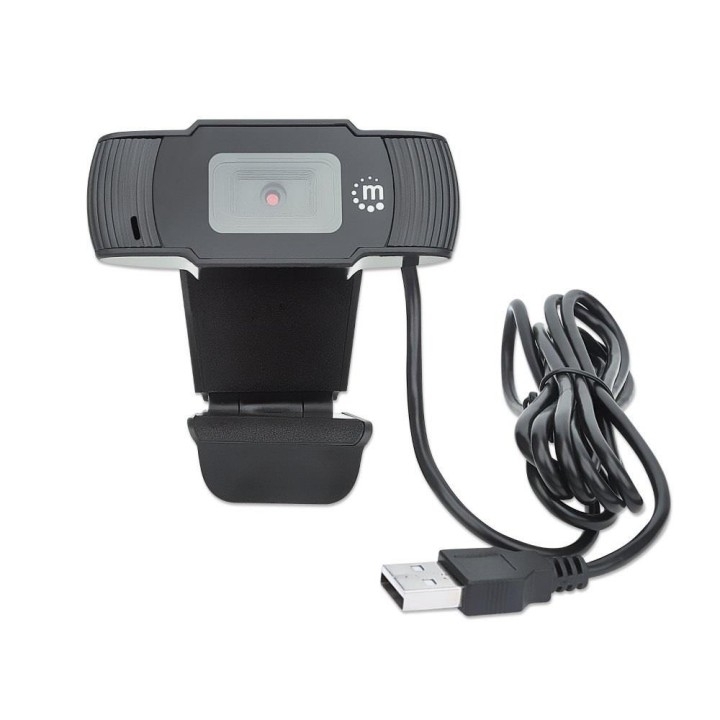
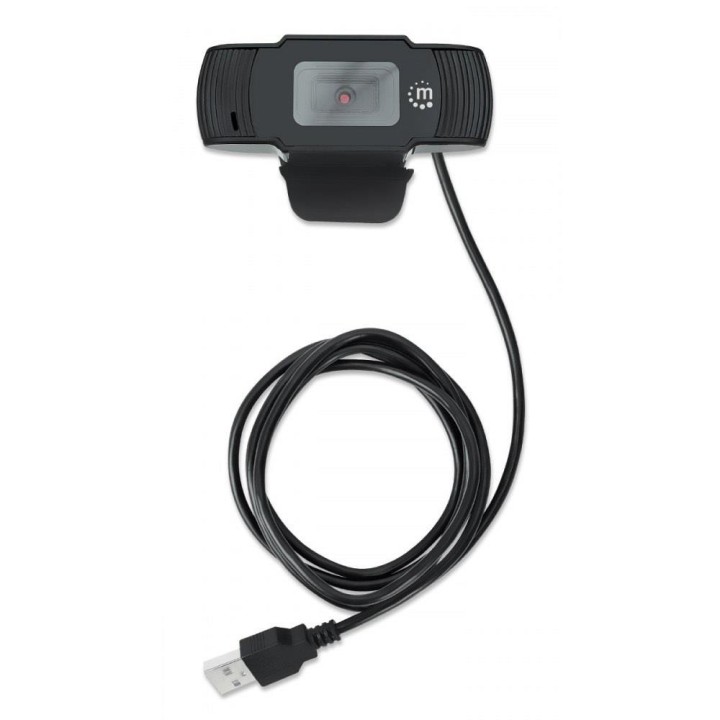
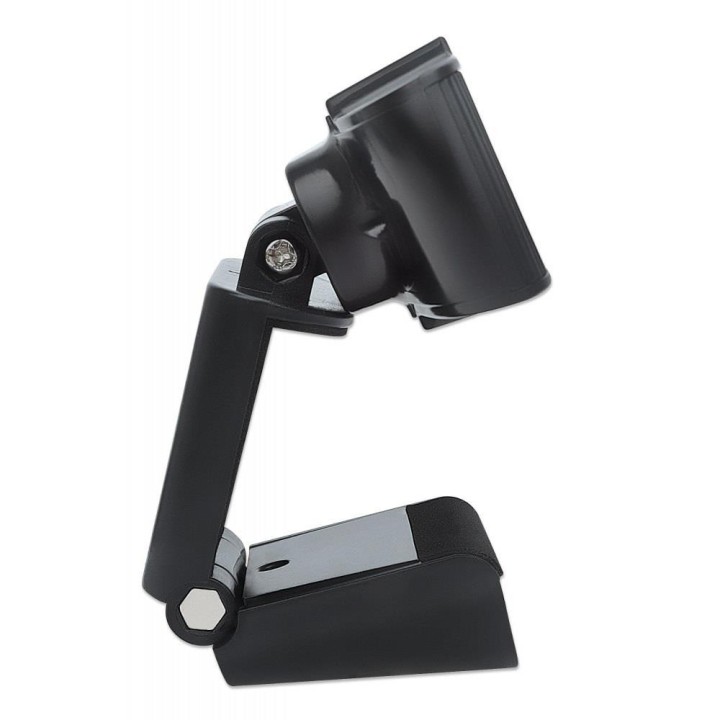
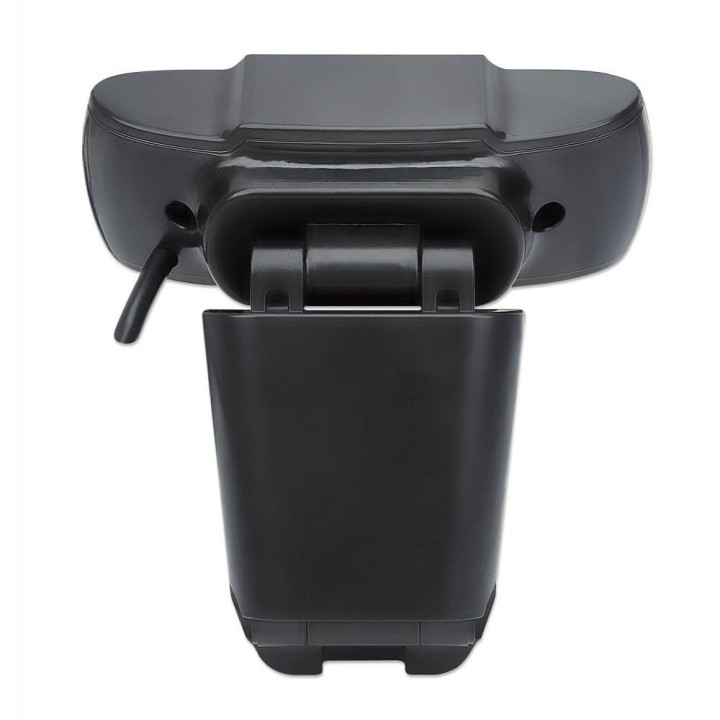
Kamera internetowa USB HD + mikrofon
PragmaPay dla biznesu
Zapłać za zakupy firmowe później lub w ratach przez Tpay.
Sprawdź, jak działa (otwiera się w nowej karcie)Opis produktu
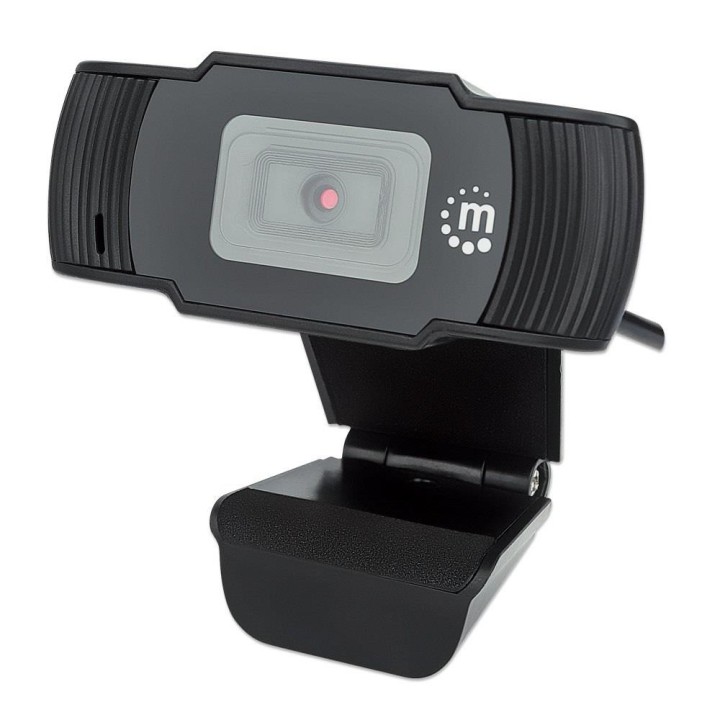
Manhattan Kamera USB HD + mikrofon
Specyfikacja
- Rozdzielczość (kamery int.): Full HD 1080p (1920x1080px)
- Cechy i funkcje (kamery int.): wbudowany mikrofon
- Liczba klatek na sekundę: 30
- Interfejs (kamery int.): USB
- Akcesoria w zestawie: Kamera internetowa USB 1080p Skrócona instrukcja obsługi
- Kolor (wyliczeniowy): Czarny
- Wymiary: 110 x 77 x 32 mm
- Waga: 93 g
- Pozostałe parametry: Pole widzenia: 70° Obiektyw: 2 megapiksele Rozmiar soczewki: 1/2.9 Połączenie: wbudowany kabel USB-A Długość kabla: 1.5 m Napięcie wejściowe: 5 VDC / 200 mA Format: MJPG, YUY2 Obsługiwane oprogramowanie: Windows 7/8.1/10
- Uwaga: CE+WEEE
Szczegóły produktu
- Marka Manhattan
- Kod produktu 660fbe3c71a267703cb37f82
- Dostępność 2 Przedmioty
- EAN13 0766623462006
- MPN 462006
Specyfikacja
- Mikrofon Tak
Producent
Producent
IC INTRACOM Vertriebs GmbH
Lohbacher Str. 7 58553 Halver Germany
E-mail: info@ic-intracom.com
Formularz kontaktowy: https://icintracom.eu/pages/contact-form
Telefon: +49 2353 7007300
Osoba odpowiedzialna w UE
IC INTRACOM Vertriebs GmbH
Lohbacher Str 7 58553 Halver Niemcy
E-mail: info@ic-intracom.com
Telefon: 4823537007300
Bezpieczeństwo
Informacje o bezpieczeństwie
List of webcam safety warnings based on the requirements of General Product Safety Regulation (GPSR) 2023/988 1. Privacy Risk: * Make sure your webcam is turned off or obscured when not in use to prevent unauthorized access and potential privacy violations. 2. Security Risk: * Update your webcam software to the latest version to protect against known vulnerabilities. * Change your webcam passwords regularly to prevent unauthorized access. 3. Risk of equipment damage: * Do not place the webcam in places with high humidity or temperature to avoid damage to the equipment. * Protect your webcam from drops or bumps that can cause mechanical damage. 4. Risk for children: * Keep small webcam accessories out of reach of children to avoid the risk of ingestion. * Do not allow children to install the webcam themselves. 5. Connection risk: * Make sure your webcam cables are properly connected to avoid short circuits or other power problems. 6. Hygiene risk: * Clean your webcam regularly to prevent dust and dirt from accumulating. * Do not use harsh cleaning agents that can damage the lens or housing. 7. Risk of ergonomics: * Place the webcam on a stable surface to avoid accidental tipping over. * Set the camera at the right height and angle for comfortable use. 8. Risk of fire: * Do not place the webcam near flammable materials. 9. Health Risk: * Avoid prolonged use of the webcam in dark rooms to reduce eye strain. 10. Legal Risk: * Make sure that video and audio recording using your webcam complies with local privacy laws.
Kamery internetowe
Ostatnio oglądane
Produkty, które ostatnio zwróciły Twoją uwagę.