Raty i finansowanie
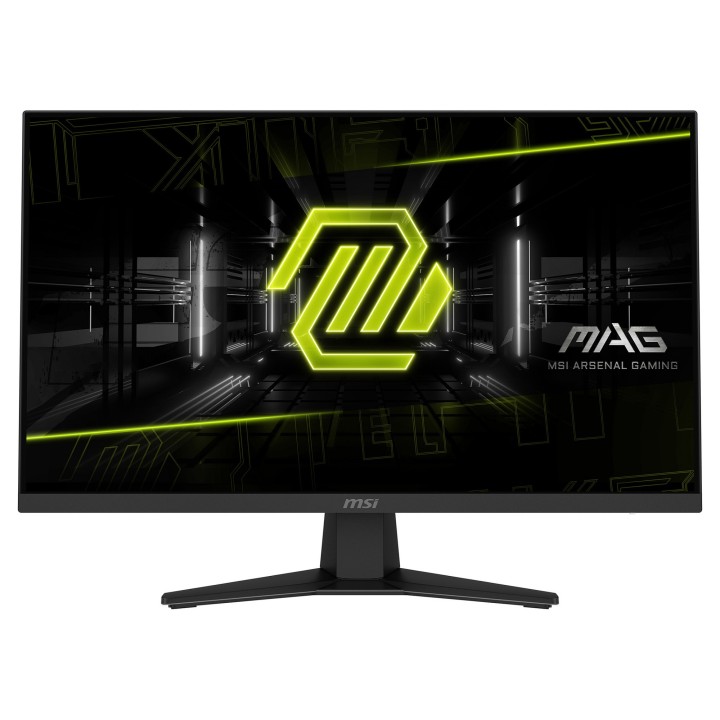
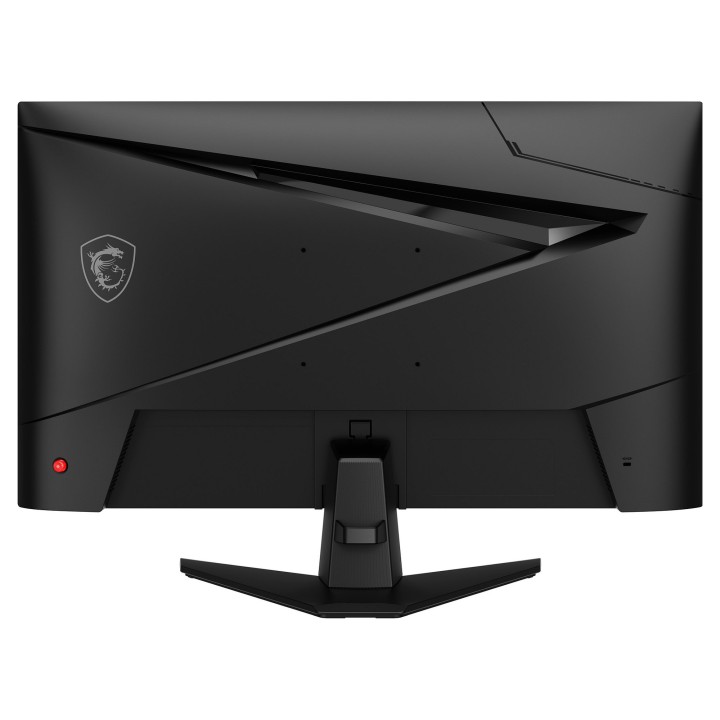
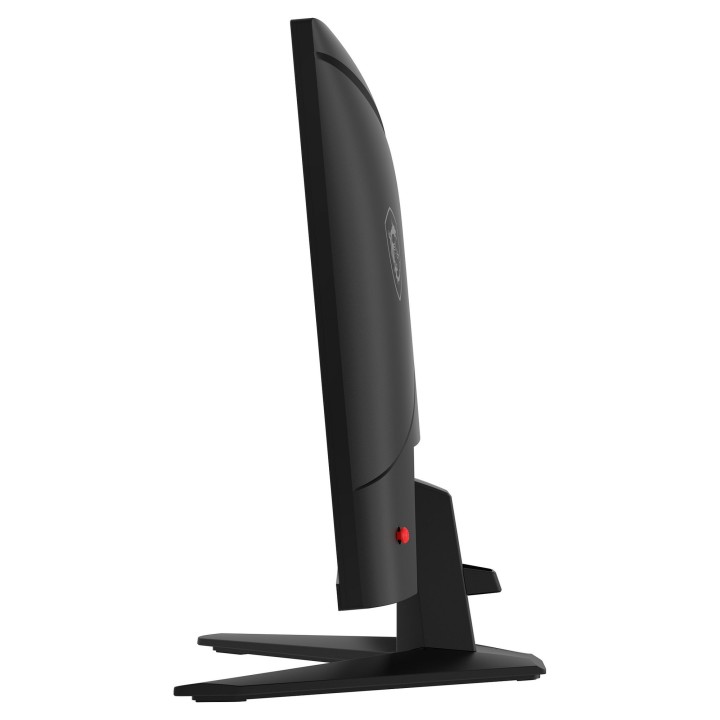
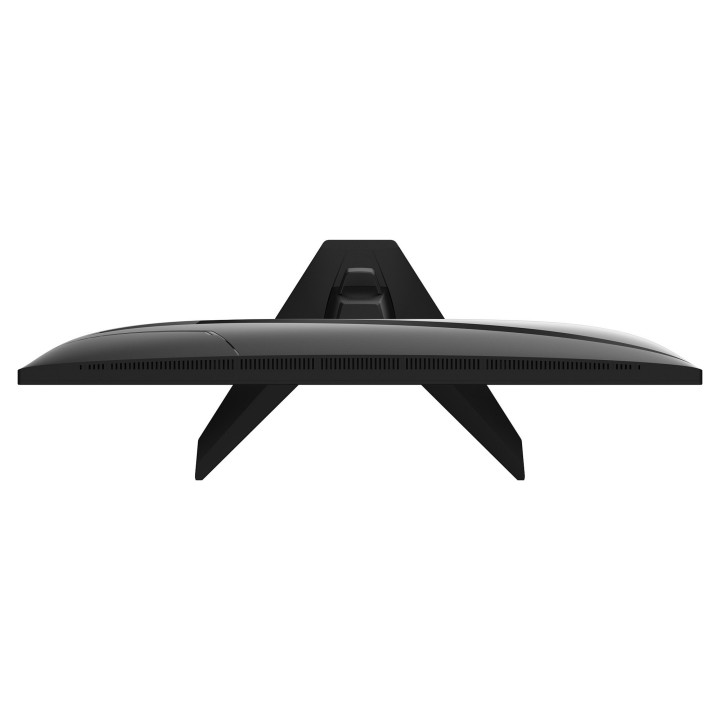
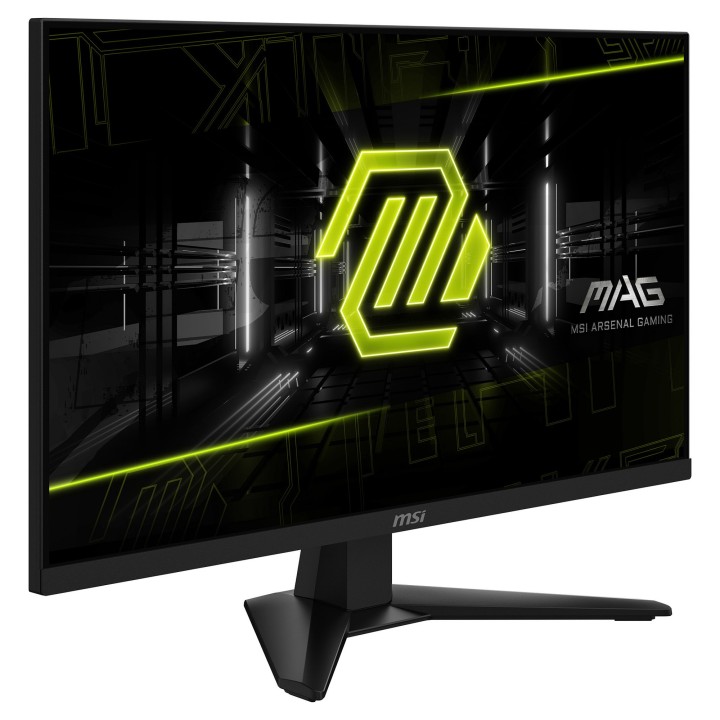
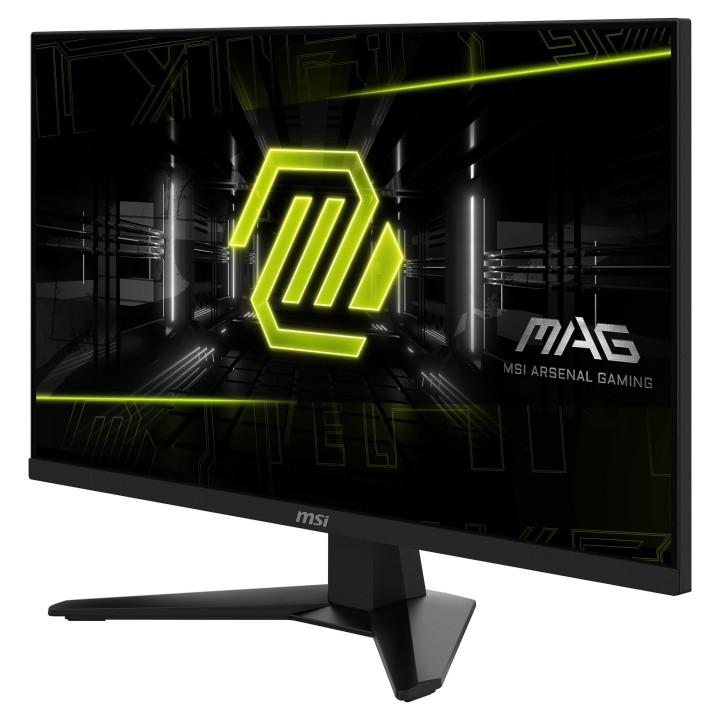
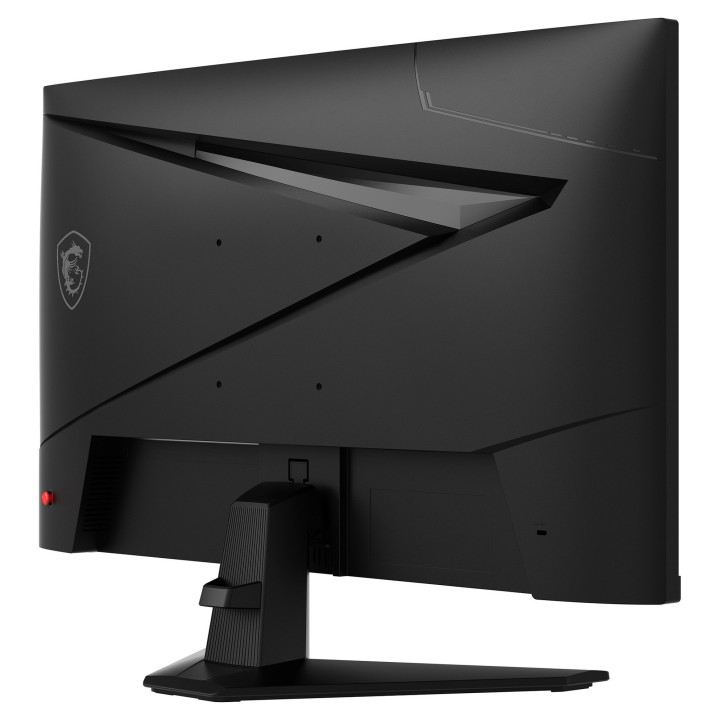
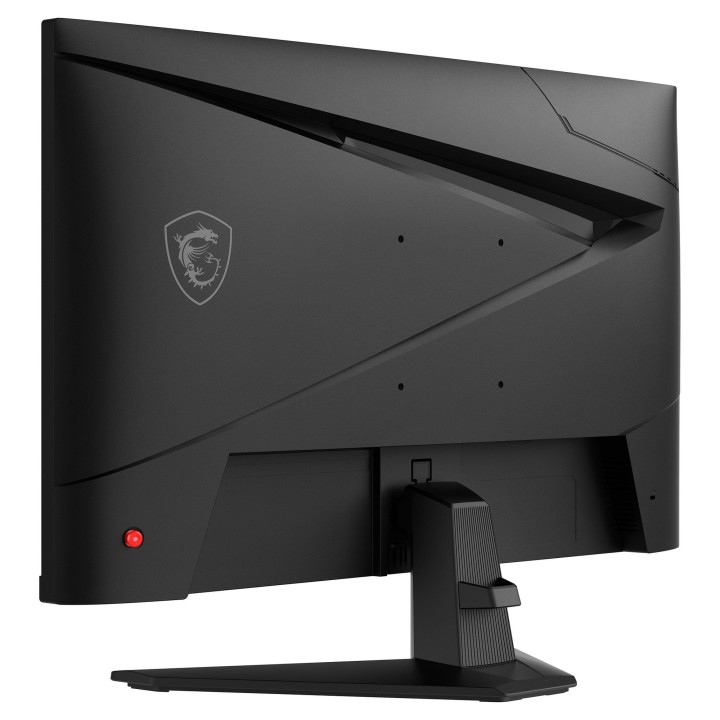
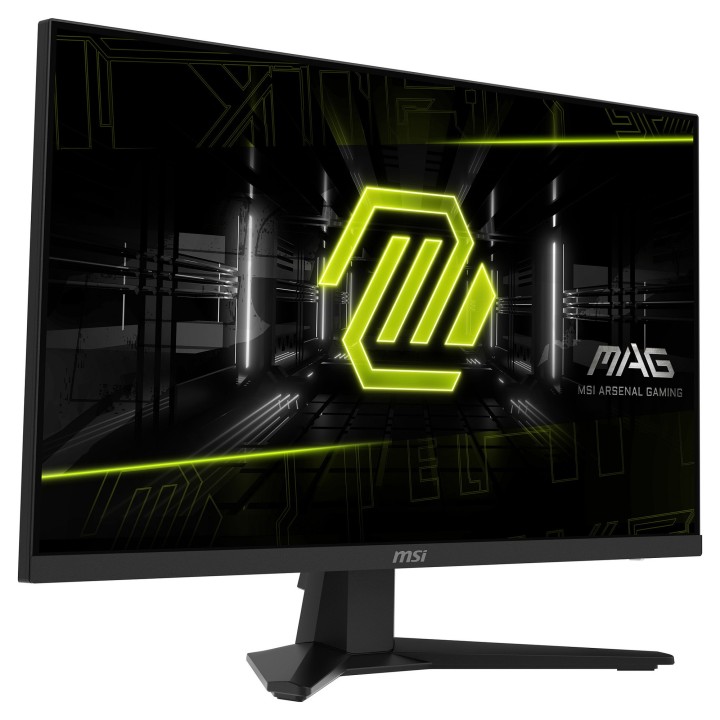
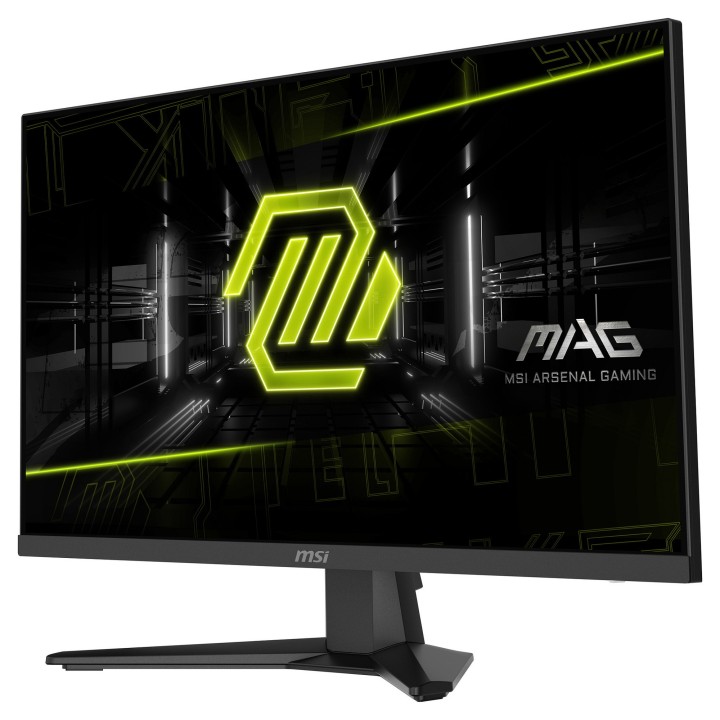
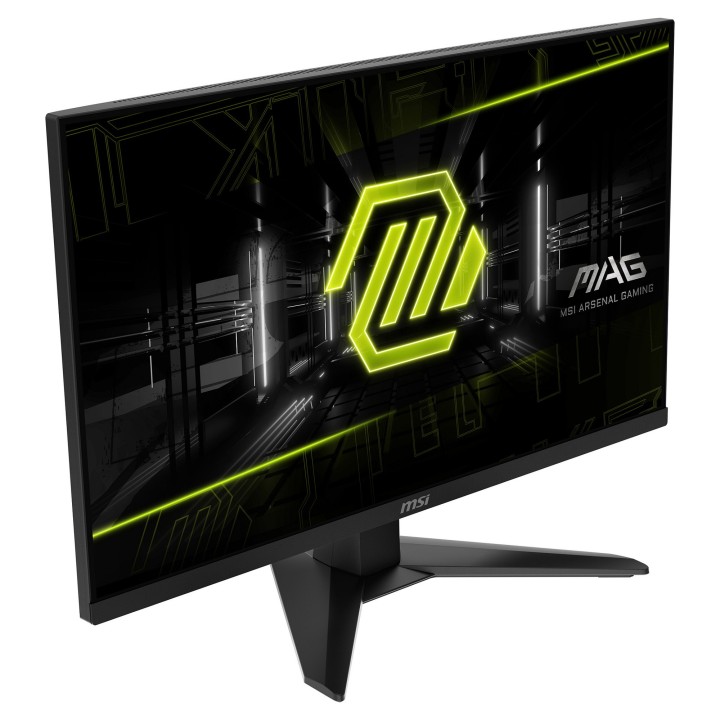
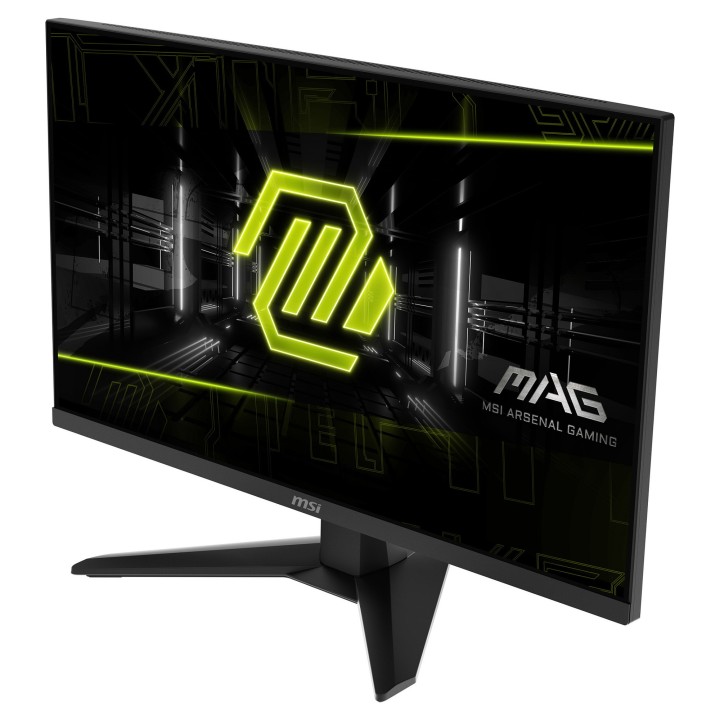
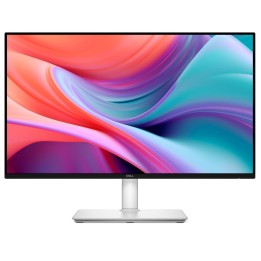
MSI MAG 274F 27inch Rapid IPS FHD 200HZ 1ms HDMI DP Headphone out Tilt Black
- MPN:
- MAG274F
- EAN:
- 4711377277105
Akceptowane płatności
Opis produktu
MAG 274F
Ciesz się wciągającą rozgrywką prowadzoną na gamingowych monitorach z serii MAG 274F. Wyświetlacze te wyposażono w panele o rozdzielczości 1920x1080 (FHD) i częstotliwości odświeżania 200 Hz. Charakteryzują się też wyjątkowo krótkim, bo wynoszącym zaledwie 0,5 ms czasem reakcji (GtG) matrycy. Monitory zgodne są ze standardem HDR Ready, co pozwala uzyskać dużo bardziej wyraziste szczegóły dzięki regulacji kontrastu i cieni. Zaprojektowano je z myślą o wymagających grach FPS, RPG/MMORPG, gdzie rozgrywki prowadzone są z perspektywy pierwszej osoby oraz o symulatorach lotu i grach wyścigowych. Niezwykły panel w monitorach gamingowych z serii MSI MAG 274F przenosi codzienną rozgrywkę na nowy, wyższy poziom, pozwalając graczom dostrzec coś więcej niż tylko obraz na ekranie.
- Panel Rapid IPS - oferuje szybki, 0,5-milisekundowy czas reakcji (GtG, min.) matrycy, optymalizuje kolory i jasność ekranu.
- Częstotliwość odświeżania 200 Hz Reaguj znacznie szybciej dzięki dużo bardziej płynnemu wyświetlaniu klatek obrazu na ekranie monitora.
- 0,5-milisekundowy czas reakcji (GtG, min.) matrycy - ciesz się płynnym generowaniem klatek obrazu i brakiem efektu rozmycia nawet podczas wyświetlania najbardziej dynamicznych, kontrastowych scen.
- AI Vision - nowa technologia AI Vision może nie tylko ujawnić szczegóły ukrywające się w ciemnych obszarach ekranu, ale także zwiększyć ogólną jasność i nasycenie kolorów.
- Technologia Less Blue Light - Zastosuj softwareowe rozwiązanie, które zmniejszy emisję niebiesko-fioletowego światła w obszarze niebieskiego widma.
Specyfikacja
- Opis produktu: MSI MAG 274F monitor LED Full HD (1080p) 27"
- Rodzaj urządzenia: Monitor LCD z podświetleniem LED 27"
- Technologia AdaptiveSync: VESA AdaptiveSync
- Cechy: Joystik 5kierunkowy
- Typ panela: Fast IPS
- Współczynnik kształtu: 16:9
- Rozdzielczość natywna: Full HD (1080p) 1920 x 1080 przy 200 Hz
- Rozstaw pikseli: 0.3114 mm
- Jasność: 300 cdm
- Współczynnik kontrastu: 1000:1 100000000:1 (dynamic)
- Czas reakcji: 0,5 ms (szarydoszarego), 1 ms (MPRT)
- Gaming: Tak
- Obsługa kolorów: 1,07 miliarda kolorów (10bit, 8bit FRC)
- Paleta Kolorów: 86 Adobe RGB (CIE 1976 zachodzenie), 81 (CIE 1976), 101 sRGB (CIE 1976)
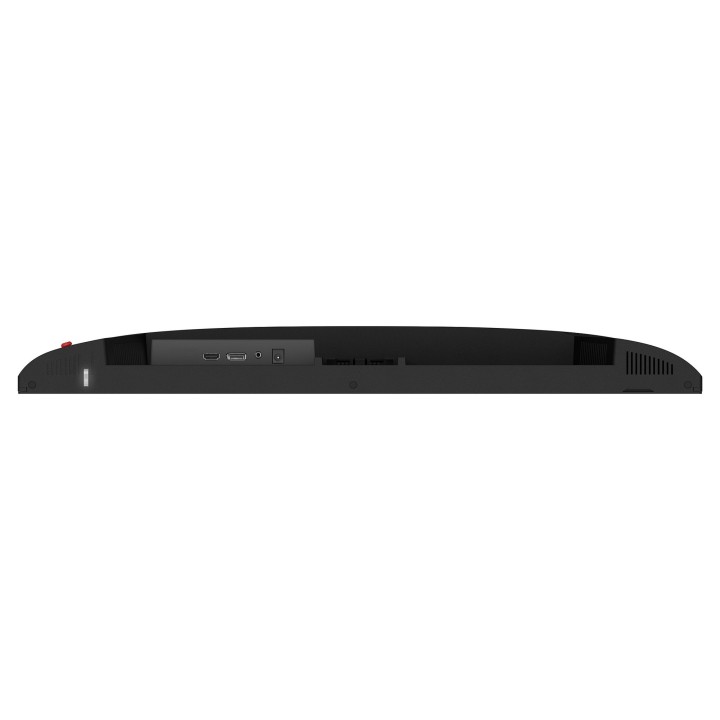
- Złącza wejściowe: HDMI, DisplayPort
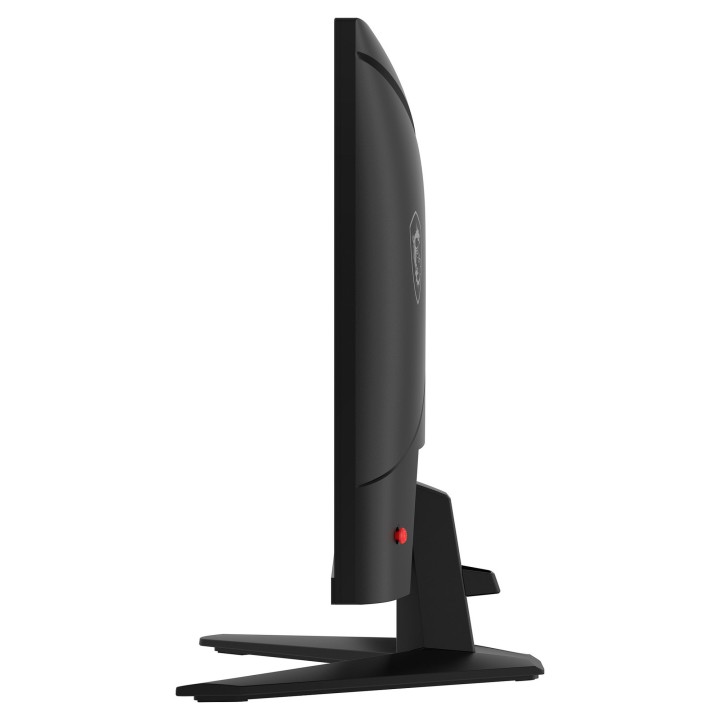
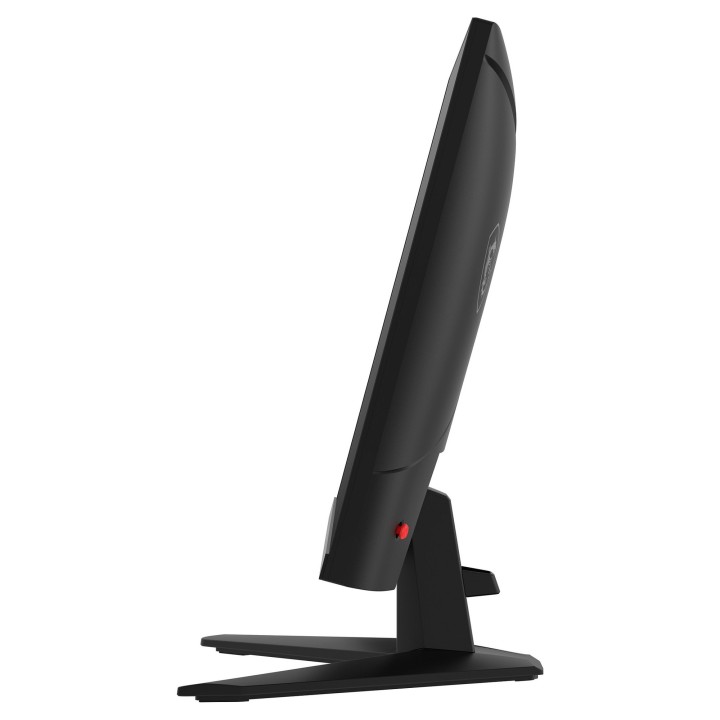
- Regulacja pozycji ekranu: Odchylenie
- Powłoka ekranu: Antyrefleksyjna
- Wymiary (szer.głęb.wys.) z podstawką: 61.35 cm x 24.97 cm x 43.85 cm
- Waga: 4.2 kg
- Zgodność z normami: TUV Rheinland Low Blue Light (Software Solution), TUV Rheinland Flicker Free Certification

- MPN:
- MAG274F
- EAN:
- 4711377277105
Szczegóły produktu
- Marka MSI
- Kod produktu 680d92aa09d9ef23978ea1c5
- Dostępność 54 Przedmioty
- EAN13 4711377277105
- MPN MAG274F
Specyfikacja
- Przekątna ekranu (cal) 27 cal
- Czas reakcji GtG (ms) 0,5 ms
- Rozdzielczość natywna 1920 × 1080
- Czas reakcji MPRT (ms) 1 ms
- Typ matrycy Fast IPS
- Jasność SDR (cd/m2) 300 cd/m2
- Częstotliwość odświeżania (Hz) 200 Hz
-
Wejścia obrazu
DisplayPort
HDMI - Ekran dotykowy Nie
- Zakrzywiony ekran Nie
- Standard VESA 100 × 100
- Pivot Nie
- USB-C z obrazem Nie
Producent
Producent
MSI Polska SP. z o. o.
Magazynowa 1 55-040 Kobierzyce Polska
E-mail: info.pl@msi.com
Osoba odpowiedzialna w UE
MSI Computer Europe B.V.
Science Park 5706 5692ER Son Eindhoven Netherlands
E-mail: GPSR@msi.com
Telefon: +31-40-267-6100
Bezpieczeństwo
Informacje o bezpieczeństwie
List of computer monitor safety warnings based on the requirements of General Product Safety Regulation (EU) 2023/988 (GPSR): * Risk to vision: Long-term gazing at the monitor screen may cause eye strain, dry eyes or headaches. * Limit the working time with the monitor. * Take regular breaks. * Maintain proper distance from the screen. * Ensure proper lighting in the room. * Set the brightness and contrast of the monitor to a comfortable level. * Ergonomics: Incorrect position when working with the monitor can lead to back, neck, and shoulder pain. * Set the monitor to the correct height so that the top edge of the screen is at eye level or slightly below. * Use an adjustable chair and desk to ensure an ergonomic position. * Maintain proper posture while sitting. * Risk of electric shock: Improper use or damage to the monitor can lead to electric shock. * Do not use the monitor in humid environments. * Do not touch the monitor with wet hands. * Do not put any items inside the monitor. * If the power cable is damaged, replace it with a new one. * Disconnect the monitor from power before cleaning. * Fire risk: Overheating or short circuiting in the monitor can cause a fire. * Do not cover the ventilation holes of the monitor. * Do not place the monitor near heat sources. * Use only the original power supply that came with your monitor. * If the monitor overheats, disconnect it from power immediately. * Mechanical damage: The fall of the monitor can cause damage and pose a threat to the user. * Set the monitor on a stable surface. * Secure cables to avoid accidental tripping. * For monitor transport, use appropriate protective packaging. * Cleaning: Improper cleaning of the monitor can damage the screen or cause other problems. * Use only a soft, dry cloth to clean the screen. * Do not use cleaning products containing alcohol, ammonia or other corrosive substances. * Disconnect the monitor from power before cleaning. * Disposal: Incorrect disposal of the monitor can pose a threat to the environment. * Return the used monitor to the e-waste collection point. * Do not throw the monitor in a regular trash can. * Children: The monitor is not a toy and should not be used by children without supervision. * Make sure children do not touch the power cables. * Make sure kids don't play around with the monitor packaging. * Repairs: Do not try to repair the monitor yourself. * Any repairs should be done by qualified personnel. * Monitor portability: Be careful when moving your monitor. * Disconnect all cables before moving. * Use appropriate packaging. * Weather conditions: Do not expose the monitor to extreme temperatures or moisture. * Protect your monitor from direct sunlight. * Adjustable settings: Do not use extreme brightness or contrast settings. * These can cause faster eye strain. * Noise: If the monitor makes disturbing noises, turn it off immediately. * Contact the technical service. * Environmental protection: Be sure to turn off the monitor when not in use. * You save energy this way. * Software: Use only the software provided by the manufacturer. * You will avoid compatibility issues.