Raty i finansowanie

Raty Pekao

Za zakupy możesz zapłacić na raty przez Tpay.

Oblicz ratę (otwiera się w nowej karcie)

PragmaPay dla biznesu

Zapłać za zakupy firmowe później lub w ratach przez Tpay.

Sprawdź, jak działa (otwiera się w nowej karcie)

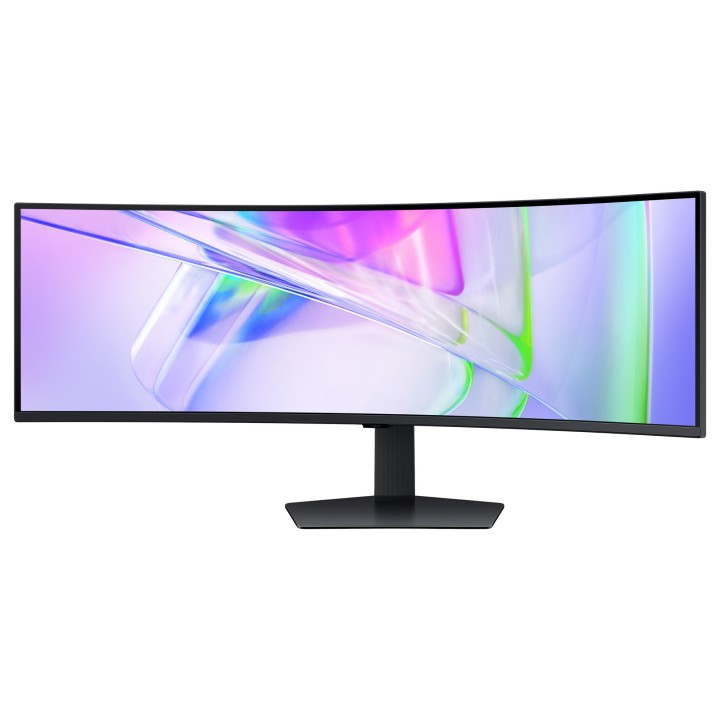
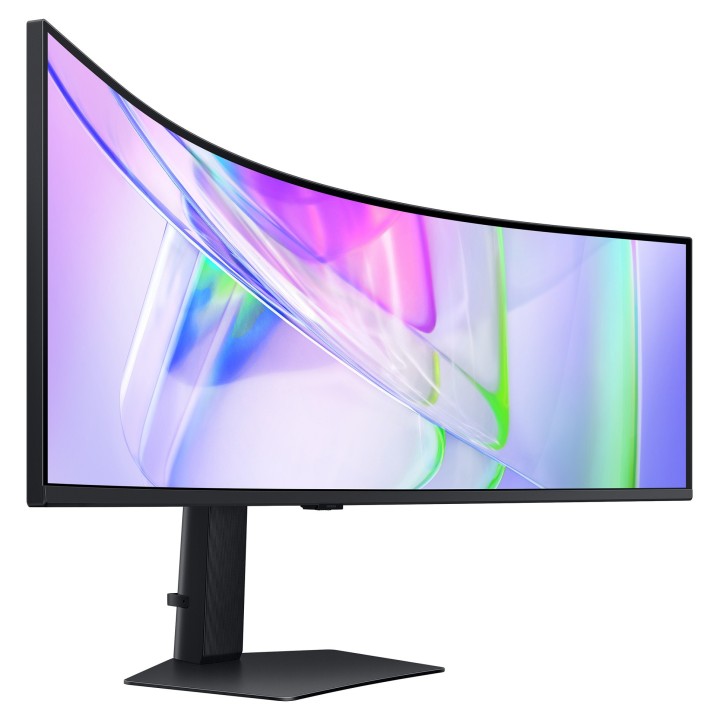
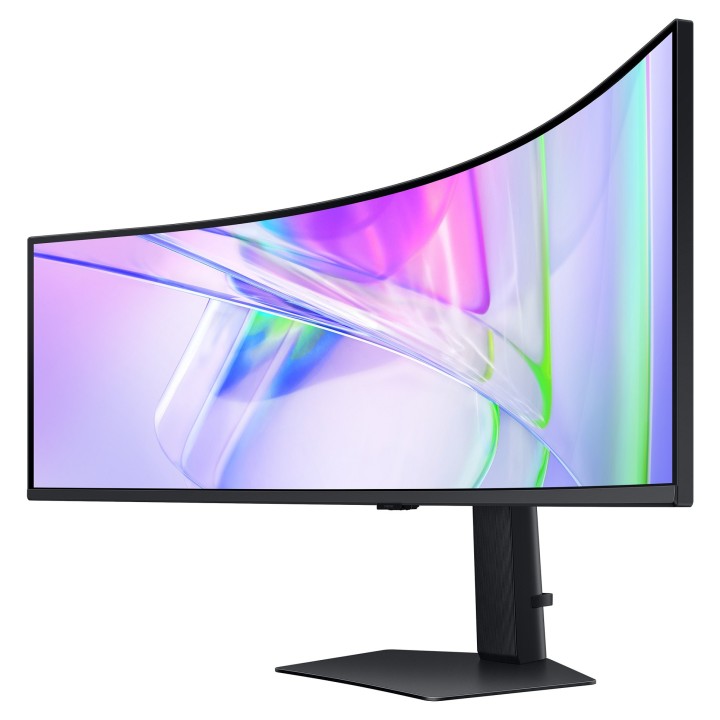
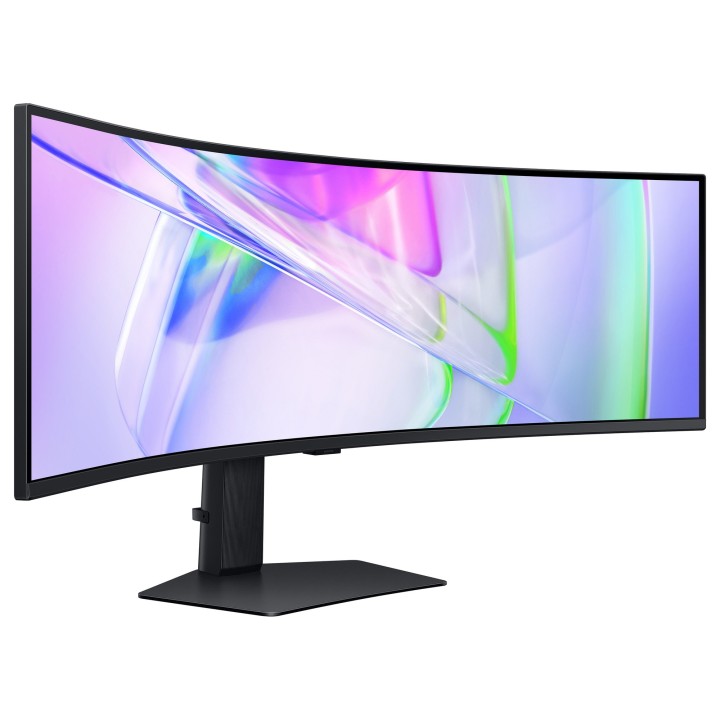
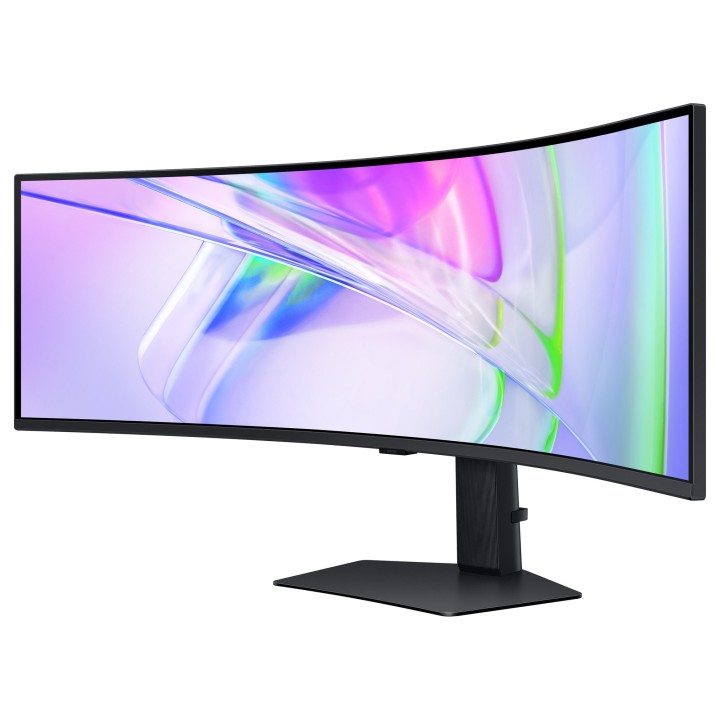
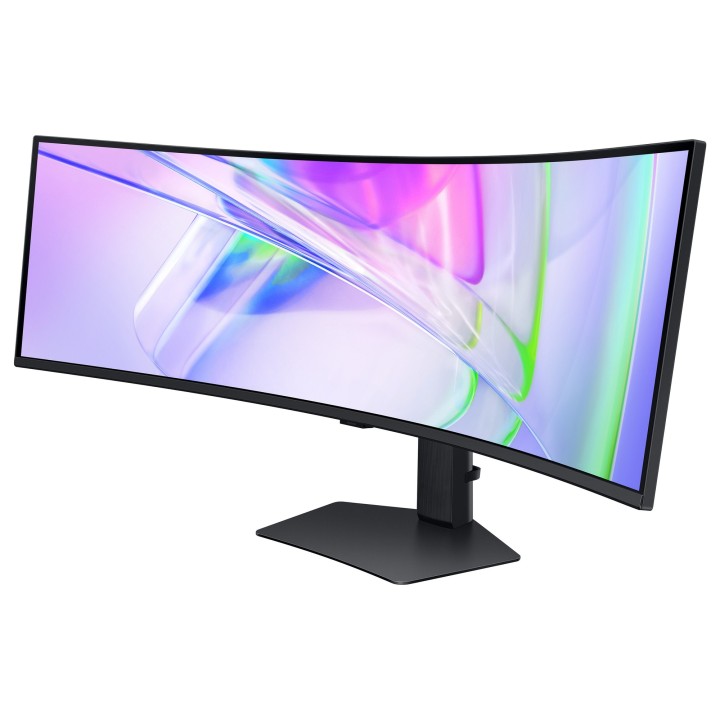
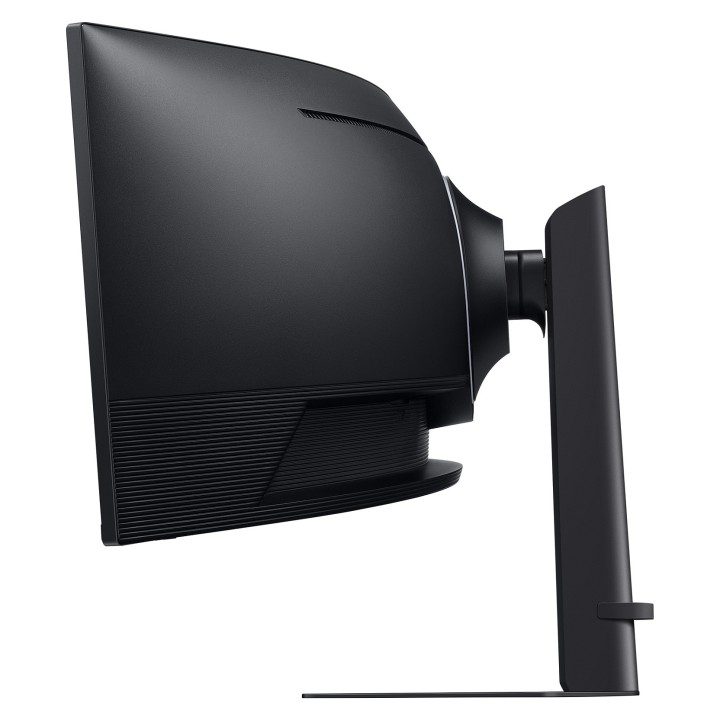
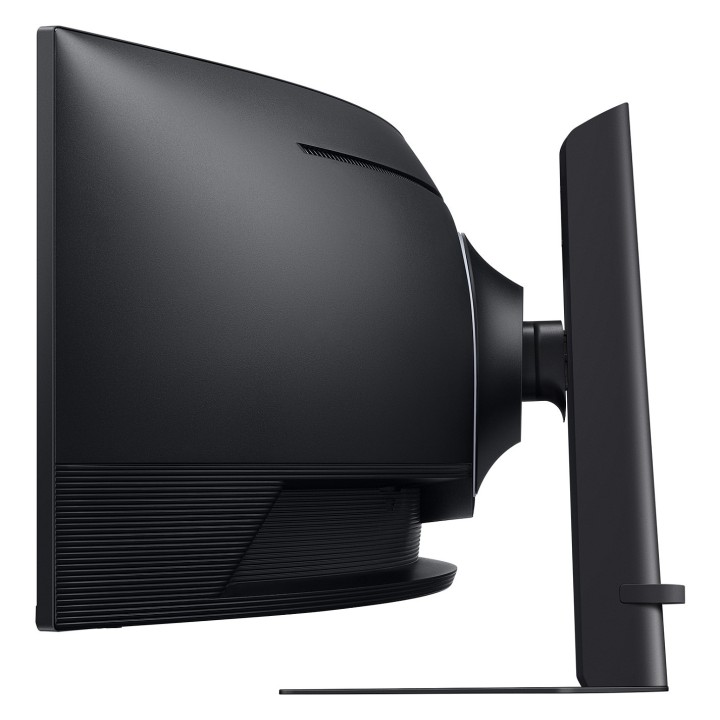
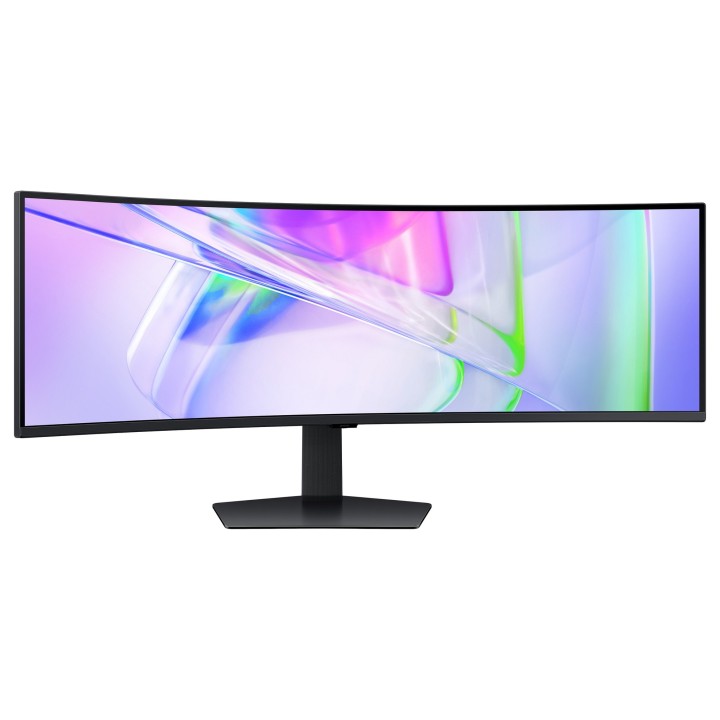
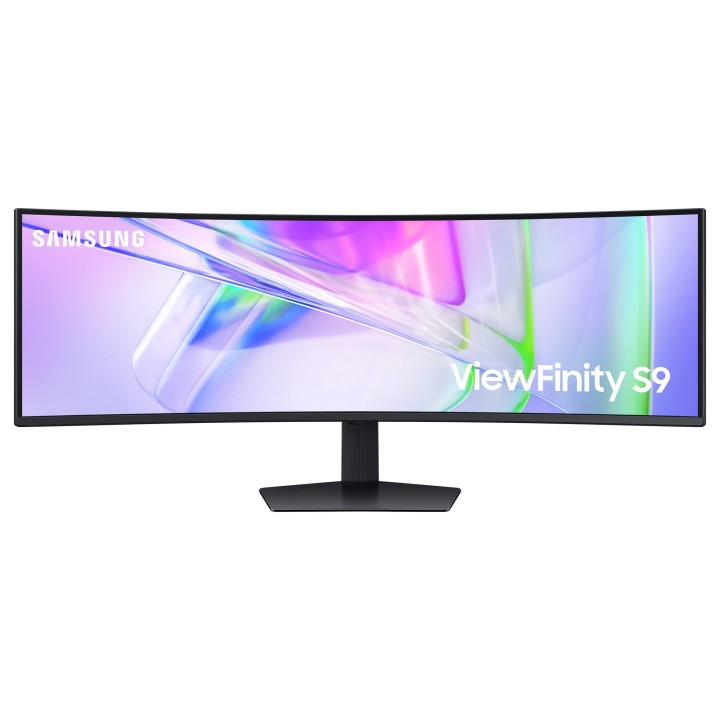
Monitor 49 cali ViewFinity S95UC VA 5120x1440 DQHD 32:9 2xHDMI 1xDP 1xUSB-C (90W) 3xUSB 3.0 LAN 5ms PinP/PbyP 120Hz HAS gł. zakr

MPN:
LS49C950UAUXEN
EAN:
8806095251233
Cena: 3 596,49 zł
Brutto 2 923,98 zł netto
Dostępność produktu: Dostępny 59 szt.
Czas dostawy Wysyłka w ciągu 3 dni roboczych
Koszt dostawy Dostawa od 11,99 zł

Akceptowane płatności

Opis produktu

Rozwiń swoją kreatywność

Ekran panoramiczny
Dual QHD i zakrzywienie 1000R

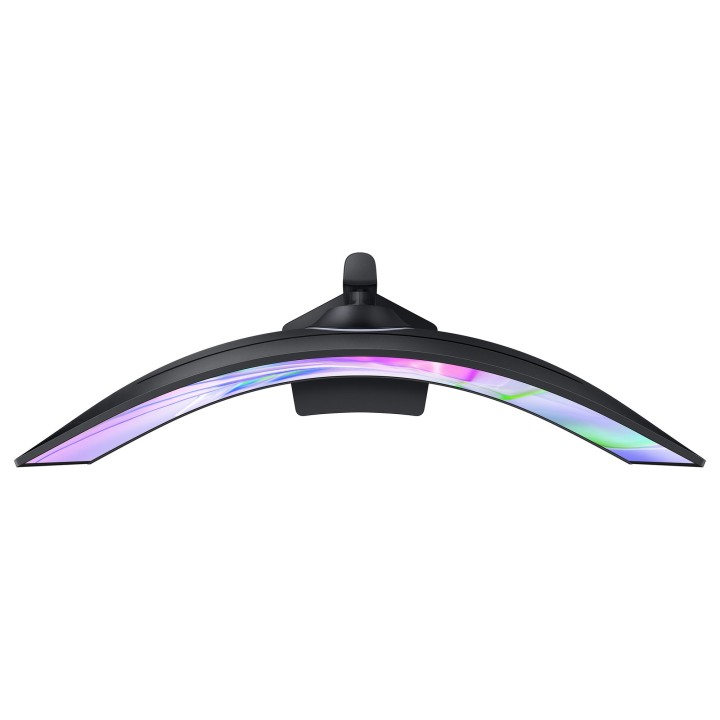
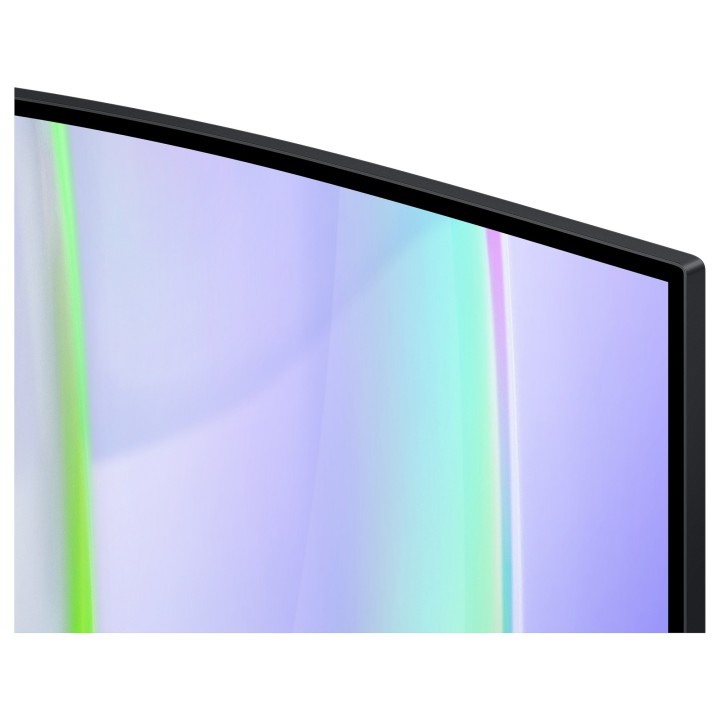
49-calowy zakrzywiony wyświetlacz 1000R z formatem obrazu 32:9, ściśle dopasowuje się do Twojego pola widzenia. Możesz zobaczyć i zrobić więcej dzięki szerszemu ekranowi w rozdzielczości Dual QHD.

Więcej kolorów
VESA DisplayHDR 400

Zobacz więcej podczas pracy nad swoimi projektami. Obsługa VESA DisplayHDR 400 zapewnia wysoki zakres dynamiki czerni i bieli na ekranie. Efekt? Ciemne obszary są bogatsze i głębsze, podczas gdy jasne elementy cieszą swą intensywnością.

Wszechstronna łączność

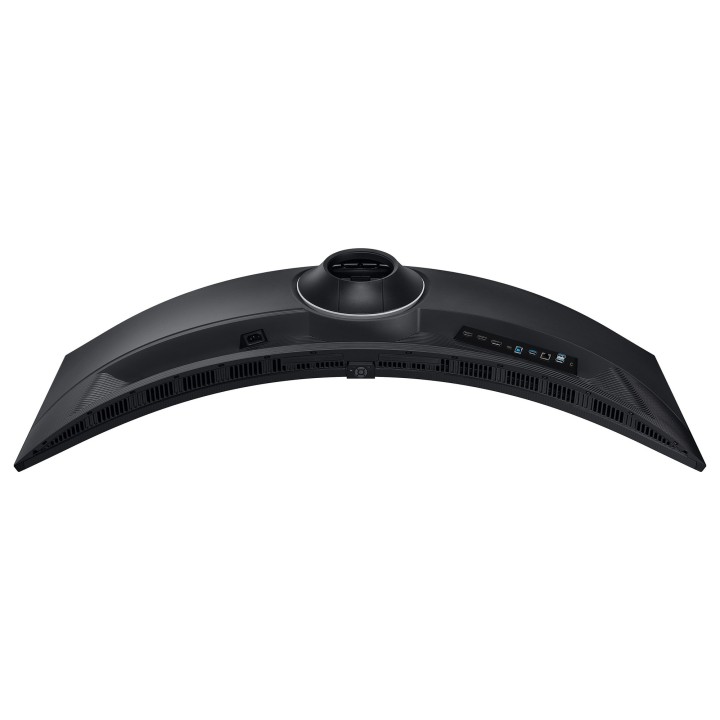
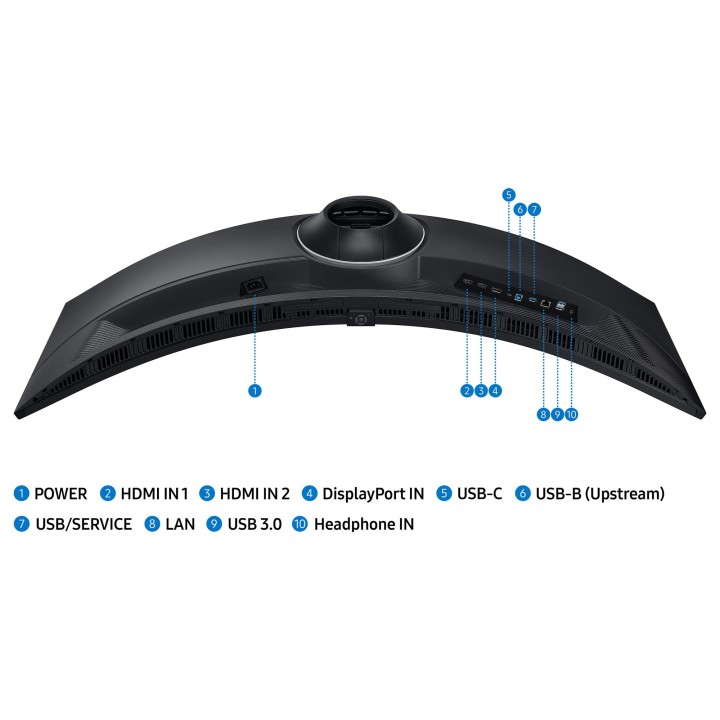
Monitor i stacja dokująca w jednym. DisplayPort, 2 wejścia HDMI, wejścia USB i USB Type-C, które obsługują ładowanie 90W. Podłączaj różne urządzenia, przesyłaj i przeglądaj, używając monitora jako koncentratora.

Wbudowany głośnik

Pracuj, ucz się i baw bez konieczności korzystania z dodatkowych urządzeń peryferyjnych. Dzięki wbudowanym głośnikom możesz zwolnić miejsce na biurku.

Wygoda i elastyczność zwiększają produktywność
Ergonomiczna podstawa

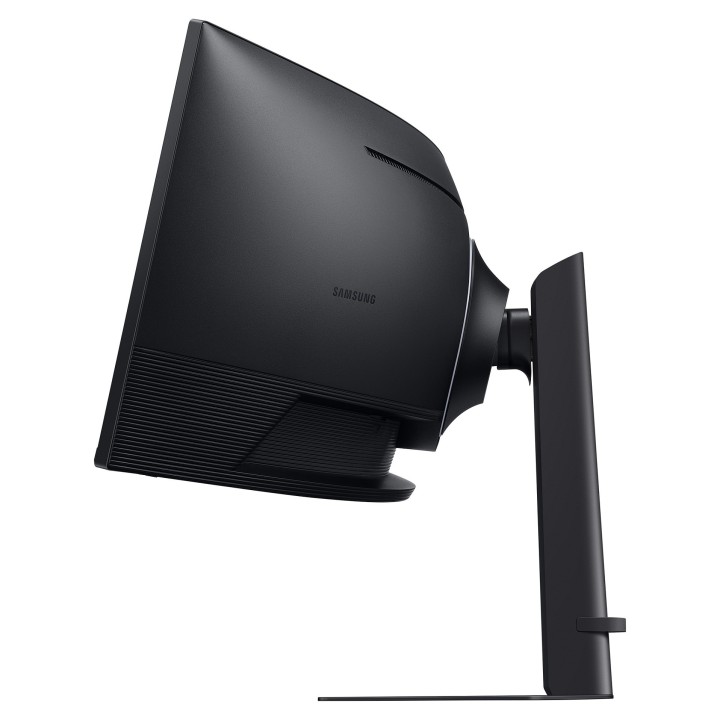
Dopasuj ustawienia monitora do swoich preferencji. Dowolnie reguluj wysokość, kąt pochylenia aż osiągniesz idealną konfigurację.
Easy Setting Box

W prosty sposób podziel ekran lub wyświetl wiele okien o różnych rozmiarach w różnych konfiguracjach. Wielozadaniowość jest prosta dzięki temu łatwemu w użyciu oprogramowaniu.

Płynniejsza grafika
Częstotliwość odświeżania 120Hz

Częstotliwość odświeżania 120Hz zapewnia płynne działanie ekranu podczas grania w gry, a także zmniejsza opóźnienia podczas przeglądania Internetu i aplikacji.

Szczegóły produktu

  • Marka Samsung
  • Kod produktu 660fc71271a267703cbd3100
  • Dostępność 59 Przedmioty
  • EAN13 8806095251233
  • MPN LS49C950UAUXEN

Specyfikacja

  • Przekątna ekranu (cal) 49 cal
  • Czas reakcji GtG (ms) 5 ms
  • Rozdzielczość natywna 5120 × 1440
  • Typ matrycy VA
  • Jasność SDR (cd/m2) 350 cd/m2
  • Częstotliwość odświeżania (Hz) 120 Hz
  • Moc ładowania USB-C (W) 90 W
  • Wejścia obrazu DisplayPort
    HDMI
    USB-C
  • Ekran dotykowy Nie
  • Zakrzywiony ekran Tak
  • Standard VESA 100 × 100
  • USB-C z obrazem Tak

Producent

Producent

SAMSUNG

PO Box 12987 D01F5P Dublin Ireland

Formularz kontaktowy: https://www.samsung.com/pl/support/

Osoba odpowiedzialna w UE

SAMSUNG ELECTRONICS SP. Z O.O.
ul. Marynarska 15 02-674 Warszawa Polska

E-mail: info@samsung.com

Bezpieczeństwo

Informacje o bezpieczeństwie

List of computer monitor safety warnings based on the requirements of General Product Safety Regulation (EU) 2023/988 (GPSR): * Risk to vision: Long-term gazing at the monitor screen may cause eye strain, dry eyes or headaches. * Limit the working time with the monitor. * Take regular breaks. * Maintain proper distance from the screen. * Ensure proper lighting in the room. * Set the brightness and contrast of the monitor to a comfortable level. * Ergonomics: Incorrect position when working with the monitor can lead to back, neck, and shoulder pain. * Set the monitor to the correct height so that the top edge of the screen is at eye level or slightly below. * Use an adjustable chair and desk to ensure an ergonomic position. * Maintain proper posture while sitting. * Risk of electric shock: Improper use or damage to the monitor can lead to electric shock. * Do not use the monitor in humid environments. * Do not touch the monitor with wet hands. * Do not put any items inside the monitor. * If the power cable is damaged, replace it with a new one. * Disconnect the monitor from power before cleaning. * Fire risk: Overheating or short circuiting in the monitor can cause a fire. * Do not cover the ventilation holes of the monitor. * Do not place the monitor near heat sources. * Use only the original power supply that came with your monitor. * If the monitor overheats, disconnect it from power immediately. * Mechanical damage: The fall of the monitor can cause damage and pose a threat to the user. * Set the monitor on a stable surface. * Secure cables to avoid accidental tripping. * For monitor transport, use appropriate protective packaging. * Cleaning: Improper cleaning of the monitor can damage the screen or cause other problems. * Use only a soft, dry cloth to clean the screen. * Do not use cleaning products containing alcohol, ammonia or other corrosive substances. * Disconnect the monitor from power before cleaning. * Disposal: Incorrect disposal of the monitor can pose a threat to the environment. * Return the used monitor to the e-waste collection point. * Do not throw the monitor in a regular trash can. * Children: The monitor is not a toy and should not be used by children without supervision. * Make sure children do not touch the power cables. * Make sure kids don't play around with the monitor packaging. * Repairs: Do not try to repair the monitor yourself. * Any repairs should be done by qualified personnel. * Monitor portability: Be careful when moving your monitor. * Disconnect all cables before moving. * Use appropriate packaging. * Weather conditions: Do not expose the monitor to extreme temperatures or moisture. * Protect your monitor from direct sunlight. * Adjustable settings: Do not use extreme brightness or contrast settings. * These can cause faster eye strain. * Noise: If the monitor makes disturbing noises, turn it off immediately. * Contact the technical service. * Environmental protection: Be sure to turn off the monitor when not in use. * You save energy this way. * Software: Use only the software provided by the manufacturer. * You will avoid compatibility issues.

Ładowanie...
Wróć na górę