- Nowy
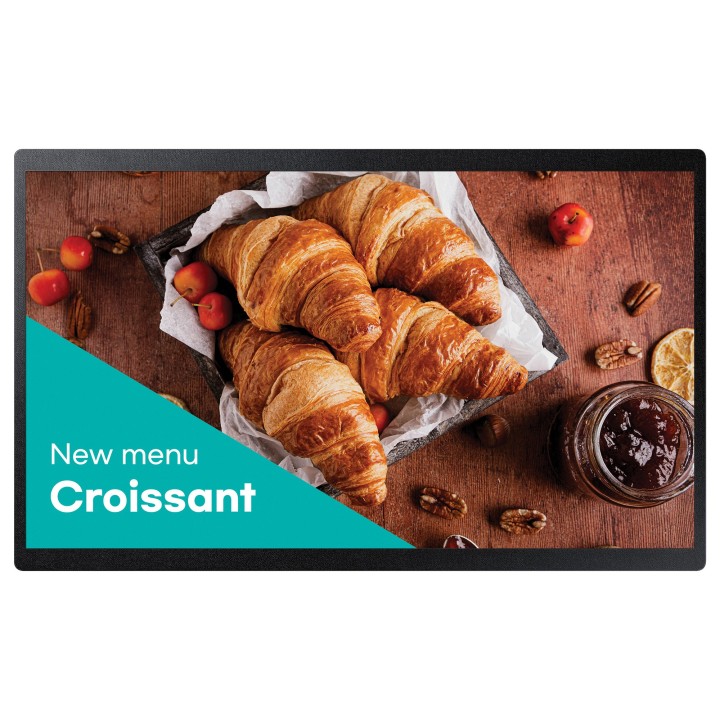
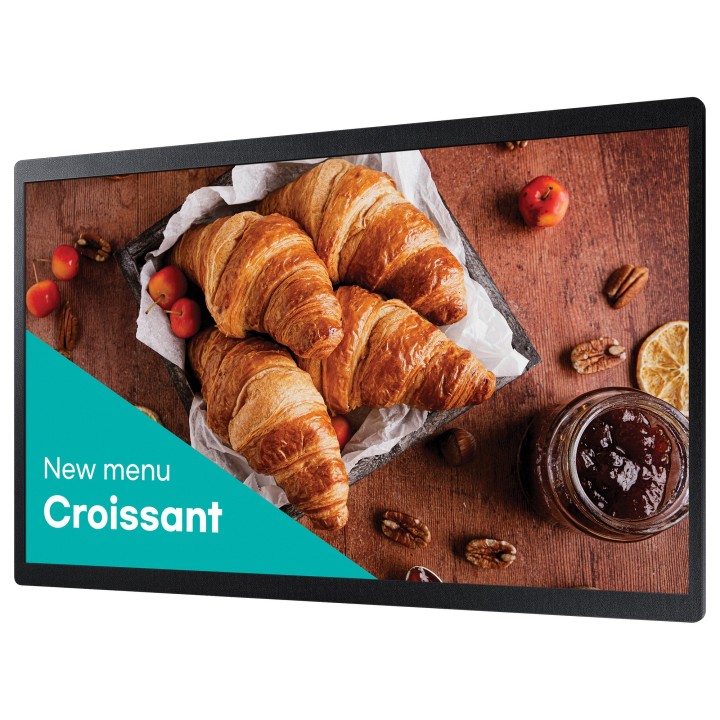
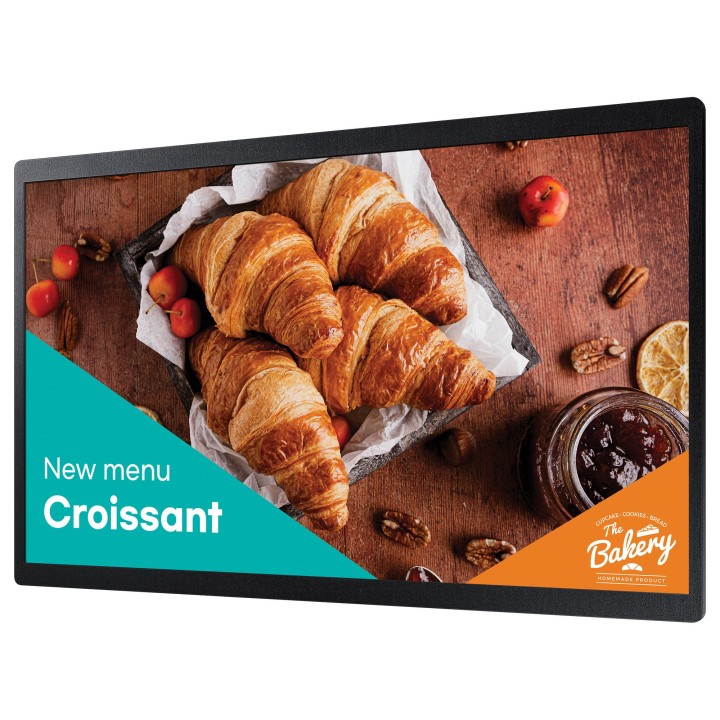
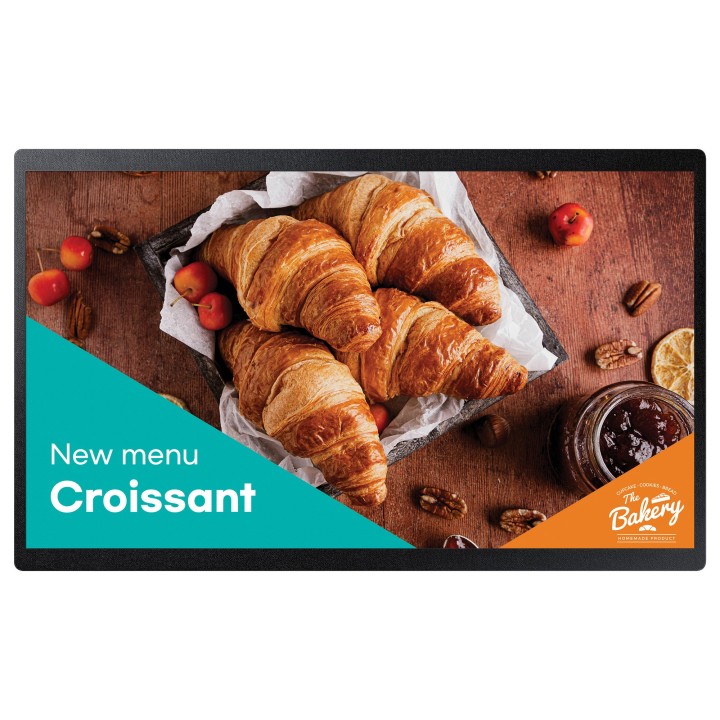
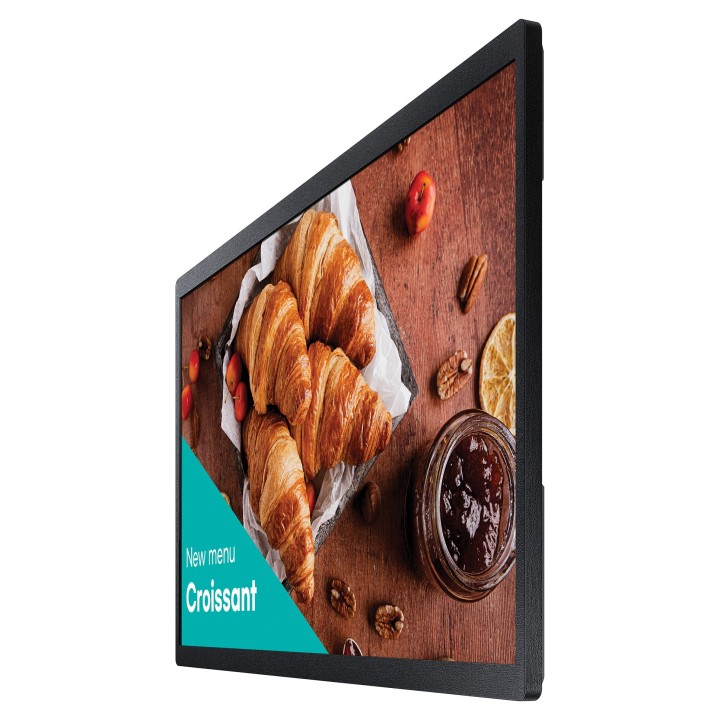
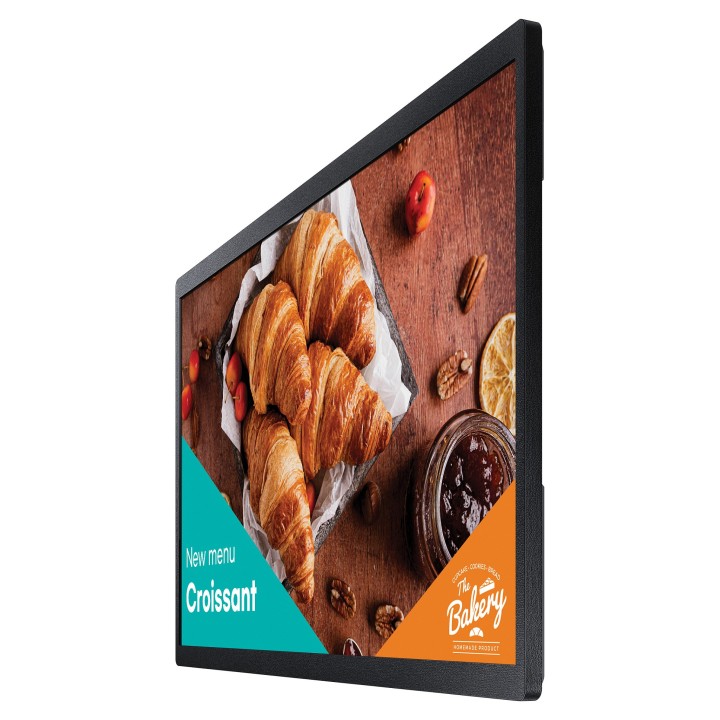

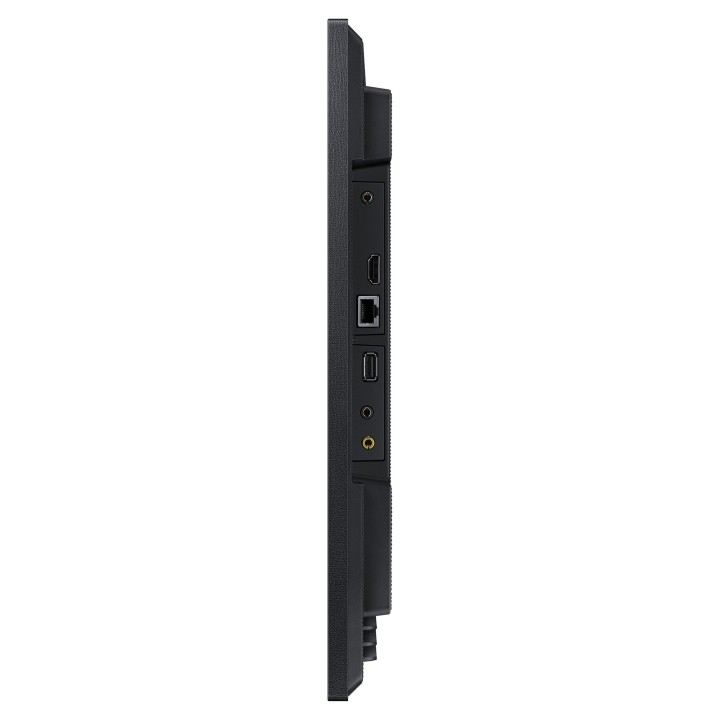
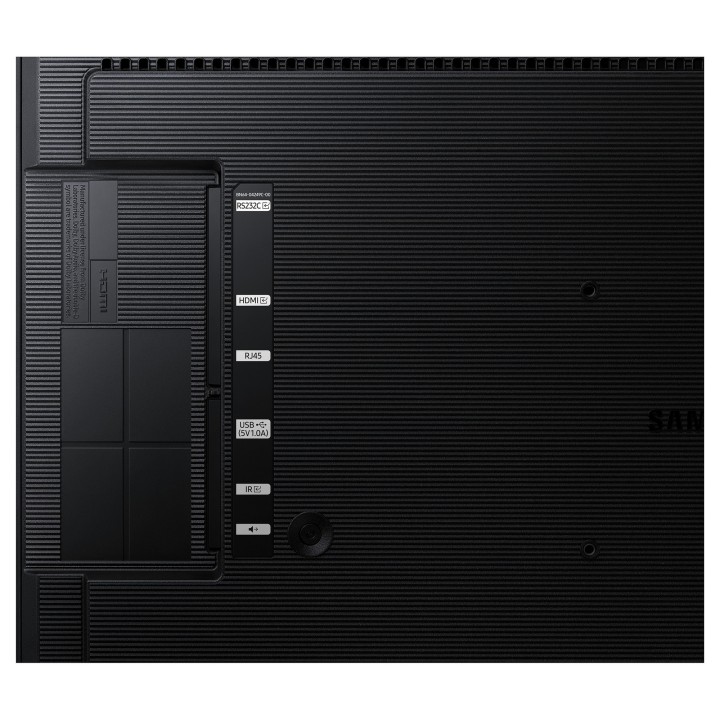
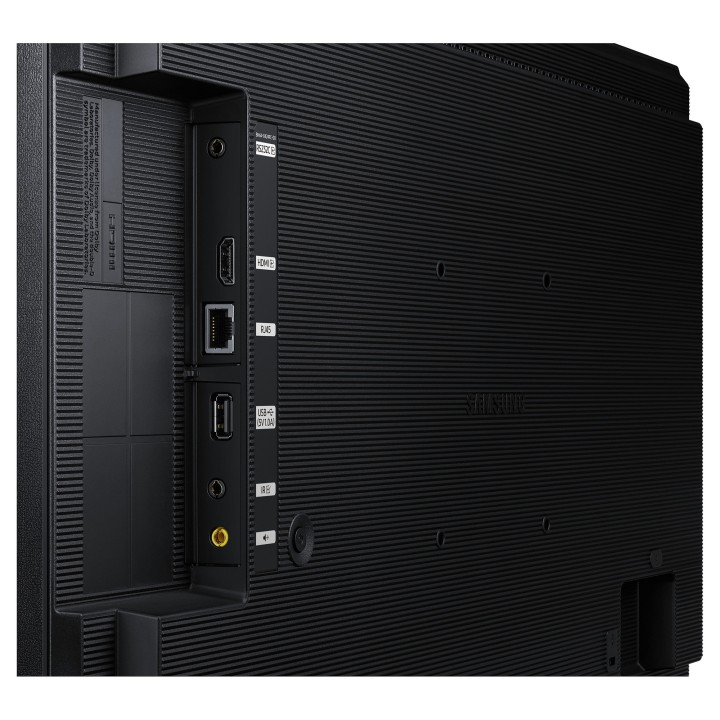
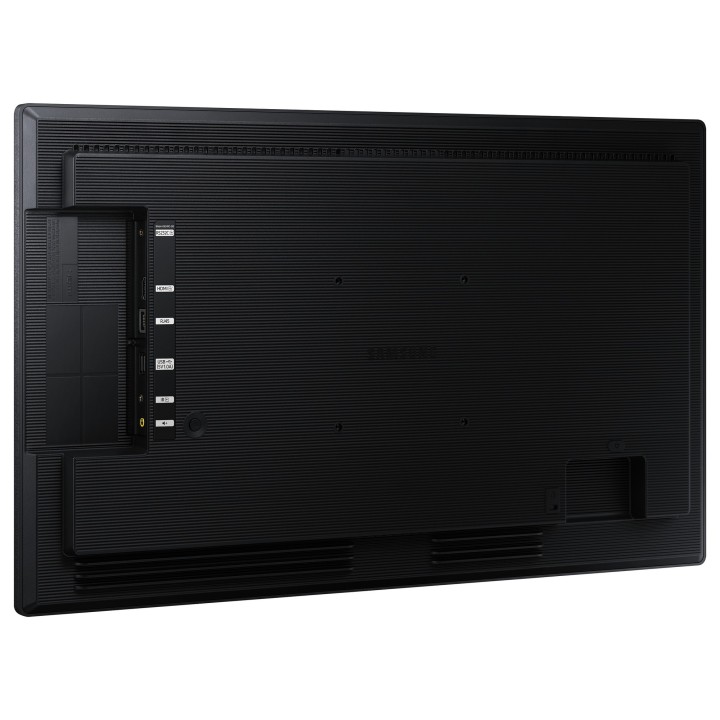
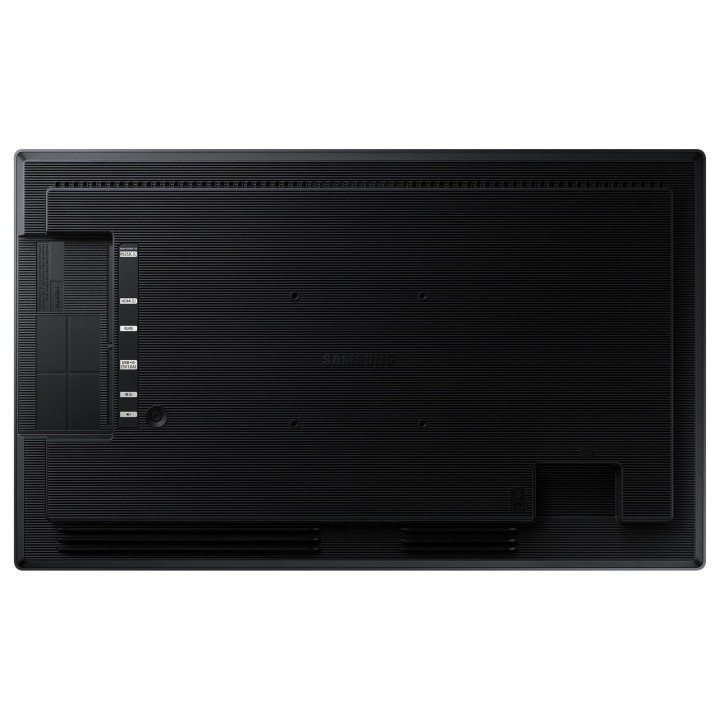
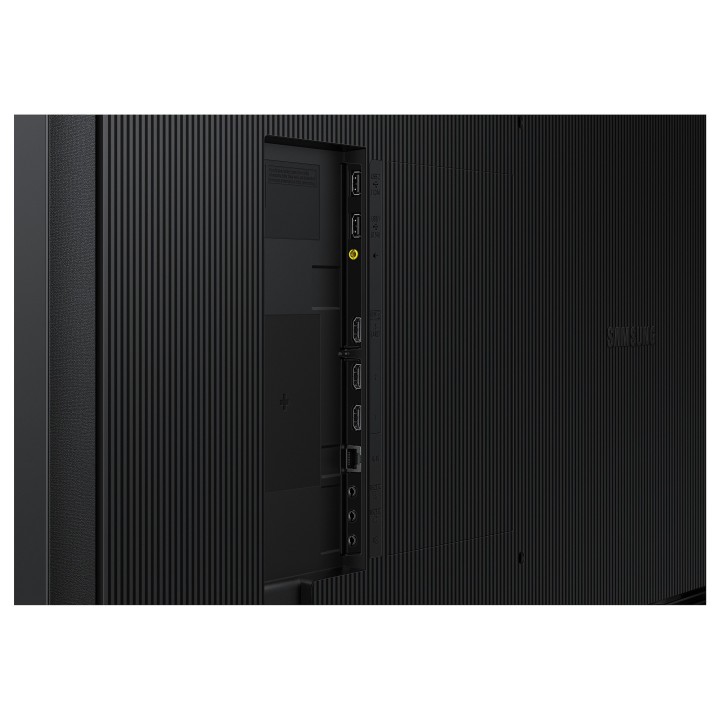
Monitor profesjonalny QB24C 24 cali Matowy 16h/7 250(cd/m2) 1920x1080(FHD) S10 Player (Tizen 7, VXT Ready) WiFi/BT 3 lata d2d (L obrazki
Raty i finansowanie
Monitor profesjonalny QB24C 24 cali Matowy 16h/7 250(cd/m2) 1920x1080(FHD) S10 Player (Tizen 7, VXT Ready) WiFi/BT 3 lata d2d (L

- MPN:
- LH24QBCEBGCXEN
- EAN:
- 8806095204994
Akceptowane płatności





Opis produktu
Powiększ przestrzeń handlową dzięki kompaktowemu wyświetlaczowi
Wykorzystaj w pełni każdą przestrzeń dzięki małemu wyświetlaczowi cyfrowemu Samsung QB24C. Kompaktowy wyświetlacz zapewnia wyraźny przekaz dzięki rozdzielczości Full HD. Ulepszone rozwiązania wewnętrzne i intuicyjny interfejs użytkownika ekranu głównego sprawiają, że jest łatwy w użyciu, zapewniając także niezawodną wydajność w każdym zastosowaniu biznesowym.
Trzymaj duże możliwości na małych przestrzeniach. Kompaktowa konstrukcja
Kompaktowa konstrukcja QB24C pozwala na efektywne wykorzystanie przestrzeni, nawet w niewielkich lokalizacjach. Elegancka konstrukcja z tyłu sprawia, że wyświetlacz idealnie nadaje się do montażu na ścianie, a łączność, odtwarzanie treści i sterowanie urządzeniami są łatwe w obsłudze.
Połącz się wygodnie. Strona główna interfejsu użytkownika
QB24C oferuje większą użyteczność dzięki ulepszonemu interfejsowi ekranu głównego. Popularne kategorie, takie jak Funkcje, Źródła i Ustawienia, są wyświetlane na tym samym ekranie, co zapewnia wygodną dostępność. Folder Ulubione zapewnia użytkownikom szybki i łatwy dostęp do często używanych funkcji za pomocą jednego kliknięcia.
Wygodna i przejrzysta kontrola wyświetlacza. Centrum podczerwieni
Dzięki centralnemu podczerwień każdy wyświetlacz odbiera sygnały podczerwieni bezpośrednio do panelu, co umożliwia łatwe i wygodne zdalne sterowanie. Po zamontowaniu wyświetlacz nie wymaga przedłużacza kabla odbiornika podczerwieni. Wbudowane Wi-Fi umożliwia bezprzewodowe zdalne zarządzanie zarówno treścią, jak i wyświetlaczem.
Bezpieczna obsługa, niezawodne działanie. IP5X / EMC klasa B
QB24C jest zgodny z kompatybilnością elektromagnetyczną (EMC) klasy B, spełniając rygorystyczne standardy bezpieczeństwa i niezawodności działania. Dodatkowo stopień ochrony IP5x wyświetlacza podkreśla jego solidną trwałość nawet w zapylonym środowisku.
Zmień sposób zarządzania wyświetlaczem. Samsunga VXT
Samsung VXT to rozwiązanie oparte na chmurze, które łączy funkcje zarządzania treścią i zdalnego zarządzania urządzeniami, umożliwiając użytkownikom zdalne zarządzanie ustawieniami sprzętu i rozwiązywanie problemów na odległość, przy jednoczesnym łatwym tworzeniu i wdrażaniu treści bez konieczności szkolenia.
- MPN:
- LH24QBCEBGCXEN
- EAN:
- 8806095204994
Szczegóły produktu
- Marka Samsung
- Kod produktu 660fc6cd71a267703cbcf717
- Dostępność 4 Przedmioty
- EAN13 8806095204994
- MPN LH24QBCEBGCXEN
Specyfikacja
- Przekątna ekranu (cal) 24 cal
- Czas reakcji GtG (ms) 14 ms
- Rozdzielczość natywna 1920 × 1080
- Typ matrycy ADS
- Jasność SDR (cd/m2) 250 cd/m2
- Częstotliwość odświeżania (Hz) 75 Hz
-
Wejścia obrazu
HDMI 1.4
USB-A - Ekran dotykowy Nie
- Zakrzywiony ekran Nie
- Standard VESA 100 × 100
- Pivot Nie
Producent
Producent
SAMSUNG
PO Box 12987 D01F5P Dublin Ireland
Formularz kontaktowy: https://www.samsung.com/pl/support/
Osoba odpowiedzialna w UE
SAMSUNG ELECTRONICS SP. Z O.O.
ul. Marynarska 15 02-674 Warszawa Polska
E-mail: info@samsung.com
Bezpieczeństwo
Informacje o bezpieczeństwie
List of computer monitor safety warnings based on the requirements of General Product Safety Regulation (EU) 2023/988 (GPSR): * Risk to vision: Long-term gazing at the monitor screen may cause eye strain, dry eyes or headaches. * Limit the working time with the monitor. * Take regular breaks. * Maintain proper distance from the screen. * Ensure proper lighting in the room. * Set the brightness and contrast of the monitor to a comfortable level. * Ergonomics: Incorrect position when working with the monitor can lead to back, neck, and shoulder pain. * Set the monitor to the correct height so that the top edge of the screen is at eye level or slightly below. * Use an adjustable chair and desk to ensure an ergonomic position. * Maintain proper posture while sitting. * Risk of electric shock: Improper use or damage to the monitor can lead to electric shock. * Do not use the monitor in humid environments. * Do not touch the monitor with wet hands. * Do not put any items inside the monitor. * If the power cable is damaged, replace it with a new one. * Disconnect the monitor from power before cleaning. * Fire risk: Overheating or short circuiting in the monitor can cause a fire. * Do not cover the ventilation holes of the monitor. * Do not place the monitor near heat sources. * Use only the original power supply that came with your monitor. * If the monitor overheats, disconnect it from power immediately. * Mechanical damage: The fall of the monitor can cause damage and pose a threat to the user. * Set the monitor on a stable surface. * Secure cables to avoid accidental tripping. * For monitor transport, use appropriate protective packaging. * Cleaning: Improper cleaning of the monitor can damage the screen or cause other problems. * Use only a soft, dry cloth to clean the screen. * Do not use cleaning products containing alcohol, ammonia or other corrosive substances. * Disconnect the monitor from power before cleaning. * Disposal: Incorrect disposal of the monitor can pose a threat to the environment. * Return the used monitor to the e-waste collection point. * Do not throw the monitor in a regular trash can. * Children: The monitor is not a toy and should not be used by children without supervision. * Make sure children do not touch the power cables. * Make sure kids don't play around with the monitor packaging. * Repairs: Do not try to repair the monitor yourself. * Any repairs should be done by qualified personnel. * Monitor portability: Be careful when moving your monitor. * Disconnect all cables before moving. * Use appropriate packaging. * Weather conditions: Do not expose the monitor to extreme temperatures or moisture. * Protect your monitor from direct sunlight. * Adjustable settings: Do not use extreme brightness or contrast settings. * These can cause faster eye strain. * Noise: If the monitor makes disturbing noises, turn it off immediately. * Contact the technical service. * Environmental protection: Be sure to turn off the monitor when not in use. * You save energy this way. * Software: Use only the software provided by the manufacturer. * You will avoid compatibility issues.
Monitory


- Nowy





- Nowy



Ostatnio oglądane
Produkty, które ostatnio zwróciły Twoją uwagę.
- Nowy
- Nowy

- Nowy