Raty i finansowanie

Raty Pekao

Za zakupy możesz zapłacić na raty przez Tpay.

Oblicz ratę (otwiera się w nowej karcie)

PragmaPay dla biznesu

Zapłać za zakupy firmowe później lub w ratach przez Tpay.

Sprawdź, jak działa (otwiera się w nowej karcie)

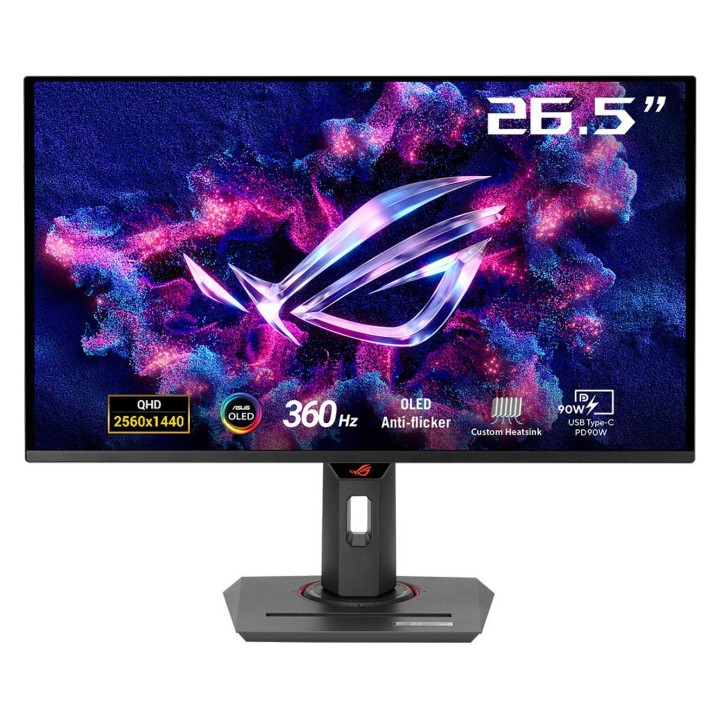
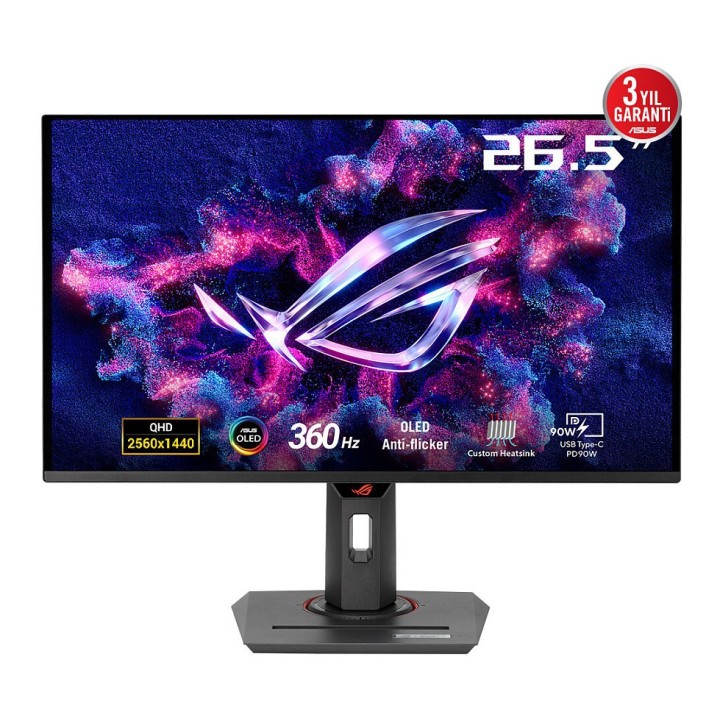
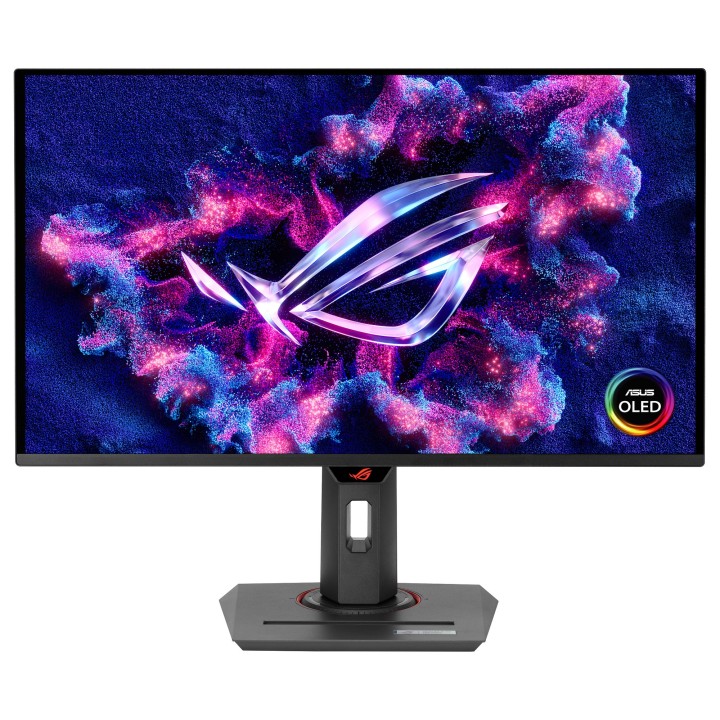
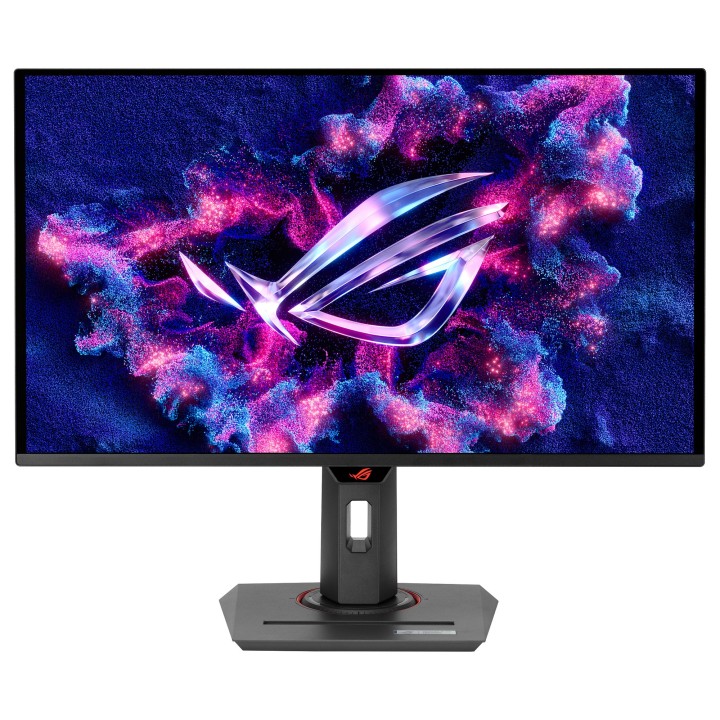
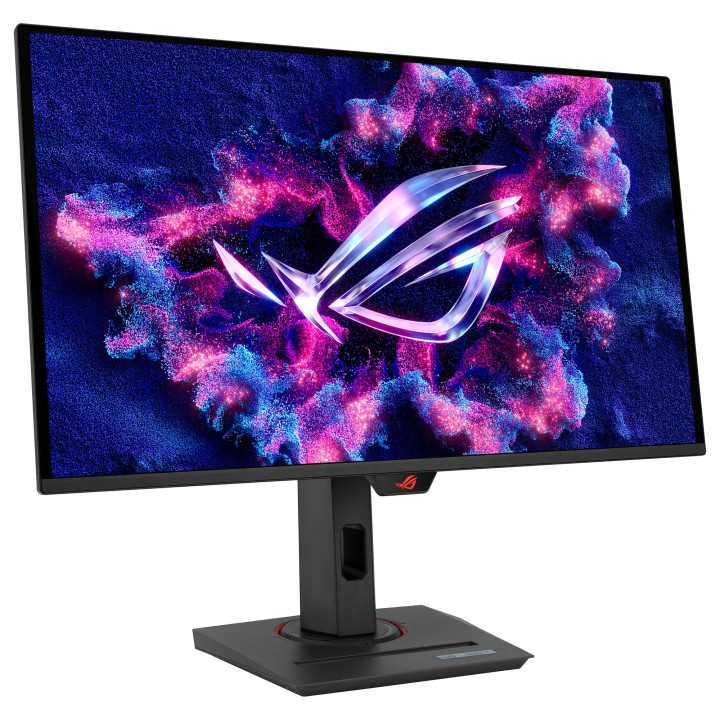
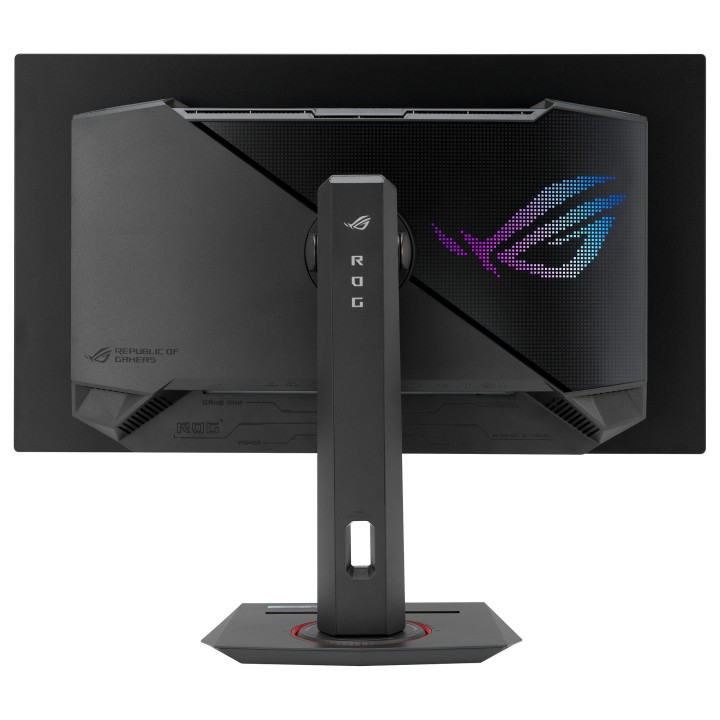
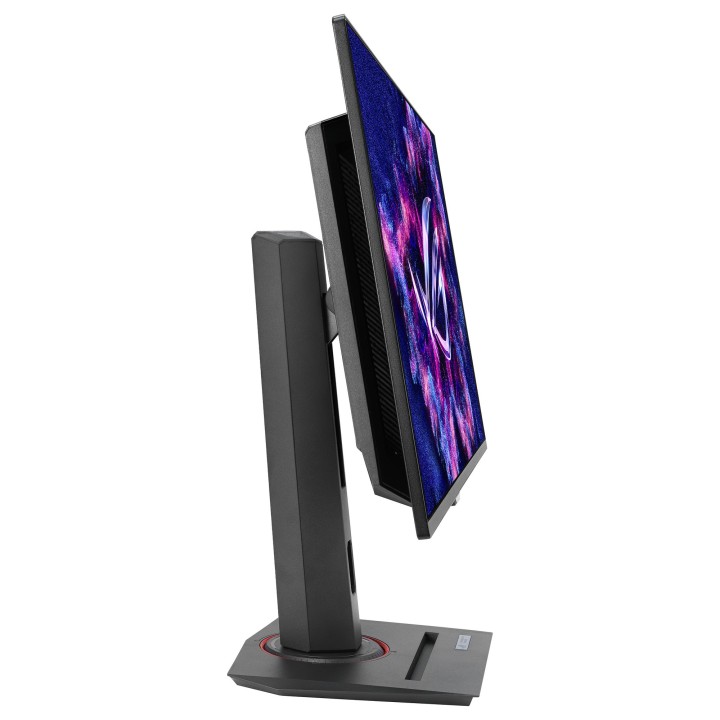
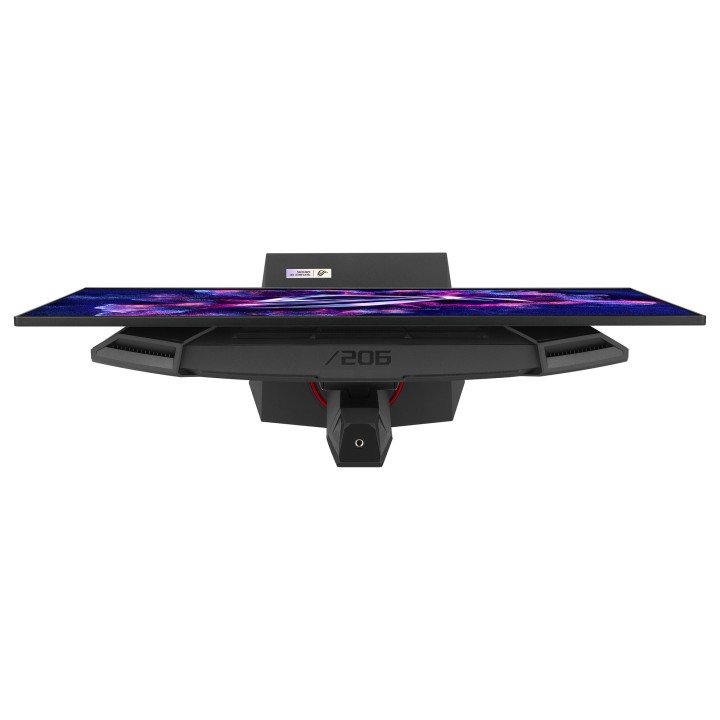
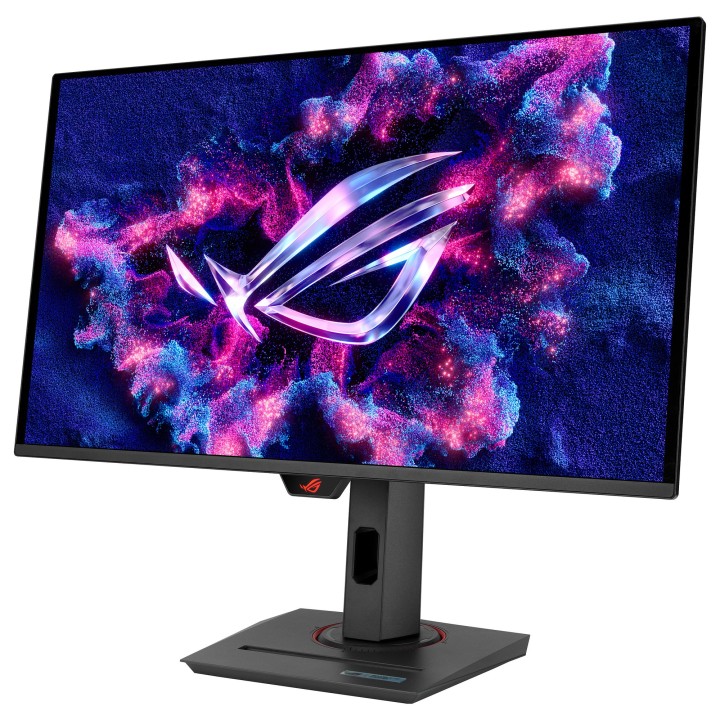
ASUS ROG Strix OLED XG27ACDNG 26.5inch QD-OLED QHD 16:9 360Hz 450cd/m2 0.03ms 2xHDMI DP USB-C USB Hub : 3xUSB 3.2 G1 Type-A Blac

MPN:
90LM0AN0-B01970
EAN:
4711387675243
Cena: 2 991,99 zł
Brutto 2 432,51 zł netto
Dostępność produktu: Dostępny 30 szt.
Czas dostawy Wysyłka w ciągu 2 dni roboczych
Koszt dostawy Dostawa od 11,99 zł

Akceptowane płatności

Opis produktu

ASUS ROG Strix OLED XG27ACDNG. Długość przekątnej ekranu: 67,3 cm (26.5"), Rozdzielczość: 2560 x 1440 px, Typ HD: Quad HD, Technologia wyświetlacza: QD-OLED, Czas odpowiedzi (typowy): 0,03 ms, Natywne proporcje obrazu: 16:9, Kąt widzenia (poziomy): 178°, Kąt widzenia (pionowy): 178°. Wbudowany USB hub, Wersja USB hub: 3.2 Gen 1 (3.1 Gen 1). Standard VESA, Opcja regulacji wysokości. Kolor produktu: Czarny

Specyfikacja

  • Przekątna ekranu: 27.00 cali
  • Typ matrycy: QD-OLED
  • Technologia podświetlania: OLED
  • Powłoka ekranu: Antyrefleksyjna (Anti-Reflection)
  • Format obrazu: 16:9
  • Touch: Nie
  • Wielkość plamki: 0.229 mm
  • Czas reakcji matrycy: 0.030 ms
  • Jasność matrycy: 450 cd/m2
  • Kontrast statyczny: 1500000 :1
  • Rozdzielczość maksymalna: 2560 x 1440
  • Częst. odśw. przy rozdzielczości optymalnej (Hz): 360
  • Częstotliwość odchylania pionowego (Hz): 48 ~ 360
  • Częstotliwość odchylania poziomego (KHz): 30 ~ 625
  • Ilość wyświetlanych kolorów: 1,07 B (10-bitowy)
  • Kąt widzenia pionowy (V): 178.00 stopni
  • Kąt widzenia poziomy (H): 178.00 stopni
  • Zakrzywiony ekran: Nie
  • Normy spełniane przez monitor: G-SYNC Compatible
  • Złącza zewn.: Kensington Lock
  • Zgodność z technologią HDCP: Tak
  • Obsługa G-Sync: Tak
  • Obsługa FreeSync: Tak
  • Obsługa Adaptive Sync: Tak
  • Redukcja migotania [FlickerFree/Safe]: Tak
  • Redukcja niebieskiego światła [Low Blue Light]: Tak
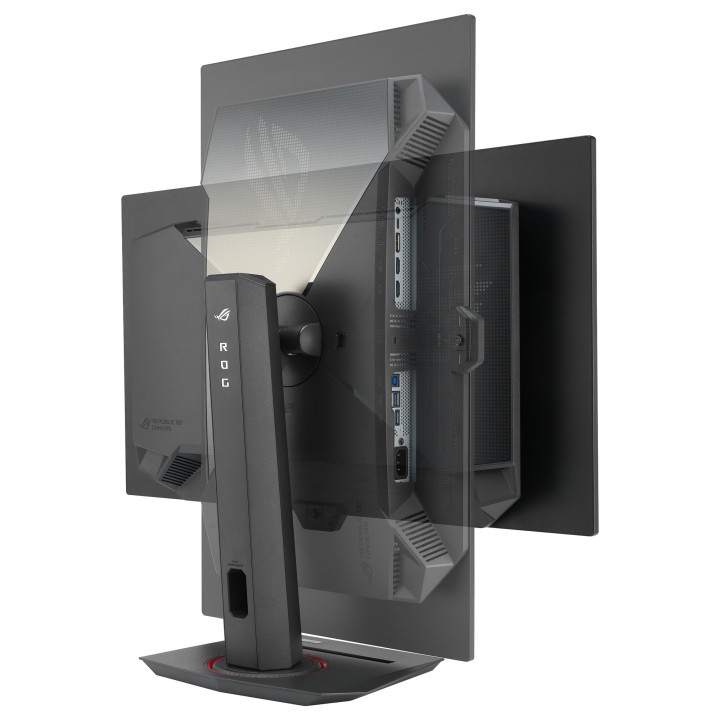
  • Ustawienie ekranu w pionie [Pivot]: Tak
  • Regulacja kąta nachylenia [Tilt]: -5° / +20°
  • Obrót wokół własnej osi [Swivel]: -45° / +45°
  • Regulacja wysokości: Tak - 120mm
  • Montaż VESA: 100 x 100
  • Nasycenie kolorów: 99% (DCI-P3)
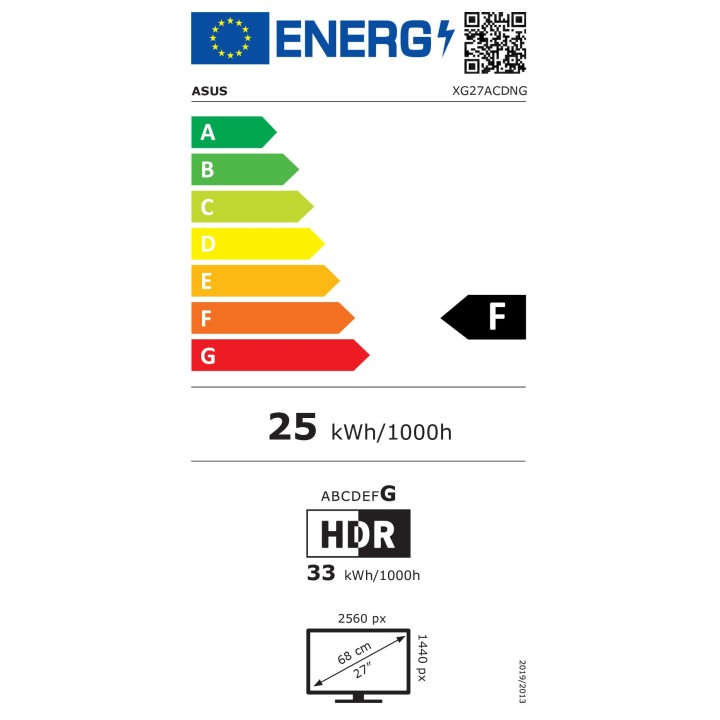
  • Pobór energii (podczas pracy): 75.00 W
  • Pobór energii (tryb czuwania): 0.50 W
  • Wbudowany zasilacz: Tak
  • Kolor obudowy: Czarny (Black)
  • Wyposażenie dodatkowe: ROG sticker, VESA mount kit, Warranty Card
  • Wymiary z podstawą [S x W x G] (mm): 610.3 x 514.8 x 218.8
  • Wymiary bez podstawy [S x W x G] (mm): 610.3 x 352.4 x 70.5
  • Waga z podstawą (kg): 7.44
  • Waga bez podstawy (kg): 4.97
  • Zawiera baterię / akumulator: Nie
  • Informacje dodatkowe: Pivot : Tak (+90° ~ -90°)
  • Gwarancja producenta [mies.]: 36
Szczegóły produktu

  • Marka Asus
  • Kod produktu 672c1c5e9f5f9b0222d8696a
  • Dostępność 30 Przedmioty
  • EAN13 4711387675243
  • MPN 90LM0AN0-B01970

Specyfikacja

  • Przekątna ekranu (cal) 27 cal
  • Czas reakcji GtG (ms) 0,03 ms
  • Rozdzielczość natywna 2560 × 1440
  • Typ matrycy QD-OLED
  • Jasność SDR (cd/m2) 450 cd/m2
  • Częstotliwość odświeżania (Hz) 360 Hz
  • Moc ładowania USB-C (W) 90 W
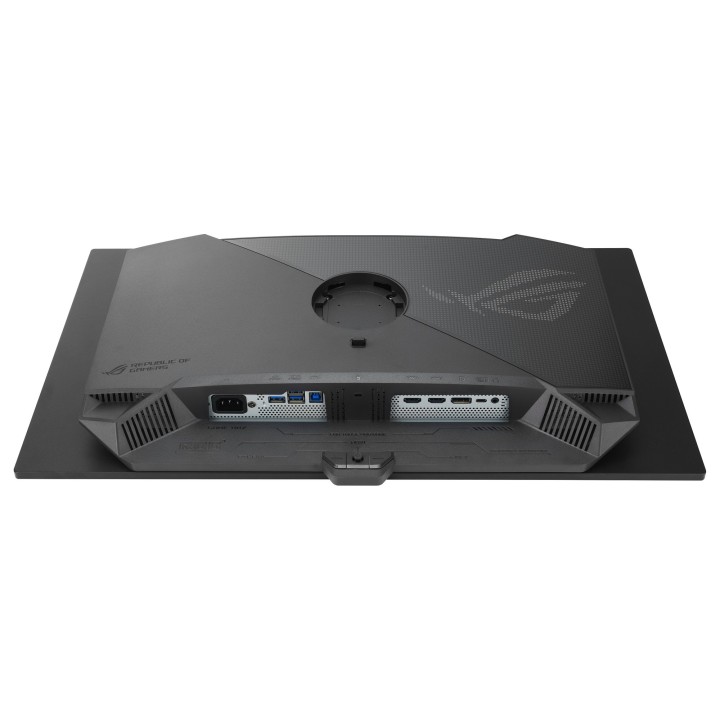
  • Wejścia obrazu DisplayPort 1.4
    HDMI 2.1
    USB-C
  • Ekran dotykowy Nie
  • Zakrzywiony ekran Nie
  • Standard VESA 100 × 100
  • Pivot Tak
  • USB-C z obrazem Tak

Producent

Producent

ASUS Polska SP. z o.o.

Cybernetyki 9 02-677 Warszawa Polska

E-mail: sales@asus-polska.pl

Osoba odpowiedzialna w UE

ASUS Polska Sp. z o.o.

Harkort str 21-23 40880 Ratingen Germany

E-mail: sales@asus-polska.pl

Telefon: 22 571 80 00

Bezpieczeństwo

Informacje o bezpieczeństwie

List of computer monitor safety warnings based on the requirements of General Product Safety Regulation (EU) 2023/988 (GPSR): * Risk to vision: Long-term gazing at the monitor screen may cause eye strain, dry eyes or headaches. * Limit the working time with the monitor. * Take regular breaks. * Maintain proper distance from the screen. * Ensure proper lighting in the room. * Set the brightness and contrast of the monitor to a comfortable level. * Ergonomics: Incorrect position when working with the monitor can lead to back, neck, and shoulder pain. * Set the monitor to the correct height so that the top edge of the screen is at eye level or slightly below. * Use an adjustable chair and desk to ensure an ergonomic position. * Maintain proper posture while sitting. * Risk of electric shock: Improper use or damage to the monitor can lead to electric shock. * Do not use the monitor in humid environments. * Do not touch the monitor with wet hands. * Do not put any items inside the monitor. * If the power cable is damaged, replace it with a new one. * Disconnect the monitor from power before cleaning. * Fire risk: Overheating or short circuiting in the monitor can cause a fire. * Do not cover the ventilation holes of the monitor. * Do not place the monitor near heat sources. * Use only the original power supply that came with your monitor. * If the monitor overheats, disconnect it from power immediately. * Mechanical damage: The fall of the monitor can cause damage and pose a threat to the user. * Set the monitor on a stable surface. * Secure cables to avoid accidental tripping. * For monitor transport, use appropriate protective packaging. * Cleaning: Improper cleaning of the monitor can damage the screen or cause other problems. * Use only a soft, dry cloth to clean the screen. * Do not use cleaning products containing alcohol, ammonia or other corrosive substances. * Disconnect the monitor from power before cleaning. * Disposal: Incorrect disposal of the monitor can pose a threat to the environment. * Return the used monitor to the e-waste collection point. * Do not throw the monitor in a regular trash can. * Children: The monitor is not a toy and should not be used by children without supervision. * Make sure children do not touch the power cables. * Make sure kids don't play around with the monitor packaging. * Repairs: Do not try to repair the monitor yourself. * Any repairs should be done by qualified personnel. * Monitor portability: Be careful when moving your monitor. * Disconnect all cables before moving. * Use appropriate packaging. * Weather conditions: Do not expose the monitor to extreme temperatures or moisture. * Protect your monitor from direct sunlight. * Adjustable settings: Do not use extreme brightness or contrast settings. * These can cause faster eye strain. * Noise: If the monitor makes disturbing noises, turn it off immediately. * Contact the technical service. * Environmental protection: Be sure to turn off the monitor when not in use. * You save energy this way. * Software: Use only the software provided by the manufacturer. * You will avoid compatibility issues.

Ładowanie...
Wróć na górę