Raty i finansowanie
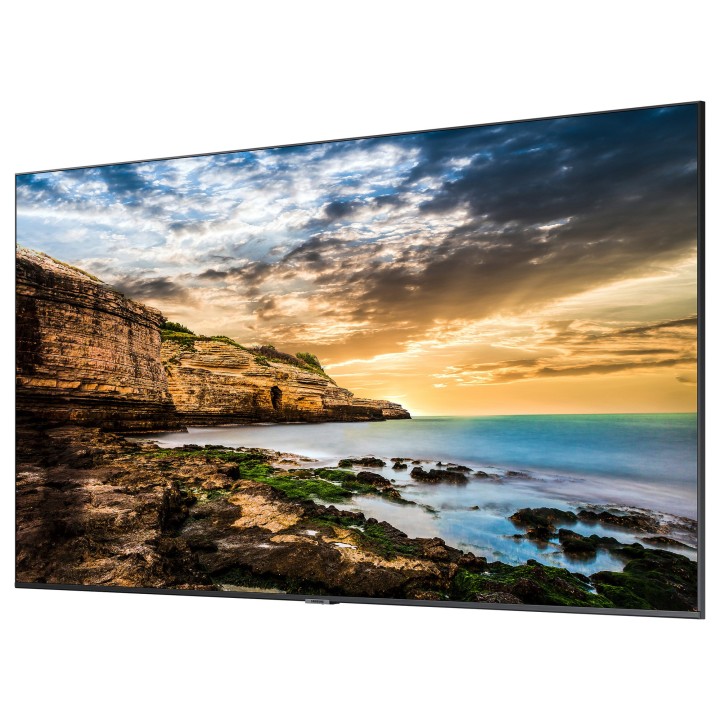
Monitor profesjonalny QE75T 75 cali Błyszczący 16h/7 300(cd/m2) 3840x2160 (UHD) Lite Player (only) 3 lata On-Site (LH75QETEPGCXE
- MPN:
- LH75QETEPGCXEN
- EAN:
- 8806090557958
Akceptowane płatności
Opis produktu
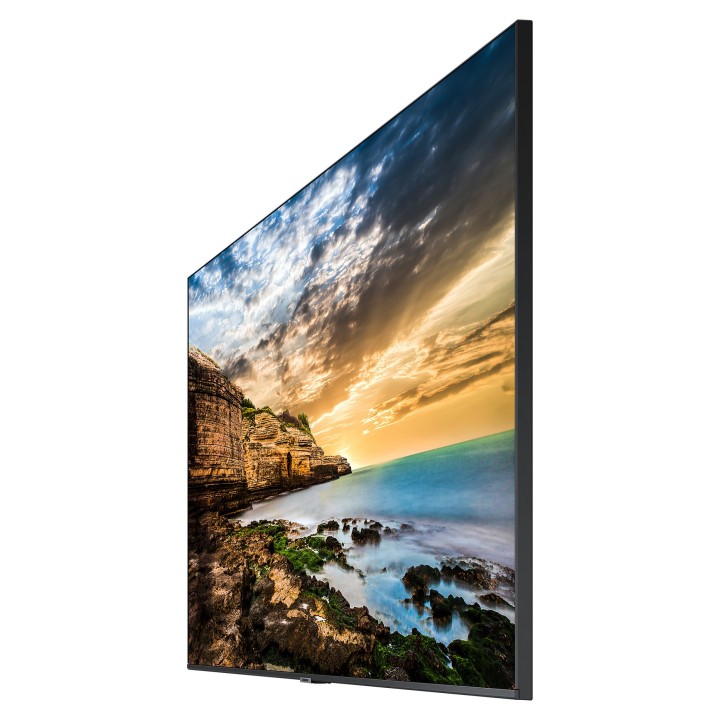
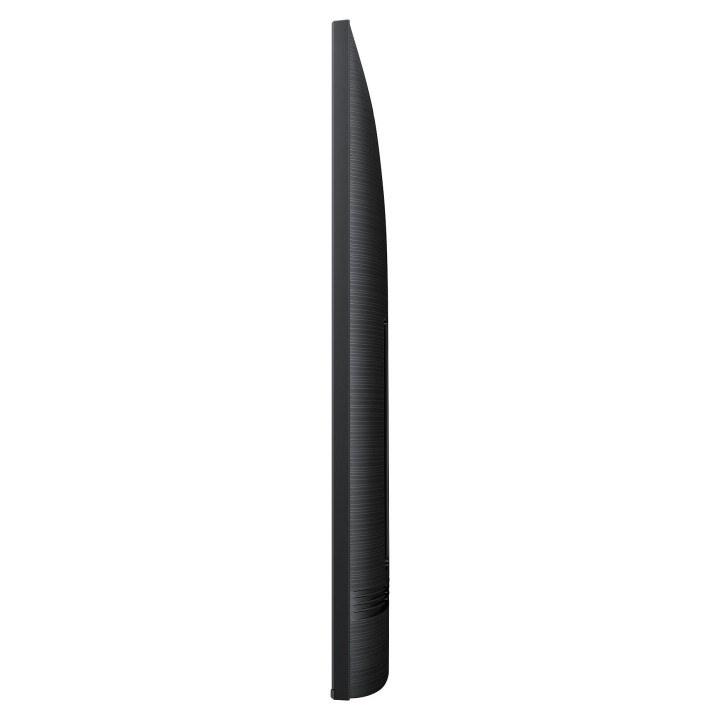
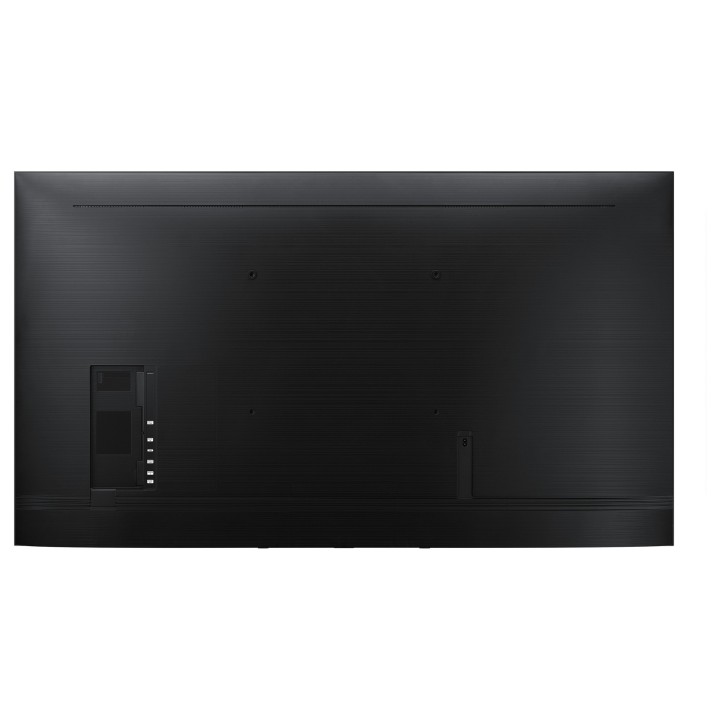
Osiągaj więcej, dzięki profesjonalnym rozwiązaniom w zakresie wyświetlania Seria QET firmy Samsung jest wyposażona w inteligentną technologię upscalingu, która umożliwia wyświetlanie wszystkich przesyłanych materiałów w rozdzielczości UHD. Dodatkowym atutem jest bezramkowe wzornictwo oraz funkcje do łatwego zarządzania treścią. Niesamowita jakość obrazu UHD Seria QET firmy Samsung wyświetla treści w wysokiej rozdzielczości, aby skutecznie przyciągnąć uwagę klienta realistycznymi szczegółami i niespotykaną wcześniej, zaawansowaną jakością obrazu. Wyświetlacz Crystal Seria QET firmy Samsung została wyposażona w wyświetlacz Crystal, który optymalizuje odcienie kolorów bez zniekształceń. Jest to możliwe dzięki precyzyjnemu podświetleniu poszczególnych jednostek, aby pasowały do każdego filtra koloru, a tym samym zapewnia naturalną biel. Procesor Crystal 4K Technologia inteligentnego skalowania UHD, dostępna dzięki zastosowaniu procesora Samsung Crystal 4K, pozwala skalować treści o niższych rozdzielczościach do jakości UHD. Ponadto umożliwia również wygładzanie krawędzi i redukcje szumów, które zapewniają optymalizacje wyświetlanego na ekranie tekstu i obrazu. Bezramkowa konstrukcja zapewnia niezapomniane wrażenia podczas oglądania Dzięki bezramkowej konstrukcji widz może w pełni skoncentrować się na treści. Estetyczna budowa wyświetlacza stanowi integralną część każdej przestrzeni biznesowej. Zintegrowane rozwiązanie do zarządzania treścią Szeroka gama obrazów i filmów w MagicINFO Lite Player sprawia, że zarządzanie zawartością jest łatwiejsze niż kiedykolwiek. Dzięki bezpośredniemu połączeniu z wyświetlaczem treść może zostać dodana z komputera osobistego lub pendrive'a.
Specyfikacja
- Model: LH75QETELGCXEN
- Przekątna ekranu 2: 75''
- Powierzchnia matrycy: Matowa
- Ekran dotykowy: Nie
- Technologia podświetlania: Diody LED
- Plamka matrycy: 0.4296 mm
- Rozdzielczość: 3840 x 2160 (4K/UHD)
- Czas reakcji new: 8 ms
- Jasność: 300 cd/m²
- Kontrast statyczny: 1 200:1
- Kontrast dynamiczny: Mega Contrast
- Częstotliwość pozioma min.: 15 kHz
- Częstotliwość pozioma max.: 135 kHz
- Częstotliwość pionowa min.: 24 Hz
- Częstotliwość pionowa max.: 75 Hz
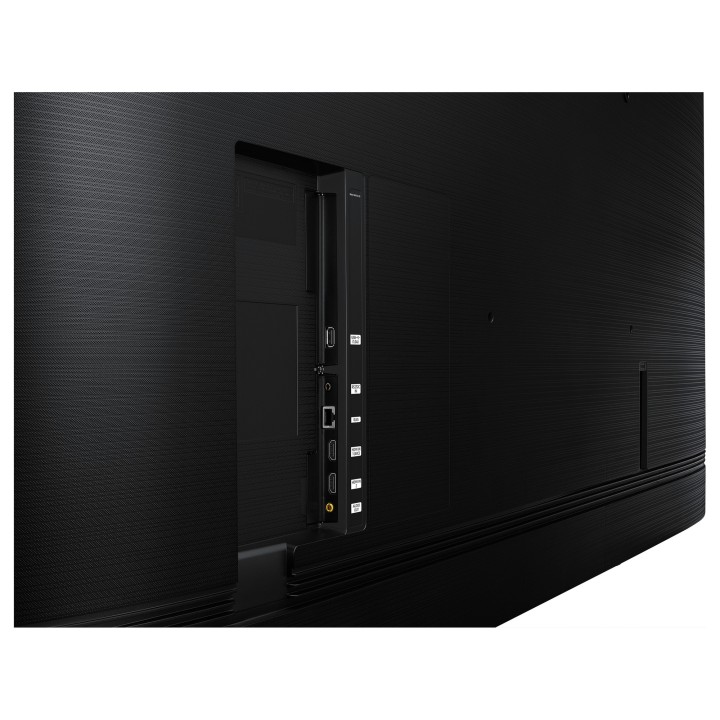
- Gniazda we/wy: 2 x HDMI
- Bluetooth: Nie
- WiFi: Nie
- Wbudowane głośniki: Nie
- Wbudowany tuner TV: Nie
- Kamera internetowa: Brak
- Pivot: Nie
- Certyfikaty: CB
- Standard VESA: 400 x 400
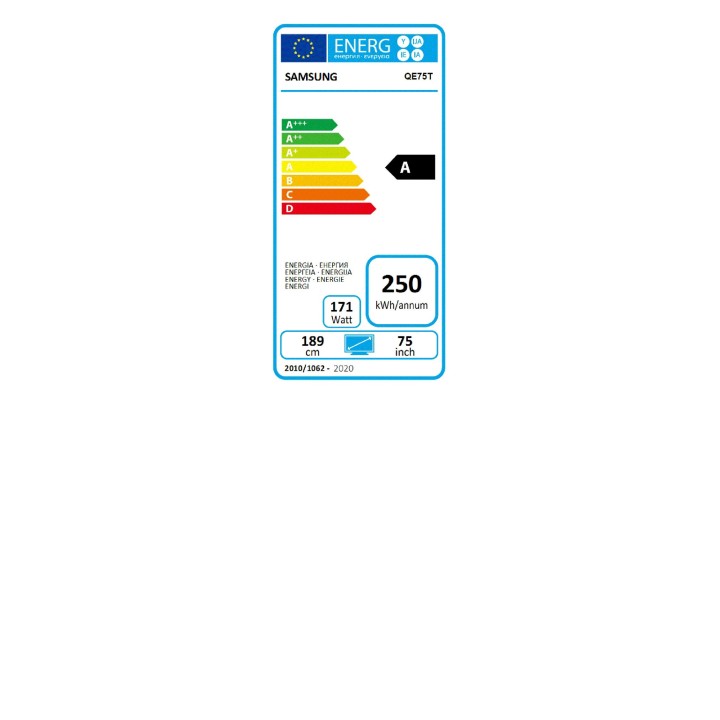
- Pobór mocy: 253 W
- Kolor (wyliczeniowy): Czarny
- Wysokość: 958.2 mm
- Szerokość: 1673.2 mm
- Głębokość: 59.9 mm
- Waga: 30.9 kg
- Uwaga: CE+WEEE

- MPN:
- LH75QETEPGCXEN
- EAN:
- 8806090557958
Szczegóły produktu
- Marka Samsung
- Kod produktu 660fbcb071a267703cb188a5
- Dostępność 2 Przedmioty
- EAN13 8806090557958
- MPN LH75QETEPGCXEN
Specyfikacja
- Przekątna ekranu (cal) 75 cal
- Rozdzielczość natywna 3840 × 2160
- Typ matrycy LCD
- Jasność SDR (cd/m2) 300 cd/m2
- Częstotliwość odświeżania (Hz) 75 Hz
-
Wejścia obrazu
HDMI
HDMI 2.0 - Ekran dotykowy Nie
- Zakrzywiony ekran Nie
- Standard VESA 200 × 200
- Pivot Nie
Producent
Producent
SAMSUNG
PO Box 12987 D01F5P Dublin Ireland
Formularz kontaktowy: https://www.samsung.com/pl/support/
Osoba odpowiedzialna w UE
SAMSUNG ELECTRONICS SP. Z O.O.
ul. Marynarska 15 02-674 Warszawa Polska
E-mail: info@samsung.com
Bezpieczeństwo
Informacje o bezpieczeństwie
List of computer monitor safety warnings based on the requirements of General Product Safety Regulation (EU) 2023/988 (GPSR): * Risk to vision: Long-term gazing at the monitor screen may cause eye strain, dry eyes or headaches. * Limit the working time with the monitor. * Take regular breaks. * Maintain proper distance from the screen. * Ensure proper lighting in the room. * Set the brightness and contrast of the monitor to a comfortable level. * Ergonomics: Incorrect position when working with the monitor can lead to back, neck, and shoulder pain. * Set the monitor to the correct height so that the top edge of the screen is at eye level or slightly below. * Use an adjustable chair and desk to ensure an ergonomic position. * Maintain proper posture while sitting. * Risk of electric shock: Improper use or damage to the monitor can lead to electric shock. * Do not use the monitor in humid environments. * Do not touch the monitor with wet hands. * Do not put any items inside the monitor. * If the power cable is damaged, replace it with a new one. * Disconnect the monitor from power before cleaning. * Fire risk: Overheating or short circuiting in the monitor can cause a fire. * Do not cover the ventilation holes of the monitor. * Do not place the monitor near heat sources. * Use only the original power supply that came with your monitor. * If the monitor overheats, disconnect it from power immediately. * Mechanical damage: The fall of the monitor can cause damage and pose a threat to the user. * Set the monitor on a stable surface. * Secure cables to avoid accidental tripping. * For monitor transport, use appropriate protective packaging. * Cleaning: Improper cleaning of the monitor can damage the screen or cause other problems. * Use only a soft, dry cloth to clean the screen. * Do not use cleaning products containing alcohol, ammonia or other corrosive substances. * Disconnect the monitor from power before cleaning. * Disposal: Incorrect disposal of the monitor can pose a threat to the environment. * Return the used monitor to the e-waste collection point. * Do not throw the monitor in a regular trash can. * Children: The monitor is not a toy and should not be used by children without supervision. * Make sure children do not touch the power cables. * Make sure kids don't play around with the monitor packaging. * Repairs: Do not try to repair the monitor yourself. * Any repairs should be done by qualified personnel. * Monitor portability: Be careful when moving your monitor. * Disconnect all cables before moving. * Use appropriate packaging. * Weather conditions: Do not expose the monitor to extreme temperatures or moisture. * Protect your monitor from direct sunlight. * Adjustable settings: Do not use extreme brightness or contrast settings. * These can cause faster eye strain. * Noise: If the monitor makes disturbing noises, turn it off immediately. * Contact the technical service. * Environmental protection: Be sure to turn off the monitor when not in use. * You save energy this way. * Software: Use only the software provided by the manufacturer. * You will avoid compatibility issues.
Monitory
Ostatnio oglądane
Produkty, które ostatnio zwróciły Twoją uwagę.