





Raty i finansowanie
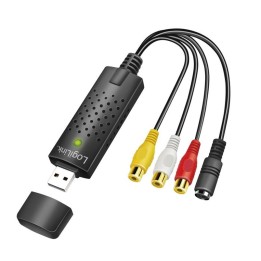
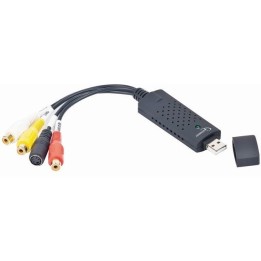
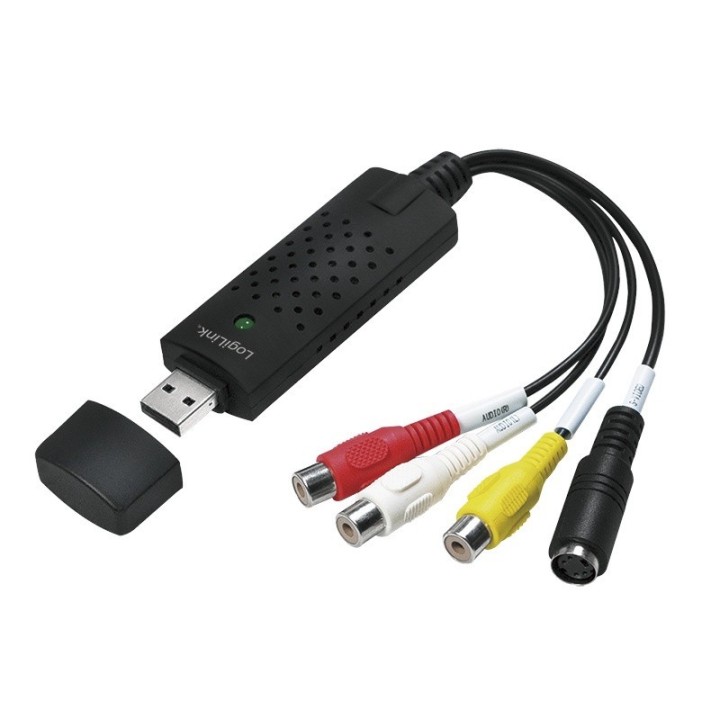
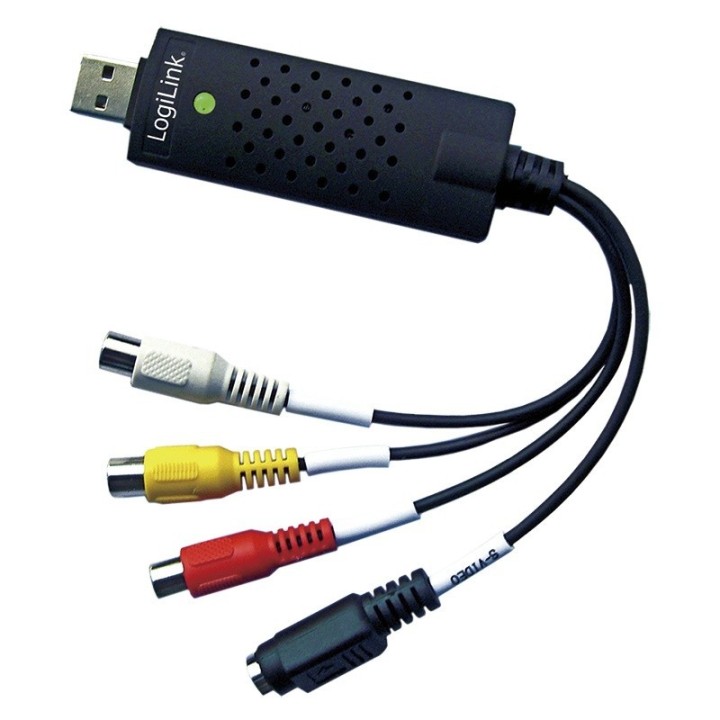
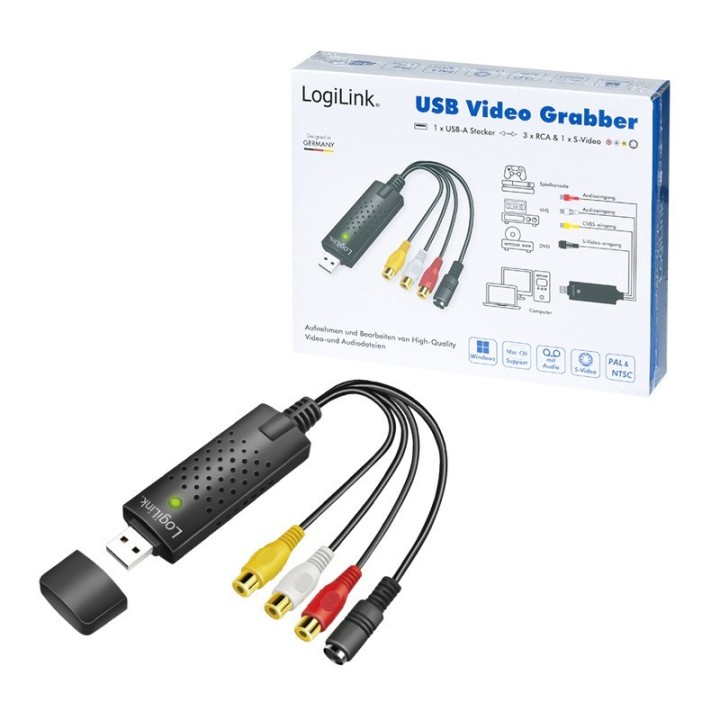
Grabber Audio/Video USB 2.0 Win 11
- MPN:
- VG0030
- EAN:
- 4052792067989
Akceptowane płatności
Opis produktu
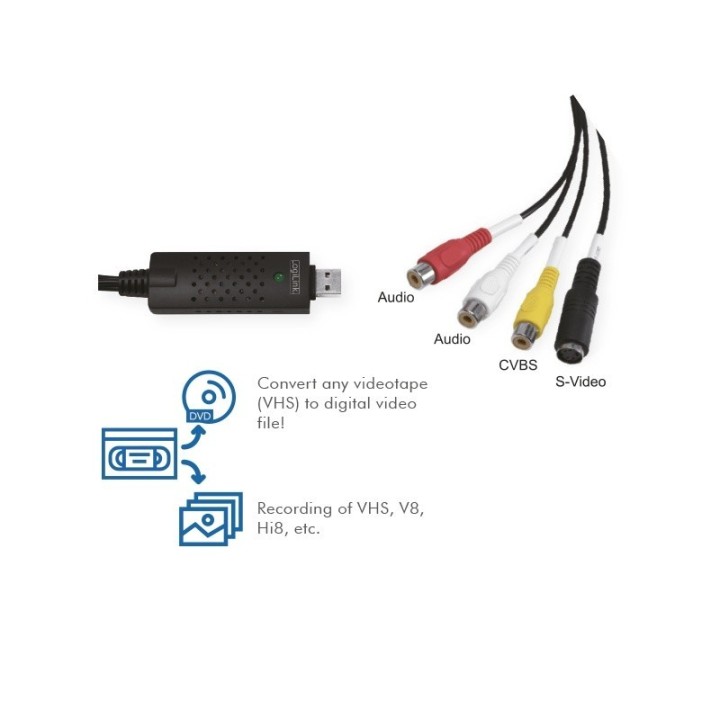
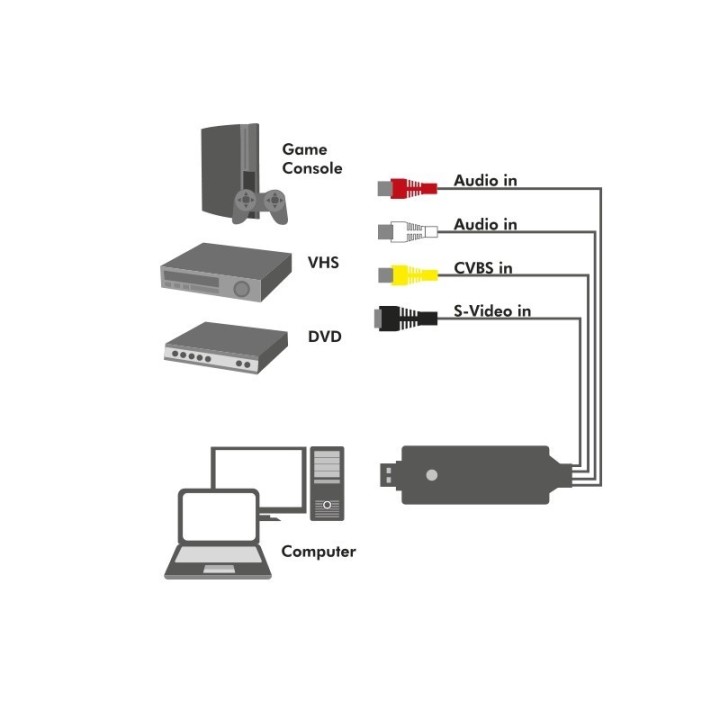
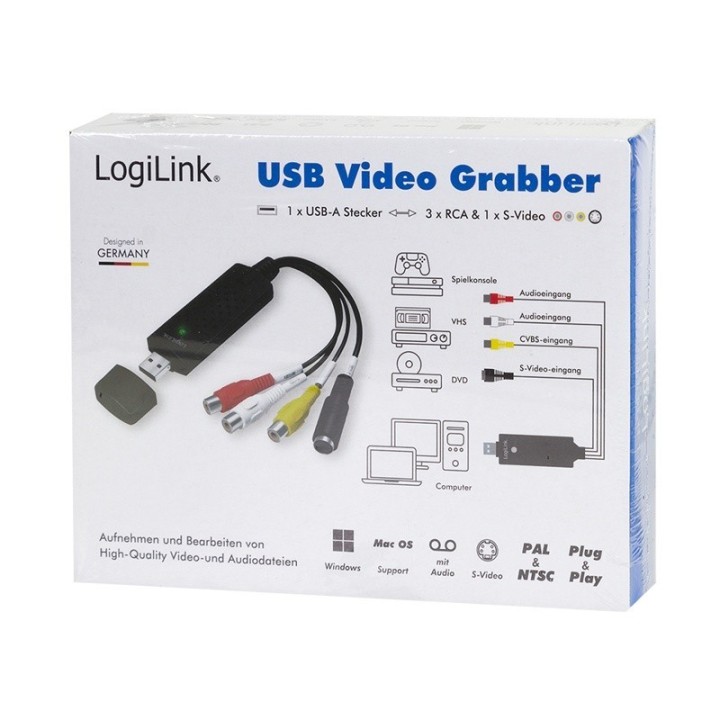
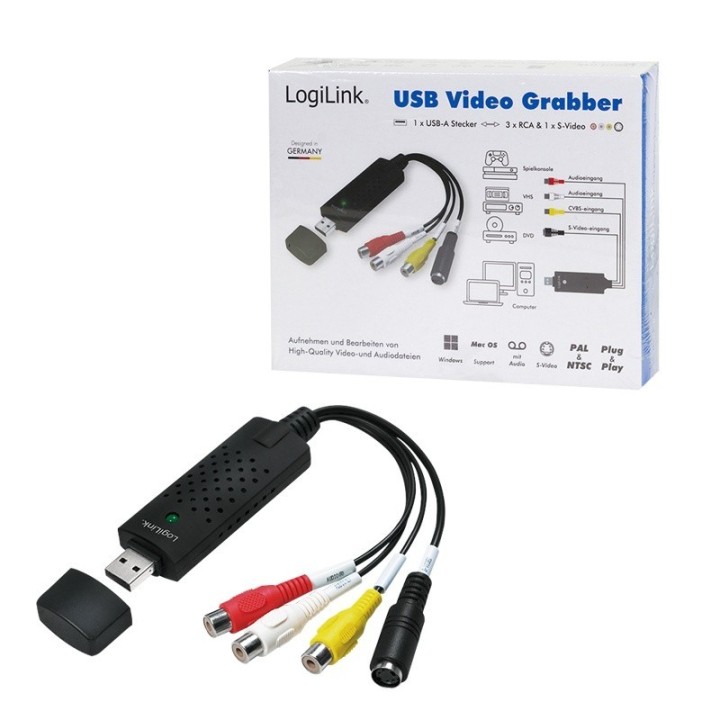
Konwerter LogiLink VG0030A umożliwia podłączenie kamery lub magnetowidu do komputera przez USB 2.0 i digitalizację analogowych nagrań. Wyposażono go w wejścia 3x RCA oraz miniDIN5, obsługę rozdzielczości do 1920 x 1080 przy 30 Hz i kompatybilność z systemami Windows, macOS oraz Android.
Specyfikacja
- Gniazda we/wy: 3 x RCA
- Czytnik kart pamięci: Brak
- Zasilanie (lista): USB 5V
- Kolor (wyliczeniowy): Czarny
- Waga: 0.042 kg
- Pozostałe parametry: Zgodność z USB Hi-Speed Szybkość transmisji danych: do 480 Mbit/s Rozdzielczość: NTSC: 720x480 przy 30 Hz, PAL: 720x576 przy 25 Hz Obsługuje Windows 11
- MPN:
- VG0030
- EAN:
- 4052792067989
Szczegóły produktu
- Marka LogiLink
- Kod produktu 660fc35071a267703cb9c7ea
- Dostępność 16 Przedmioty
- EAN13 4052792067989
- MPN VG0030
Specyfikacja
-
Wejścia obrazu
RCA
S-Video -
Obsługiwane systemy
Android
Mac OS
Windows 10
Windows 11
Windows 7
Windows 8 - Interfejs do komputera USB 2.0
- Maksymalna rozdzielczość przechwytywania 1920 x 1080
- Klatki przechwytywania (kl./s) 30 kl./s
Producent
Producent
2direct GmbH
Langenstuck 5 58579 Schalksmühle Germany
E-mail: info@2direct.de
Telefon: +49 2351 66887-0
Osoba odpowiedzialna w UE
2direct GmbH
Langenstuck 5 58579 Schalksmuhle Niemcy
E-mail: info@2direct.de
Telefon: +49 2351 66887-0
Bezpieczeństwo
Informacje o bezpieczeństwie
List of safety warnings for cards and video recorders (Laptop, PC) based on the requirements of Regulation (EU) 2023/988 on General Product Safety (GPSR): 1. Risk of electric shock: * Make sure that the device is connected to a working socket with grounding. * Do not touch the plug or cable with wet hands. * Avoid using the device in places with high humidity. 2. Risk of overheating: * Provide adequate ventilation while maintaining at least 5 cm of free space around the device. * Do not block ventilation holes and avoid putting your laptop on soft surfaces such as blankets or pillows. 3. Fire risk: * Use only original chargers and accessories recommended by the manufacturer. * Do not leave the device on unattended near flammable materials. 4. Risk of bodily injury: * Avoid using your laptop in a position that causes excessive heat pressure on your skin to prevent burns. * Use the device on a stable surface to minimize the risk of falling. 5. Hazards in humid environments: * Do not use your laptop outdoors in rain or in areas with high humidity, such as bathrooms. * If the device is flooded, immediately disconnect it from the power source and contact the service. 6. Hazards at high temperatures: * Do not expose the device to direct sunlight. * Avoid using your laptop at temperatures above the recommended range (usually 5-35°C). 7. Risk of damage during cleaning: * Before cleaning, disconnect the laptop from power and use a soft, slightly damp cloth. * Avoid using strong detergents that can damage the surface of the device. 8. Caution when replacing accessories: * Use only the accessories recommended by the manufacturer. * When replacing batteries, follow the manufacturer's instructions and do not expose the battery to high temperatures. 9. Risks associated with battery use: * Avoid damage to the battery by impact or puncture. * If the battery overheats or swells, stop using the device immediately. 10. Warnings for children: * Keep power cables out of reach of children. * Make sure that children do not play with the device or accessories that can be dangerous.