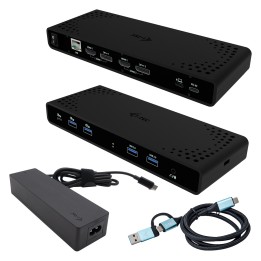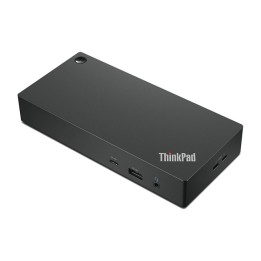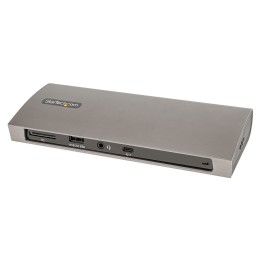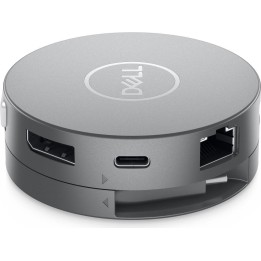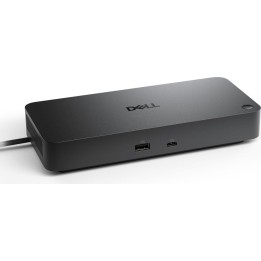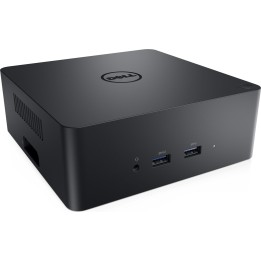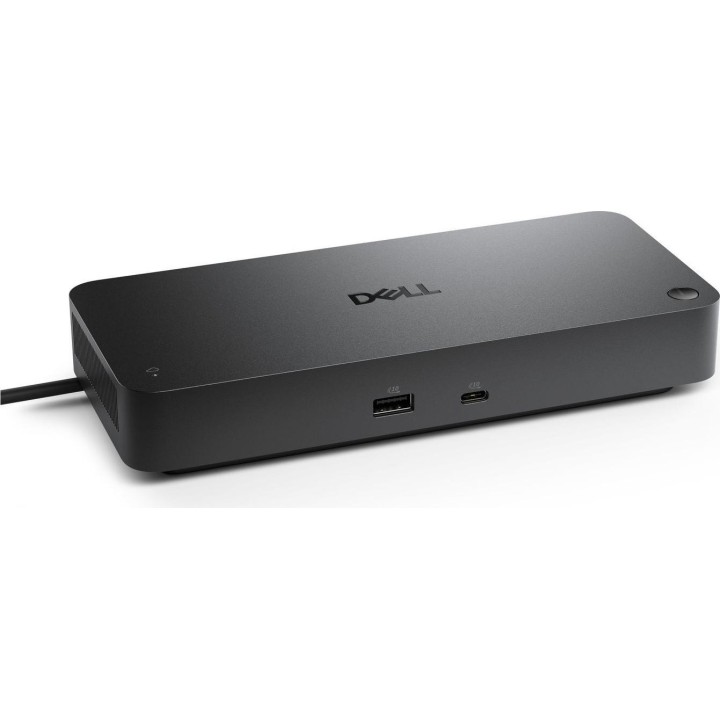
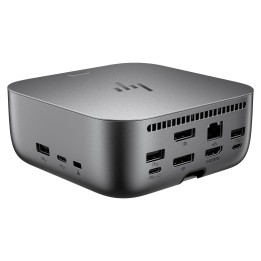
Stacja dokująca Dell Pro Thunderbolt 5 SD25TB5

Cena: 2 180,99 zł
Brutto
Dostępność produktu: Dostępny 22 szt.
Czas dostawy Wysyłka w ciągu 5 dni roboczych
Koszt dostawy Dostawa od 11,99 zł

Raty Pekao

Za zakupy możesz zapłacić na raty przez Tpay.

Oblicz ratę (otwiera się w nowej karcie)

PragmaPay dla biznesu

Zapłać za zakupy firmowe później lub w ratach przez Tpay.

Sprawdź, jak działa (otwiera się w nowej karcie)

Opis produktu

Stacja dokująca Dell Pro SD25TB5

Stacja dokująca Dell Pro SD25TB5 wykorzystuje interfejs Thunderbolt 5.
Model SD25TB5 należy do serii Pro firmy Dell.
Urządzenie przeznaczone jest do rozszerzania możliwości łączności laptopów zgodnych z Thunderbolt 5, umożliwiając podłączenie dodatkowych urządzeń peryferyjnych.

Szczegóły produktu

  • Marka Dell
  • Kod produktu 69a42f4c82e4b8e7a02a11c2
  • Dostępność 22 Przedmioty
  • EAN13 5715328163249
  • MPN SD25TB5

Producent

Producent

Dell Sp. z o.o.

ul. Inflancka 4A 00-189 Warszawa Poland

E-mail: regulatory.compliance@dell.com

Telefon: 15 123 381 551

Osoba odpowiedzialna w UE

Dell Spółka z Ograniczoną Odpowiedzialnością

Al.Jerozolimskie 123A 02-017 Warszawa Polska

E-mail: regulatory.compliance@dell.com

Telefon: +1 512 338 1551

Bezpieczeństwo

Informacje o bezpieczeństwie

List of safety warnings for docking stations based on the requirements of General Product Safety Regulation (EU) 2023/988 (GPSR) * Risk of electric shock: * Make sure that the docking station is connected to an efficient grounded outlet. * Do not touch the plug or cable with wet hands. Avoid using the docking station in areas with high humidity. * Risk of overheating: * Provide adequate ventilation while keeping at least 5 cm of free space around the docking station. * Do not block ventilation openings. * Do not place the docking station on soft surfaces dry as blankets or pillows. * Fire risk: * Use only original power supplies and accessories recommended by the manufacturer. Do not leave the docking station on unattended near flammable materials. * Risk of bodily injury: * Use the docking station on a stable surface to minimize the risk of falling connected devices. Avoid using the docking station in a position that causes excessive heat pressure on the skin to prevent burns. * Hazards in humid environments: * Do not use the docking station outdoors in rain or in places with high humidity, dry as bathrooms. If the docking station is flooded, immediately disconnect it from the power source and contact the service. * Hazards at high temperatures: * Do not expose the docking station to direct sunlight. Avoid using the docking station at temperatures above the recommended range (usually 5-35°C). * Risk of damage during cleaning: * Disconnect the docking station from the power supply before cleaning and use a soft, slightly damp cloth. Avoid using strong detergents that can damage the surface of the docking station. * Caution when replacing accessories: * Use only accessories recommended by the manufacturer. * When replacing batteries, follow the manufacturer's instructions and do not expose the battery to high temperatures. * Battery Use Hazards: * Avoid damaging the battery by impact or puncture. If the battery overheats or swells, stop using the docking station immediately. Child warnings: Keep power cables out of reach of children. * Make sure your kids don't play with the docking station or accessories that can be dangerous. * Cleanliness: * Failure to regularly clean ports and sockets can lead to damage or failure. * Clean ports and sockets regularly using a dry and clean cloth, avoiding moisture input.

Ładowanie...
Wróć na górę