- Nowy

Zapłać za zakupy firmowe później lub w ratach przez Tpay.
Sprawdź, jak działa (otwiera się w nowej karcie)Etui Combo Touch do iPada Pro
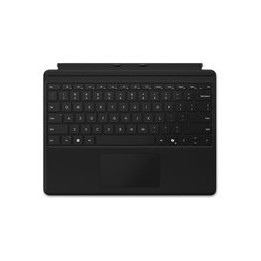
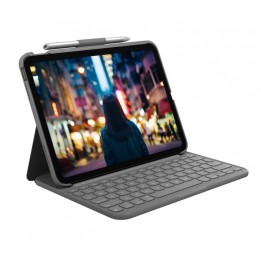
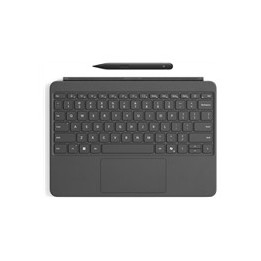
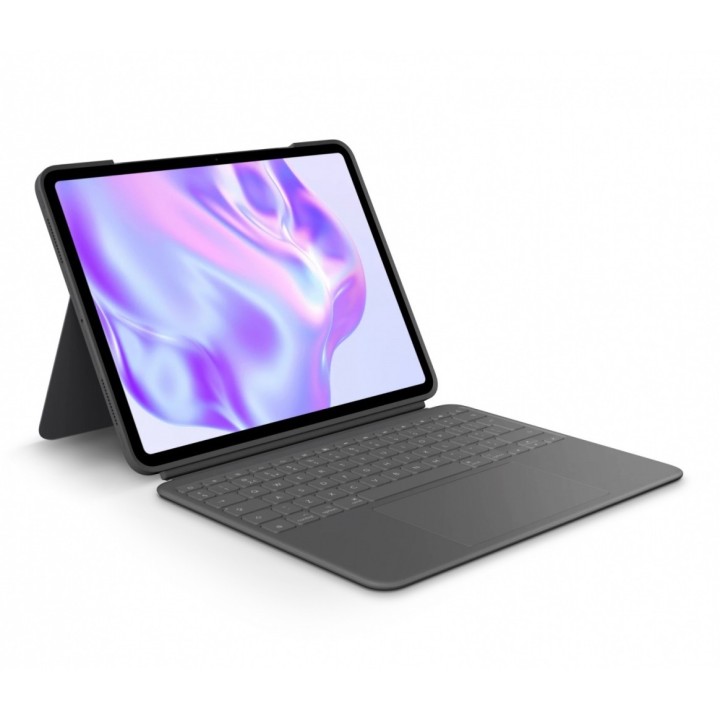
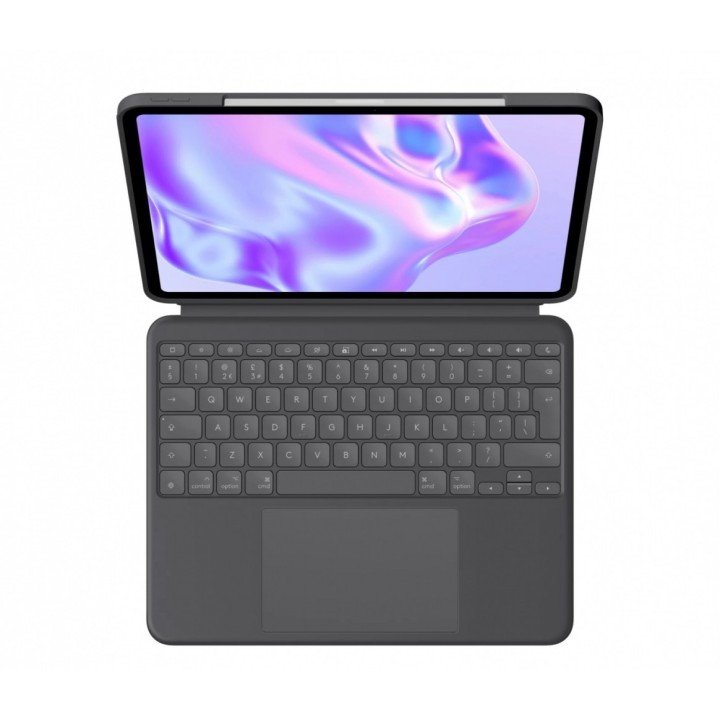
Etui z podświetlaną odłączaną klawiaturą z trackpadem dla iPada Pro 13 cali (M4).
WYKORZYSTAJ MOŻLIWOŚCI IPADA
Realizuj swoją pasję z dowolnego miejsca. Poznaj etui z klawiaturą, które zapewnia zupełnie nowy poziom wszechstronności i ochrony. Wiele trybów użytkowania pozwala z łatwością pisać, przeglądać, rysować, czytać i wykonywać inne czynności przy użyciu etui Combo Touch do iPada Pro. Możliwości? Nieskończone.
Cieńsza. Lżejszy.
Nowe etui Combo Touch to najcieńsze i najlżejsze z dotychczasowych modeli; mieści się w torbie, podróżuje z lekkością i napędza Twoją produktywność w każdym miejscu.
Największy w historii trackpad
Największy gładzik, jaki kiedykolwiek stworzono dla Combo Touch. Znane sterowanie gestami Multi-Touch pozwala na przesuwanie, zsuwanie palców, dwukrotne dotknięcie i inne.
Materiały klasy premium
Przemyślana konstrukcja z ekologicznych materiałów klasy premium, które są równie dobre w dotyku, jak i wyglądają. Doświadcz elegancji dzięki naszemu smukłemu, aluminiowemu spodowi o niskiej zawartości węgla oraz nowo opracowanemu, luksusowo miękkiemu w dotyku tekstyliom.
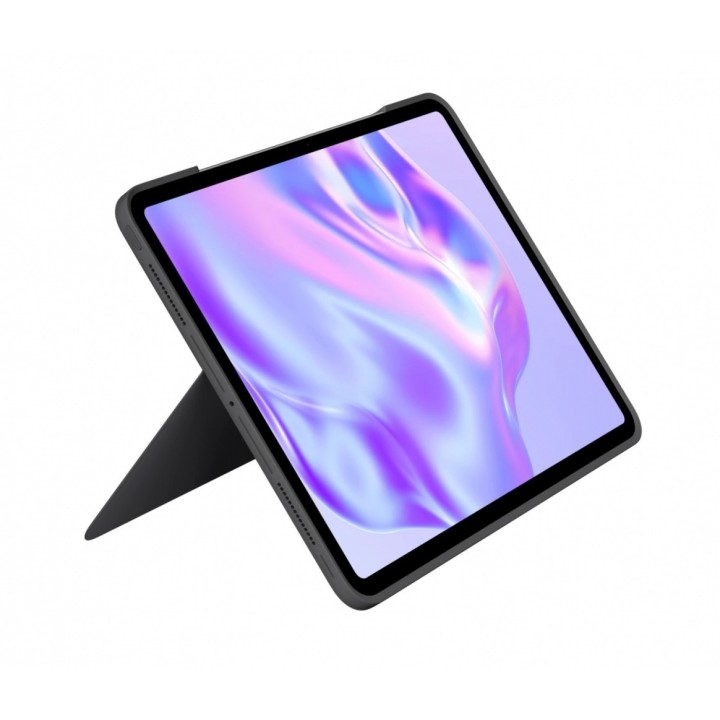
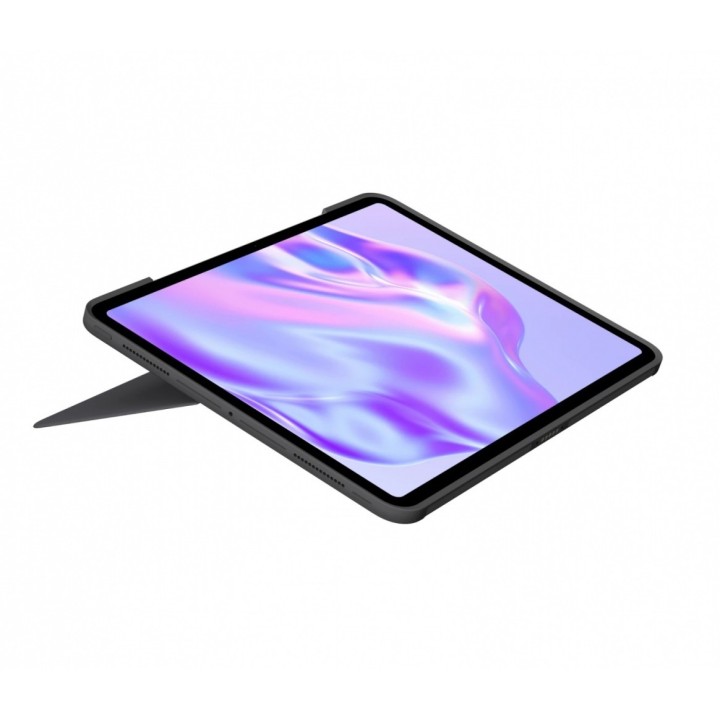
Tryby samodzielnego użytkowania
Wiele trybów użytkowania i nieskończone możliwości. Możesz na nim pisać, szkicować, oglądać filmy, czytać lub prowadzić rozmowy wideo.
Odłączana, pełnowymiarowa klawiatura
Duże, dobrze rozmieszczone klawisze dają dłoniom dużo miejsca do wygodnego pisania, a klawisze z mechanizmem nożycowym dają idealne odbicie. Chcesz przerwać pisanie? Po prostu odłącz klawiaturę, aby szkicować, oglądać lub czytać z całkowitą swobodą.
Trackpad Multi-Touch
Precyzyjny wskaźnik dotykowy umożliwiający klikanie w dowolnym miejscu zapewnia doskonałe, intuicyjne wrażenia, których potrzebujesz, aby działać. Znane sterowanie gestami Multi-Touch pozwala na przesuwanie, zsuwanie palców, dwukrotne dotknięcie i inne.
Elastyczna podstawka
Znajdź swój preferowany kąt do niemal każdego zadania dzięki niezwykle elastycznej podstawce.
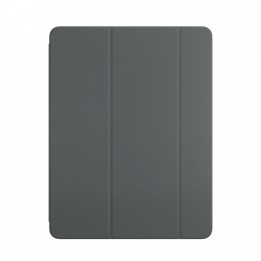
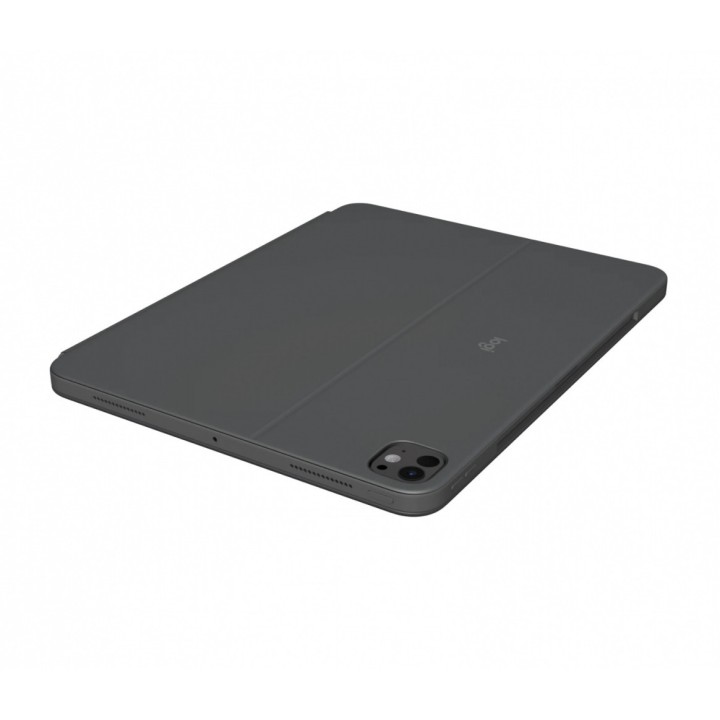
Bezpieczna, dopasowana ochrona
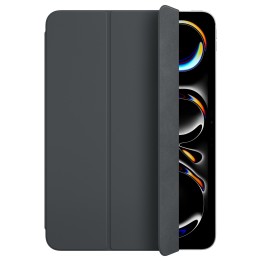
Solidne i przenośne etui chroni iPada Pro przed zadrapaniem i zarysowaniem, więc w całkowitym spokoju możesz zabrać go ze sobą wszędzie.
Pisz w dzień i w nocy
Regulowane podświetlane klawisze sprawiają, że sesje robocze w nastrojowym świetle są jeszcze przyjemniejsze.
Zasilanie, parowanie i ładowanie
Technologia Smart Connector zapewnia bezproblemową, natychmiastową i bezpieczną łączność bez konieczności ładowania - jest zasilana przez iPada.
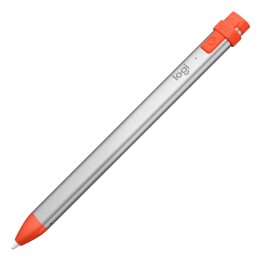
Obsługuje rysik Apple Pencil
Etui Combo Touch zostało zaprojektowane tak, aby umożliwić Ci podłączenie rysika Apple Pencil bezpośrednio do iPada. Nie trzeba zdejmować etui.
Pełny rząd klawiszy skrótów
Zapomnij o poszukaniu typowych funkcji w menu ekranowych. Etui Combo Touch zapewnia dostęp do wszystkich funkcji dzięki pełnemu rzędowi klawiszy skrótów systemu operacyjnego iPadOS. Jednym dotknięciem reguluj głośność i steruj multimediami, zmieniaj poziomy jasności i nie tylko.
Logitech Europe S.A.
Catharijnesingel 47 3511GC Utrecht Netherlands
Telefon: +41 0 21 863 55 11
Logitech Europe S.A.
Catharijnesingel 47 3511GC Utrecht Netherlands
Telefon: +41 0 21 863 55 11
List of tablet safety warnings and accessories based on the requirements of General Product Safety Regulation (EU) 2023/988 (GPSR) * Risk of electric shock: * Connect the tablet charger only to an outlet with grounding. * Do not touch the charger or cable with wet hands. * Use only the original charger provided by the manufacturer or approved by the manufacturer. * Risk of hearing damage: * Use headphones for your tablet in moderation to avoid permanent hearing damage. Adjust the volume to a safe level. * Fire risk: * Do not cover the tablet while charging to avoid overheating. * Do not use the tablet near flammable materials. * Do not leave your tablet in direct sunlight or in a hot car. * Risk of injury: * Use the tablet on a stable surface to avoid falling and damage. * Use a protective case to reduce the risk of damage to your tablet in the event of a fall. * Risk of eye damage: * Take regular breaks when using the tablet to avoid eye strain. * Adjust the brightness of your tablet screen to match the lighting conditions. * Risk of suffocation: * Keep small tablet accessories such as SIM cards and memory cards away from children to avoid ingestion. * Risk of electromagnetic interference: * Turn off the tablet in hospitals or other places where interference with electronic devices is prohibited. * Risk of skin allergy: * If you experience an allergic reaction to the materials from which the tablet or accessories are made, stop using and consult your doctor. * Battery Hazards: * Do not damage your tablet battery. * Do not expose the battery to high temperatures. * Use only the original battery or manufacturer approved. * Cleaning Hazards: * Turn off the tablet before cleaning. * Use only a soft, dry cloth to clean your tablet. * Do not use liquids or cleaning products that can damage your tablet. * Maintain proper operating temperature: * Use the tablet at temperatures from 0°C to 35°C. * Maintain proper humidity: * Use the tablet in humidity from 5% to 95%. * Remember about the appropriate service: * Return the tablet to qualified service in case of damage or malfunction. * Store your tablet properly: * Keep your tablet out of reach of children and pets. * Store your tablet in a place protected from moisture and extreme temperatures. * Incorrect charging: * Do not leave the tablet connected to the charger for longer than necessary to fully charge.