- Nowy
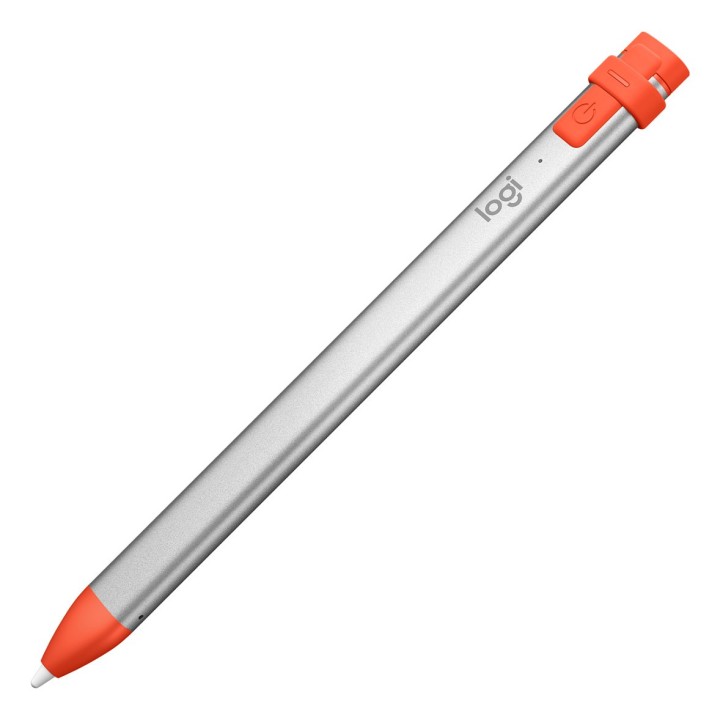
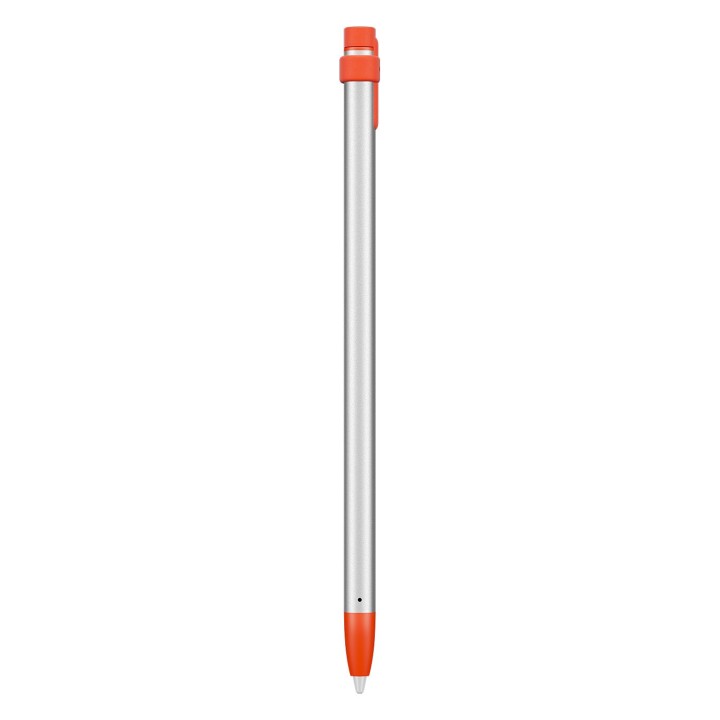
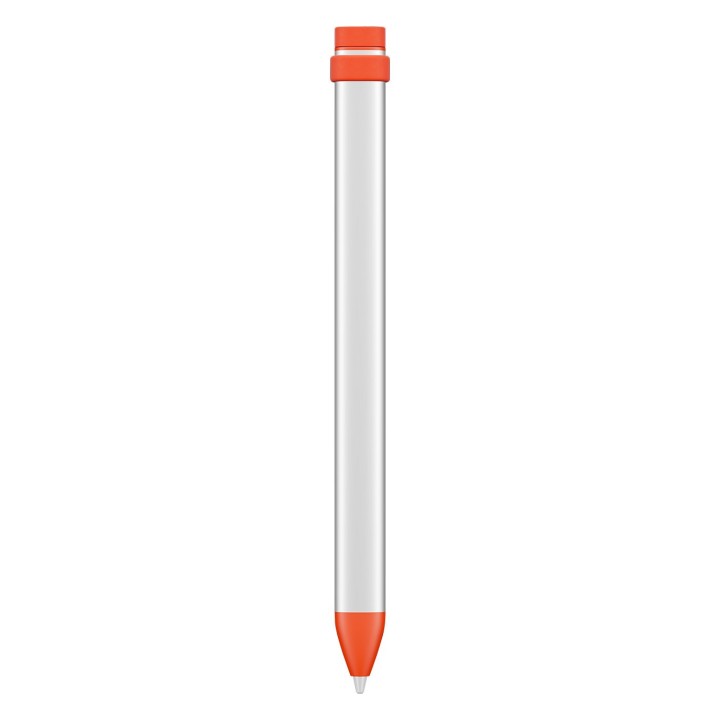
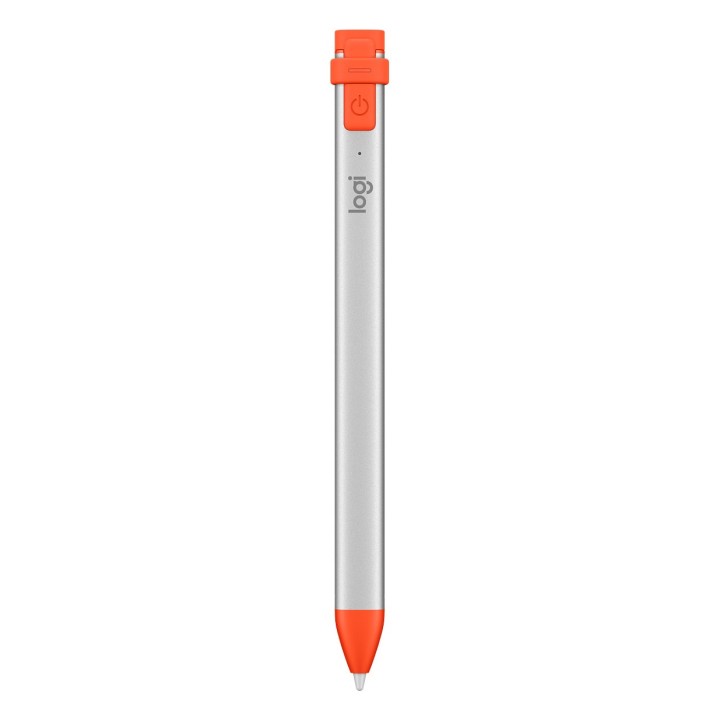
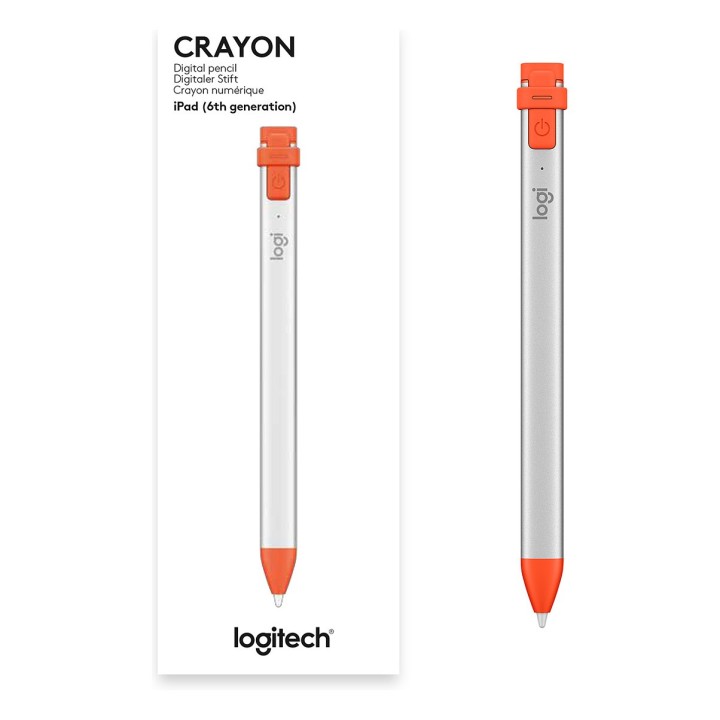
Rysik Crayon do iPada 914-000034
Niech zabawa się zacznie
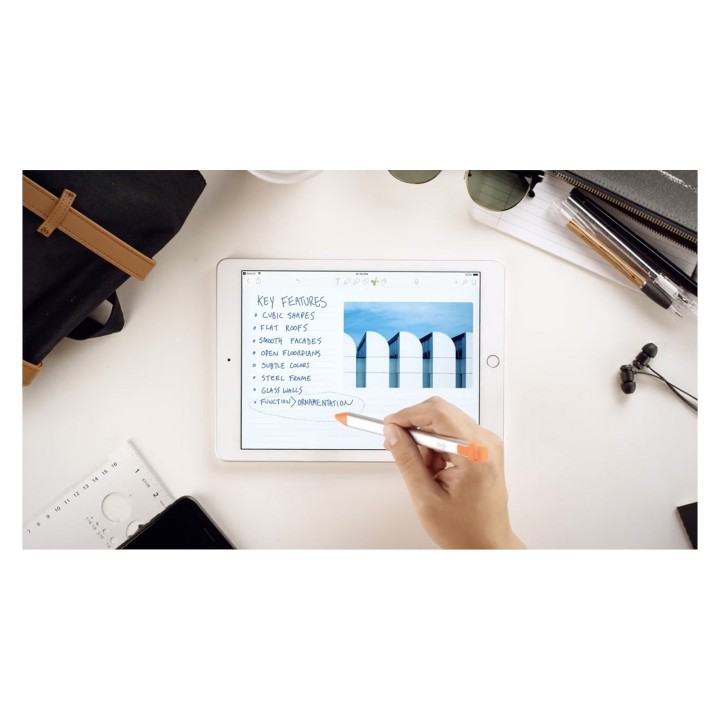
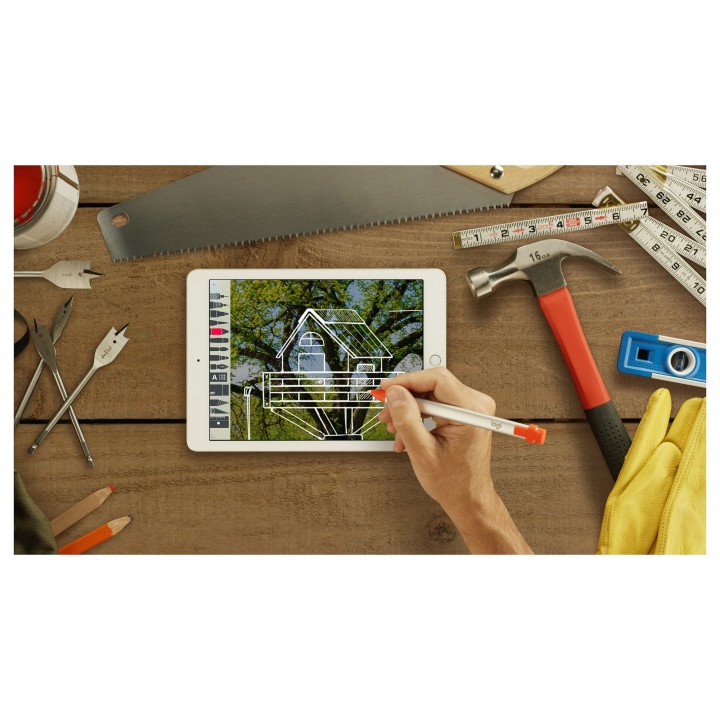
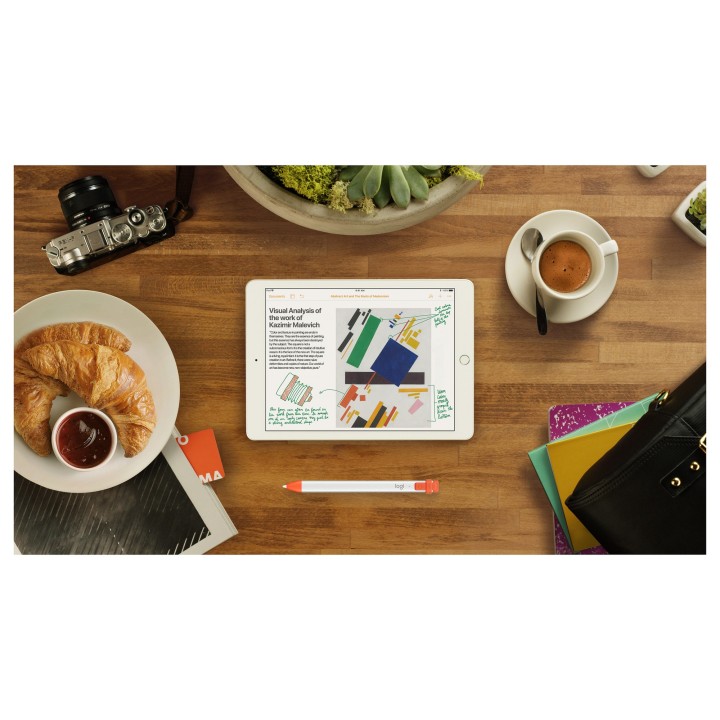
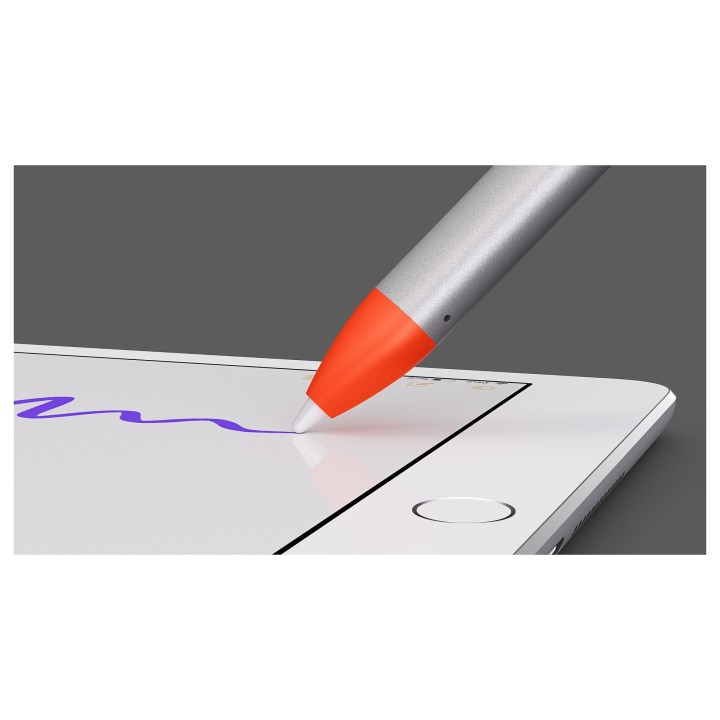
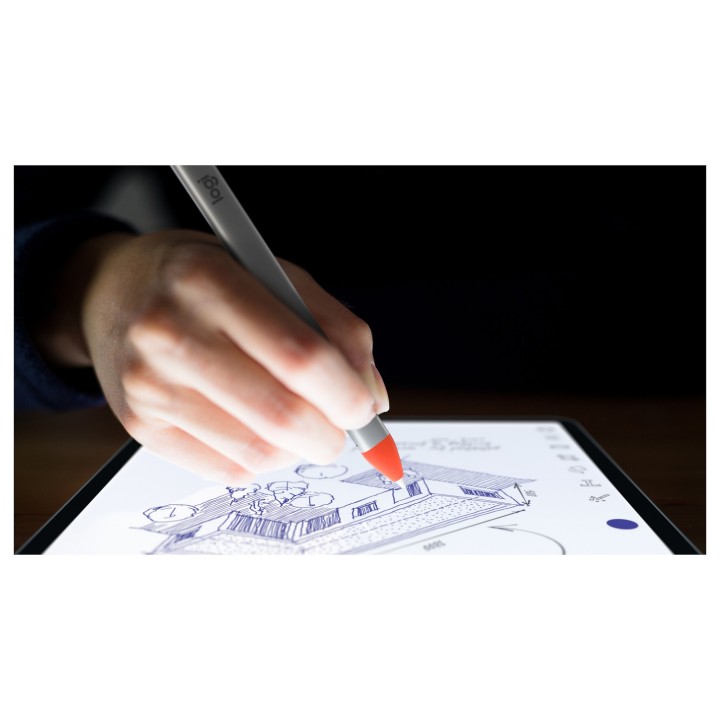
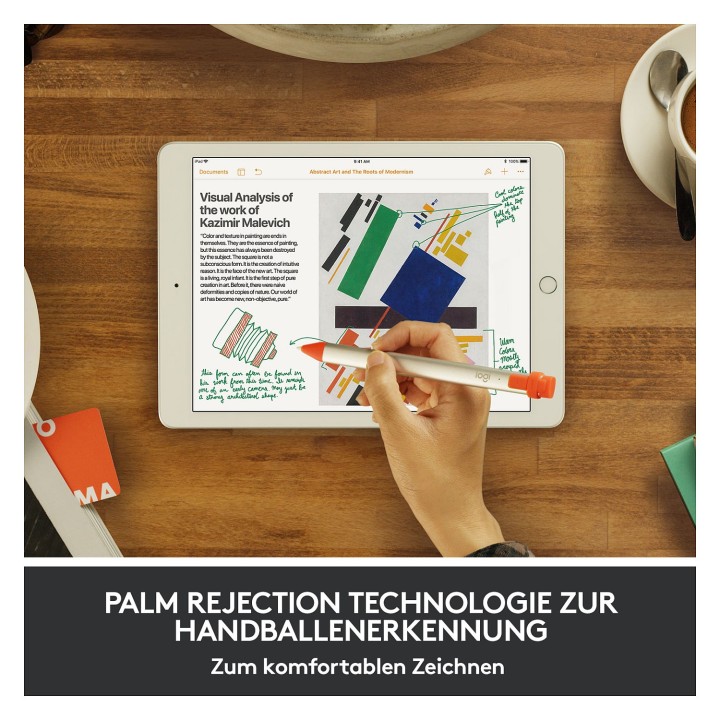
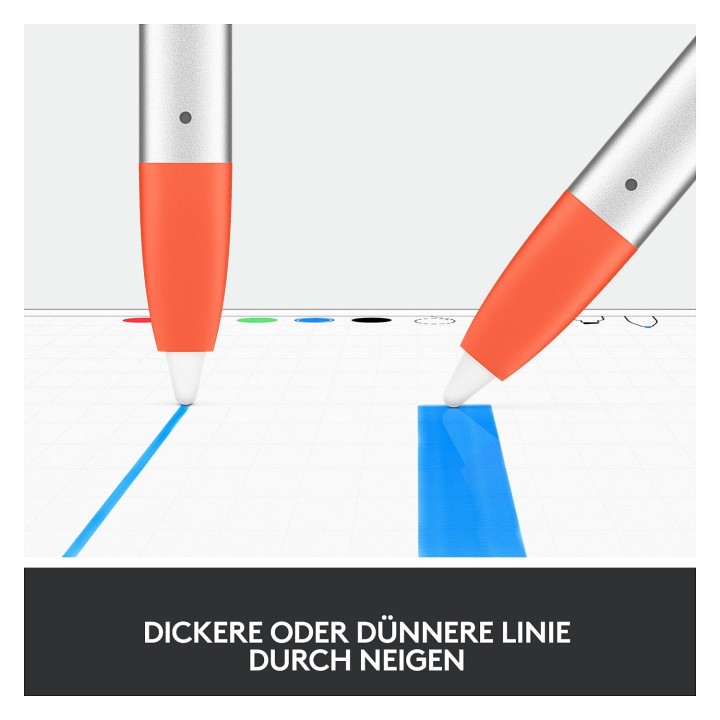
Logitech Crayon to uniwersalny, precyzyjny cyfrowy ołówek do iPada (6. generacji), który pozwala uwolnić kreatywność. Oznaczaj pliki PDF, odręczne notatki lub doodle - Logitech Crayon współpracuje z aplikacjami obsługującymi Apple Pencil. Dzięki setkom aplikacji obsługiwanych przez Apple Pencil już teraz możesz zacząć uczyć się, współpracować i tworzyć na iPadzie.
Logitech Europe S.A.
Catharijnesingel 47 3511GC Utrecht Netherlands
Telefon: +41 0 21 863 55 11
Logitech Europe S.A.
Catharijnesingel 47 3511GC Utrecht Netherlands
Telefon: +41 0 21 863 55 11
List of tablet safety warnings and accessories based on the requirements of General Product Safety Regulation (EU) 2023/988 (GPSR) * Risk of electric shock: * Connect the tablet charger only to an outlet with grounding. * Do not touch the charger or cable with wet hands. * Use only the original charger provided by the manufacturer or approved by the manufacturer. * Risk of hearing damage: * Use headphones for your tablet in moderation to avoid permanent hearing damage. Adjust the volume to a safe level. * Fire risk: * Do not cover the tablet while charging to avoid overheating. * Do not use the tablet near flammable materials. * Do not leave your tablet in direct sunlight or in a hot car. * Risk of injury: * Use the tablet on a stable surface to avoid falling and damage. * Use a protective case to reduce the risk of damage to your tablet in the event of a fall. * Risk of eye damage: * Take regular breaks when using the tablet to avoid eye strain. * Adjust the brightness of your tablet screen to match the lighting conditions. * Risk of suffocation: * Keep small tablet accessories such as SIM cards and memory cards away from children to avoid ingestion. * Risk of electromagnetic interference: * Turn off the tablet in hospitals or other places where interference with electronic devices is prohibited. * Risk of skin allergy: * If you experience an allergic reaction to the materials from which the tablet or accessories are made, stop using and consult your doctor. * Battery Hazards: * Do not damage your tablet battery. * Do not expose the battery to high temperatures. * Use only the original battery or manufacturer approved. * Cleaning Hazards: * Turn off the tablet before cleaning. * Use only a soft, dry cloth to clean your tablet. * Do not use liquids or cleaning products that can damage your tablet. * Maintain proper operating temperature: * Use the tablet at temperatures from 0°C to 35°C. * Maintain proper humidity: * Use the tablet in humidity from 5% to 95%. * Remember about the appropriate service: * Return the tablet to qualified service in case of damage or malfunction. * Store your tablet properly: * Keep your tablet out of reach of children and pets. * Store your tablet in a place protected from moisture and extreme temperatures. * Incorrect charging: * Do not leave the tablet connected to the charger for longer than necessary to fully charge.
Produkty, które ostatnio zwróciły Twoją uwagę.