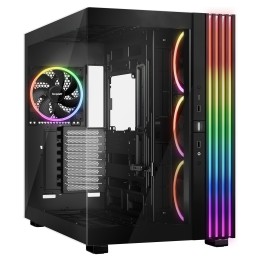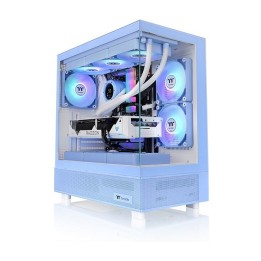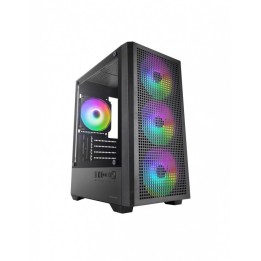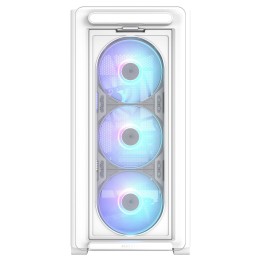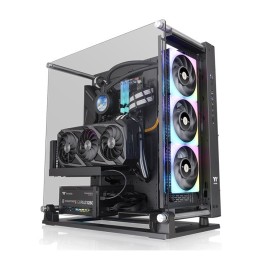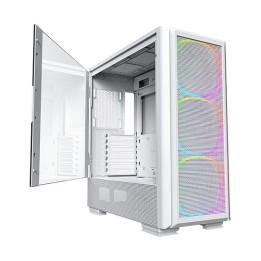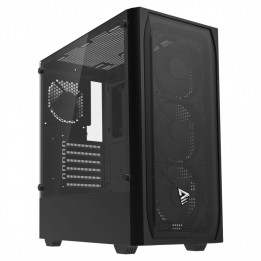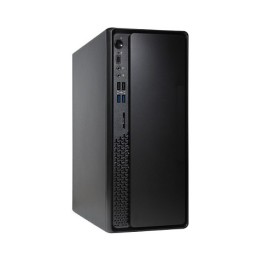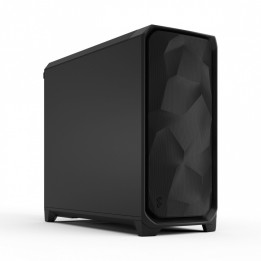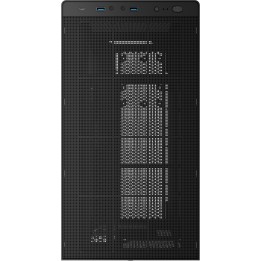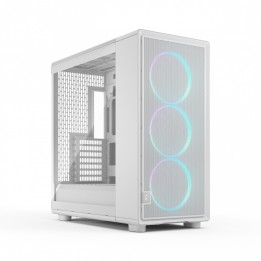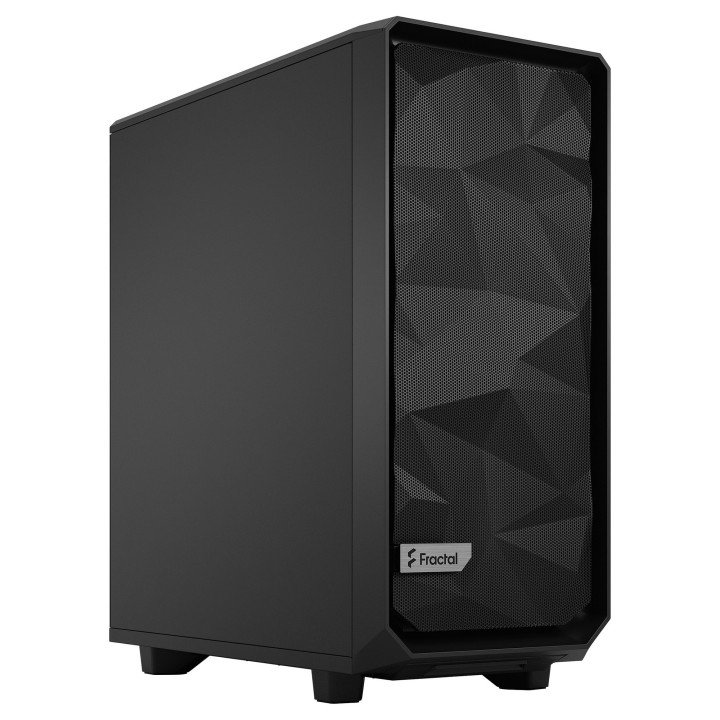
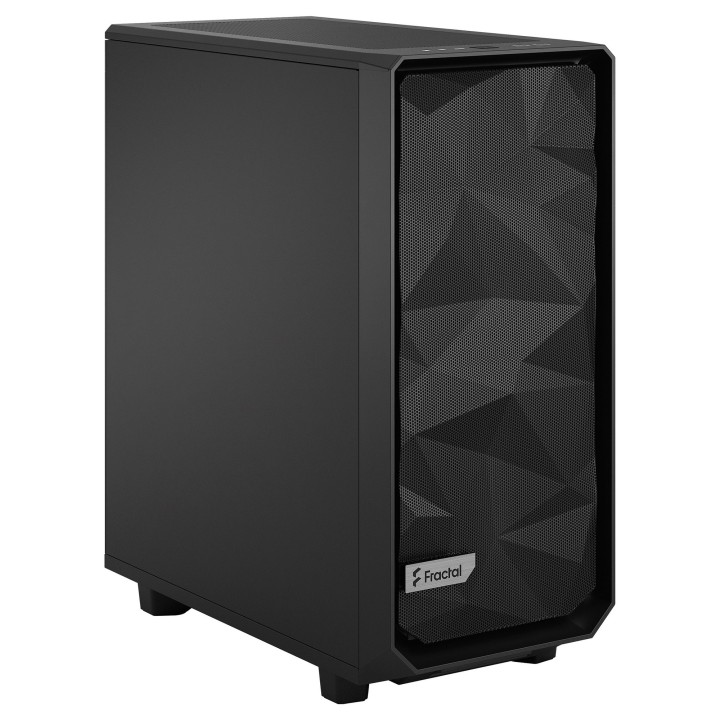
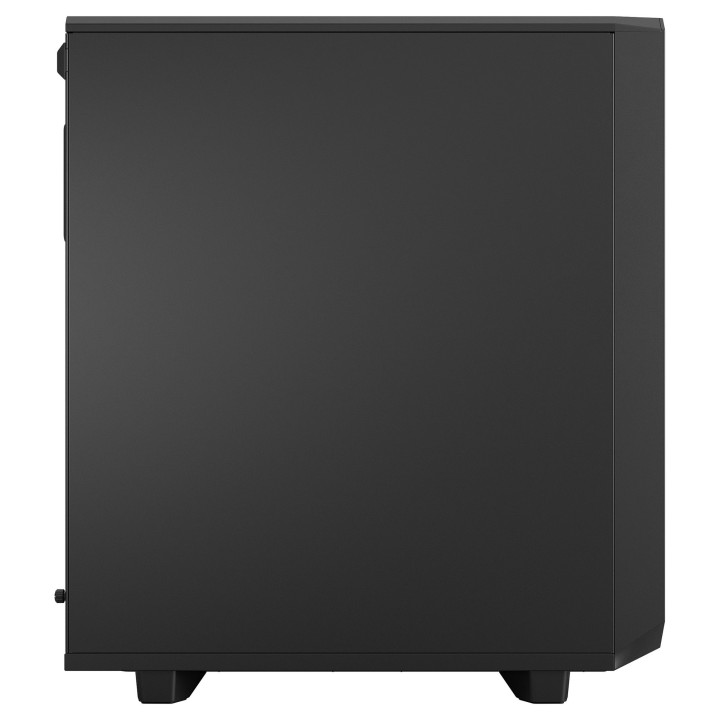
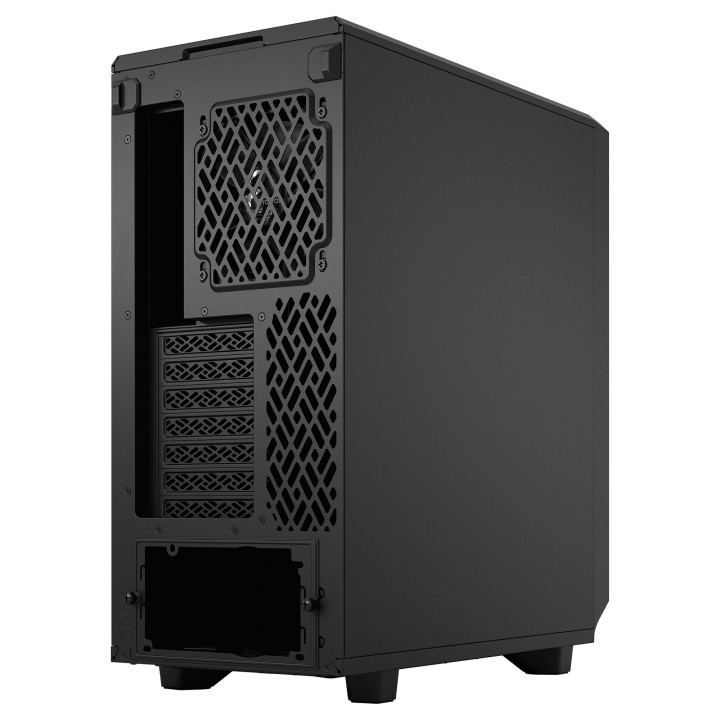
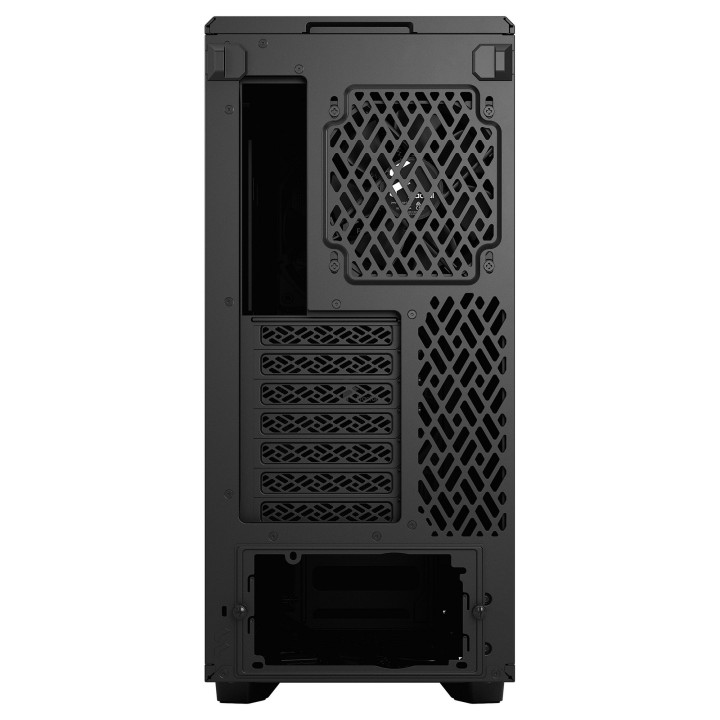
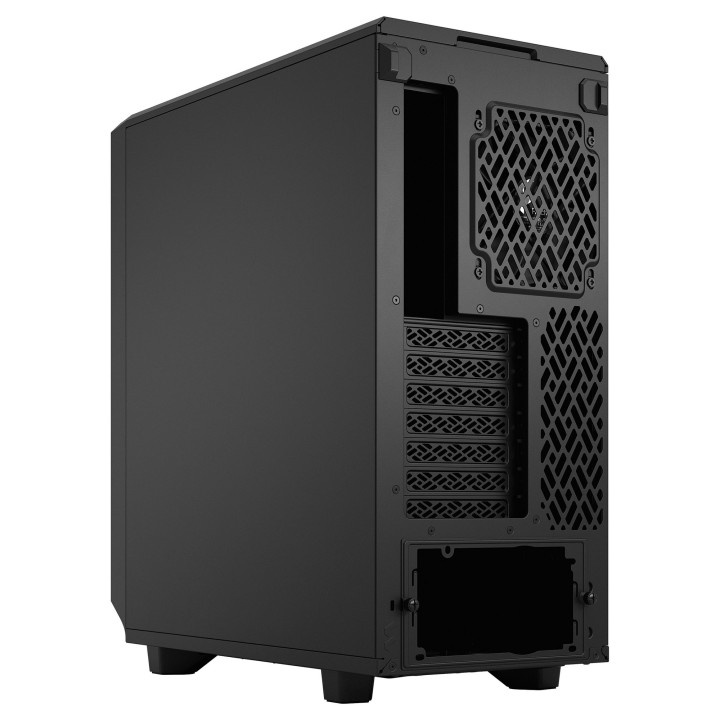
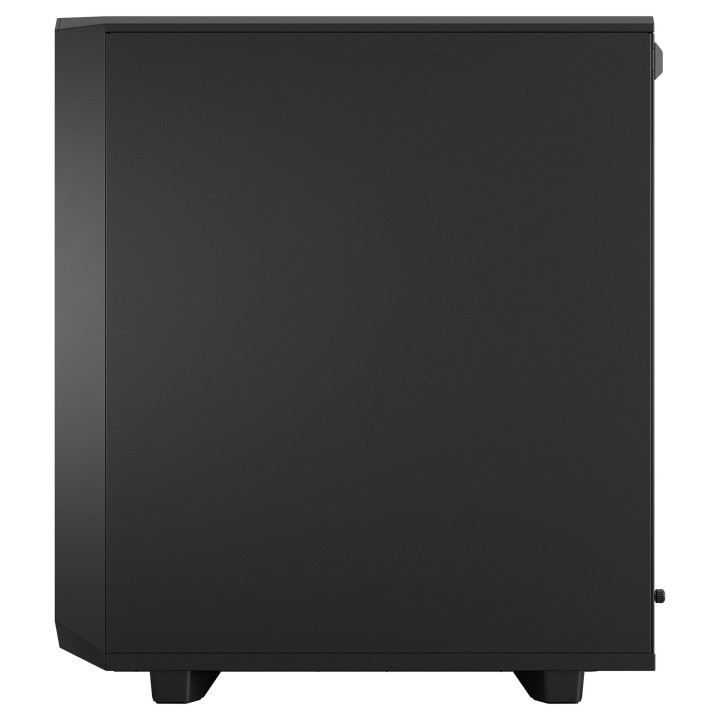
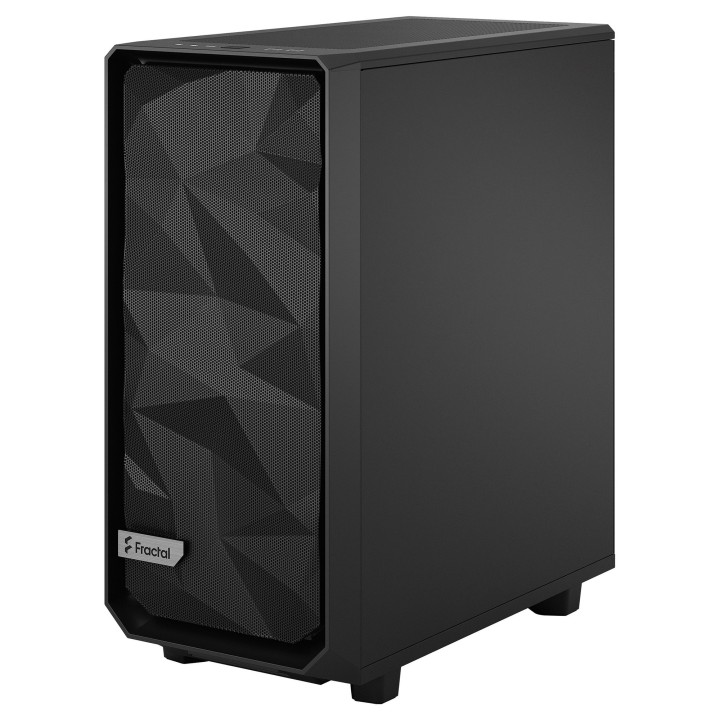
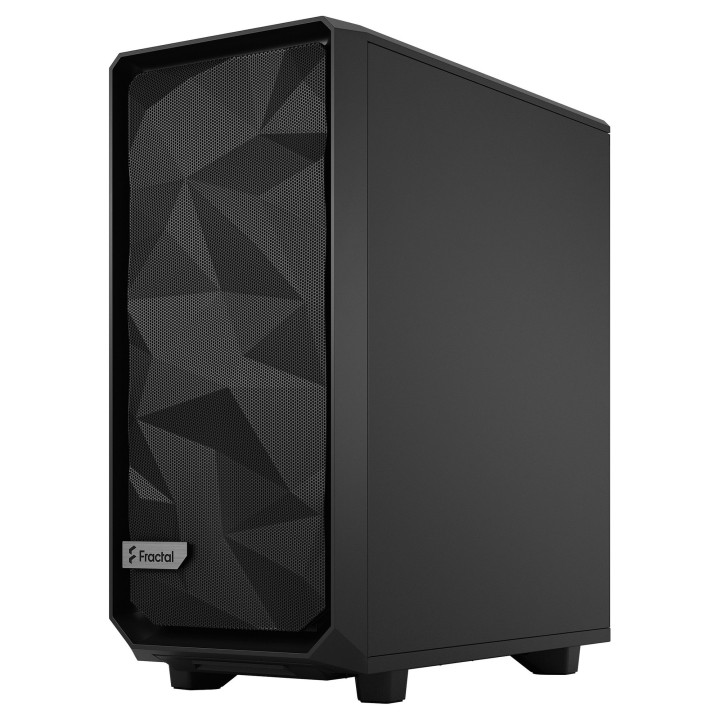
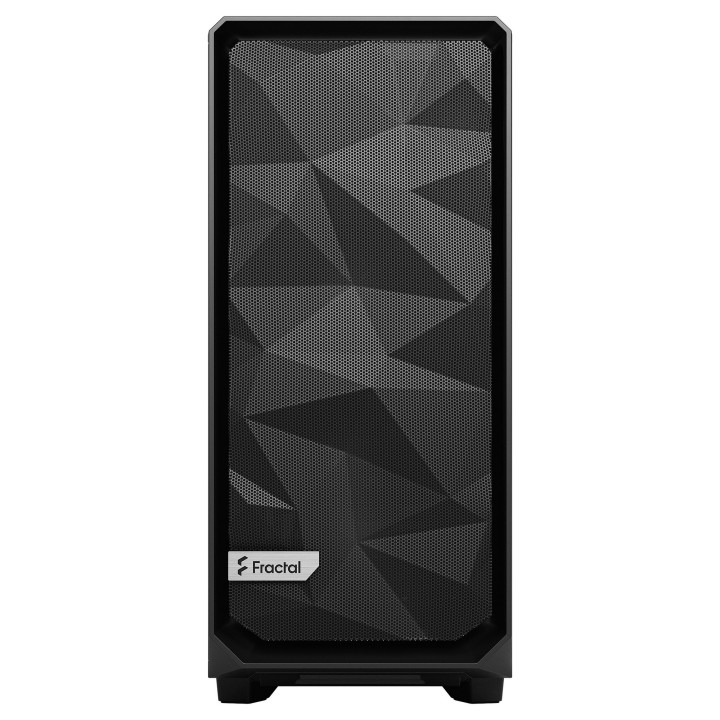
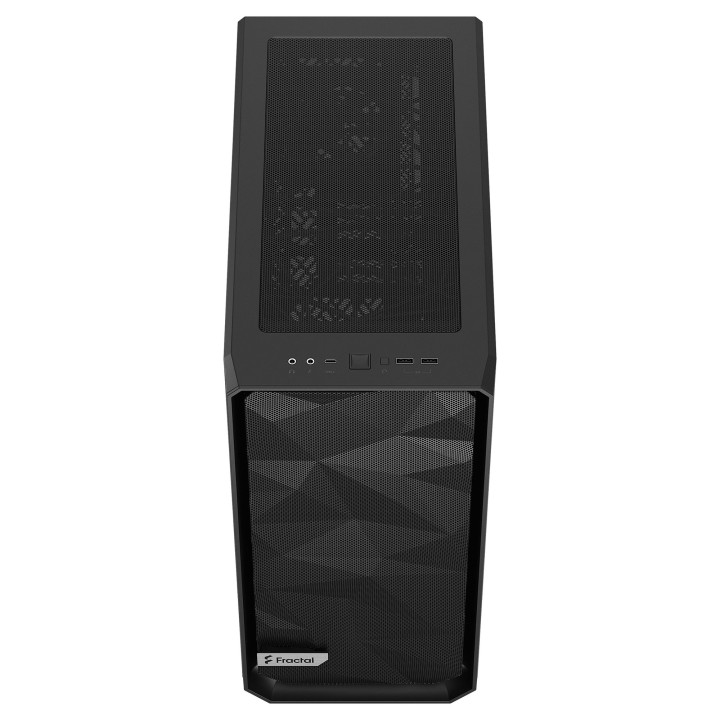
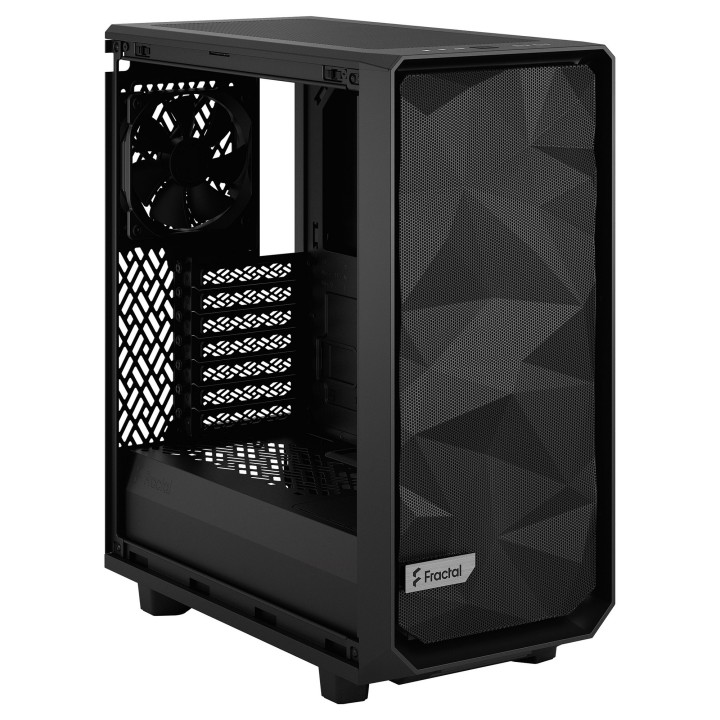
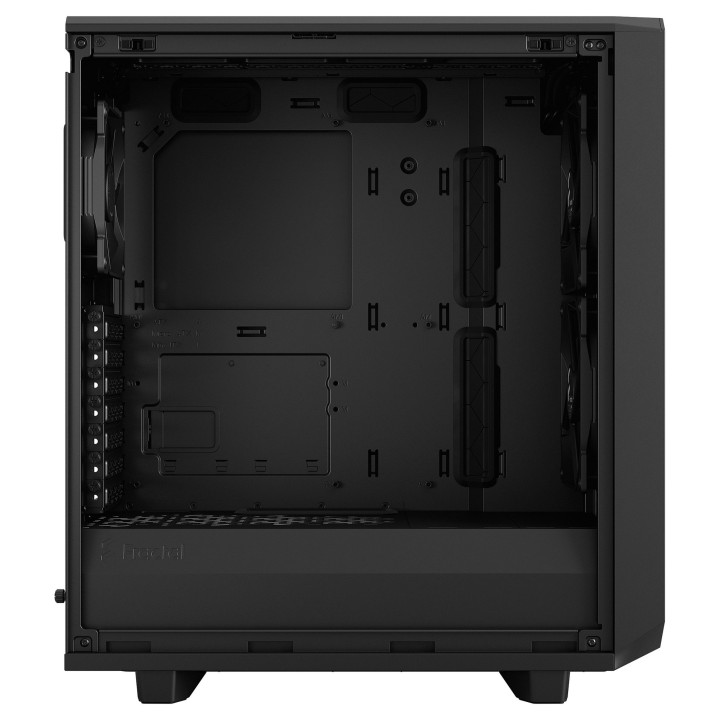
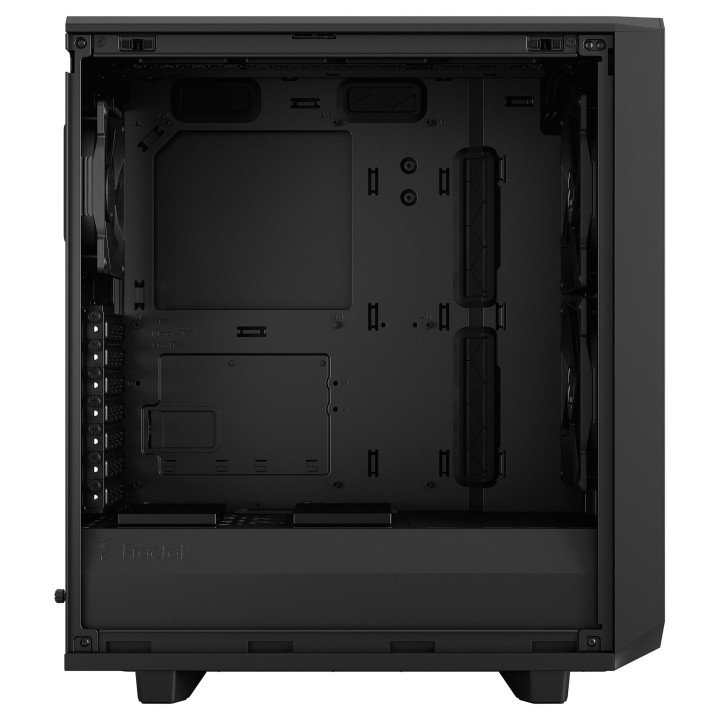
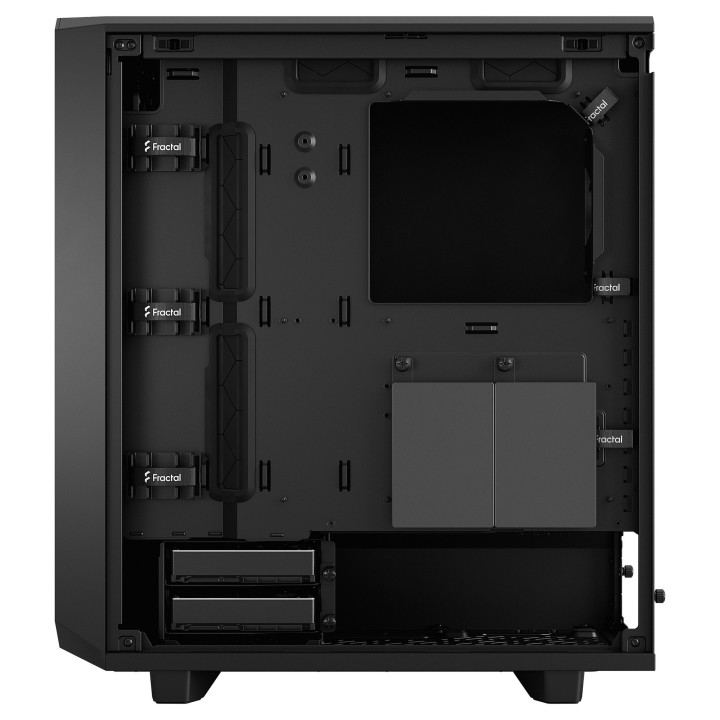


Obudowa Meshify 2 Compact Black Solid
- MPN:
- FD-C-MES2C-01
- EAN:
- 7340172702320
PragmaPay dla biznesu
Zapłać za zakupy firmowe później lub w ratach przez Tpay.
Sprawdź, jak działa (otwiera się w nowej karcie)Opis produktu
Obudowa Fractal Design Meshify 2 Compact Solid
Meshify 2 Compact to wydajna obudowa o śmiałej, inspirowanej ukradkiem estetyce. Jego uderzające elementy zewnętrzne są wyposażone w bezśrubowe, hartowane szkło hartowane, w pełni zdejmowany panel górny zapewniający doskonały dostęp do wnętrza oraz przedni port USB 3.1 typu C.
- Charakterystyczny, kanciasty przód z siateczki zapewnia filtrowany przepływ powietrza i śmiałą, inspirowaną ukradkiem estetykę
- Miejsce na GPU do 360 mm z radiatorem 240 mm u góry lub do przednich radiatorów 360/280 mm z GPU poniżej 305 mm
- Wszechstronna i zajmująca mało miejsca konstrukcja ATX zapewnia wydajność i pojemność znacznie większych obudów
Specyfikacja
- Typ obudowy: Tower (UPS)
- Format obudowy: Micro ATX
- Liczba miejsc montażowych (sumaryczna): 6
- Miejsca montażowe 3,5'' wewn.: 2
- Miejsca montażowe 2,5'' wewn.: 6
- Wentylator: 14 cm
- Kolor (wyliczeniowy): Czarny
- Wymiary: 424 x 210 x 475 mm
- Waga: 7.7 kg
- Złącza na przednim panelu: 1 x mikrofon
- Uwaga: CE+WEEE
- MPN:
- FD-C-MES2C-01
- EAN:
- 7340172702320
Szczegóły produktu
- Marka Fractal Design
- Kod produktu 660fbd4971a267703cb233f7
- Dostępność 28 Przedmioty
- EAN13 7340172702320
- MPN FD-C-MES2C-01
Specyfikacja
- Kolor Czarny
- Zasilacz w zestawie Nie
-
Obsługiwane formaty płyt
ATX
Micro ATX
Mini ITX - Maksymalna długość GPU (mm) 360 mm
- Maksymalna wysokość chłodzenia CPU (mm) 169 mm
Producent
Producent
Fractal Gaming AB
Victor Hasselblads gata 16A 421 31 Västra Frölunda Szwecja
E-mail: info@fractal-design.com
Formularz kontaktowy: https://www.fractal-design.com/contact-us/
Telefon: +46 31 38 07 100
Bezpieczeństwo
Informacje o bezpieczeństwie
List of safety warnings for computer enclosures based on the requirements of General Product Safety Regulation (EU) 2023/988 (GPSR): 1. Risk of electric shock: * Make sure your computer's power supply is properly grounded. * Do not touch the power supply components with wet hands. * Disconnect the computer from power before opening the case. 2. Risk of cuts: * Beware of sharp metal edges when assembling components. * Secure the edges that can cause cuts. * Use protective gloves when working with the case. 3. Risk of fire: * Do not block ventilation openings in the housing. * Make sure that your computer components do not overheat. * Use a power supply with adequate power to avoid overloading. 4. Risk of damage to components: * Ensure proper air circulation in the housing. * Do not place heavy objects on the housing to avoid damage. * Make sure all components are properly fixed in the housing. 5. Hazards for children: * Keep small items (screws, jumpers) out of reach of children. * Do not allow children to open the computer case themselves. 6. Weight Hazards: * When moving your computer case, make sure you are able to support its weight. * Ask the other person for help if the case is too heavy. 7. Cleaning warnings: * Disconnect the computer from power before cleaning the case. * Use a soft, dry cloth to clean the case. * Do not use cleaning products containing corrosive substances. 8. Modification warnings: * Housing modifications may affect the safety and performance of your computer. * Perform modifications only if you have relevant experience and knowledge. 9. Warnings on Dust inhalation: * When cleaning components in the housing with compressed air, use a mask. * Take special care and ensure proper ventilation.