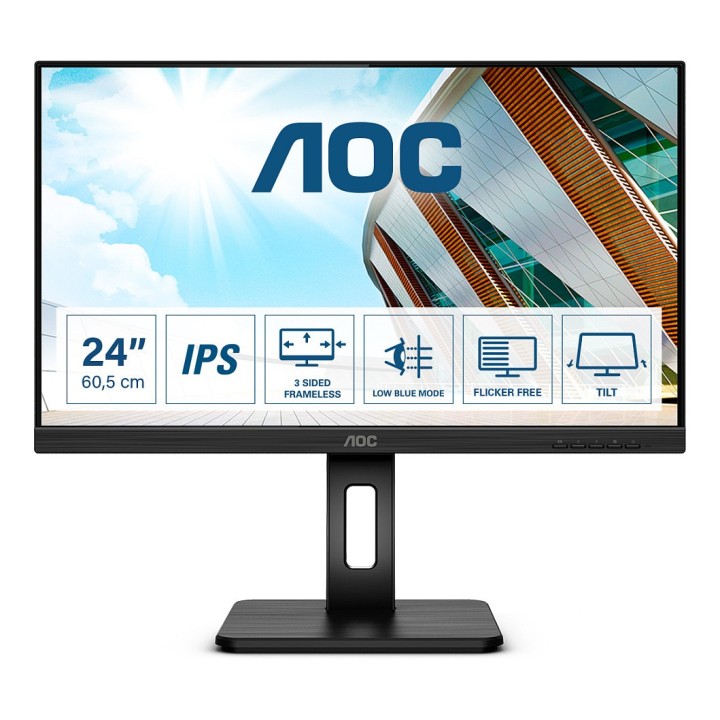
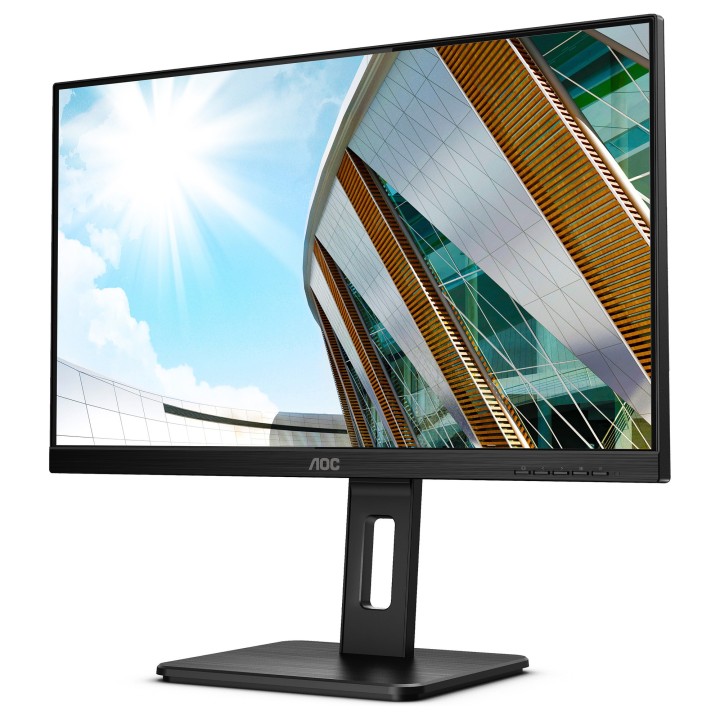
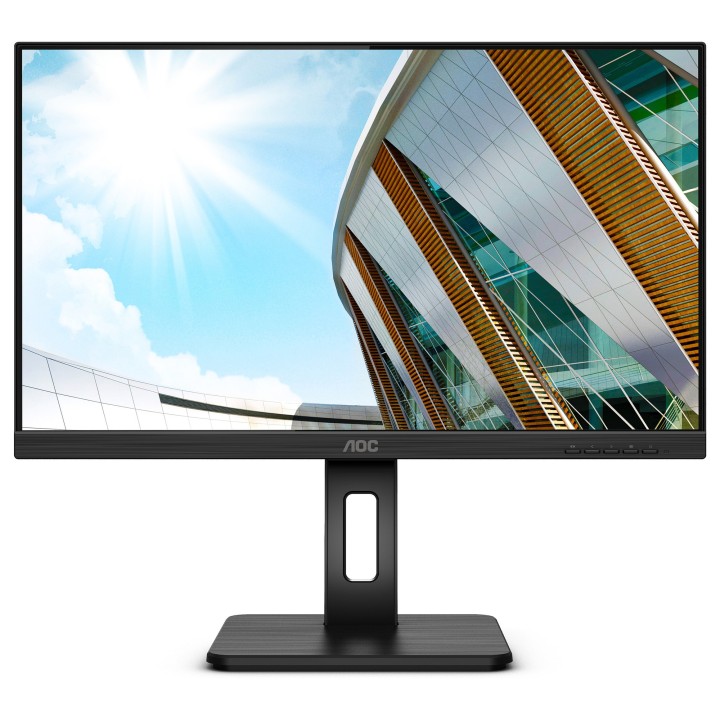
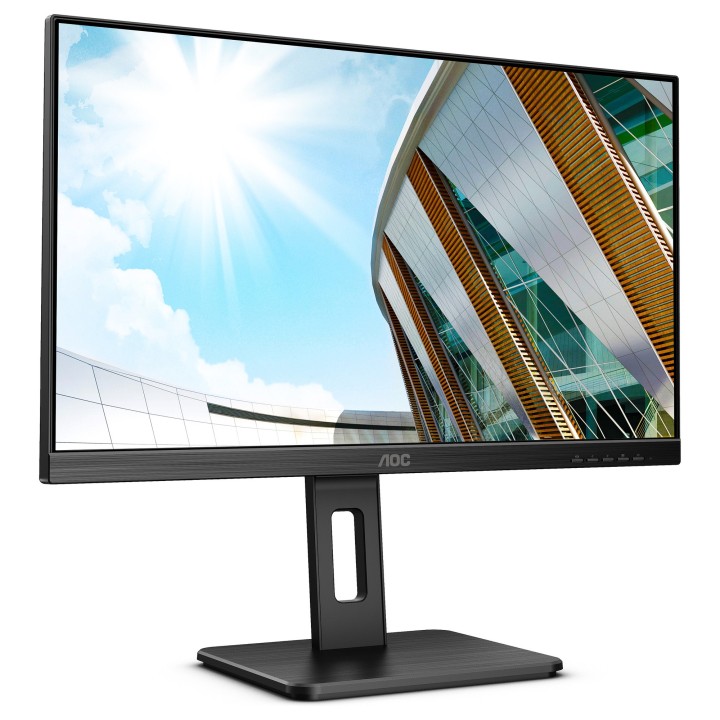
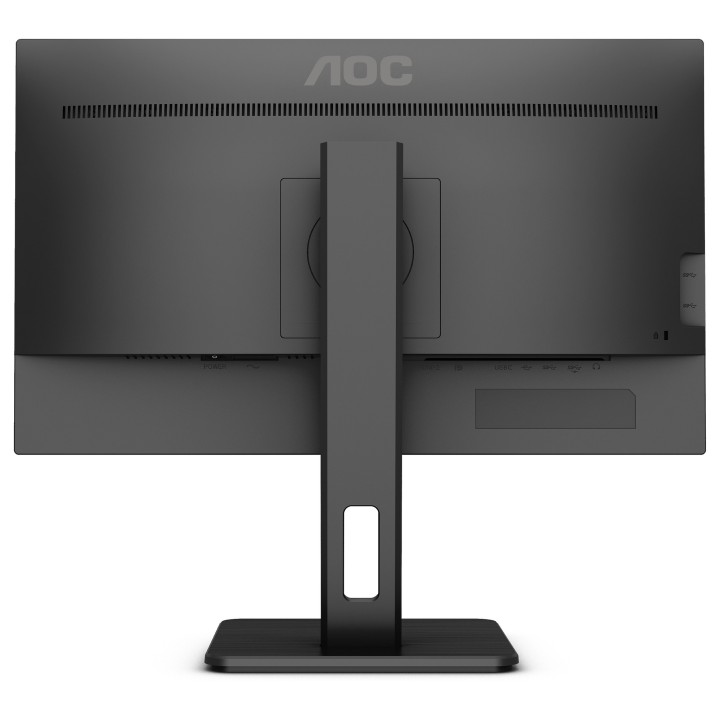
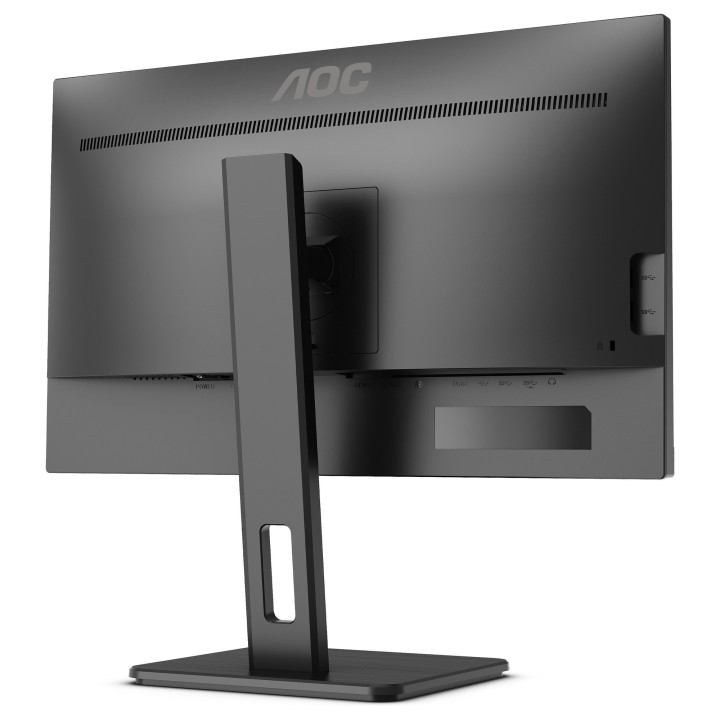
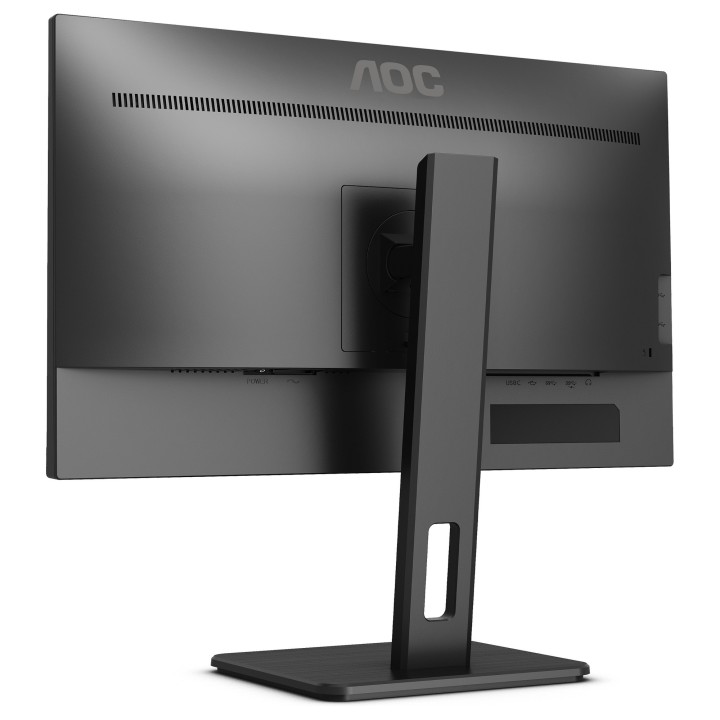
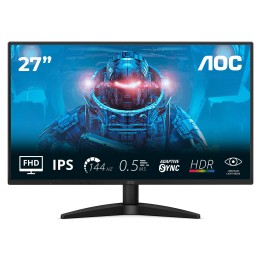
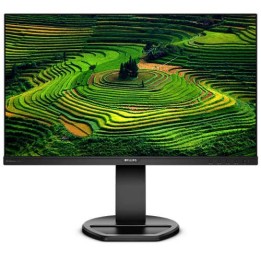
Monitor 23.8 cala Q24P2Q IPS HDMI DP USB Pivot
- MPN:
- Q24P2Q
- EAN:
- 4038986147316
PragmaPay dla biznesu
Zapłać za zakupy firmowe później lub w ratach przez Tpay.
Sprawdź, jak działa (otwiera się w nowej karcie)Opis produktu
Olśniewająca jakość obrazu i funkcje zwiększające wydajność ekranu 23,8 QHD
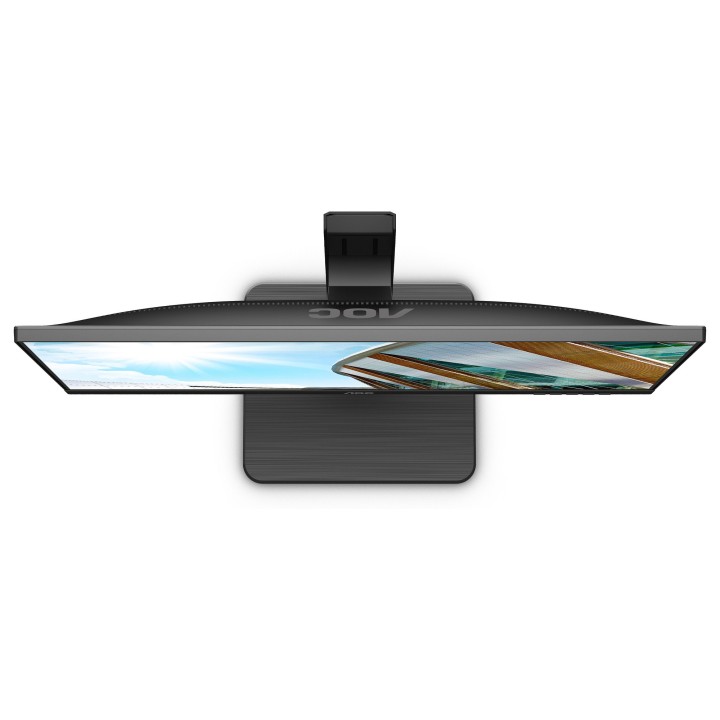
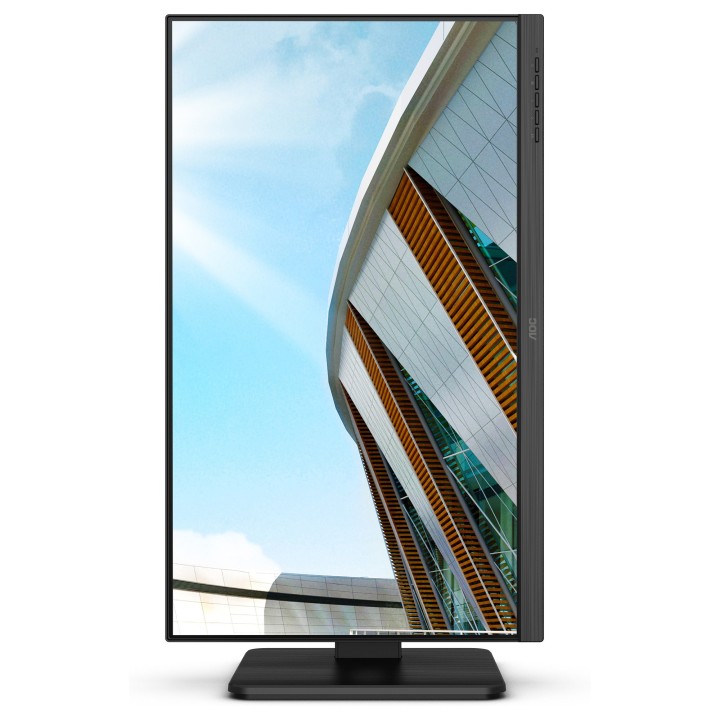
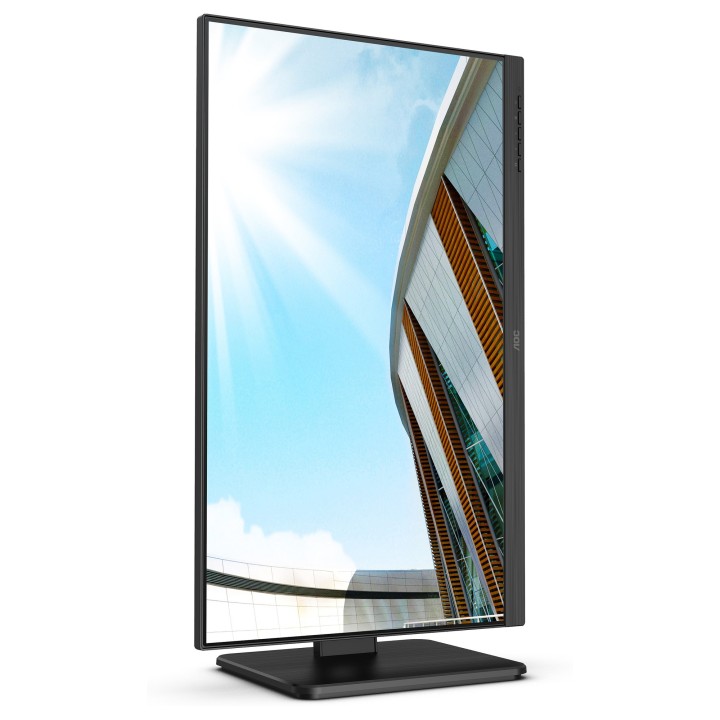
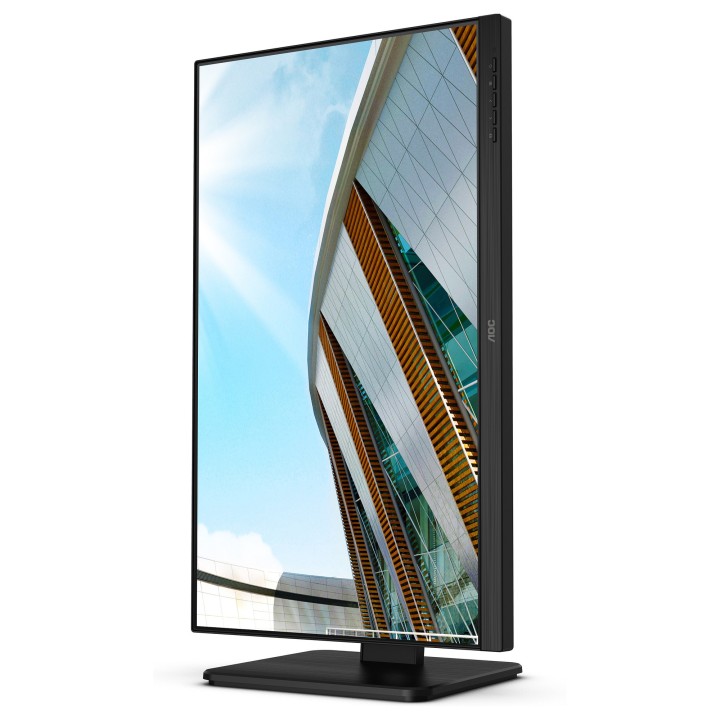
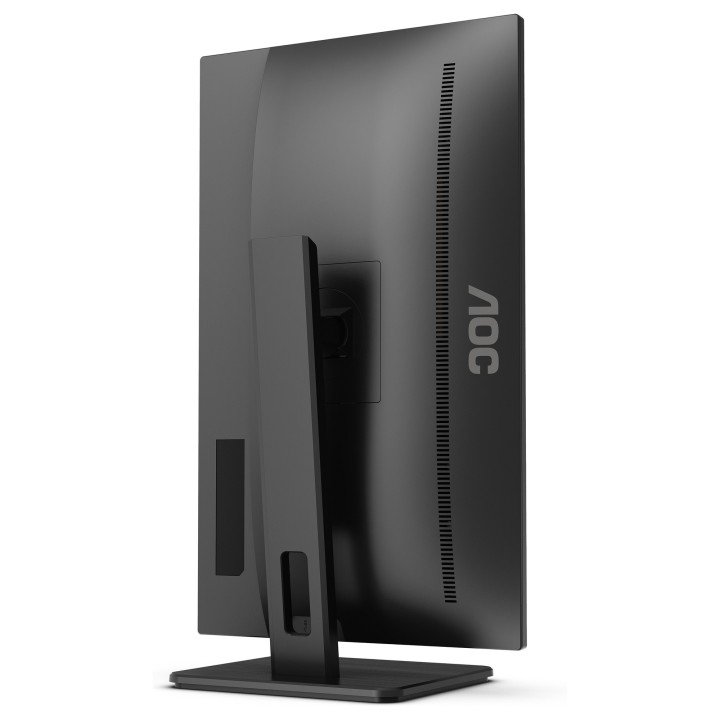
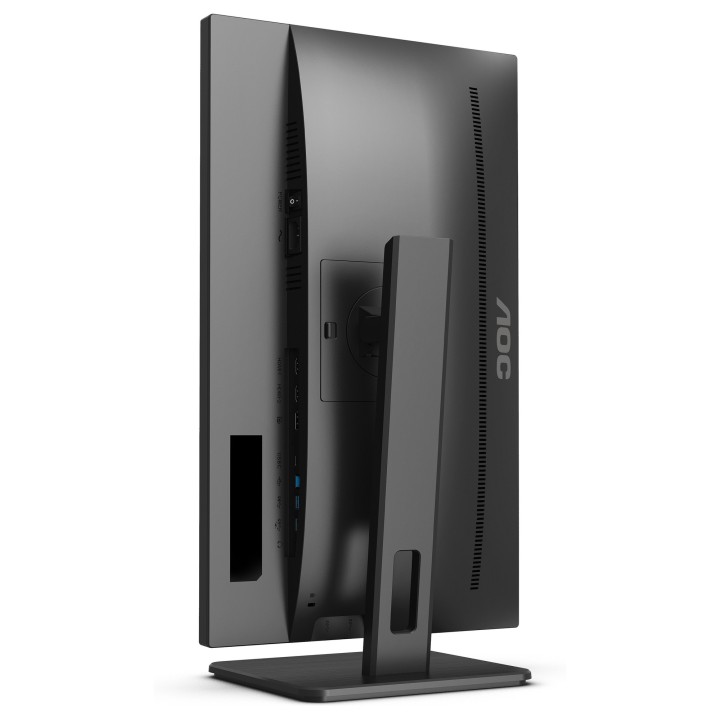
Model Q24P2Q oferuje profesjonalistom bogaty zestaw wygodnych funkcji, które pomogą im maksymalnie wykorzystać każdy dzień roboczy. Ekran jest wyposażony w płaską matrycę 23,8" IPS/3FL z rozdzielczością QHD, jest wyposażony w smukłą i trójstronnie bezramkową konstrukcję z szerokimi kątami oglądania 178°/178. Monitor można pochylać, obracać i regulować na wysokość. Ekran jest również wyposażony w koncentrator USB 3.2 i zapewnia ergonomię oraz przyjazne dla wzroku rozwiązania, jak zapobiegająca migotaniu technologia Flicker-Free i tryb niskiego natężenia niebieskiego światła Low Blue Mode.
Ergonomia
Poczuj wygodę! Obrotowe podstawy AOC z regulacją wysokości i nachylenia pomagają uzyskać najwygodniejsze i najzdrowsze położenie monitora.
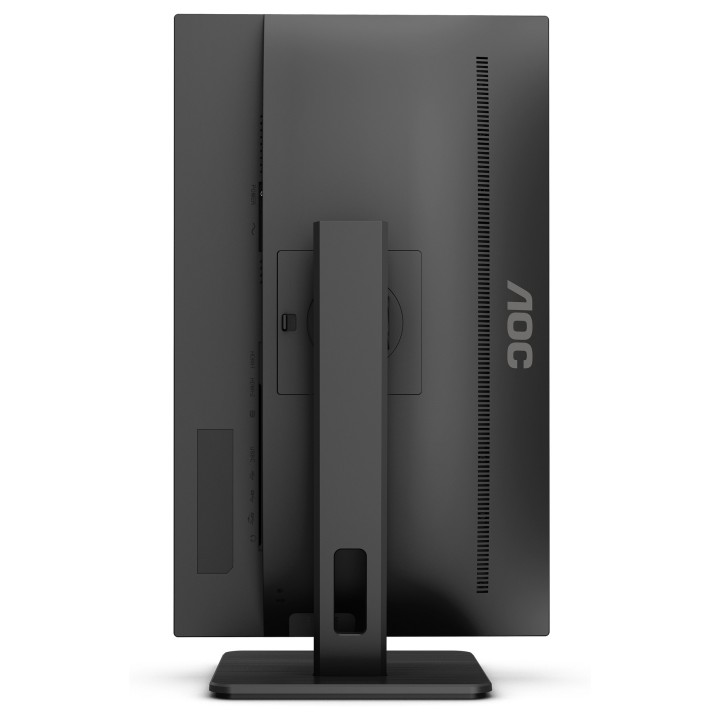
Rotation
Dzięki funkcji obrotu w płaszczyźnie pionowej pivot, P2 można obrócić o 180° z orientacji krajobrazowej do portretowej, co szczególnie przydatne w branży DTP.
Konstrukcja bezramkowa
Poza nowoczesnym i atrakcyjnym wyglądem, konstrukcje bezramkowe pozwalają na połączenie wielu monitorów bez przerw w wyświetlanym obszarze. Kursor/okna już nie będą ginąć w ciemnych czeluściach ramek, gdy wiele ekranów jest ustawionych obok siebie.
QHD
Dzięki rozdzielczości 2560 x 1440 pikseli Quad HD (QHD) zapewnia najwyższą jakość i ostrość obrazu oraz wysoki poziom jego szczegółowości. Szerokoekranowe proporcje obrazu 16:9 zapewniają wystarczającą ilość miejsca zarówno na aplikacje biurowe, jak i rozrywkę w postaci gier i filmów.
Szeroki kąt oglądania
Szeroki kąt oglądania zapewnia precyzyjne wyświetlanie barw pod kątem widzenia do 178°. W ten sposób, nie ma znaczenia, skąd na niego patrzysz, by zobaczyć perfekcyjnie wyświetlone kolory.

- MPN:
- Q24P2Q
- EAN:
- 4038986147316
Szczegóły produktu
- Marka AOC
- Kod produktu 660fbc5e71a267703cb12b32
- Dostępność 16 Przedmioty
- EAN13 4038986147316
- MPN Q24P2Q
Specyfikacja
- Przekątna ekranu (cal) 23,8 cal
- Czas reakcji GtG (ms) 4 ms
- Rozdzielczość natywna 2560 × 1440
- Typ matrycy IPS
- Częstotliwość odświeżania (Hz) 75 Hz
- Wejścia obrazu HDMI
- Ekran dotykowy Nie
- Zakrzywiony ekran Nie
- Standard VESA 100 × 100
- Pivot Tak
Producent
Producent
AOC International (Europe) B.V.
Prins Bernhardplein 200, 6th floor 1097 JB Amsterdam Netherlands
Formularz kontaktowy: https://www.aoc.com/support
Telefon: +31 20 504 00 10
Osoba odpowiedzialna w UE
AOC International (Europe ) B.V.
PRINS BERNHARDPLEIN 200/6TH FLOOR 1097 JB AMSTERDAM Holandia
Formularz kontaktowy: https://www.aoc.com/support
Telefon: +49306869097
Bezpieczeństwo
Informacje o bezpieczeństwie
List of computer monitor safety warnings based on the requirements of General Product Safety Regulation (EU) 2023/988 (GPSR): * Risk to vision: Long-term gazing at the monitor screen may cause eye strain, dry eyes or headaches. * Limit the working time with the monitor. * Take regular breaks. * Maintain proper distance from the screen. * Ensure proper lighting in the room. * Set the brightness and contrast of the monitor to a comfortable level. * Ergonomics: Incorrect position when working with the monitor can lead to back, neck, and shoulder pain. * Set the monitor to the correct height so that the top edge of the screen is at eye level or slightly below. * Use an adjustable chair and desk to ensure an ergonomic position. * Maintain proper posture while sitting. * Risk of electric shock: Improper use or damage to the monitor can lead to electric shock. * Do not use the monitor in humid environments. * Do not touch the monitor with wet hands. * Do not put any items inside the monitor. * If the power cable is damaged, replace it with a new one. * Disconnect the monitor from power before cleaning. * Fire risk: Overheating or short circuiting in the monitor can cause a fire. * Do not cover the ventilation holes of the monitor. * Do not place the monitor near heat sources. * Use only the original power supply that came with your monitor. * If the monitor overheats, disconnect it from power immediately. * Mechanical damage: The fall of the monitor can cause damage and pose a threat to the user. * Set the monitor on a stable surface. * Secure cables to avoid accidental tripping. * For monitor transport, use appropriate protective packaging. * Cleaning: Improper cleaning of the monitor can damage the screen or cause other problems. * Use only a soft, dry cloth to clean the screen. * Do not use cleaning products containing alcohol, ammonia or other corrosive substances. * Disconnect the monitor from power before cleaning. * Disposal: Incorrect disposal of the monitor can pose a threat to the environment. * Return the used monitor to the e-waste collection point. * Do not throw the monitor in a regular trash can. * Children: The monitor is not a toy and should not be used by children without supervision. * Make sure children do not touch the power cables. * Make sure kids don't play around with the monitor packaging. * Repairs: Do not try to repair the monitor yourself. * Any repairs should be done by qualified personnel. * Monitor portability: Be careful when moving your monitor. * Disconnect all cables before moving. * Use appropriate packaging. * Weather conditions: Do not expose the monitor to extreme temperatures or moisture. * Protect your monitor from direct sunlight. * Adjustable settings: Do not use extreme brightness or contrast settings. * These can cause faster eye strain. * Noise: If the monitor makes disturbing noises, turn it off immediately. * Contact the technical service. * Environmental protection: Be sure to turn off the monitor when not in use. * You save energy this way. * Software: Use only the software provided by the manufacturer. * You will avoid compatibility issues.
Monitory
Ostatnio oglądane
Produkty, które ostatnio zwróciły Twoją uwagę.