- Nowy
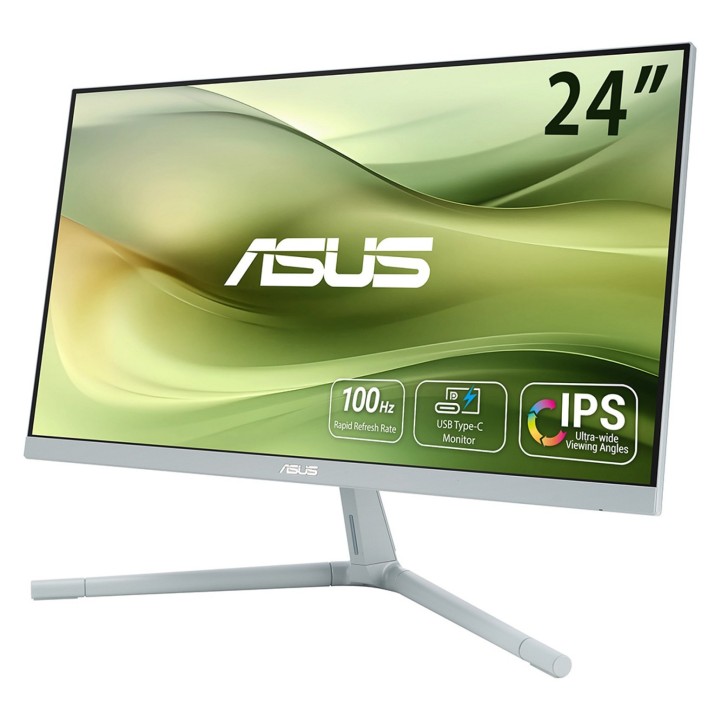
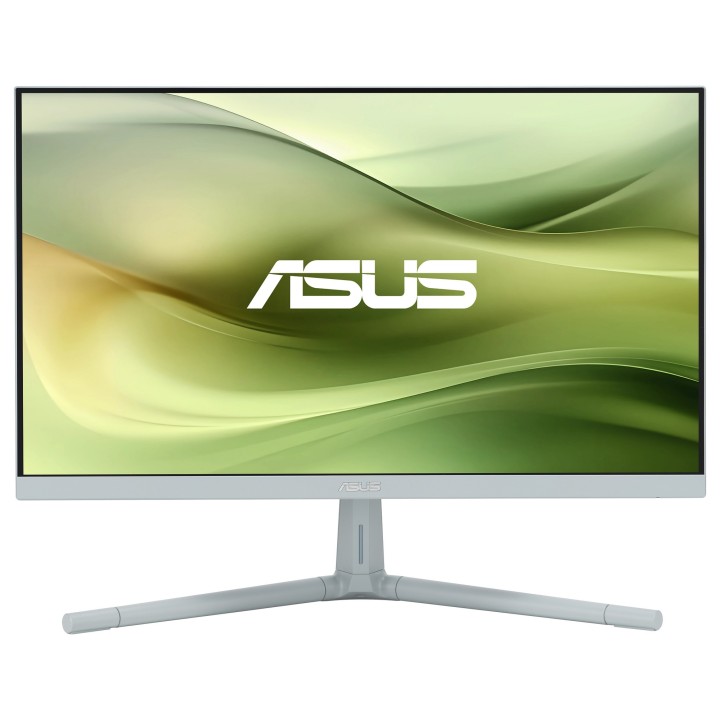
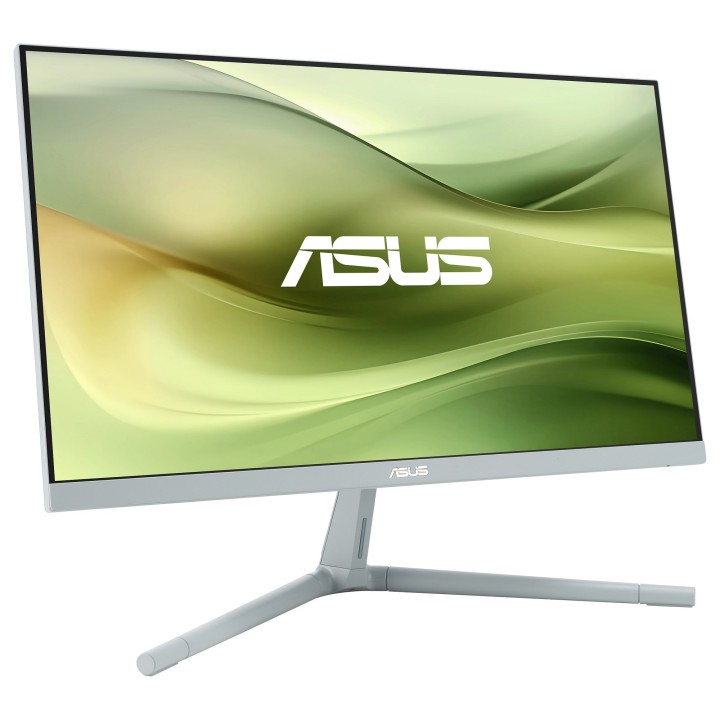
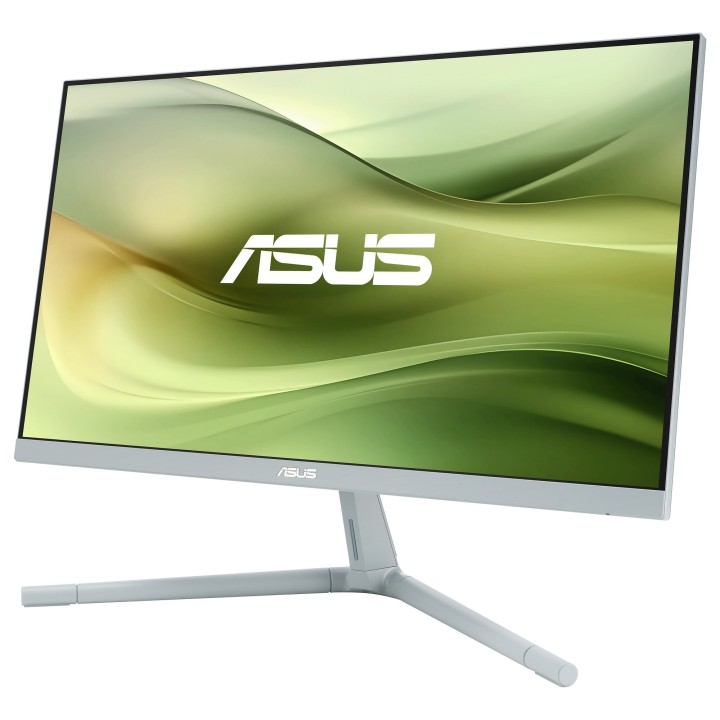
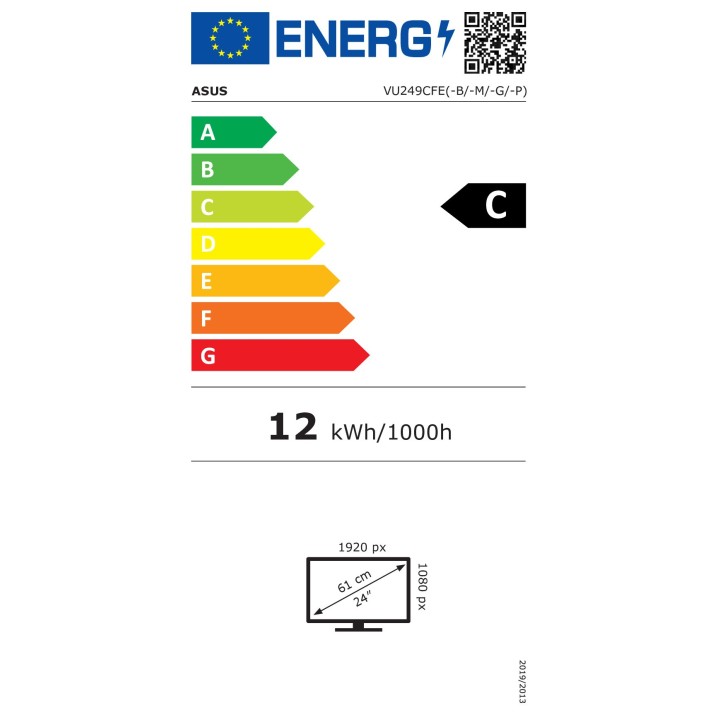
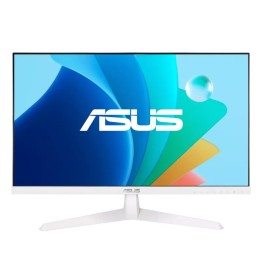
VU249CFE-G
Zobacz świat na różne sposoby
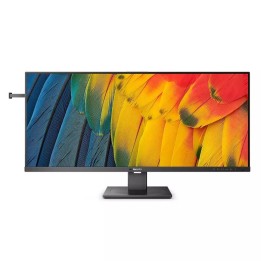
Całkowicie nowe wyświetlacze ASUS VU to idealny wybór dla każdego, kto szuka świetnego monitora do codziennego użytku. Oferują wszystkie funkcje i łączność potrzebne do różnorodnych zadań, od gier i rozrywki po produktywność i kreatywność. Ich stylowe opcje kolorów i wbudowany system zarządzania kablami pomogą Ci stworzyć czystą i uporządkowaną konfigurację komputera. Są nie tylko niedrogie, ale mają certyfikat technologii zrównoważonej są więc świetne dla Ciebie i milsze dla naszej planety.
Stylowy i funkcjonalny
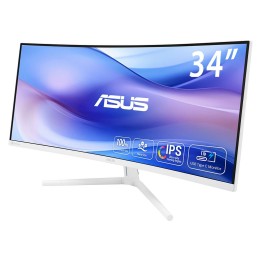
Przemyślane elementy konstrukcyjne sprawiają, że monitory ASUS VU doskonale pasują do każdej konfiguracji komputera. Długie, cienkie nogi stojaka bezpiecznie utrzymują wyświetlacze, nie zajmując zbyt dużo miejsca na biurku. Monitory VU są praktyczne, ale dają też zabawę. Wybierz jedną z czterech opcji kolorystycznych, każda z własną osobowością: Quiet Blue, Green Grey, Oat Milk i Rose Clay. Dzięki tej gamie kolorowych wyświetlaczy z pewnością znajdziesz opcję, która będzie pasować do estetyki pełnej konfiguracji komputera.
Żywe kolory i szerokie kąty widzenia
Monitory ASUS VU oferują więcej niż standardowe funkcje i korzyści, jakich można oczekiwać od niedrogiego monitora do codziennego użytku. Monitory te, wyposażone w 23,8-calowy panel FHD, idealnie pasują do większości biurek i można je podłączyć do laptopa lub komputera stacjonarnego. Wyposażone w panel IPS wyświetlacze VU zapewniają wyraźny i kolorowy obraz nawet jeśli ogląda się je pod kątem.
Płynne przewijanie i lepsze wrażenia z gry
Monitory ASUS VU oferują częstotliwość odświeżania 100 Hz i technologię Adaptive-Sync, która zapewnia płynne i płynne przewijanie treści podczas przeglądania stron internetowych i grania w gry poprawiając wrażenia wizualne we wszystkim, co robisz.
Łatwa łączność
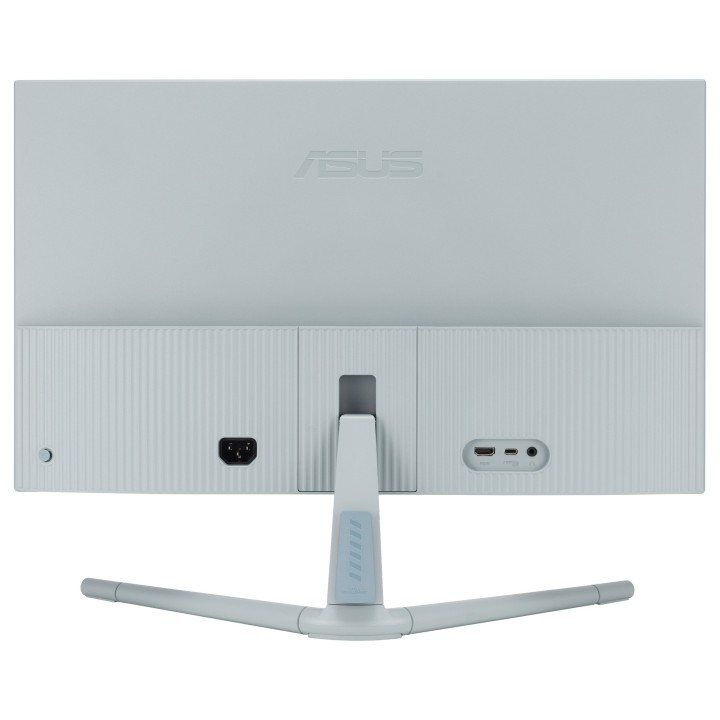
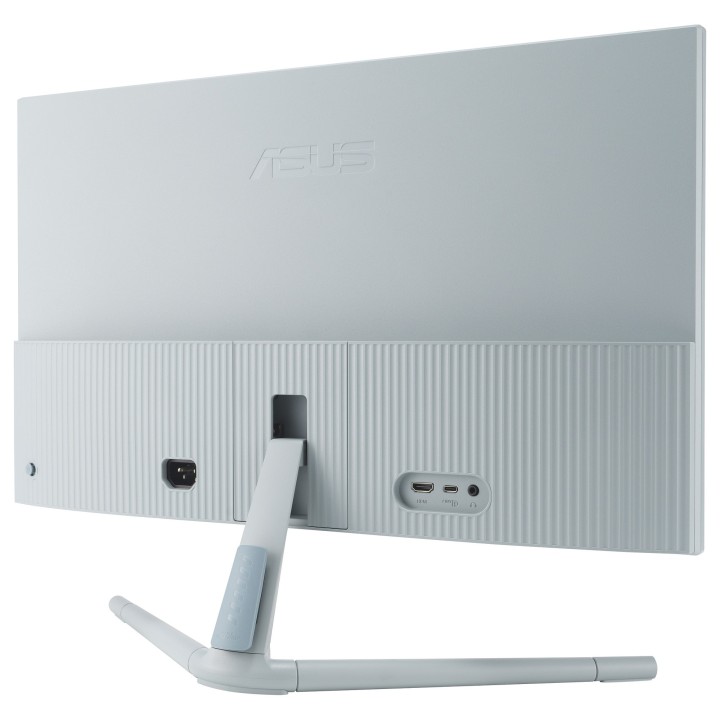
VU monitoruje mnóstwo portów, co ułatwia łączność z szeroką gamą urządzeń. Oprócz popularnego portu HDMI do podłączenia wielu nowoczesnych urządzeń, są one wyposażone w port USB Type-C obsługujący tryb DisplayPort Alt i zasilanie USB o mocy 15 W. Dzięki temu możesz swobodnie podłączać potrzebne urządzenia i ładować urządzenia podczas pracy lub zabawy.
Centrum wyświetlania widżetów
Z łatwością dostosuj ustawienia monitora za pomocą tej intuicyjnej aplikacji, bez konieczności dotykania fizycznych przycisków na monitorze.
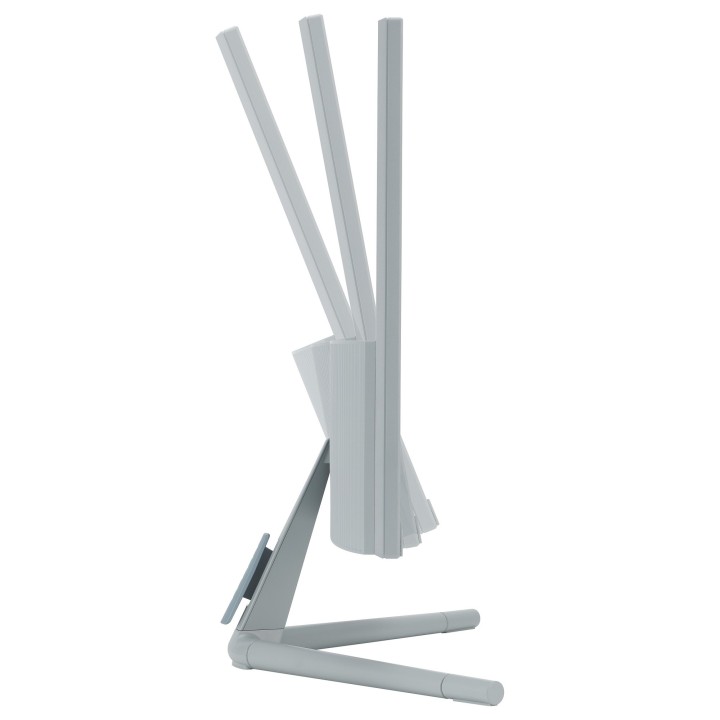
Konstrukcja z regulacją wysokości za pomocą śruby i klips do zarządzania kablami
Ciesz się komfortowym i pozbawionym bałaganu oglądaniem. Wybierz jedno z trzech ustawień wysokości (w odstępach co 25 mm), aby uzyskać idealną pozycję oglądania.
Automatyczna regulacja jasności
Automatycznie dostosowuje jasność monitora do oświetlenia otoczenia w Twoim otoczeniu, co zmniejsza zmęczenie oczu.
ASUS Polska SP. z o.o.
Cybernetyki 9 02-677 Warszawa Polska
E-mail: sales@asus-polska.pl
ASUS Polska Sp. z o.o.
Harkort str 21-23 40880 Ratingen Germany
E-mail: sales@asus-polska.pl
Telefon: 22 571 80 00
List of computer monitor safety warnings based on the requirements of General Product Safety Regulation (EU) 2023/988 (GPSR): * Risk to vision: Long-term gazing at the monitor screen may cause eye strain, dry eyes or headaches. * Limit the working time with the monitor. * Take regular breaks. * Maintain proper distance from the screen. * Ensure proper lighting in the room. * Set the brightness and contrast of the monitor to a comfortable level. * Ergonomics: Incorrect position when working with the monitor can lead to back, neck, and shoulder pain. * Set the monitor to the correct height so that the top edge of the screen is at eye level or slightly below. * Use an adjustable chair and desk to ensure an ergonomic position. * Maintain proper posture while sitting. * Risk of electric shock: Improper use or damage to the monitor can lead to electric shock. * Do not use the monitor in humid environments. * Do not touch the monitor with wet hands. * Do not put any items inside the monitor. * If the power cable is damaged, replace it with a new one. * Disconnect the monitor from power before cleaning. * Fire risk: Overheating or short circuiting in the monitor can cause a fire. * Do not cover the ventilation holes of the monitor. * Do not place the monitor near heat sources. * Use only the original power supply that came with your monitor. * If the monitor overheats, disconnect it from power immediately. * Mechanical damage: The fall of the monitor can cause damage and pose a threat to the user. * Set the monitor on a stable surface. * Secure cables to avoid accidental tripping. * For monitor transport, use appropriate protective packaging. * Cleaning: Improper cleaning of the monitor can damage the screen or cause other problems. * Use only a soft, dry cloth to clean the screen. * Do not use cleaning products containing alcohol, ammonia or other corrosive substances. * Disconnect the monitor from power before cleaning. * Disposal: Incorrect disposal of the monitor can pose a threat to the environment. * Return the used monitor to the e-waste collection point. * Do not throw the monitor in a regular trash can. * Children: The monitor is not a toy and should not be used by children without supervision. * Make sure children do not touch the power cables. * Make sure kids don't play around with the monitor packaging. * Repairs: Do not try to repair the monitor yourself. * Any repairs should be done by qualified personnel. * Monitor portability: Be careful when moving your monitor. * Disconnect all cables before moving. * Use appropriate packaging. * Weather conditions: Do not expose the monitor to extreme temperatures or moisture. * Protect your monitor from direct sunlight. * Adjustable settings: Do not use extreme brightness or contrast settings. * These can cause faster eye strain. * Noise: If the monitor makes disturbing noises, turn it off immediately. * Contact the technical service. * Environmental protection: Be sure to turn off the monitor when not in use. * You save energy this way. * Software: Use only the software provided by the manufacturer. * You will avoid compatibility issues.
Produkty, które ostatnio zwróciły Twoją uwagę.