




Raty i finansowanie
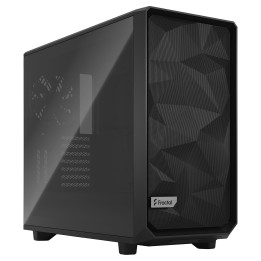
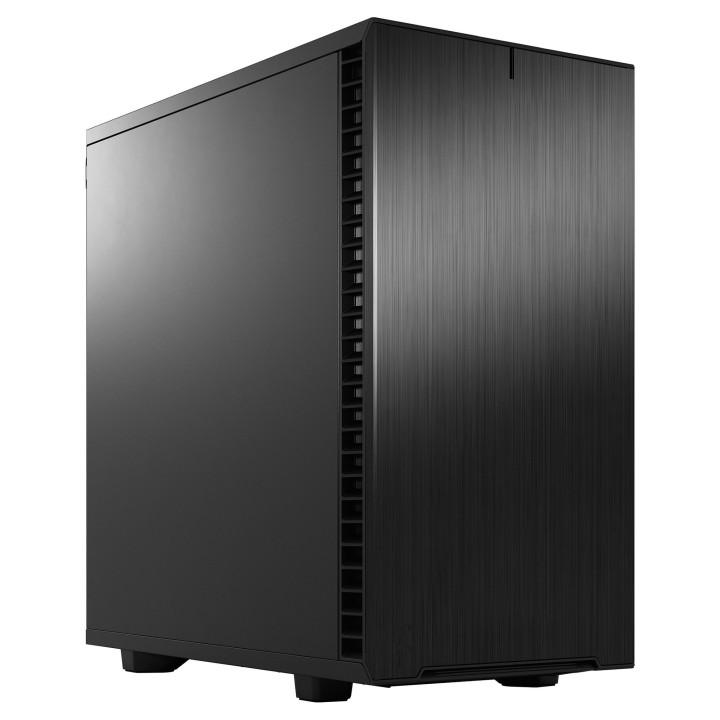
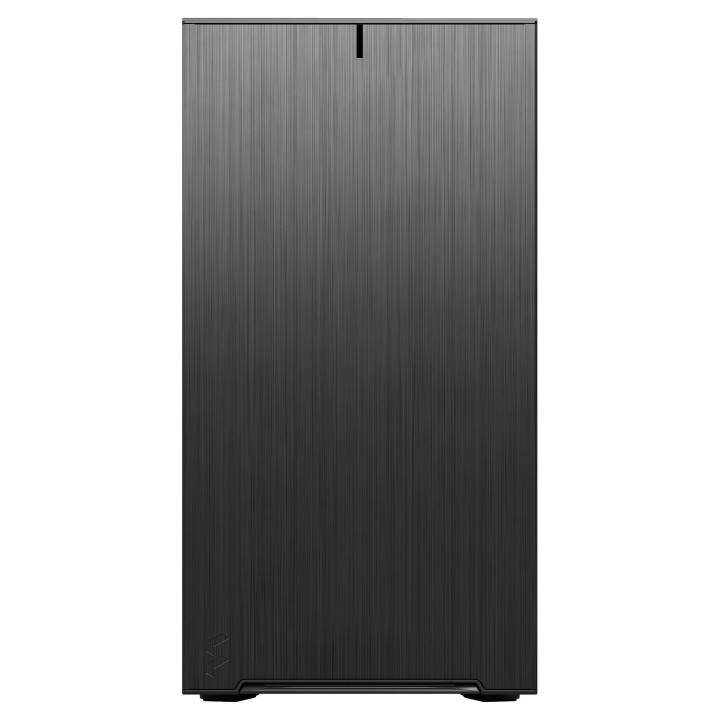
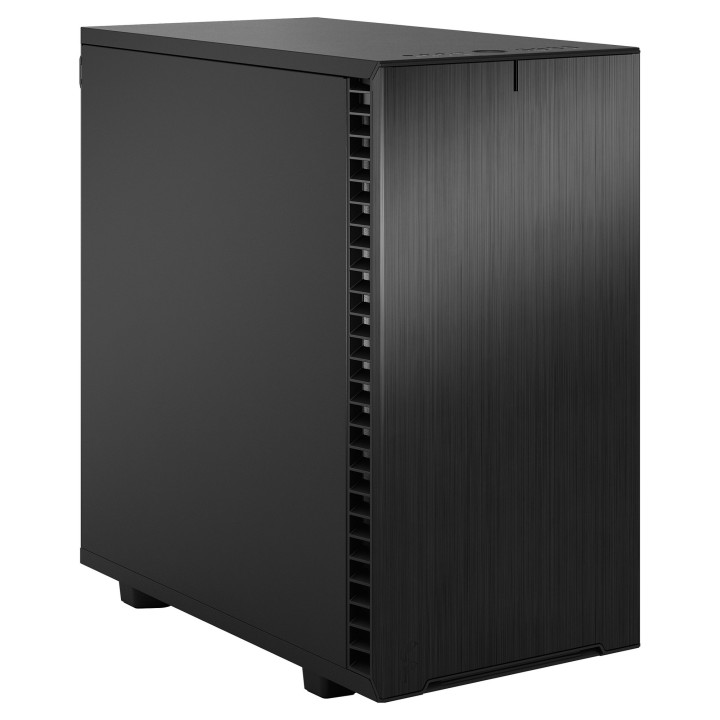
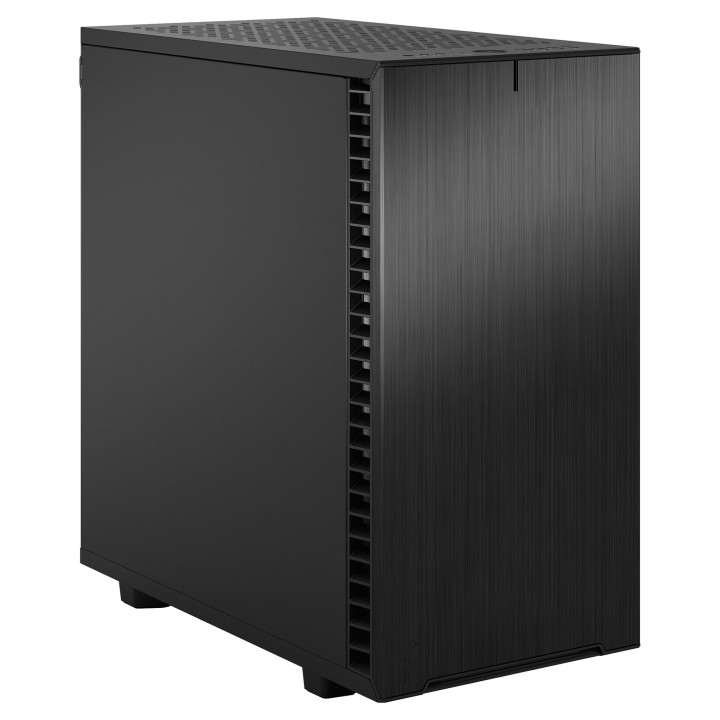
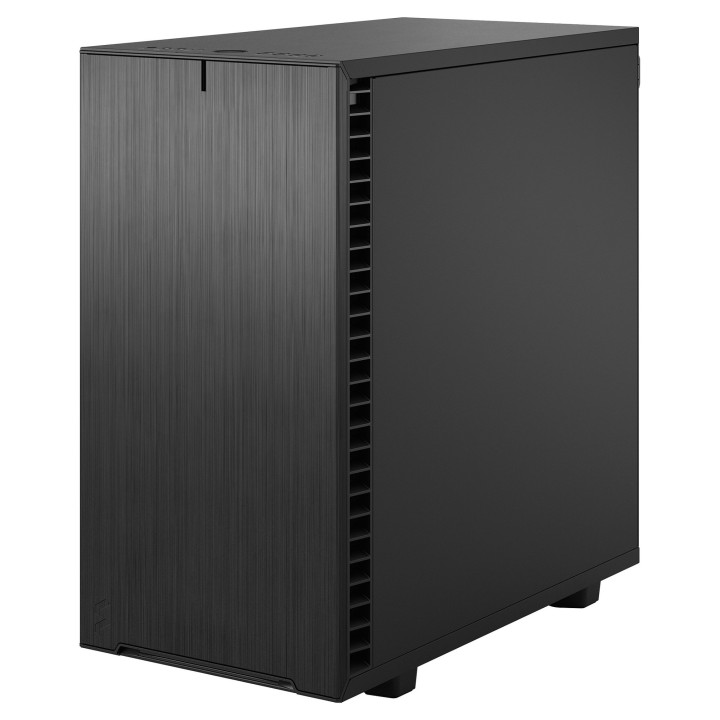
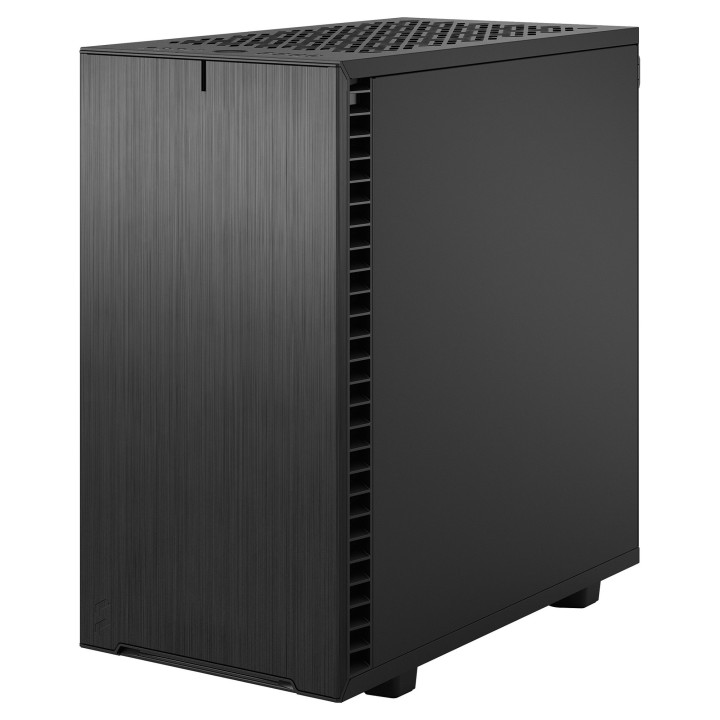
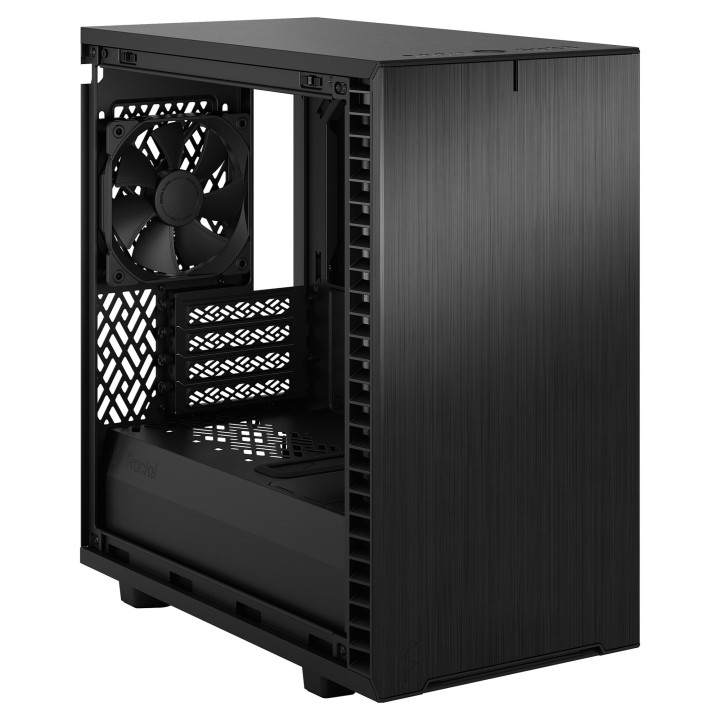
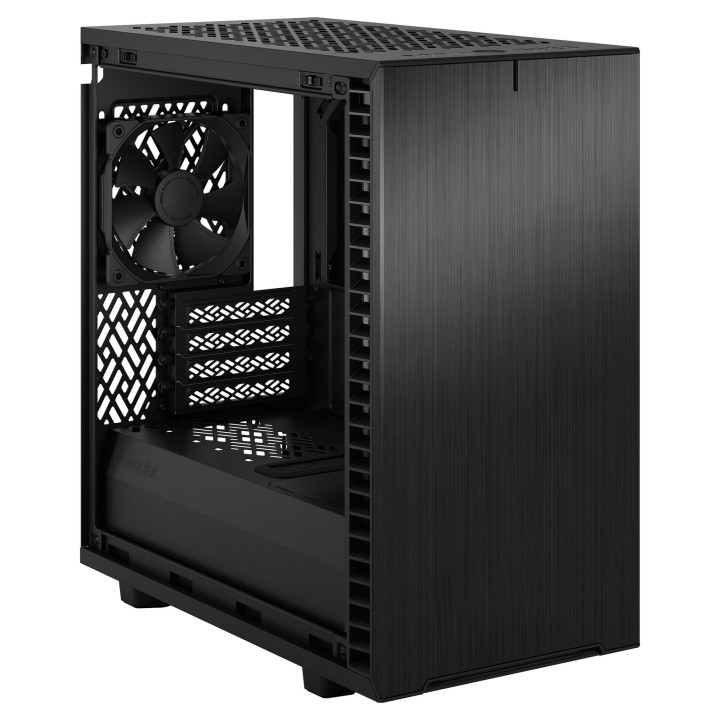
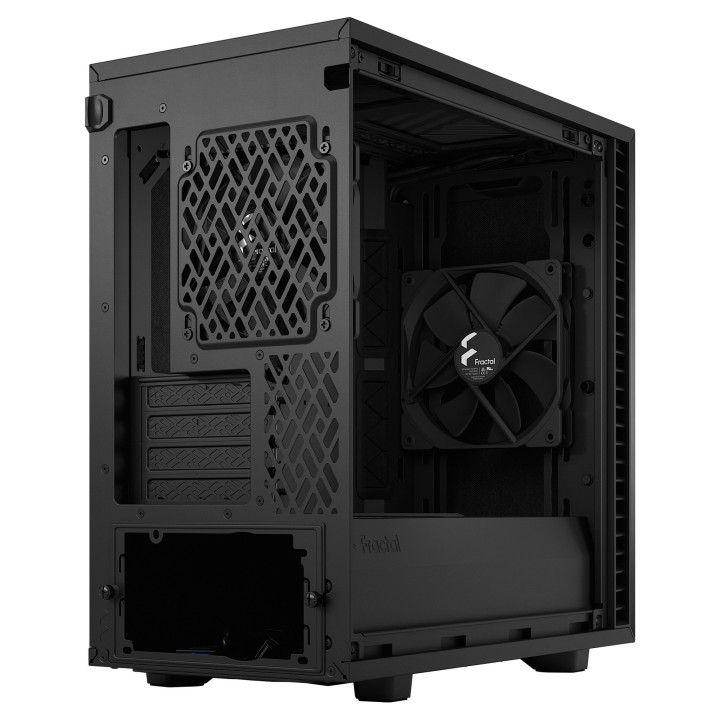
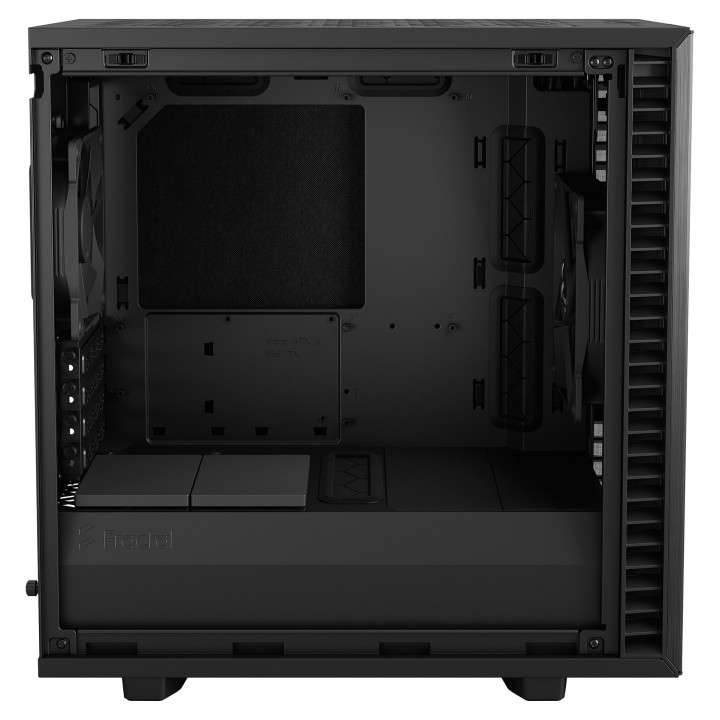
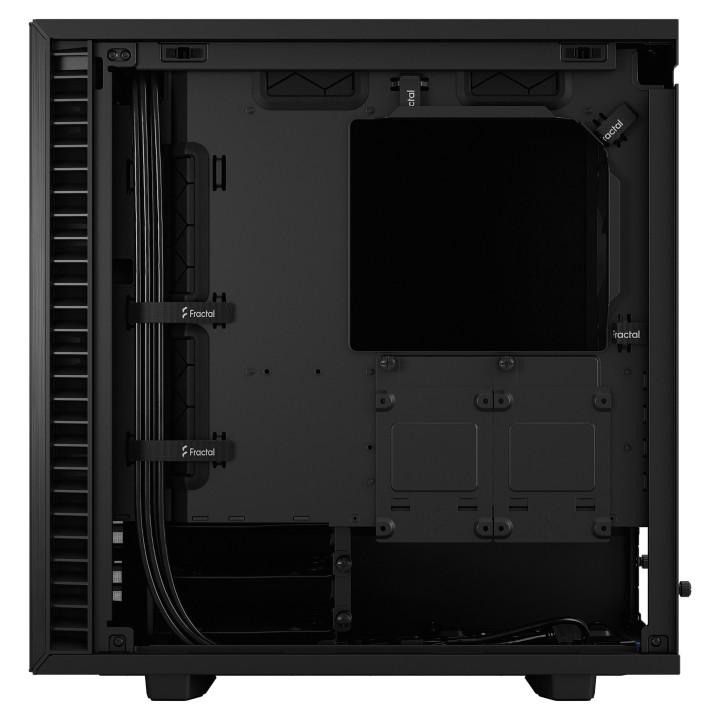
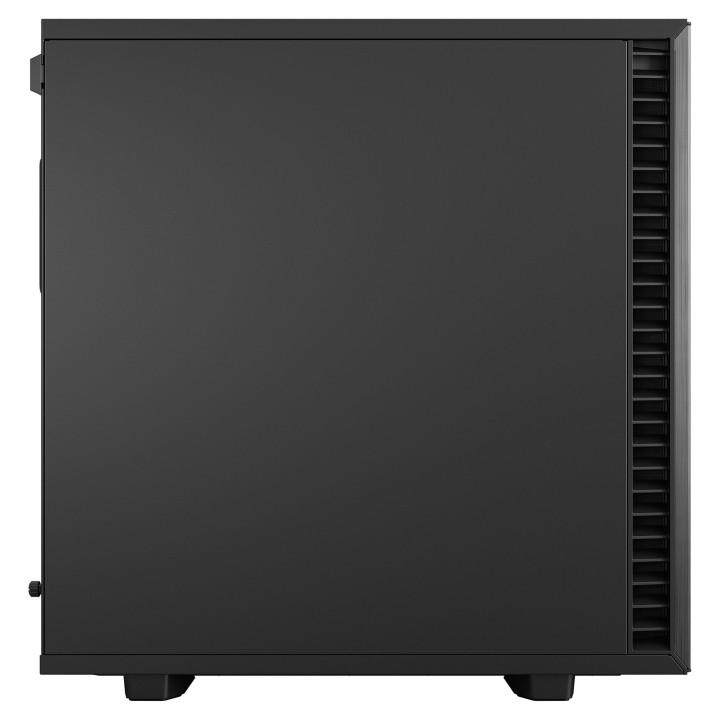
Obudowa Define 7 Mini Czarna Solid
- MPN:
- FDCDEF7M01
- EAN:
- 7340172702818
Akceptowane płatności
Opis produktu
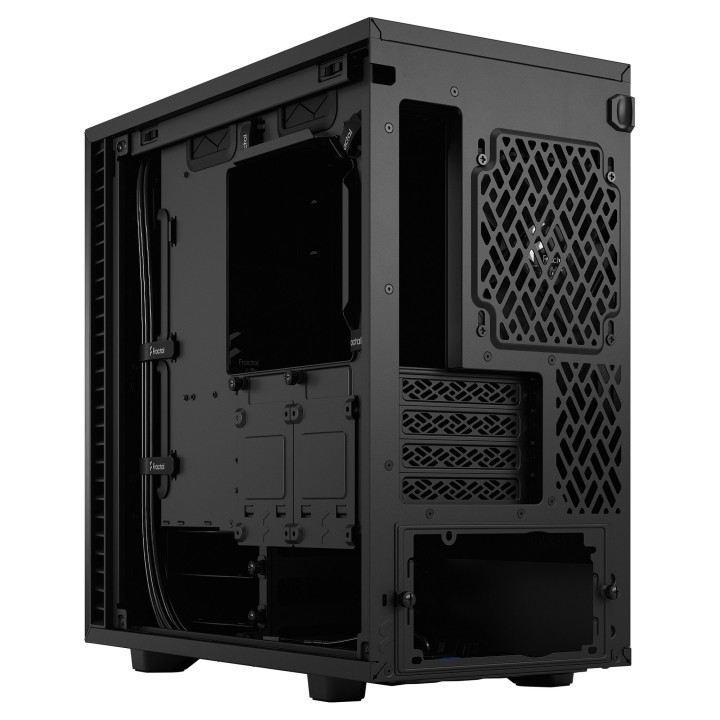
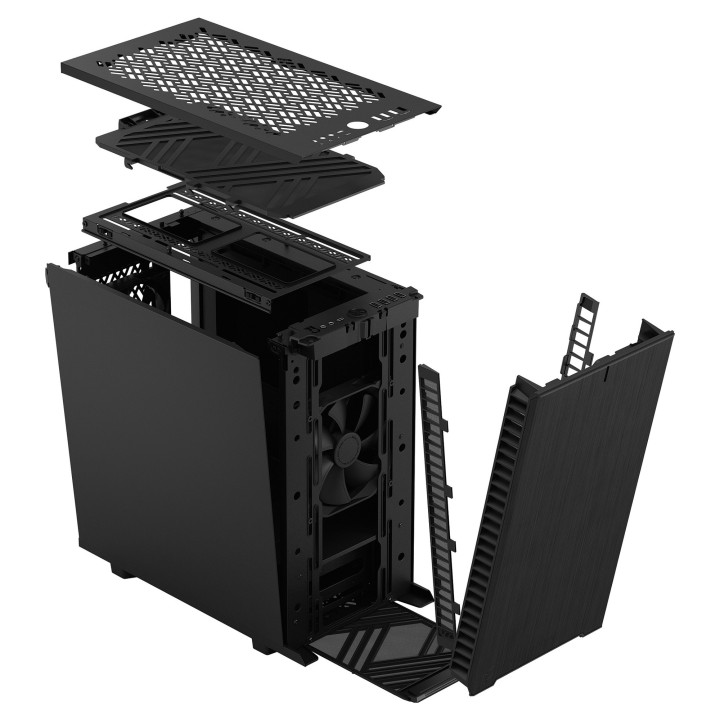
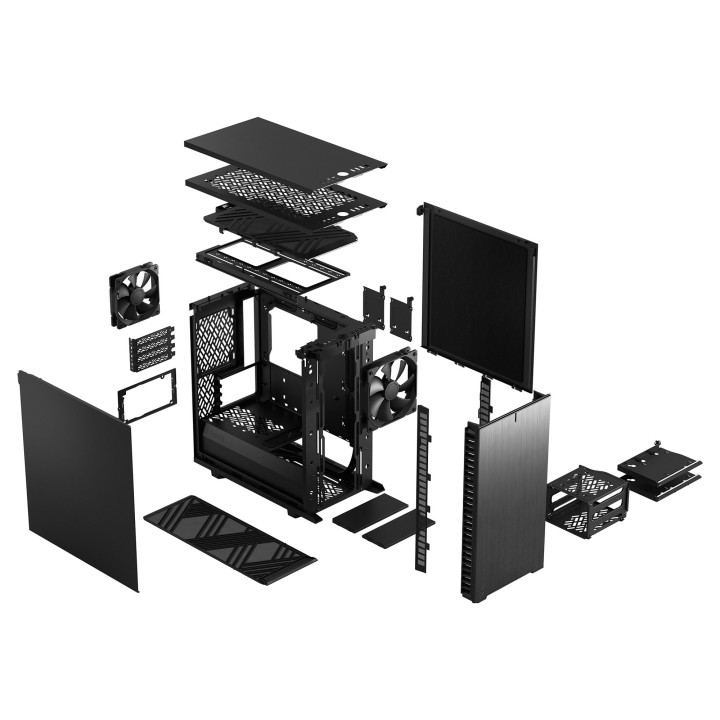
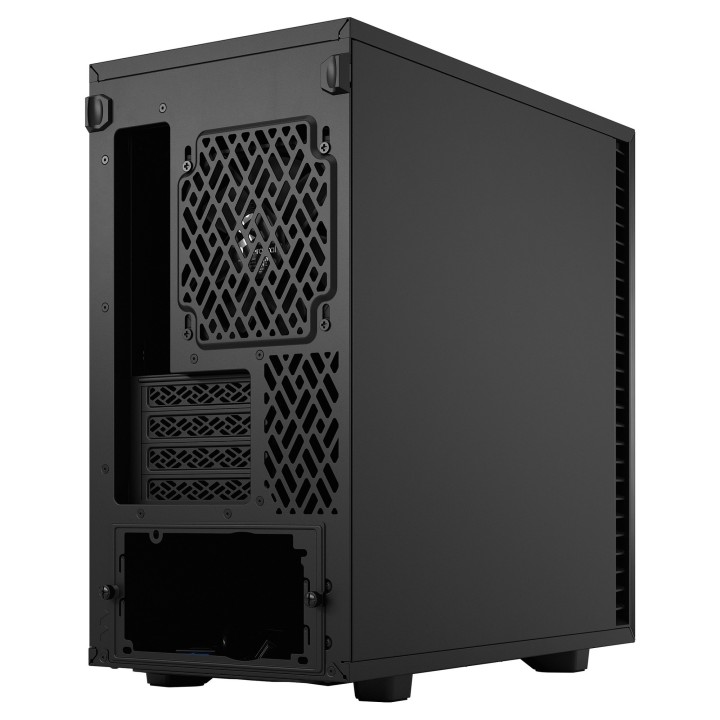
Define 7 Mini oferuje ten sam stylowy wygląd i wiele poprawiających życie funkcji swojego starszego rodzeństwa, w opływowej formie.
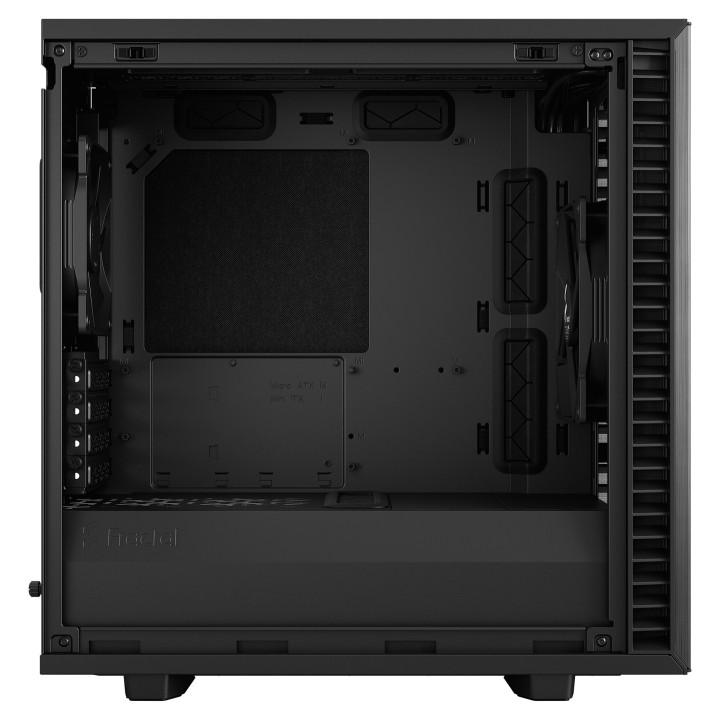
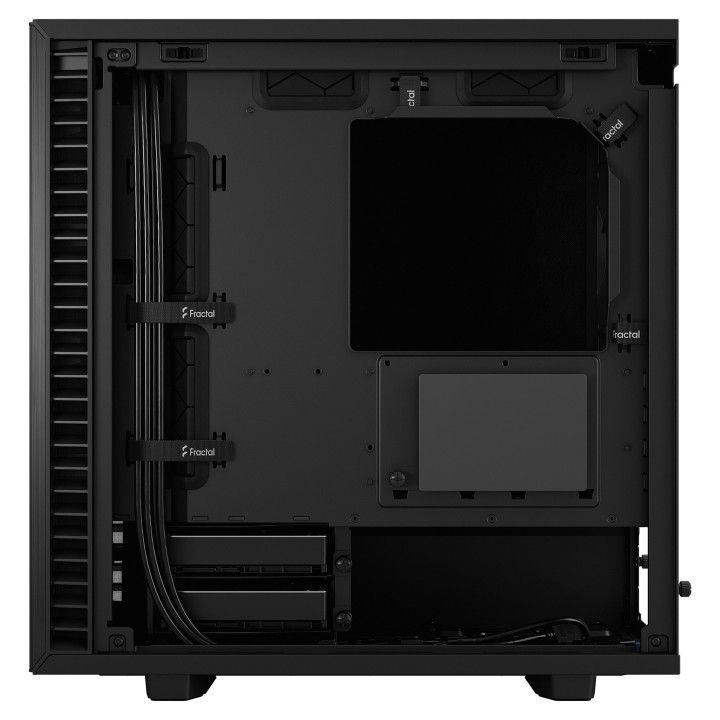
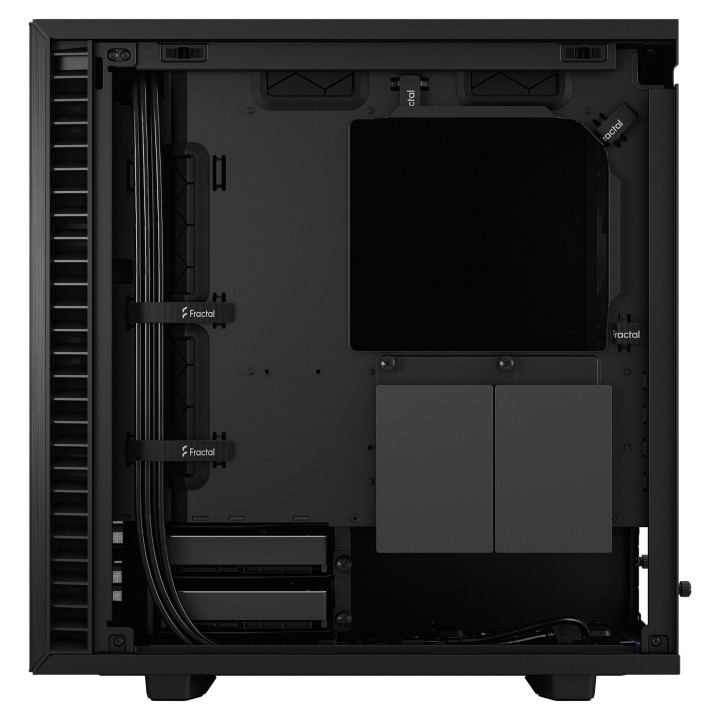
- Kompaktowe, ale przestronne wnętrze pomieści płyty główne mATX i Mini ITX
- Miejsce na GPU do 331 mm z radiatorem 240 mm na górze lub 306 mm z wentylatorami o grubości 25 mm z przodu
- Obsługa 2 dysków 2,5 cala/3,5 cala i maksymalnie 4 dysków 2,5 cala (2 wsporniki 2,5 cala w zestawie)
Specyfikacja
- Typ obudowy: Mini Tower
- Format obudowy: Micro ATX
- Liczba miejsc montażowych (sumaryczna): 4
- Miejsca montażowe 3,5'' wewn.: 2
- Miejsca montażowe 5,25'' zewn.: 0
- Miejsca montażowe 2,5'' wewn.: 2
- Wentylator: 12 cm
- Kolor (wyliczeniowy): Czarny
- Wymiary: 399 x 205 x 406 mm
- Waga: 7.49 kg
- Złącza na przednim panelu: 1 x mikrofon
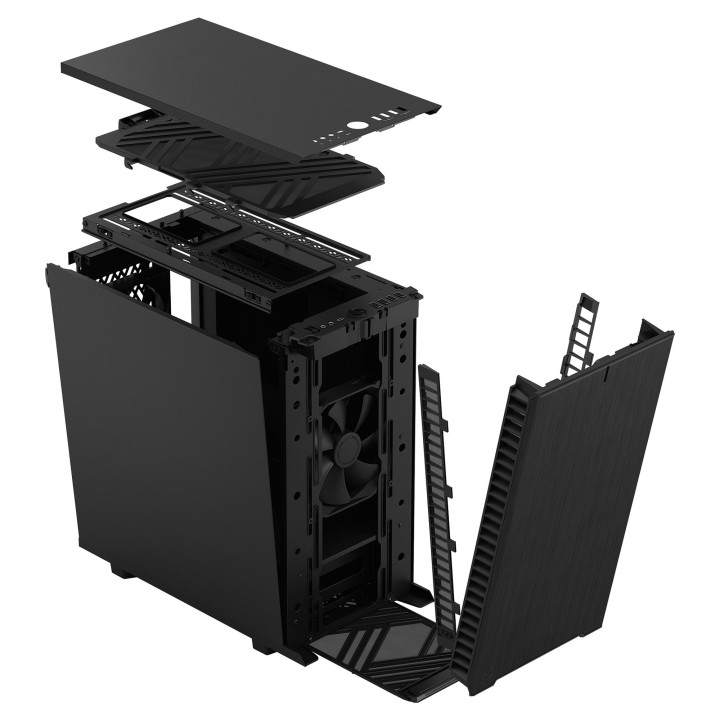
- Pozostałe parametry: Zawartość opakowania: Define 7 Mini Instrukcja obsługi Pudełko na akcesoria Wentylowany panel górny
- Uwaga: CE+WEEE
- MPN:
- FDCDEF7M01
- EAN:
- 7340172702818
Szczegóły produktu
- Marka Fractal Design
- Kod produktu 660fbe9371a267703cb4063b
- Dostępność 4 Przedmioty
- EAN13 7340172702818
- MPN FDCDEF7M01
Specyfikacja
- Kolor Czarny
- Format obudowy Mini Tower
- Zasilacz w zestawie Nie
- Liczba wentylatorów w zestawie (szt.) 2 szt.
-
Obsługiwane formaty płyt
Micro ATX
Mini ITX -
Obsługiwane chłodnice
120 mm
140 mm
240 mm
280 mm
360 mm - Maksymalna długość GPU (mm) 331 mm
- Materiał panelu bocznego Stal
- Maksymalna wysokość chłodzenia CPU (mm) 167 mm
- Okno boczne Tak
Producent
Producent
Fractal Gaming AB
Victor Hasselblads gata 16A 421 31 Västra Frölunda Szwecja
E-mail: info@fractal-design.com
Formularz kontaktowy: https://www.fractal-design.com/contact-us/
Telefon: +46 31 38 07 100
Bezpieczeństwo
Informacje o bezpieczeństwie
List of safety warnings for computer enclosures based on the requirements of General Product Safety Regulation (EU) 2023/988 (GPSR): 1. Risk of electric shock: * Make sure your computer's power supply is properly grounded. * Do not touch the power supply components with wet hands. * Disconnect the computer from power before opening the case. 2. Risk of cuts: * Beware of sharp metal edges when assembling components. * Secure the edges that can cause cuts. * Use protective gloves when working with the case. 3. Risk of fire: * Do not block ventilation openings in the housing. * Make sure that your computer components do not overheat. * Use a power supply with adequate power to avoid overloading. 4. Risk of damage to components: * Ensure proper air circulation in the housing. * Do not place heavy objects on the housing to avoid damage. * Make sure all components are properly fixed in the housing. 5. Hazards for children: * Keep small items (screws, jumpers) out of reach of children. * Do not allow children to open the computer case themselves. 6. Weight Hazards: * When moving your computer case, make sure you are able to support its weight. * Ask the other person for help if the case is too heavy. 7. Cleaning warnings: * Disconnect the computer from power before cleaning the case. * Use a soft, dry cloth to clean the case. * Do not use cleaning products containing corrosive substances. 8. Modification warnings: * Housing modifications may affect the safety and performance of your computer. * Perform modifications only if you have relevant experience and knowledge. 9. Warnings on Dust inhalation: * When cleaning components in the housing with compressed air, use a mask. * Take special care and ensure proper ventilation.